
Joining Blooket is simple and free. The platform allows students and teachers to join a Blooket game following a few easy steps. Follow these steps to get started:
Step 1: Visit the Official Website
Open your web browser and navigate to Blooket.com. The website displays its colorful main page.
Step 2: Click “Sign Up”
Click the “Signup” button on the homepage. After pressing this link, the signup webpage will appear.
Step 3: Create an Account
You have two options:
- Sign Up with Google: Use your Google account to join quickly. It will take you directly to account activation.
- Sign Up with Email: Set up an account using your email address with a selected password.
Step 4: Access the Blooket Dashboard
After completing the signup, the Blooket dashboard for teachers and students becomes available. On this screen, users can browse available games and manage their accounts.
Step 5: Join a Game
If you already have a 7-digit code, click the “Join a Game” button on the homepage.
Step 6: Enter the Game Code
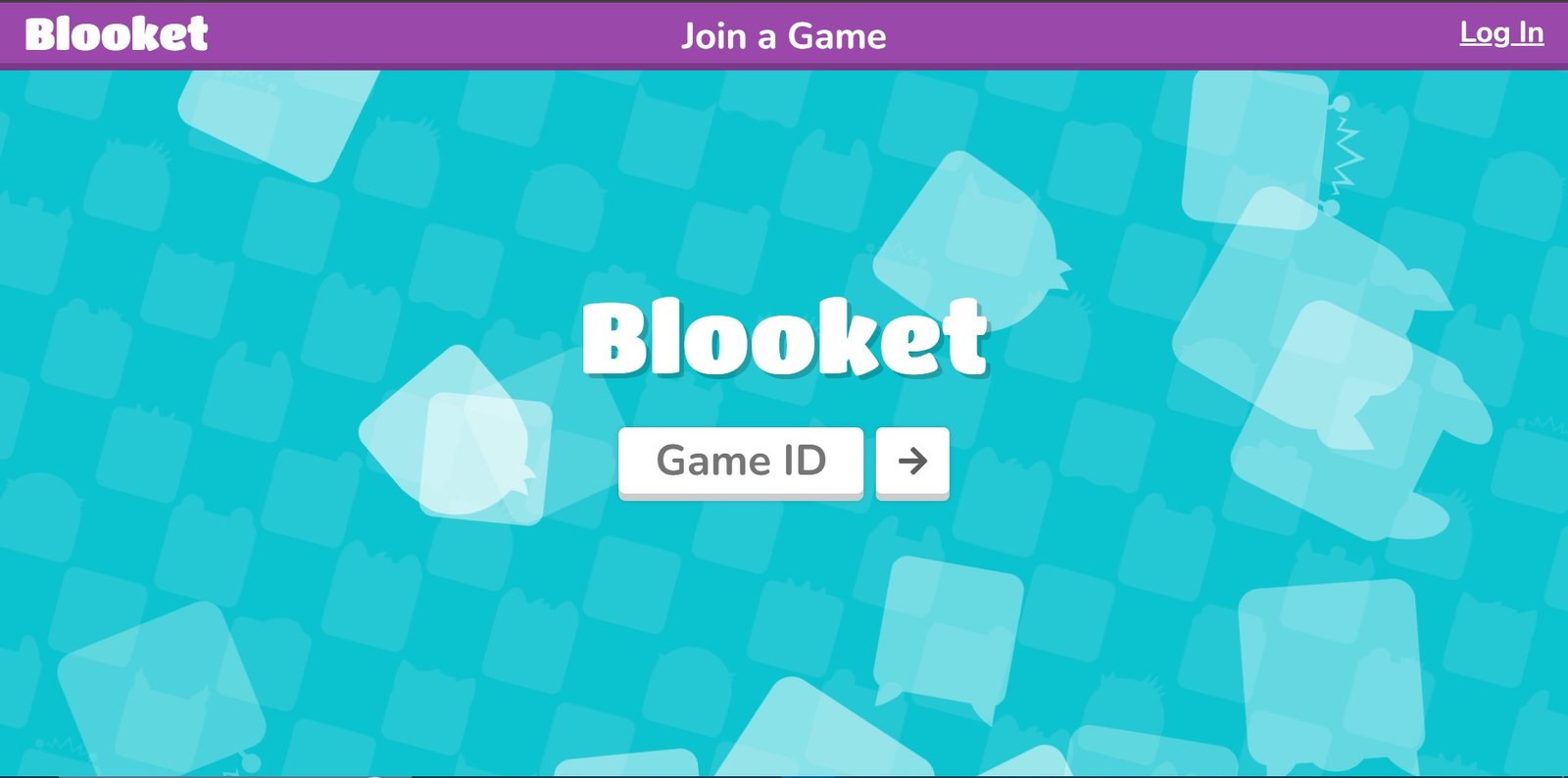
Type the code into the space provided and click “Enter.” Now, you are part of the live game session!
Step 7: Start Playing Blooket
Once inside, answer questions, earn points, and enjoy learning through play Blooket games like Tower Defense, Cafe Mode, or Tower of Doom.
Hosting a game on Blooket creates an interactive learning environment that students enjoy. The steps are very easy.
Step 1: Create an Account
Visit the official website and sign up for a free account using your email address.
Step 2: Log in to Your Account
Log in using your email and password. This takes you straight to your Blooket dashboard.
Step 3: Create a New Game
Select the “Create” button on the dashboard. You can start from a blank page or use previously developed sets.
Step 4: Choose a Game Mode
Pick from multiple entertaining game formats, including Tower Defense, Match 4, and Quiz.
Step 5: Customize Your Game
Add your questions, set time limits, and adjust settings to match your topic.
Step 6: Save Your Game
Once your quiz is ready, click “Save.” You can host it anytime you want.
Step 7: Start the Game Session
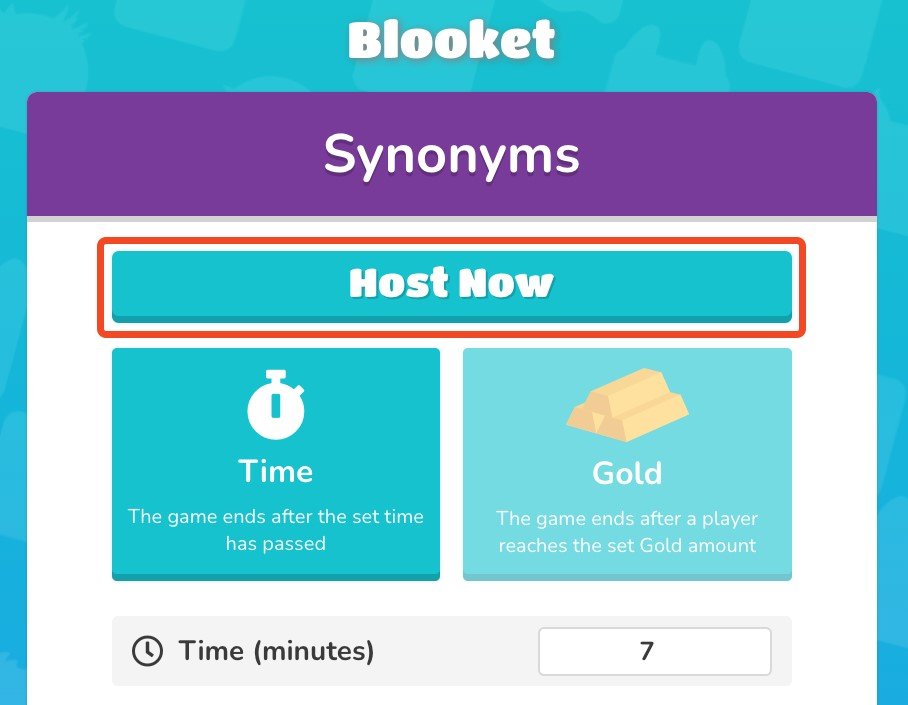
Host your first game by clicking the button that starts the session.
Step 8: Share the Game Code
This gives you a unique Game ID or Blooket game code. Share it with your students by email, chat, or your preferred method.
Step 9: Watch Players Join and Play
As players join, their names appear on your screen. Track their answers and progress live during the game.
Step 10: End the Game and Review
Review the game results after the session ends. See who answered well and where players struggled, and give feedback if needed.
Blooket offers multiple interesting game modes suited to study preparation and casual fun. Check the rules before starting each game since different modes have different directions.
Gold Quest: Adventure Awaits
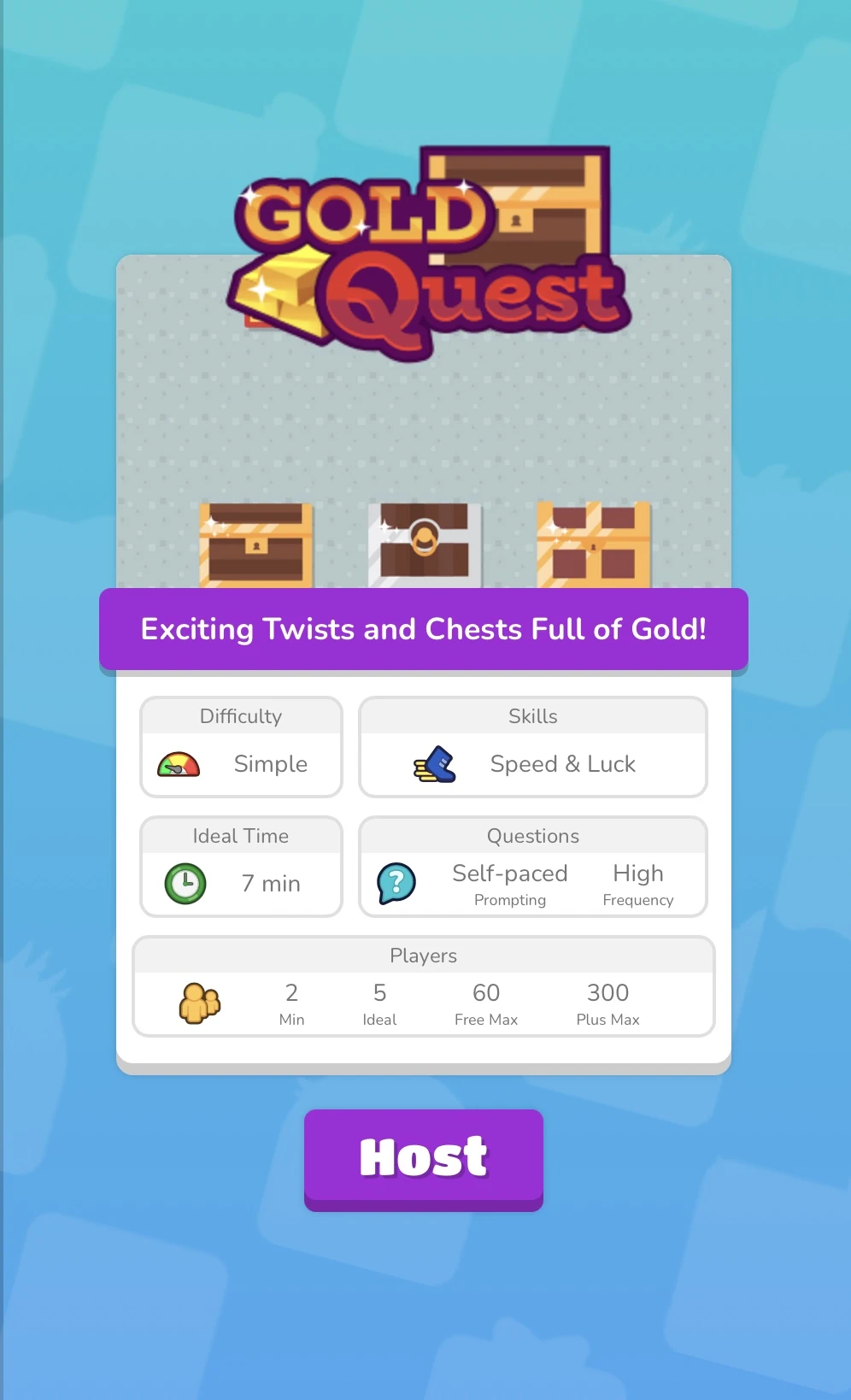
Players navigate the game while answering sudden quiz questions to search for hidden gold. Your speed at answering questions determines how far you travel.
Tower Defense: Build, Defend, Learn
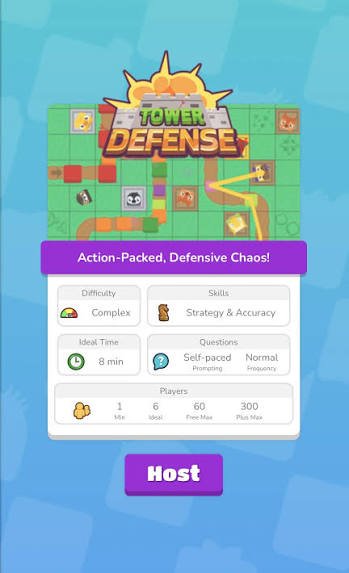
Players protect their base against incoming Blook enemies by constructing defensive towers and answering questions correctly. Collaboration and critical thinking are the focus.
Crazy Kingdom: Strategy at Home
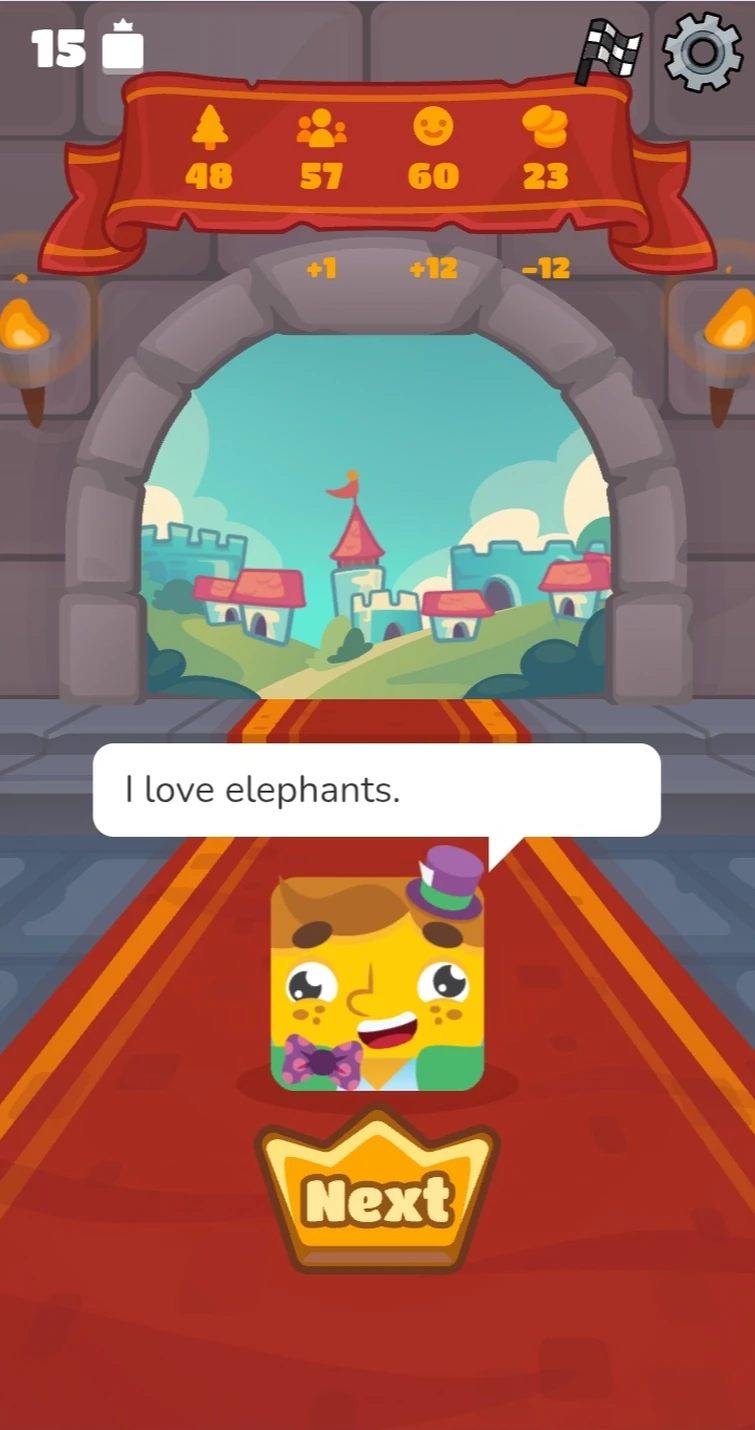
This game is primarily designed for homework assignments rather than classroom play. Players build and guard their territory while completing tasks strategically.
Battle Royale: A Contest of Knowledge
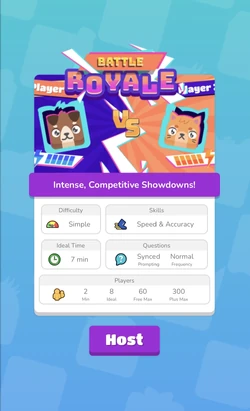
Students form teams and compete by answering questions. The winning team answers the most questions correctly, making it a strong fit for group learning activities.
Note: Pricing and features verified against official Blooket documentation as of July 2026.
The free tier, officially called Starter, gives every user full access to create, edit, and host question sets at no cost. Every new account starts on Starter automatically; nothing needs to be activated. The main constraint isn’t creation; it’s session size: live games are capped at 60 players. For classrooms that regularly run larger sessions or want deeper student-performance data, the Plus tier removes that ceiling and adds a set of teacher-facing tools.
Blooket Free (Starter) Plan Features
- Unlimited question sets — create, edit, and host as many custom sets as you want
- Discover library access — browse and use the platform’s public library of pre-made sets
- Solo/practice modes — unlimited single-player practice, no player limit
- Live hosting up to 60 players — host live games and assign homework, capped at a 60-player session size
- Homework deadlines up to 14 days
- Standard game modes — the full free-tier mode rotation, not the Plus-exclusive modes
Blooket Plus (Paid) Plan Features
Plus is available as an individual subscription or a group/school license. Every Plus perk builds on top of Starter. You don’t lose anything by upgrading.
Feature | Free (Starter) | Blooket Plus |
Price | $0 | $4.99/mo (billed annually, $59.88/yr) or $9.99/mo on Plus Flex (monthly, no commitment) |
Max players per live game | Up to 60 | Up to 300 |
Question sets | Unlimited creation | Unlimited creation |
Game modes | Standard modes only | Standard + Plus-exclusive modes |
Folders | Not available | Organize sets and favorites into folders |
Reports | Basic overall accuracy | Enhanced reports — question-by-question data and individual student breakdowns |
Homework deadline length | Up to 14 days | Up to 365 days |
Question Bank | Not available | Pull questions from any set into your own |
Verified curriculum sets | Not available | Access to expert-created Plus question sets |
Copy & duplicate sets | Not available | Duplicate any set to edit as your own |
Audio questions | Not available | Record or upload audio into questions |
Merging sets | Not available | Combine two sets into one |
Bonus tokens | Standard | +10 bonus tokens for students after every game |
Group/School plans: Plus is also sold in bundles (Friends, Department, Small School, School tiers), covering 10–80+ Plus seats under one license for schools rolling it out beyond a single classroom.