Blooket vs Quizlet Live: Complete Comparison Guide 2026
Last verified: September 5, 2026
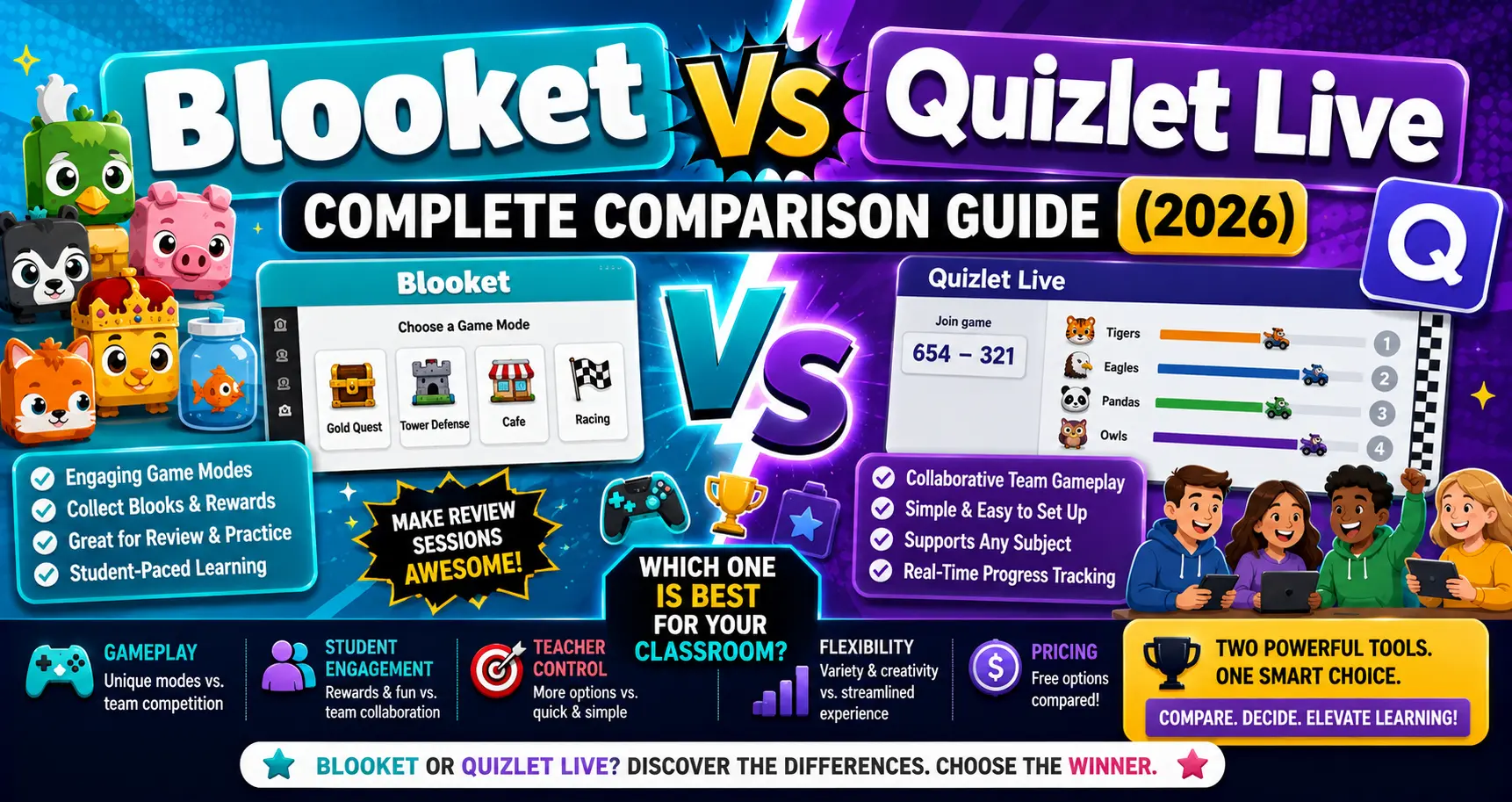
Quick Answer: Blooket and Quizlet Live solve different problems. Blooket is a standalone platform for building and hosting a wide variety of question-based games from scratch. Quizlet Live is a free feature that turns an existing Quizlet flashcard set into a team-based matching race. If your class already studies with Quizlet sets, Quizlet Live is a natural, free add-on. If you want a dedicated platform with many distinct game modes and homework support, Blooket is the more complete tool.
Blooket vs Quizlet Live: Complete Comparison
Blooket and Quizlet Live often come up in the same conversation, but they aren’t quite direct competitors in the traditional sense. Blooket is a full platform built around creating and hosting question-based games. Quizlet Live is a single game mode layered on top of Quizlet’s existing flashcard-study ecosystem. This guide compares Blooket vs Quizlet Live honestly, including where the comparison itself doesn’t fully apply.
Source: verified from Blooket’s official documentation and Quizlet’s official Quizlet Live feature page.
Blooket vs Quizlet: Quick Comparison Table
| Feature | Blooket | Quizlet Live |
| What it is | Standalone game-based learning platform | A free game mode built on existing Quizlet flashcard sets |
| Cost to use core feature | Free tier available; Plus at $4.99/month ($59.88/year) | Free, no subscription required for the core feature |
| Content source | Build question sets directly on Blooket, or use community sets | Requires an existing Quizlet flashcard set (minimum 6 term-definition pairs) |
| Game mode variety | 18+ distinct mini-game modes | One game format: team or individual matching race |
| Homework/async mode | Yes, on all tiers | No; Quizlet Live is a live, synchronous game mode only |
| Student accounts needed | No, guest joining supported | No, guest joining supported |
| Optional paid upgrade | Blooket Plus adds player capacity and features | Quizlet Plus ($7.99/month or $35.99/year) adds broader Quizlet features, not specific to Live itself |
How Each One Actually Works
→ Blooket is a complete platform: you build or select a question set, then choose from more than 18 distinct mini-game modes to host it as a live session or assign it as homework.
→ Quizlet Live works differently by design. You don’t build a game from scratch; instead, you pick an existing Quizlet flashcard set (with at least 6 term-definition pairs) and instantly turn it into a live matching game. Students are placed into teams or play individually, competing to match terms with their correct definitions. It’s officially described as free and designed to set up in seconds, with students joining via a code at quizlet.com/live and no account required on their end.
Blooket vs Quizlet Pricing:
A Genuinely Different Comparison
→ Blooket offers a free tier (60 players) and a paid Blooket Plus tier at $4.99/month ($59.88/year, 300 players).
→ Quizlet Live’s core feature is free for any teacher with a Quizlet account, confirmed directly on Quizlet’s own feature page. There’s a separate, optional Quizlet Plus subscription ($7.99/month or $35.99/year) that unlocks broader Quizlet features like offline studying, AI-assisted tools, and unlimited Learn/Test mode rounds, but these upgrades are not specific to Quizlet Live itself; Live works the same core way whether or not you subscribe.
Because of this, comparing “price” directly between the two isn’t quite apples to apples: Blooket’s Plus tier meaningfully expands what the platform itself does (game modes, player capacity, homework), while Quizlet Plus expands the broader Quizlet ecosystem rather than the Live game mode specifically.
Homework and Self-Paced Learning
This is one of the clearest, most direct differences between the two.
→ Blooket includes homework assignments with a Correct Goal system on every tier, with deadlines from 14 days (free) to 365 days (Plus).
→ Quizlet Live is a synchronous, live-only game mode. It isn’t designed for self-paced or homework-style assignments; Quizlet’s separate Learn and Test modes serve that purpose instead, outside of the Live feature itself.
Which One Fits Your Situation?
Choose Quizlet Live if:
- Your class already studies primarily with Quizlet flashcard sets.
- You want a genuinely free, zero-setup way to turn existing study material into a quick team game.
- You don’t need homework assignments or a wide variety of game formats, just one solid live-review activity.
Choose Blooket if:
- You want to build question sets directly on the platform, or explore a wide library of community-created content not tied to Quizlet.
- You need multiple distinct game formats to keep repeated review sessions feeling fresh.
- Homework and self-paced assignments are part of your regular workflow.
Consider using both. Many classrooms already use Quizlet for vocabulary and term-based study sets and simply run Quizlet Live for a free, quick review game, while using Blooket separately for more varied live sessions or homework assignments. The two aren’t mutually exclusive.
Scenario-by-Scenario Breakdown
→ Vocabulary-heavy class that already builds Quizlet sets. Quizlet Live is the more natural, zero-friction choice here, since it reuses content you’ve likely already built without any extra setup or cost.
→ Teachers who don’t currently use Quizlet at all. Building an entirely new Quizlet set to access Live may not be worth the extra step if you don’t already have a reason to use Quizlet. Blooket lets you build directly on the platform you’re hosting the game from.
→ Class that needs homework, not just live review. Quizlet Live doesn’t cover this use case at all; it’s a live-only game mode. Blooket’s homework assignments, available on every tier, are the better fit here by a clear margin.
→ Teacher who wants a quick, no-cost warm-up activity with minimal setup. Quizlet Live’s genuinely free, instant-setup design makes it a strong choice for a fast, low-stakes activity, assuming the content already exists as a Quizlet set.
Blooket vs Quizlet: Pros and Cons
Blooket Pros:
- Complete, standalone platform, no dependency on another tool’s content.
- 18+ distinct game modes for variety across sessions.
- Homework assignments available on every tier.
- Build content directly or use community-created sets.
Blooket Cons:
- Requires building or selecting a Blooket-specific question set.
- Paid tier needed for higher player capacity (above 60).
Quizlet Live Pros:
- Genuinely free core feature, confirmed directly by Quizlet’s own documentation.
- Zero setup friction if you already have a Quizlet set.
- No account required for students to join.
Quizlet Live Cons:
- Requires an existing Quizlet flashcard set to use at all.
- Only one game format (team or individual matching race).
- No homework or self-paced assignment capability within Live itself.
- Not a fit for classrooms that don’t already use Quizlet.
How Blooket Compares to Other Alternatives
Quizlet Live isn’t the only option worth weighing against Blooket. See the full Blooket Alternatives comparison guide for an overview of every platform covered, or jump directly to a specific comparison or visit the full Blooket Help Center for complete Blooket guides.
- Blooket vs Kahoot: best for live, projector-driven sessions with a massive question library.
- Blooket vs Gimkit: best for classrooms that respond to an in-game currency and shop system.
- Blooket vs Quizizz (Wayground): best for self-paced assignments and AI-assisted content creation.
Frequently Asked Questions
Is Quizlet Live actually free, or does it require Quizlet Plus?
It’s genuinely free. Quizlet’s own feature page confirms Quizlet Live is free and easy to set up, with no subscription required for the core feature. Quizlet Plus subscribers get some extra customization, but Plus is not required to use Live.
Do I need an existing Quizlet account to compare it fairly to Blooket?
Yes, in a sense. Quizlet Live only works with an existing Quizlet flashcard set, so classrooms that don’t already use Quizlet would need to build a set there first, unlike Blooket, where you build directly on the platform you’re hosting from.
Can I assign Quizlet Live as homework?
No. Quizlet Live is a live, synchronous game mode only. For self-paced or homework-style review, Quizlet’s separate Learn and Test modes are designed for that, not Live itself.
How many terms do I need in a set to play Quizlet Live?
At least 6 term-definition pairs, according to Quizlet’s own documentation, for individual mode; team mode has its own minimum group-size requirements.
Which is better for a classroom that doesn’t already use Quizlet?
Blooket, generally, since it doesn’t require building content on a separate platform first. Quizlet Live’s main advantage is reusing content you’ve already built in Quizlet, which doesn’t apply if you’re starting from zero.
Does Blooket have anything similar to Quizlet Live’s matching-race format?
Not identically, but several of Blooket’s 18+ game modes offer comparable competitive, team-based mechanics, just built around Blooket’s own question-set format rather than imported flashcard sets.
Is it worth using both platforms together?
For many classrooms, yes. If you already maintain Quizlet sets for vocabulary or term-based content, Quizlet Live offers a free, instant way to turn that into a quick game. At the same time, Blooket can handle a wider variety of games and homework assignments separately.