Blooket Join — How to Join and Play Blooket Games
Last verified: August 3, 2026
Quick Answer: Go to play.blooket.com, enter the 7-digit game code your teacher or host shares, pick a display name, and click “Join.” No account is required, you’re in the game within 30 seconds.
Blooket is an exciting, game-based learning platform that allows students to learn in a fun, engaging way. Whether you’re a student eager to jump into a game or a teacher setting one up, this Blooket join guide explains how to join Blooket games with and without a code. For the complete Blooket guide, read our full overview. For a broader walkthrough aimed at first-time players, see our full guide for students.
How to Join a Blooket Game With a Code?
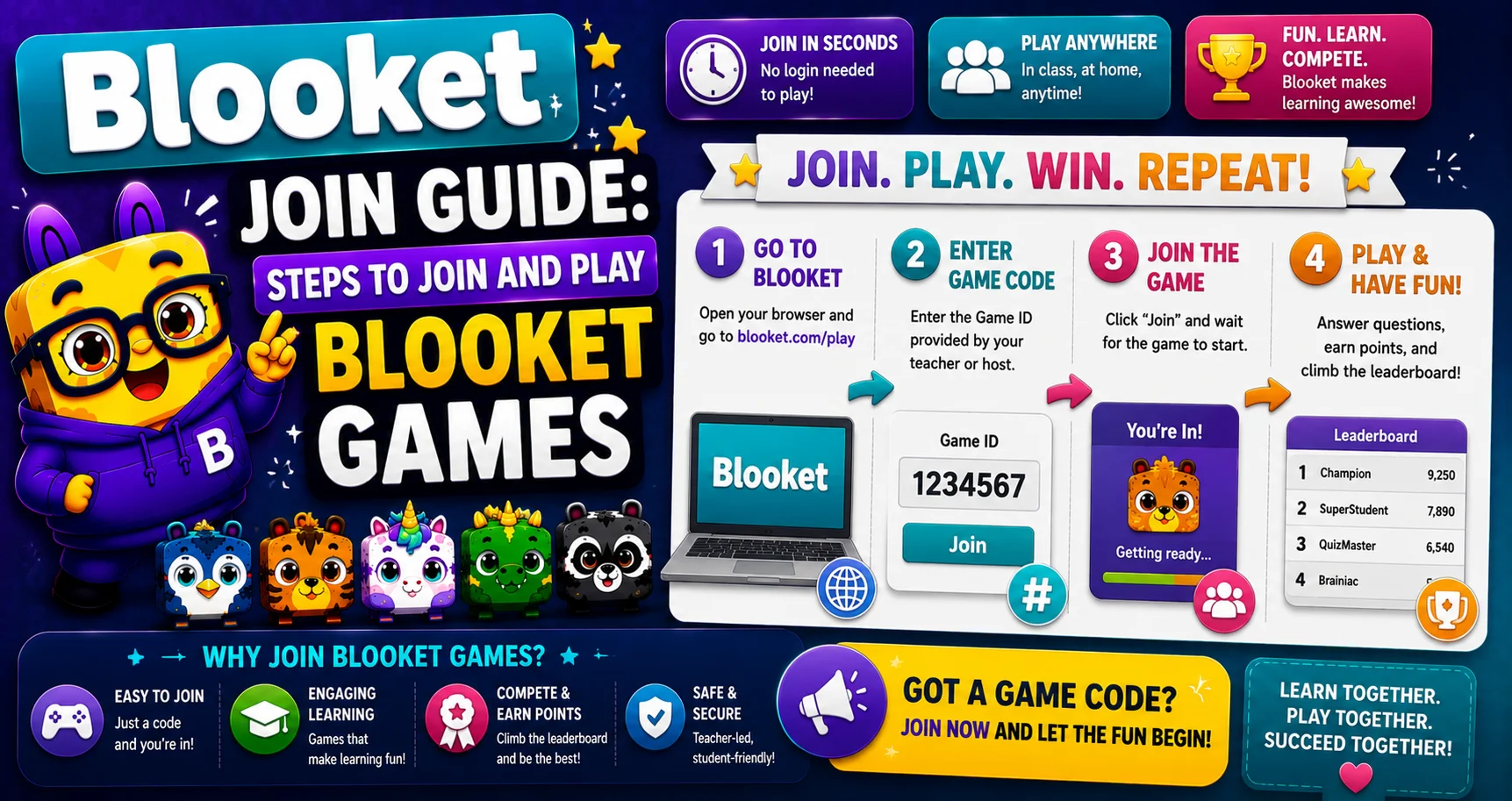
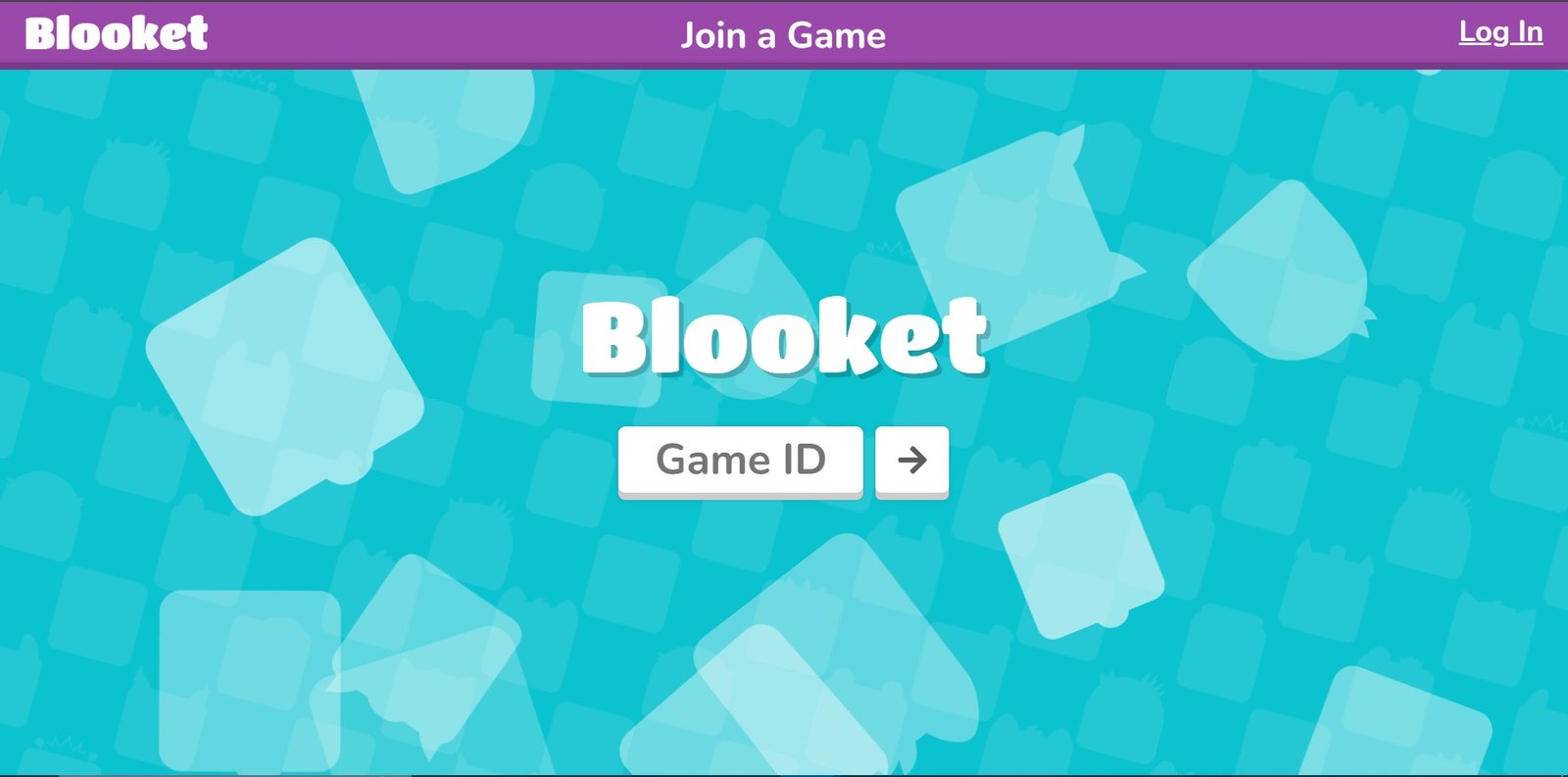
The most common way to join a Blooket game is by entering a unique game code that the teacher or host provides. You need to log in to your account first if you want to save progress, and then:
- Open Your Browser — Visit the official join page play.blooket.com.
- Enter the Game Code — Type in the 7-digit game code shared by your teacher or host.
- Choose Your Display Name — Pick a name that will appear during the game. You can also select your Blook character while you wait.
- Join the Game — Click “Join” and you’re in. No account is required to play, though logging in lets you track progress and use your own saved Blook.
You can also join using either of these methods instead of typing the code manually:
- Scan the QR Code — If the host displays one, scan it with your device camera to join instantly.
- Click a Direct Link — If the host shares a join link directly, clicking it takes you straight to the game lobby.
Source: This process are official steps published by Blooket’s Help Center.
What to Do if Your Game Code isn't Working
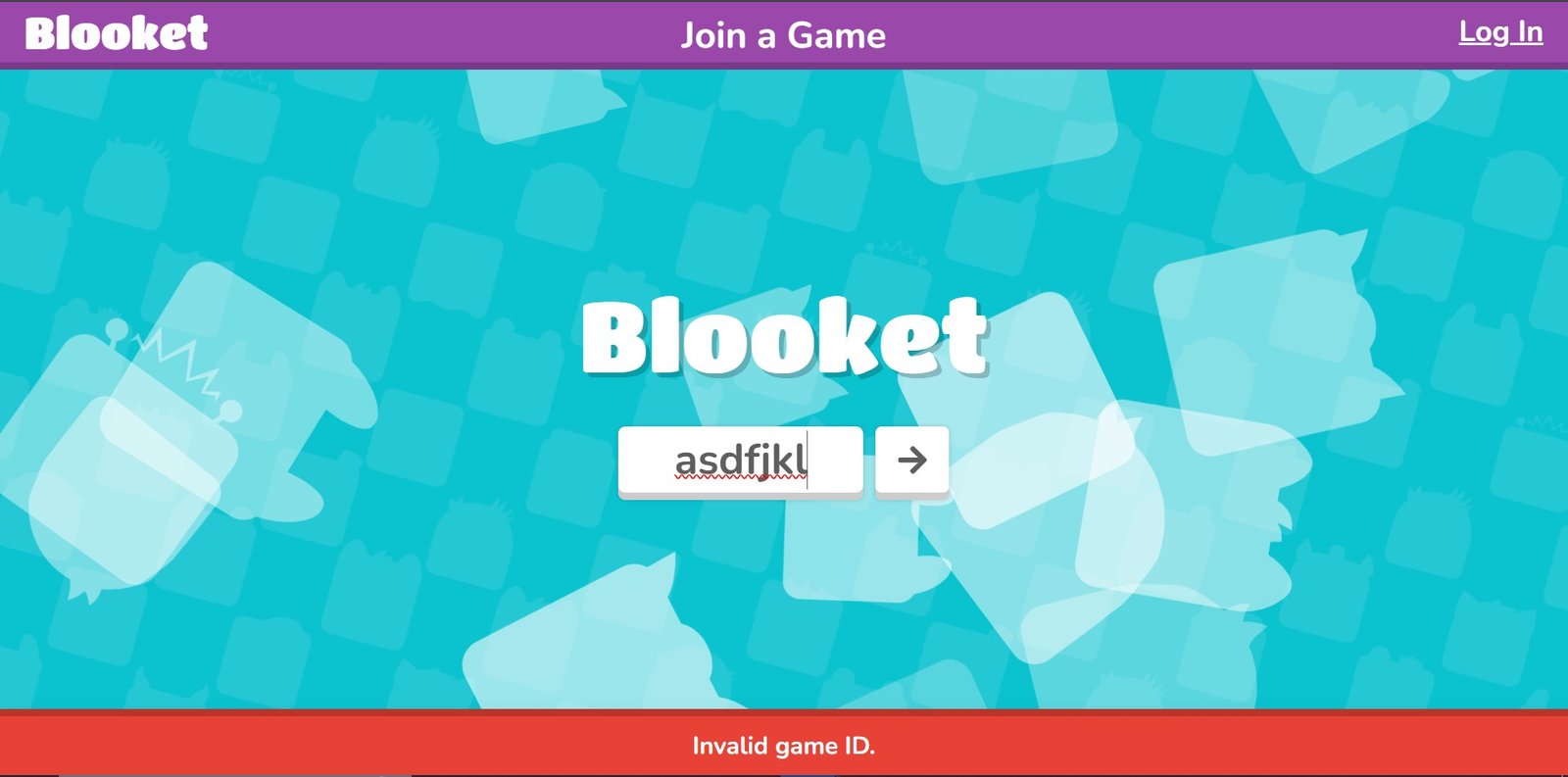
If your code isn’t being accepted, work through these checks:
- Double-check the code — Make sure every digit is correct. It’s easy to mistype a 7-digit number.
- Check for expiry — Game codes are session-specific and stop working once the game ends or the session times out.
- Verify the game is still open — The host may have reached the player limit or already started the game.
- Refresh the page — A simple reload sometimes resolves minor loading issues.
- Contact the teacher or host — If nothing works, ask them to confirm the code or generate a new one.
How to Join a Blooket Game Without a Code
There are a few ways to join a game if you don’t have a code:
- Public Games — Some hosts make their games open to the public. These are listed as available to join without a code.
- Direct Join Link — If a teacher or event host shares a direct link, clicking it takes you into the game without needing to type anything.
- Guest Access — Many games allow guest play, meaning you don’t need to log into a Blooket account to join and play.
What is a Blooket Join Code?
A Blooket join code (Game ID) is a unique 7-digit code generated when a host starts a game session. It connects players to that specific game, ensuring only invited participants can join. Codes are typically time-sensitive and stop working once the session ends, so it’s best to enter one as soon as you receive it. If a code doesn’t work or has expired, ask your teacher or host for a fresh one.
How this compares to other classroom game platforms: if you’ve used Kahoot before, the flow will feel familiar. Kahoot uses a numeric “Game PIN” the same way Blooket uses a 7-digit code, and neither requires an account to join as a player. The main practical difference is player capacity: Blooket’s free tier supports up to 60 live players versus Kahoot’s typical free-tier cap, so larger classes or school-wide events may fit more comfortably on one platform depending on your school’s plan.
Joining Random Blooket Games
Beyond teacher-hosted class games, you can also join through Blooket Play, random or public games:
- Visit play.blooket.com.
- Look for available public games, often hosted by teachers or players who’ve opened their session to anyone.
- Enter a code if one is required — most public games don’t need one, but some do.
- Join and play — you’ll be matched with other participants in real time.
Both students and teachers can join random games. Students can hop into any public session; teachers usually host their own but can join others’ public games too, which is a useful way to see how other educators are running their Blooket sessions.
Why join random games?
- Competitive learning — test your knowledge against players outside your own class.
- Variety of content — public games cover a wide range of topics.
- Social interaction — meet and compete with other students and teachers.
How Many People Can Join a Blooket Game?
Player capacity depends on the host’s plan:
- Free accounts — Live games are capped at up to 60 players, which comfortably covers most classrooms.
- Blooket Plus (paid) accounts — Capacity increases to up to 300 players, suited for larger classes, school-wide events, or competitions. See our full Free vs. Plus comparison for details.
Keep in mind that with larger groups, a stable internet connection matters more, since more players means more data being exchanged in real time.
Joining a Blooket Event
A Blooket event is a special game or competition, often built around a theme, that may involve multiple rounds or challenges rather than a single session.
- Visit play.blooket.com (or click the event link shared with you).
- Look for the event link — usually provided by the teacher or event organizer.
- Enter an event code, if one is required.
- Choose a display name and join.
Types of Blooket events:
- Teacher-hosted events — private, class-specific, joined with a code from your teacher.
- Public events — open to anyone, great for competing beyond your own classroom.
- Special competitions — larger, themed events that may span multiple rounds and require registration.
Conclusion
Joining a Blooket game is quick, whether you’re entering a code, scanning a QR code, or clicking a direct link. Both students and teachers can access public games, private class sessions, or special events without much hassle. For Blooket support documentation, see Blooket’s Help Center. If you run into any issues, double-check your code first, and reach out to your teacher or host if the problem continues.
FAQs About Blooket Join
How do I join a Blooket game?
Visit play.blooket.com, enter the game code shared by your host, choose a display name, and click Join. You can also scan a QR code or click a direct join link if one is provided.
Can I join a Blooket game without a code?
Yes. Some games are public and can be joined directly, and some hosts share a direct join link that skips the code step entirely.
How do I get a join link if my teacher shared one?
Your teacher or event host will typically send it through email, a classroom platform, or chat. Clicking it takes you straight to the game lobby.
Is there a limit to how many players can join a Blooket game?
Free accounts support up to 60 players per game. Blooket Plus accounts raise that limit to 300.
Can I join a random Blooket game?
Yes, public games are open for anyone to join through play.blooket.com.
What is a Blooket join code?
It’s a unique 7-digit code generated by the host that links players to a specific live game session.
Do I need an account to join a game?
No. Students can join and play without creating an account. Logging in is only needed if you want to save progress or use your own Blook.
Disclaimer
BlooketApp.com is an independent website and is not owned by, operated by, or affiliated with Blooket or its official creators. For the actual game, visit the official site at blooket.com.
Author
Written by Lucas Harry, a content writer who tests Blooket’s features firsthand before publishing this guide.