Do Students Need a Blooket Account to Play? Complete Answer
Last verified: August 23, 2026
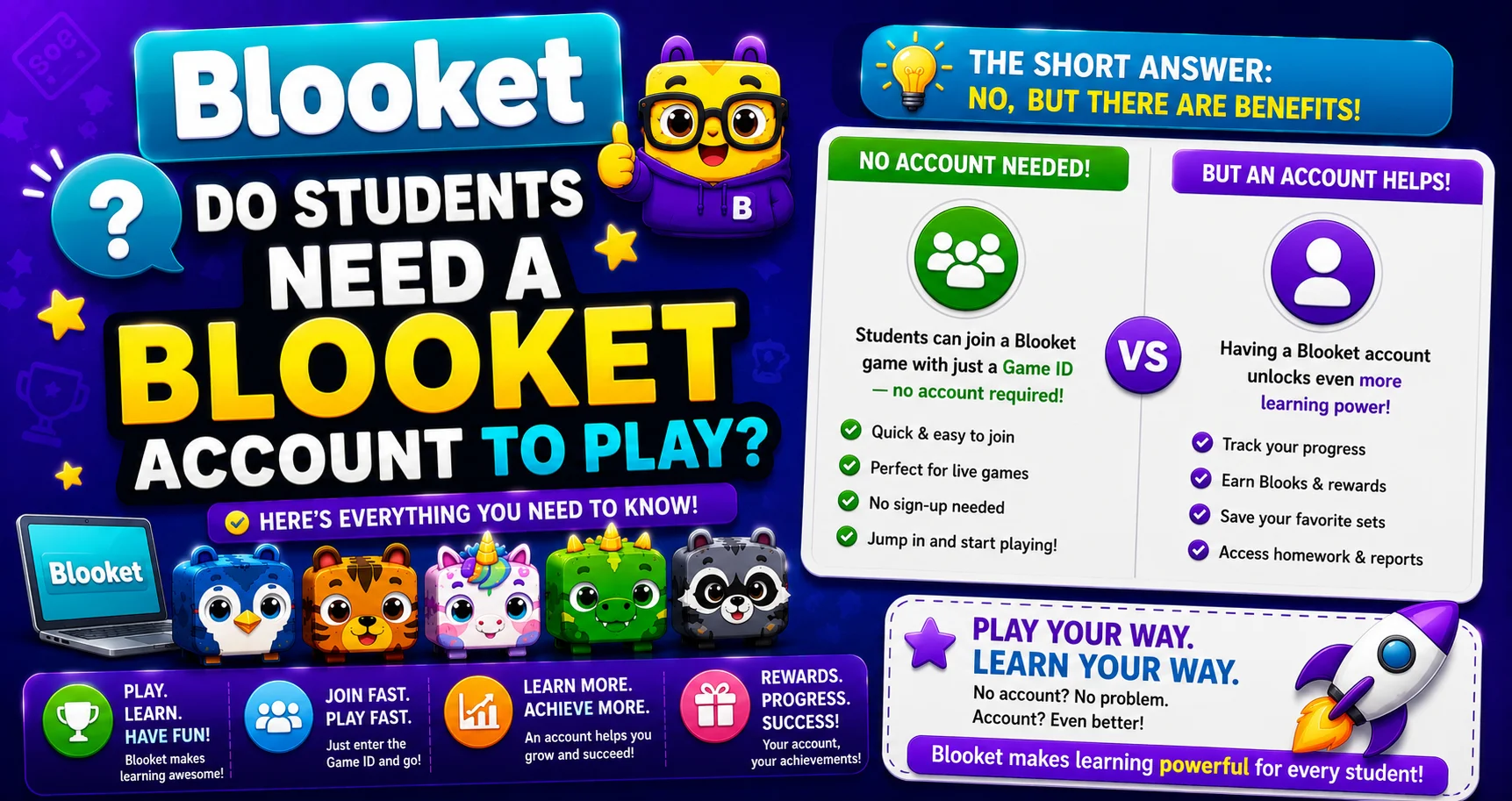
Quick Answer: No. Students do not need a Blooket account to join and play live games. Only the teacher needs an account. Any student can use the Game ID, QR code, or Join Link to join without logging in, though creating an account unlocks features like collecting Blooks and tracking stats between sessions.
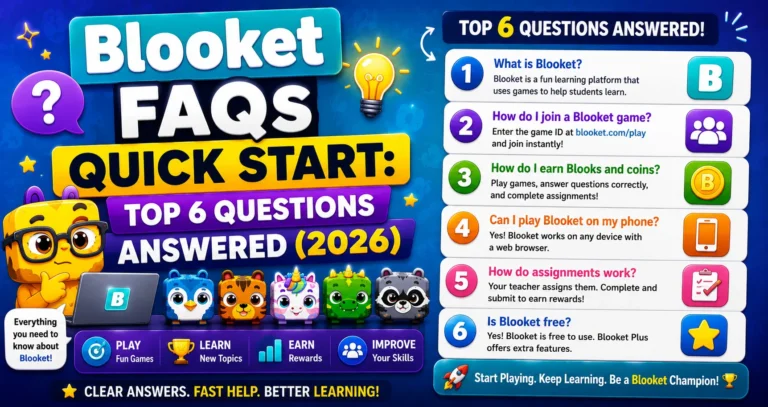
Complete Details → Blooket FAQs: 6 Important Questions Answered
Do Students Need a Blooket Account to Play?
Source: Verified from Blooket’s official documentation on whether students need an account.
Guest Play: No Account Required
When your teacher starts a Blooket game and shares the code, any student on any device can join by:
- Going to play.blooket.com.
- Entering the 7-digit Game ID (or scanning the QR code, or clicking the Join Link).
- Typing a nickname.
- Selecting a Blook from the available Common Blooks (free defaults).
- Waiting in the lobby until the teacher clicks Start.
No signup form, no email address, no password. The whole process takes under 60 seconds.
How Students Join → How to Join a Blooket Game
What Guest Players Can and Can’t Do
| Capability | Guest (No Account) | With Student Account |
| Join live games | Yes | Yes |
| Choose a nickname | Yes | Yes |
| Play the full game | Yes | Yes |
| Appear on the leaderboard | Yes | Yes |
| Earn tokens during the session | No | Yes |
| Keep Blooks after the game | No | Yes |
| Track game history and stats | No | Yes |
| Play Solo games on their own | No | Yes |
| Complete homework assignments tracked | Limited | Yes |
| Use the Daily Wheel | No | Yes |
The key difference: Guest players participate fully in the game itself but lose everything when the session ends. Students with accounts carry their progress, rewards, and history across sessions.
Student Account Creation → How to Sign Up for Blooket
Should You Encourage Students to Create Accounts?
This depends on your classroom context and school policy.
Reasons to encourage student accounts:
- Students who own their Blook collection are more intrinsically motivated to participate in Blooket sessions; they play for something they’re building over time.
- Homework completion is tracked more accurately when students log in.
- Students can practice on their own anytime with Solo mode.
Reasons to keep it optional:
- Younger students or school data privacy policies may restrict account creation.
- For a single one-time session, guest play is faster and simpler.
- You control your game; student accounts don’t change anything on your end.
Age requirement: Students must be 13 or older (US) or 16 or older (outside the US) to create their own Blooket account.
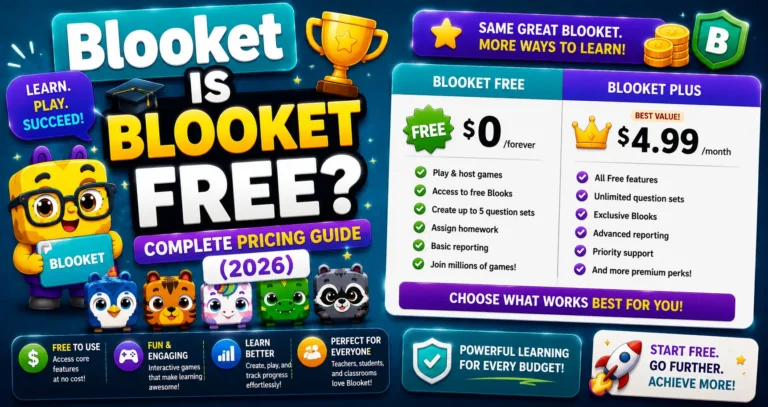
Learn More About → Is Blooket Free?
What Teachers Control?
Regardless of whether students have accounts, you, as the teacher, fully control:
- Which game runs.
- Which question set is used.
- When the game starts and ends.
- Game settings (Random Names, Shuffle Questions, etc.).
Students with or without accounts are identical participants from your dashboard perspective.
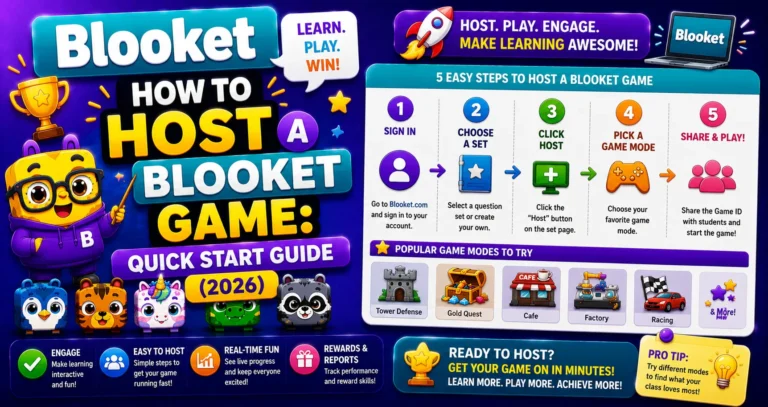
Start your First Game → How Do I Host a Blooket Game
Where to Go Next
- Want to know more about the platform? See our Blooket guide
- Curious about what your teacher sees? Visit the Blooket For Teachers
- Want the full student guides overview? See the Blooket For Students
Have another question? Please check the Frequently Asked Questions or Blooket Help Center.
Frequently Asked Questions
Can a student join a Blooket game without an email address?
Yes. Guest play requires nothing beyond a Game ID, QR code, or Join Link, plus a nickname typed at the time of joining. No email or any personal information is needed.
What happens to a guest student’s progress after the game ends?
It’s lost entirely. Guests don’t keep tokens, Blooks, or stats from that session, since none of that data is tied to an account.
Is there an age requirement for students who want their own account?
Yes. Students must be 13 or older in the US, or 16 or older outside the US, to create their own Blooket account, in line with COPPA and GDPR-related requirements.
Do teachers need to require accounts for their whole class?
No. Teachers can mix guest and account-holding students in the same game with no difference in how the game itself runs from the teacher’s dashboard.
Can a student under the age requirement still use Blooket?
Yes, as a guest. Younger students can join and play live games without ever needing an account, since account creation is the only piece with an age requirement.
Does having an account change how a student experiences the actual gameplay?
No. Account holders and guests play the identical game, answer the same questions, and appear on the same leaderboard. The differences are entirely about what carries over after the session ends.
What’s the fastest way for a student to join their first Blooket game?
Go to play.blooket.com, enter the Game ID their teacher shares, type a nickname, and pick a Blook. The whole process typically takes under 60 seconds with no account needed.