How to Change Your Blooket Profile Blook, Banner, And Title?
Last verified: August 25, 2026
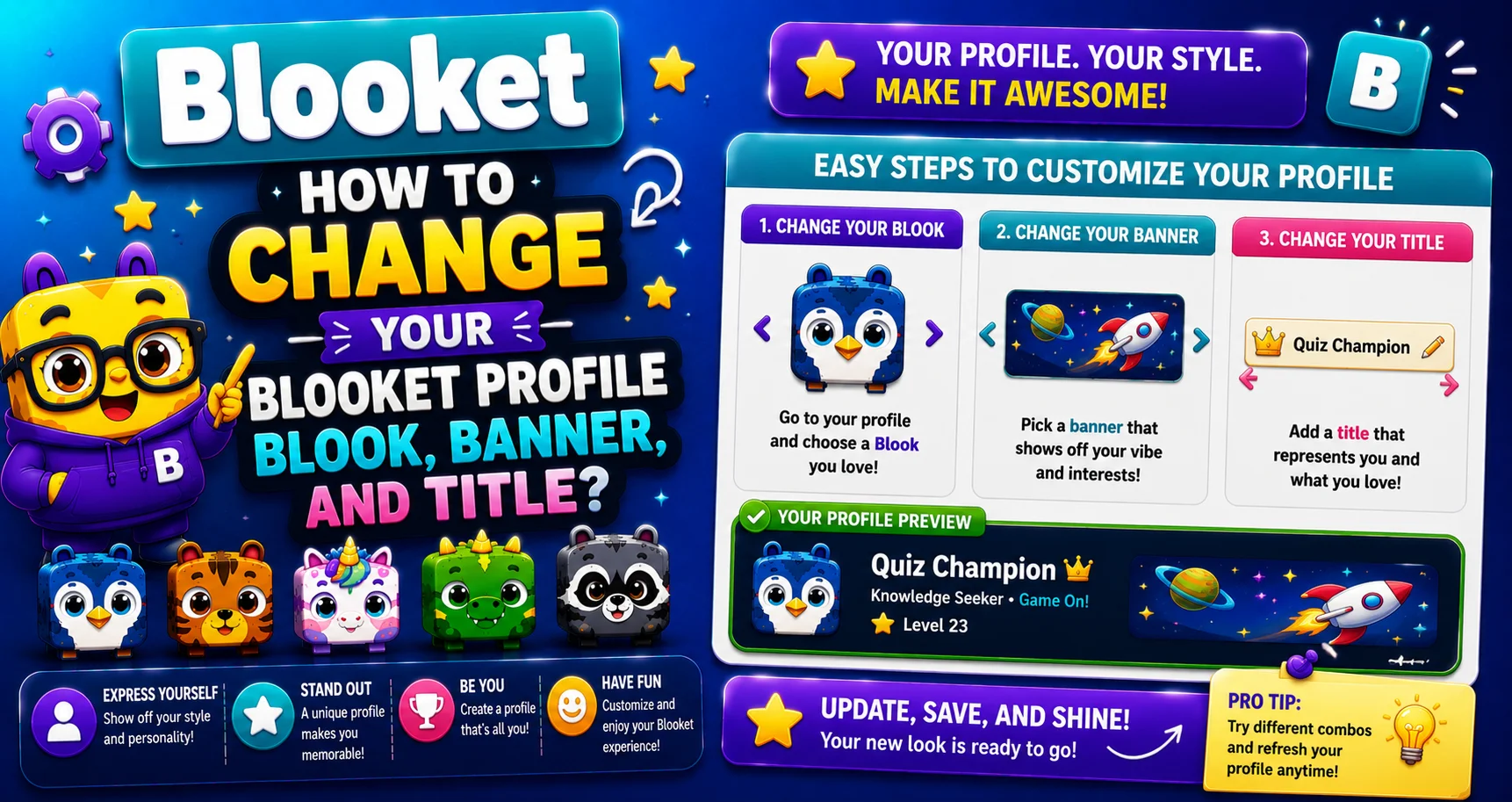
Quick Answer: To change your Blooket profile Blook, banner, or title, go to your Stats tab, click the element you want to change, and select a new option from the pop-up. All three are changed the same way, and none of it is on the Settings page.
Source: verified from Blooket’s official documentation on changing your profile Blook
How to Change Blooket Profile Blook
Your Blooket profile Blook (avatar), banner (header image), and title (text label) are all managed from your Stats tab, not the Settings page. All three can be changed in the same three steps. Learn how to change Blooket profile Blook, banner, and title in this detailed guide.
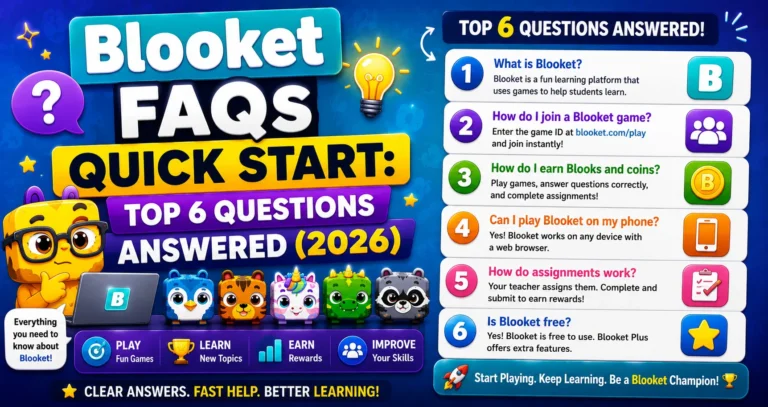
For More Details → 6 Important Questions Answered (Blooket FAQs)
The Quick Version (3 Steps)
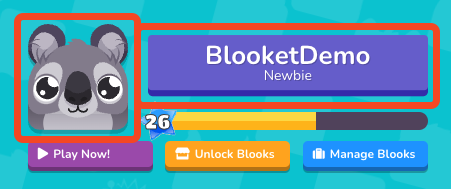
→ Step 1: Go to your Stats tab at dashboard.blooket.com/stats.
Click Stats in your dashboard navigation (left sidebar for teachers, main navigation for students).
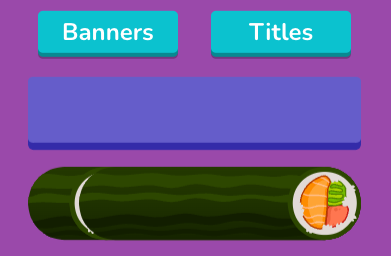
→ Step 2: Select the Blook, banner, or title that you want to change.
- Click the Blook avatar in the top-left corner of your Stats page to change your profile Blook.
- Click the banner image at the top of your Stats page to change your banner.
- Click your title (below your username) to change your title.
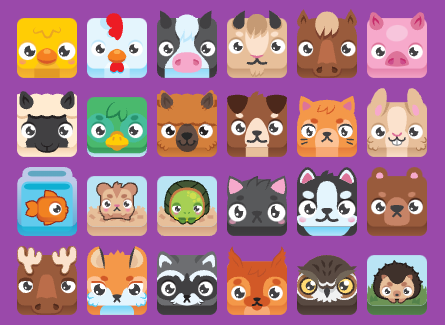
→ Step 3: This will open a pop-up where you can choose a new option.
Browse your available collection and click the item you want to use. Your selection is applied immediately; no Save button needed.
Complete Student Guide → How to Change Your Profile Blook (For Students)
Critical: Stats Page, Not Settings Page
This is the single most common confusion point for new users:
| Page | Controls |
| Settings page | Account data (username, email, password, account type) |
| Stats page | Profile appearance (Blook, banner, title) |
If you go to Settings and can’t find Blook or banner options, you’re in the right place for the wrong thing. Navigate to Stats instead.
Full Teacher Guide → How to Change Blooket Profile Blook (For Teachers)
Your Three Profile Elements Explained
1. Profile Blook (Avatar)
Your Blook appears next to your name on every game leaderboard and on your public Stats page. You can use any Blook in your collection, including Custom Blooks you’ve built through the Class Pass system.
Get More Blooks → How to Collect Blooks in Blooket
2. Banner
Your banner is the rectangular image across the top of your Stats page. Banners are earned from:
- The Weekly Shop in the Market (rotating items purchased with tokens).
- Official Blooket events (exclusive limited-time banners).
- Blook Score milestones (Bronze, Silver, Gold, Platinum, Diamond levels unlock automatically).
Build a Custom Blook → How to Create Custom Blooks in Blooket
3. Title
Your title is a short text label below your username on your Stats page. Purely cosmetic, no gameplay effect. Titles are earned from events or purchased in the Weekly Shop.
Unlocking New Options
You can unlock new Blooks, banners, and titles in the Market.
- To get more Blooks: Earn tokens by playing games, spinning the Daily Wheel, and opening packs in the Market.
- To get more banners and titles: Visit the Market’s Weekly Shop (scroll down below the Blook Packs) for rotating items. Also, check seasonal events for limited-time exclusive banners.
- To build a Custom Blook: Earn XP through gameplay to level your Class Pass. Each level unlocks new cosmetic parts for the Custom Blook editor on your Stats page.
Learn About the Reward System → Blooket Blooks Collection & Customization
Where to Go Next
- Want to know more about the platform? See our Blooket overview
- Curious about what your teacher sees? Visit the Blooket For Teachers
- Want the full student guides overview? See the Blooket For Students
Have another question? Please check the Frequently Asked Questions or Blooket Help Center.
Frequently Asked Questions
Does my profile Blook affect gameplay?
No. Your profile Blook is entirely cosmetic. It appears next to your name on leaderboards but does not affect points, token earnings, or accuracy.
Why doesn’t my new Blook show in the game lobby after I change it?
Browser cache issue. After changing your Blook on the Stats page, press F5 (Windows/Chromebook) or Cmd+R (Mac) to hard-refresh your browser. The updated Blook will appear in your next game session.
Can I upload a custom banner image?
No. Banners must be earned through the Weekly Shop, events, or Blook Score milestones. Custom image uploads are not supported for banners.
Can I change my Blook, banner, and title all at the same time?
Yes, but as separate actions. Each element opens its own pop-up when clicked, so you’ll click through the process once per element you want to update.
Do students and teachers change these settings the same way?
Yes. The Stats tab process is identical for both account types, though teachers find Stats in the left sidebar while students see it in the main navigation.
Will changing my title cost tokens?
Only if you’re unlocking a new one from the Weekly Shop. Switching between titles you’ve already earned or purchased is free and instant.
What happens to my old profile Blook after I switch to a new one?
Nothing. It stays in your collection and remains available to switch back to at any time; changing your active profile Blook doesn’t remove or affect any Blooks you own.