How to Collect Blooks in Blooket: Market & Pack Opening Guide
Last verified: August 20, 2026
Quick Answer: To collect Blooks in Blooket, open the Market from your dashboard, choose a pack, check its drop rates, select how many to open, and click Buy. After the opening animation, click Collect to add your new Blooks to your collection.
How to Collect Blooks in Blooket: Step-by-Step
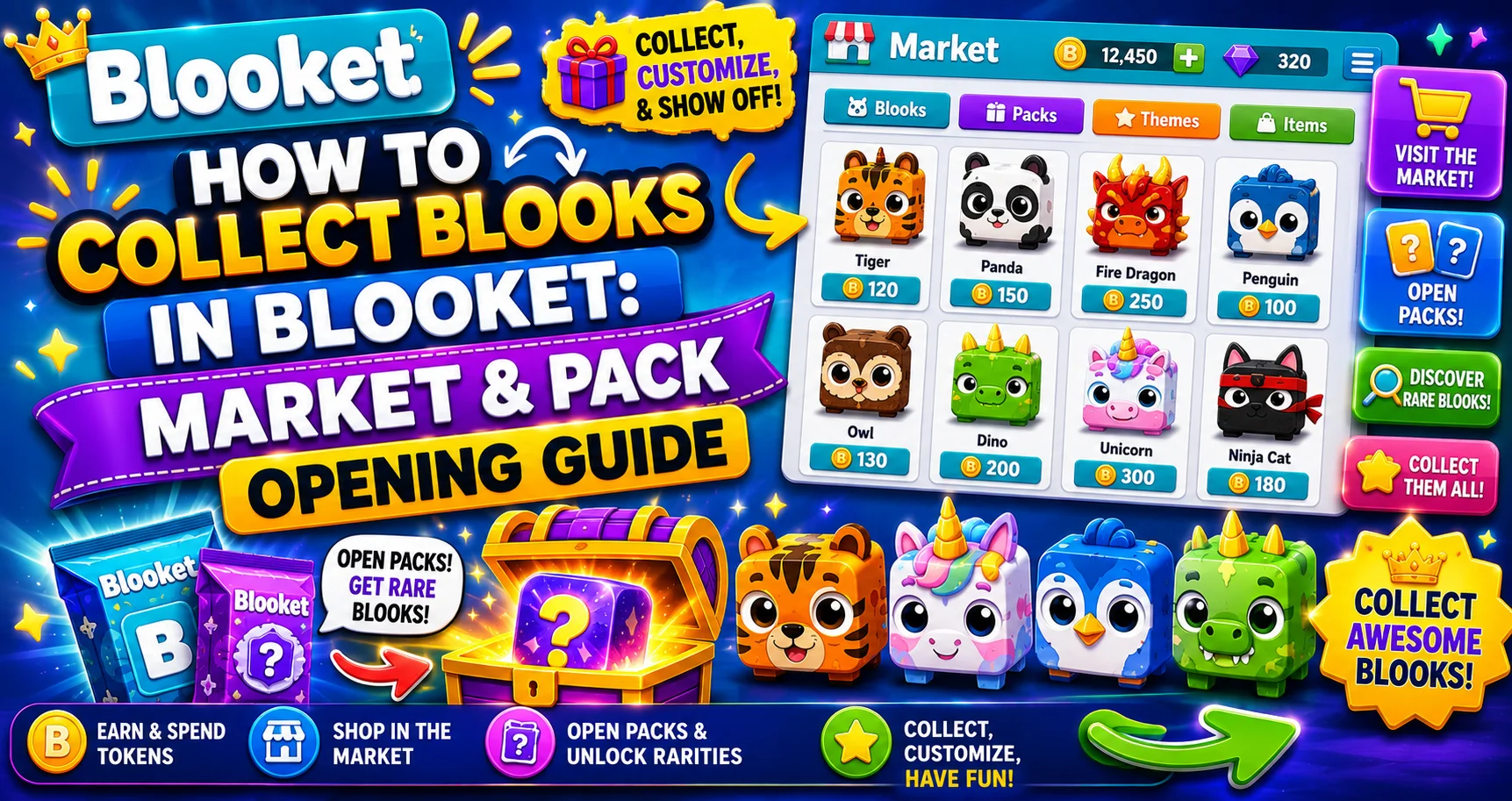
The Blooket Market is where you can use your earned tokens to unlock new Blooks and collect items like banners, titles, and more. With the updated Market, collecting Blooks is faster, easier, and more flexible than ever. This detailed guide for students explains how to collect Blooks in Blooket and more.
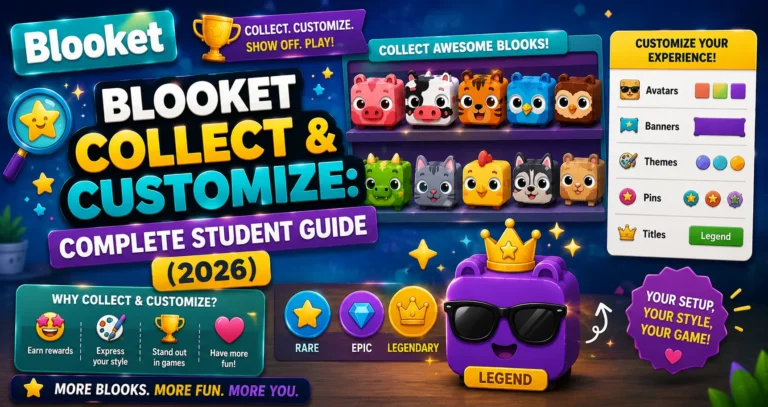
Learn More About → Blooket Blooks Collection & Customization
Opening the Market
From your dashboard, click Market in the left-hand navigation. Students will see it in the main navigation. Teachers can find it as an icon near the bottom.
Exploring the Market
The Market is divided into two main sections: Blook Packs at the top (open packs to collect Blooks) and the Weekly Shop at the bottom (purchase items like banners, titles, and limited-time content). During special events, you may also see seasonal Blooks available.
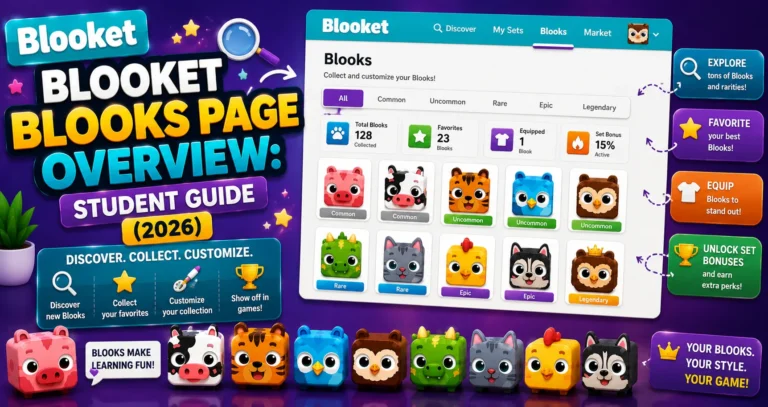
Complete Details → Blooks Page Overview
→ Step 1: Choose a Pack
Click on any Pack to view details. Review the pack artwork, name, and cost.
Before spending any tokens, always preview what’s available.
→ Step 2: Check Drop Rates
Click Show Drop Rates to see all available Blooks and their rarity.
It is the most important step. Each pack contains multiple Blooks at different rarity tiers, each with a percentage drop rate. Seeing these rates tells you:
- What Blooks are available from this pack.
- How likely you are to pull each one.
- Whether the pack has a Legendary or Chroma worth targeting.
See What’s Inside First → How to View Blooket Pack Contents
→ Step 3: Choose How Many Packs to Open
You can now buy and open multiple packs at once: choose how many packs you want to open by typing a number, using the +/- buttons, or using the quick-select options. Watch the total cost update in real time and click the Buy button when you’re ready.
Use the Reset button to clear your selection if you change your mind quickly.
Strategy tip → Batch opening: Opening 10 packs at once rather than one at a time gives you a more realistic sampling of what a pack actually contains. Single-pack opens can feel discouraging when you pull an Uncommon. Seeing the natural distribution across 10 opens (mostly Uncommons, occasionally a Rare, rarely an Epic) calibrates your expectations and makes the process more satisfying.
→ Step 4: Open Your Packs
After purchasing, click anywhere to reveal each Blook one at a time. If you bought multiple packs, continue clicking to move through them.
Track your progress in the bottom-left corner.
Longer animations usually mean you’ve unlocked a rarer Blook. When the opening animation is longer than usual, pay attention; this is Blooket’s signal that something rare is coming.
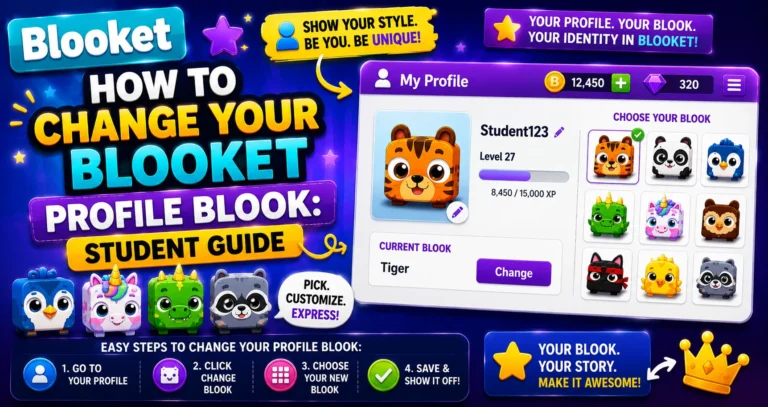
Change your Blook → How to Change Your Profile Blook
→ Step 5: Collect Your Blooks
Once all packs are opened, review the summary of everything you unlocked. Click Collect to add them to your Blook collection.
After collecting:
- Visit the Blooks page to see your updated collection and Blook Score.
- Go to the Stats page to equip any new banners or titles you purchased from the Weekly Shop.
Source: verified from Blooket’s official documentation on collecting Blooks
The Weekly Shop
- Scroll down to the Weekly Shop to find rotating items, including Banners, Titles, and Blook parts.
- During special events, a seasonal shop will be available with limited-time items and seasonal Blooks.
- All items are purchased using tokens earned through gameplay; no real money required.
Important: Weekly Shop items rotate regularly, with no advance notice. If you see a banner or title you want, buy it immediately; there’s no guarantee it will be back next week.
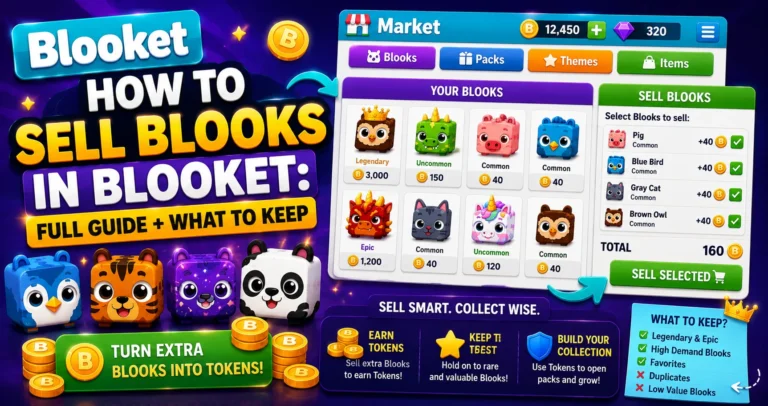
Selling Blooks Guide → How to Sell Blooks in Blooket
Using Your Collected Blooks
You can use your collected and custom Blooks in games too. After collecting new Blooks, go to your Stats page to change your profile Blook to anything you’ve unlocked.
Where to Go Next
- Want to know more about the platform? See our full Blooket overview
- Curious about what your teacher sees? Visit the Blooket For Teachers
- Want the full student guides overview? See the Blooket For Students
Have another question? Please check the Frequently Asked Questions or Blooket Help Center.
Frequently Asked Questions
Why should I check drop rates before opening a pack?
It shows you exactly which Blooks are available and how likely you are to pull each rarity tier, so you know whether a pack has a Legendary or Chroma worth targeting before spending any tokens.
Is it better to open packs one at a time or in a batch?
Opening in a batch, like 10 at once, gives you a more realistic sample of a pack’s actual distribution. Single opens can feel discouraging if you pull common rarities, while a larger batch shows the natural mix Blooket intends.
How do I know if I’ve pulled a rare Blook?
Watch the opening animation length. A longer-than-usual animation is Blooket’s signal that something rare is about to be revealed.
Do Weekly Shop items come back if I miss them?
Not reliably. Items rotate regularly with no advance notice, so if you see something you want, it’s safest to buy it right away rather than wait.
Do I need real money to buy packs or Weekly Shop items?
No. Everything in the Market, both Blook Packs and the Weekly Shop, is purchased using tokens earned through gameplay.
What happens after I finish opening my packs?
A summary shows everything you unlocked. Click Collect to add the Blooks to your collection, then check the Blooks page to see your updated Blook Score.
Can I equip a Blook right after collecting it?
Yes. Go to your Stats page after collecting to set any newly unlocked Blook as your profile Blook for live games, solo play, and homework.