How to Change Your Blooket Profile Blook: Complete Students Guide
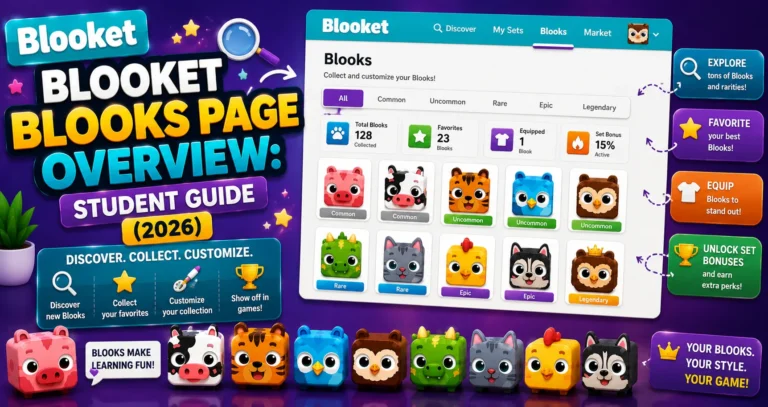
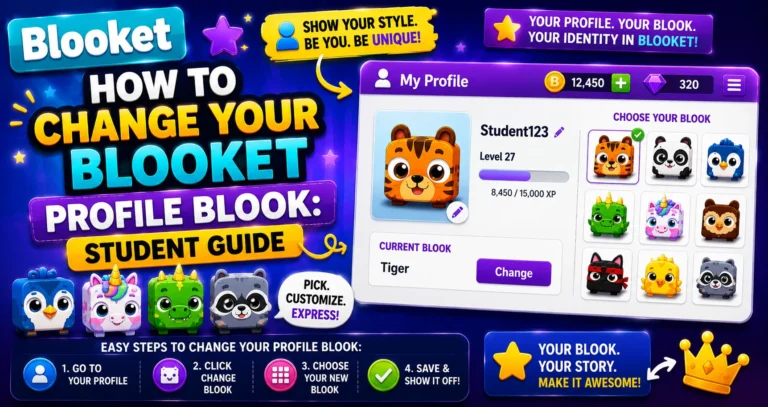
Last verified: August 20, 2026 Quick Answer: To change your Blooket profile Blook, go to the Stats page (not Settings), click your current Blook in the top-left corner, and select a new one from the picker. The change takes effect immediately and is purely cosmetic; it does not affect gameplay. How to Change Blooket Profile…