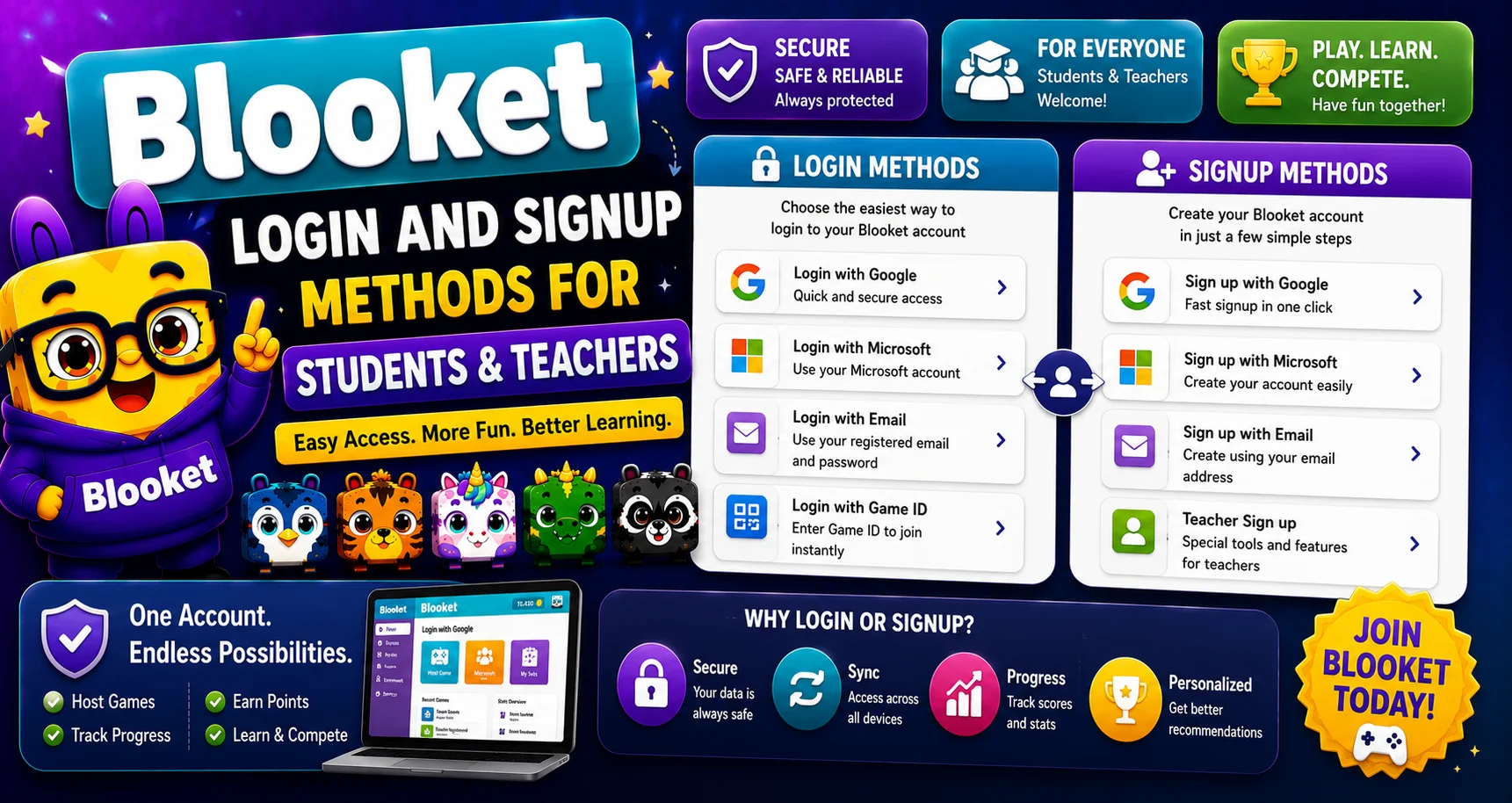
Blooket Login Guide for Students and Teachers

Last verified: August 3, 2026

Quick Answer: Go to id.blooket.com/login, enter your email and password (or sign in with Google), and click Login. Joining a live game as a guest doesn’t require login at all — just a game code at play.blooket.com.

Blooket is an interactive platform that makes learning fun through games and quizzes. To access all its features, users need to log in to their Blooket accounts. Whether you are a student wanting to join a game or a teacher managing your classroom, understanding how to log in to Blooket ensures a smooth and hassle-free experience. This guide covers how to log in to Blooket, common login methods, and tips for using the platform effectively. For account-management basics beyond login, see our guide for teachers.
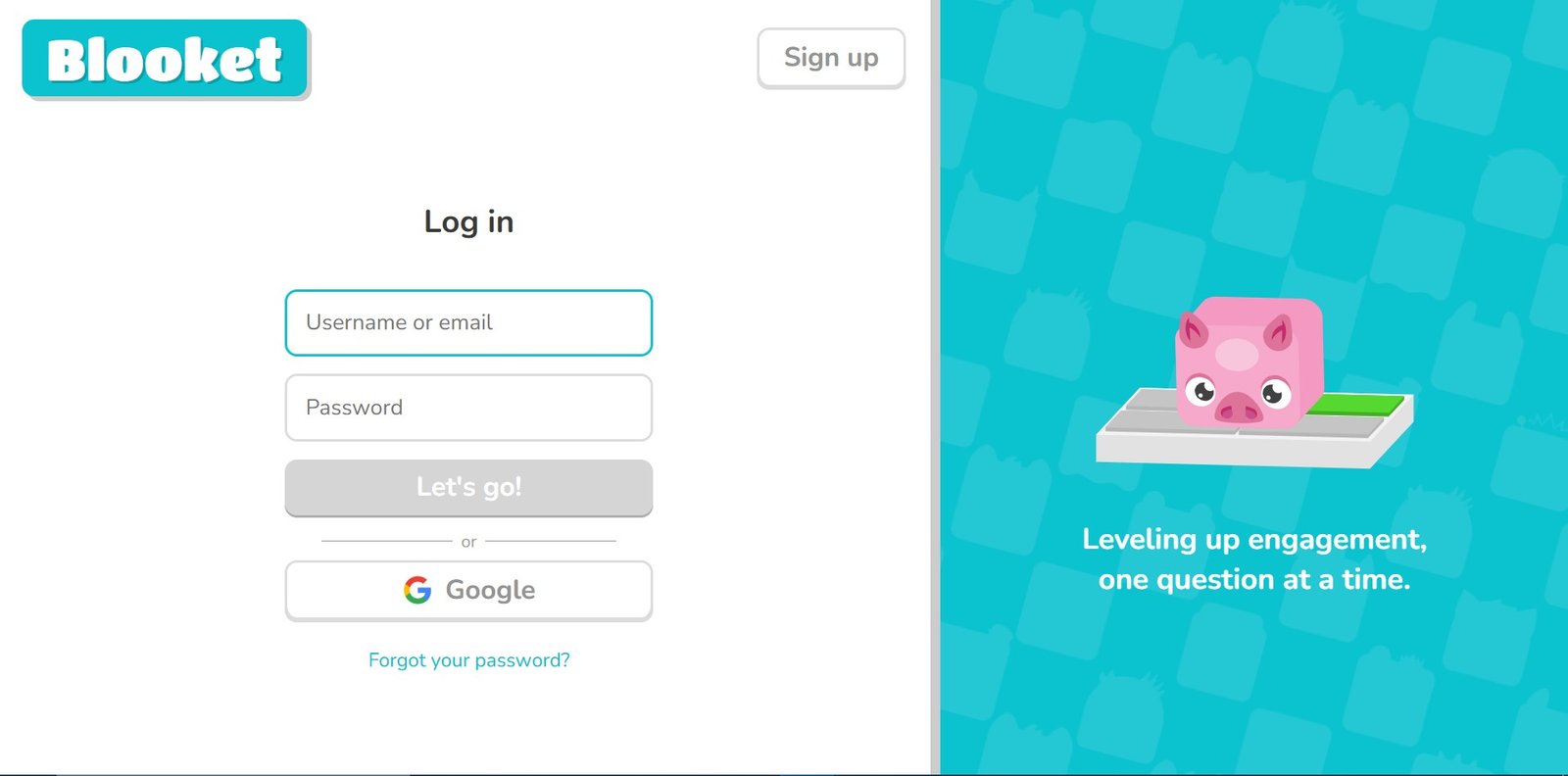
Blooket Login Page

How to Log in to Blooket?

Logging in unlocks the full Blooket experience such as, saved progress, hosting tools, and dashboards. Players joining a live game as guests don’t need to log in at all. Login is mainly relevant for account holders (teachers hosting games, or students who want to track progress and collect Blooks).

Important Note: We link directly to Blooket’s official login domain (id.blooket.com) rather than another  login page redirect, so you land directly on the right page the first time.

Logging In as a Student or Teacher

  1. Go to id.blooket.com/login — this is Blooket’s dedicated login page.
  2. Enter your email and password, or sign in with Google or a connected school account if your account uses one.
  3. After successful login, access your dashboard, where students and teachers see different tools based on account type.

Note: Blooket’s official policy requires account holders to be at least 13. Some regions outside the U.S. may apply a higher minimum age under local privacy law, so check your school or district’s guidance if you’re unsure. Accounts for younger students are typically set up and managed through school-provided credentials rather than a personal email.

Source: Verified from Blooket’s official Sign-Up documentation.

Logging in With a School Account

Many schools integrate Blooket with their existing login systems (like Google Workspace or Clever), letting students sign in with school credentials instead of a separate Blooket account:

  1. Select the school login option on the sign-in page.
  2. Enter the credentials provided by your school.
  3. You’ll be connected to your class’s Blooket setup automatically.
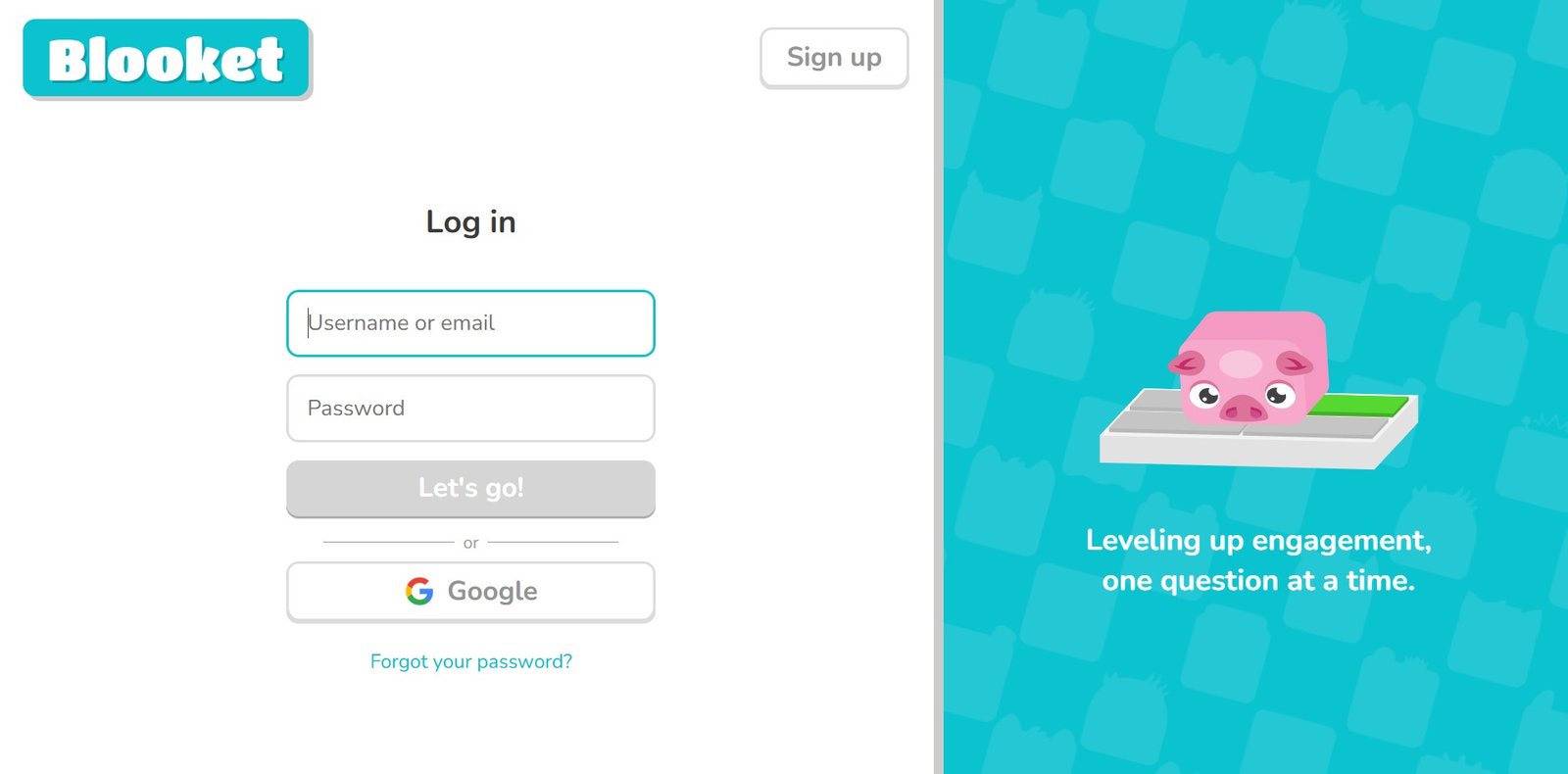
Blooket Google Login

Joining a Game Without Logging in

If you want to join a game without logging in rather than managing an account, follow the steps below:

  1. Go to play.blooket.com.
  2. Enter the game code your host shared.
  3. Choose a display name and Blook character, then join.

This guest method works for any live session — no account, email, or password required.

Troubleshooting Blooket Login Issues

Incorrect credentials:

Double-check your email and password for typos or extra spaces.

Forgot your password:

  1. Click “Forgot Password” on the login page.
  2. Enter your registered email.
  3. Open the reset link Blooket sends you.
  4. Set a new password and log in again.

Blooket Forgot Password

Game code not working:

Confirm the code is correct and that the session is still active, because codes expire once the host ends the game.

Browser issues:

Use an updated version of Chrome, Firefox, Safari, or Edge, with cookies and JavaScript enabled. Clearing your browser cache resolves most persistent login glitches.

Multiple accounts on one device:

Log out of any other Blooket account before signing into a different one to avoid session conflicts.

Conclusion

Logging in to Blooket is quick whether you’re a student tracking progress, a teacher managing classes, or someone joining through a school-provided account. Players joining a live game skip login entirely with just a game code. For account help, see Blooket’s Help Center for detailed documents. Most login issues come down to a password reset, a browser refresh, or double-checking your code. If you are new to the platform, start with our complete Blooket guide.

FAQs About Blooket Login

How do I log in to Blooket?

Go to id.blooket.com/login and enter your credentials, or use Google or a school account if available.

How do I log in with a school account?

Select the school login option on the sign-in page and enter the credentials your school provided.

Do I need an account to join a game?

No. Players can join any live game as a guest using just a game code at play.blooket.com.

Can teachers log in to Blooket?

Yes, teachers use the same login page and are directed to their dashboard, where they can host games and manage classes.

What should I do if my game code isn’t working?

Double-check the code for errors, confirm the session is still active, and ask the host for a new code if needed.

Is Blooket login available on mobile?

Yes, both login and gameplay work on mobile browsers and tablets.

Disclaimer

BlooketApp.com is an independent website and is not owned by, operated by, or affiliated with Blooket or its official creators. For the actual platform, visit the official site at blooket.com.

Author

Written by Lucas Harry, a content writer who tests Blooket’s features firsthand before publishing this guide.