
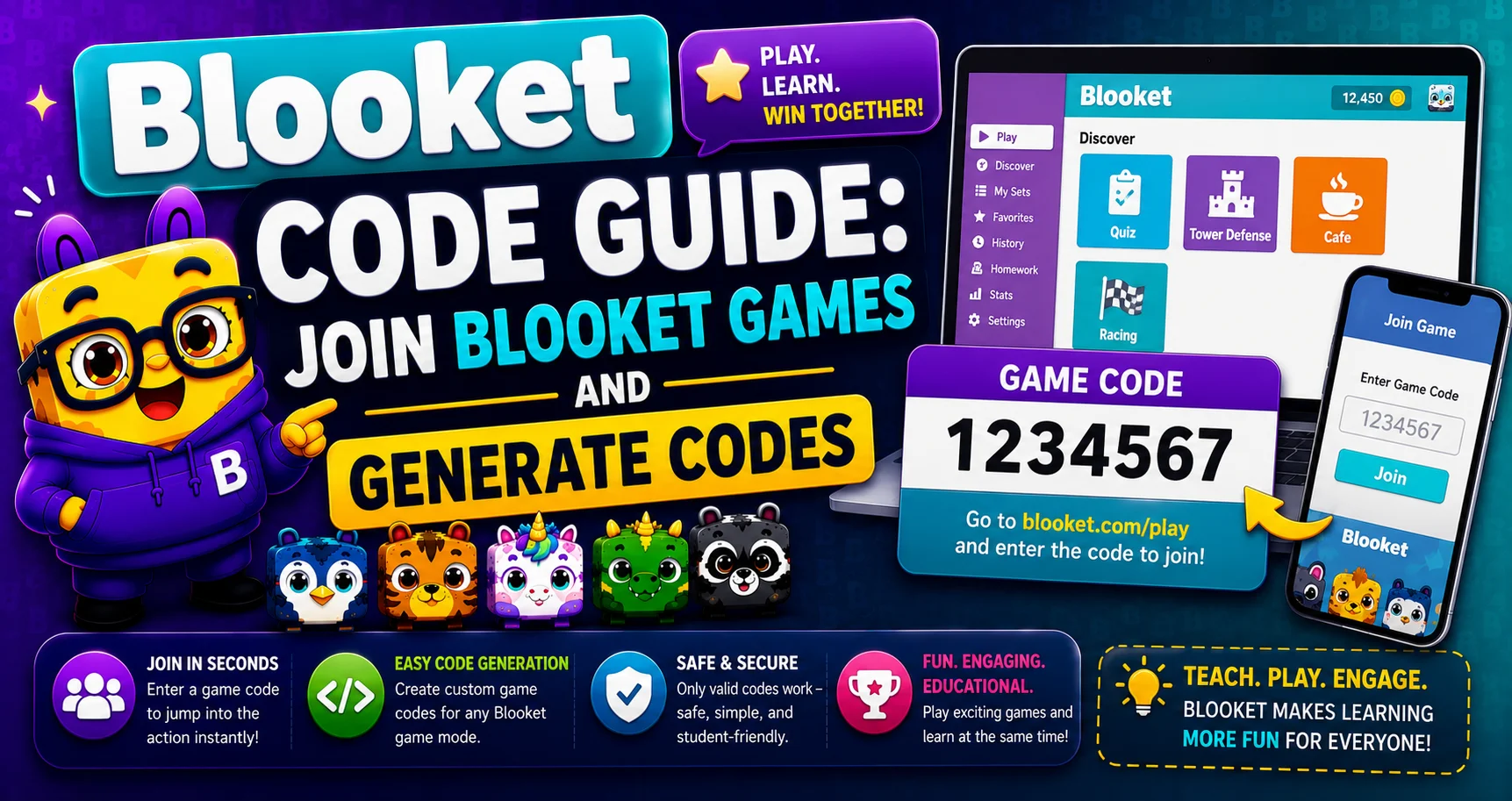
Blooket Code — Complete Game Joining Guide
Last verified: August 6, 2026
Quick Answer: A Blooket code (Game ID) is a unique 7-digit number generated when a host starts a live game. Go to play.blooket.com, enter the code, pick a display name, and click Join — no account required.
Blooket is a fun and engaging educational game platform that allows students and teachers to interact through a variety of quizzes and activities. A key feature of Blooket is the use of codes to participate in games, either as a player or as a host. See our complete hosting guide to learn more about generating and managing codes as a host. Below, we explain in detail what a Blooket code is, how to get one, and how to redeem and use it effectively.
Note: Many guides online including older versions of this one still reference a 6-digit code format. Blooket’s current documentation confirms codes are 7 digits. We’ve verified and updated every reference on this page accordingly.
What is a Blooket Code?
A Blooket code (also called a Game ID or join code) is a unique 7-digit numeric code generated when a host starts a live game session on Blooket. It works like a room key: players enter it at play.blooket.com to join that specific session. The code is digits only, no letters, which keeps it simple for students of any age to enter. Without the correct code, players can’t access that game.
Codes are temporary and tied to a single session. Once the host ends the game, the code stops working, and a new one is generated the next time they host.
Source: verified from Blooket’s official “How to Join a Blooket Game” documentation.
How to Get a Blooket Code?
Getting a Blooket code is easy and involves a few simple steps. The easiest way to get a code is to be invited by someone hosting a Blooket game. Here’s how it works:
- As a player: Ask your teacher or game host directly. They’ll usually share it verbally in class, through a classroom platform, or via a direct join link.
- As a host: Log in at blooket.com, select a question set, and click Host. A unique code is generated automatically the moment your game session starts. There’s no manual code creation involved.
How to Join a Blooket Game With a Code?
To join a Blooket game with your code, follow the steps:
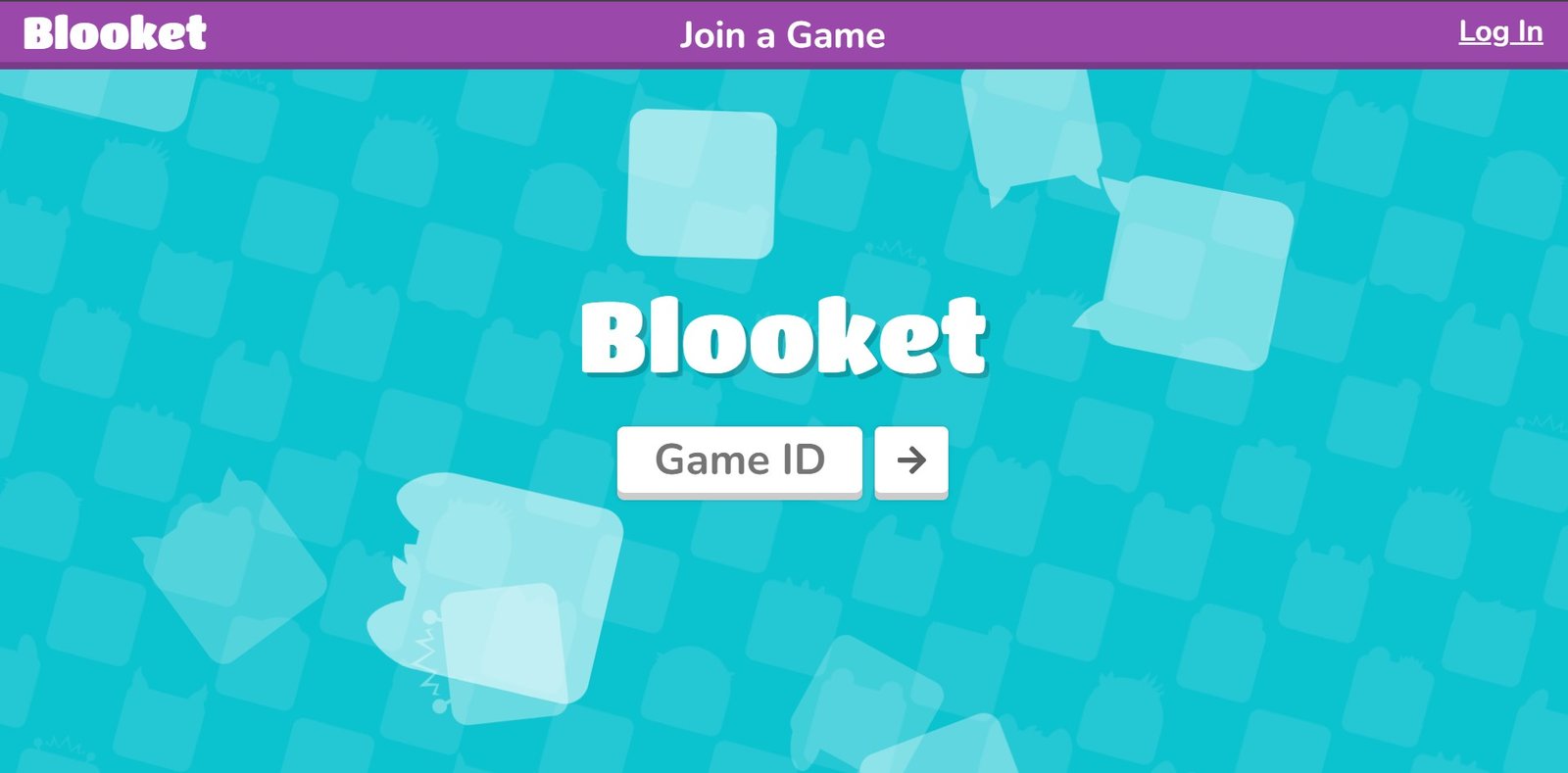
- Go to play.blooket.com.
- Enter the 7-digit code your host shared.
- Choose a display name and pick your Blook character.
- Click Join to enter the live game.
Without a code: If your host shares a direct join link instead, clicking it takes you straight into the game. The code is embedded in the link, so you don’t need to type anything.
How to Find a Current or Active Code?
If you’re trying to join a game that’s currently running, the code will always come from the person hosting it. Teachers typically display it on a projector, share it verbally, or post it in a classroom platform like Google Classroom. There’s no central public list of “live codes” maintained by Blooket itself, since codes are private to each session by design. If you don’t have a code, the most reliable option is to ask your host directly or wait for them to share the join link.
Note: Be cautious of any site claiming to offer “active” or “free” Blooket codes. These codes are session-specific and cannot be pre-shared or reused across games.
Blooket Code Structure
Hosts generate a new code automatically. Here’s the current format:
- Length: 7 digits
- Format: Numbers only — no letters or symbols
- Lifespan: Valid only for the duration of that specific live session and expires once the host ends the game
This numeric-only format keeps entry fast for students of all ages while ensuring each active session has its own unique code.
What is Error Code C103 in Blooket?
Error C103 typically appears when a code is invalid or the session it belongs to is no longer active. To resolve it:
- Double-check the code — a single mistyped digit is the most common cause.
- Confirm the game is still running — ask your host if the session has ended or reached its player limit.
- Refresh the page — this resolves most temporary loading issues.
Why a Blooket Code Might Not Be Working?
- Expired code — the session it belonged to has already ended.
- Mistyped digit — always double-check before submitting. A 7-digit number is easy to get one digit wrong on.
- Game is full — some sessions have a player cap (60 for free accounts, 300 for Blooket Plus).
- Connection issues — a slow or unstable connection can prevent the join screen from loading correctly.
- An error message on-screen — if you see a specific error code when joining, it generally means the code is either invalid or belongs to a session that’s no longer active. Double-check the code, confirm with your host that the game is still running, and refresh the page.
If none of these resolve it, ask the host to confirm the code or restart the session.
How to Redeem Promo Codes?
Separately from join codes, Blooket occasionally offers promotional codes tied to specific events that credit coins to your account or unlock rewards. These are announced through Blooket’s own official channels, not shared informally. To redeem one:
- Log in to your Blooket account at blooket.com.
- Go to your Profile or Shop section.
- Enter the promo code exactly as given.
- Click Redeem.
Only use promo codes from Blooket’s own official announcements. Codes claiming to unlock free coins or items from unofficial sources are not legitimate and won’t work.
Conclusion
A Blooket code is simply a 7-digit key that connects you to a specific live game. Whether you’re a student joining your teacher’s session or a host generating a fresh code for a new game, the process is quick and doesn’t require an account to join. For platform support, see Blooket’s Help Center. If a code stops working, the most common fixes are checking for typos, confirming the session is still active, and reaching out to your host. To explore everything about Blooket, check out our main guide.
FAQs About Blooket Codes
What is a Blooket code?
A Blooket code (Game ID) is a unique 7-digit number that lets players join a specific live game session hosted on Blooket.
How do I join Blooket without a code?
If your host shares a direct join link, clicking it takes you into the game automatically — the code is built into the link.
How do I get a code as a student?
Ask your teacher or host directly. They’ll share it in class or through your classroom platform.
How are Blooket codes generated?
They’re created automatically the moment a host starts a game — there’s no manual code-creation step.
How do I redeem a Blooket code?
Go to play.blooket.com, enter the code, choose a display name, and click Join.
What should I do if I see an error when joining?
It generally means the code is invalid or the session has ended. Double-check the code and confirm with your host that the game is still active.
How many digits are in a Blooket code?
Seven digits. It’s a numeric-only code, with no letters.
Disclaimer
BlooketApp.com is an independent website and is not owned by, operated by, or affiliated with Blooket or its official creators. For the actual game, visit the official site at blooket.com.
Author
Written by Lucas Harry, a content writer who tests Blooket’s features firsthand before publishing this guide.