How to Cancel or Switch Your Blooket Plus Subscription: Step-by-Step
Last verified: August 14, 2026
Quick Answer: To cancel Blooket Plus, go to Settings, then Plan, then Cancel Subscription. Annual Plus keeps access until the billing period ends; Plus Flex cancellation timing depends on current policy. To switch from Plus Flex to Annual, use the same Plan section instead of canceling.
How to Cancel or Switch Blooket Plus Subscription?
This guide explains three subscription management tasks: canceling an individual Plus or Plus Flex subscription, switching from monthly (Plus Flex) to annual billing (Plus), and what happens to your Plus features and data after cancellation.
Detailed Guide For → Blooket Plus Features
Before You Cancel: Consider These Alternatives
If you’re considering cancellation, check whether one of these alternatives addresses your actual concern:
- You’re not using Plus features enough to justify the cost: Consider switching from annual to monthly (Plus Flex), though note that Plus Flex costs more per month. Alternatively, cancel at the end of your current billing period and re-subscribe during high-use periods, such as pre-assessment weeks or intensive review units.
- You’re leaving your school: Before canceling, change your registered email to a personal address if it’s currently a school email. This keeps your question sets and account history even if you eventually let Plus lapse.
- You’re switching to a Group Plan: Don’t cancel your individual subscription first. Purchase or join the Group Plan, then cancel your individual subscription once Plus is confirmed active through the group.
- You have a billing issue: Contact Blooket support at contact-us@blooket.com before canceling; billing problems are often resolvable without ending the subscription.
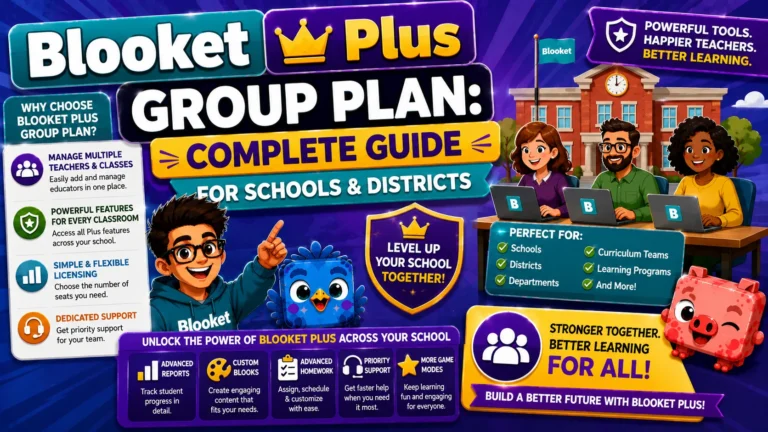
Group Plan Guide → Blooket Plus Group Plan for Schools
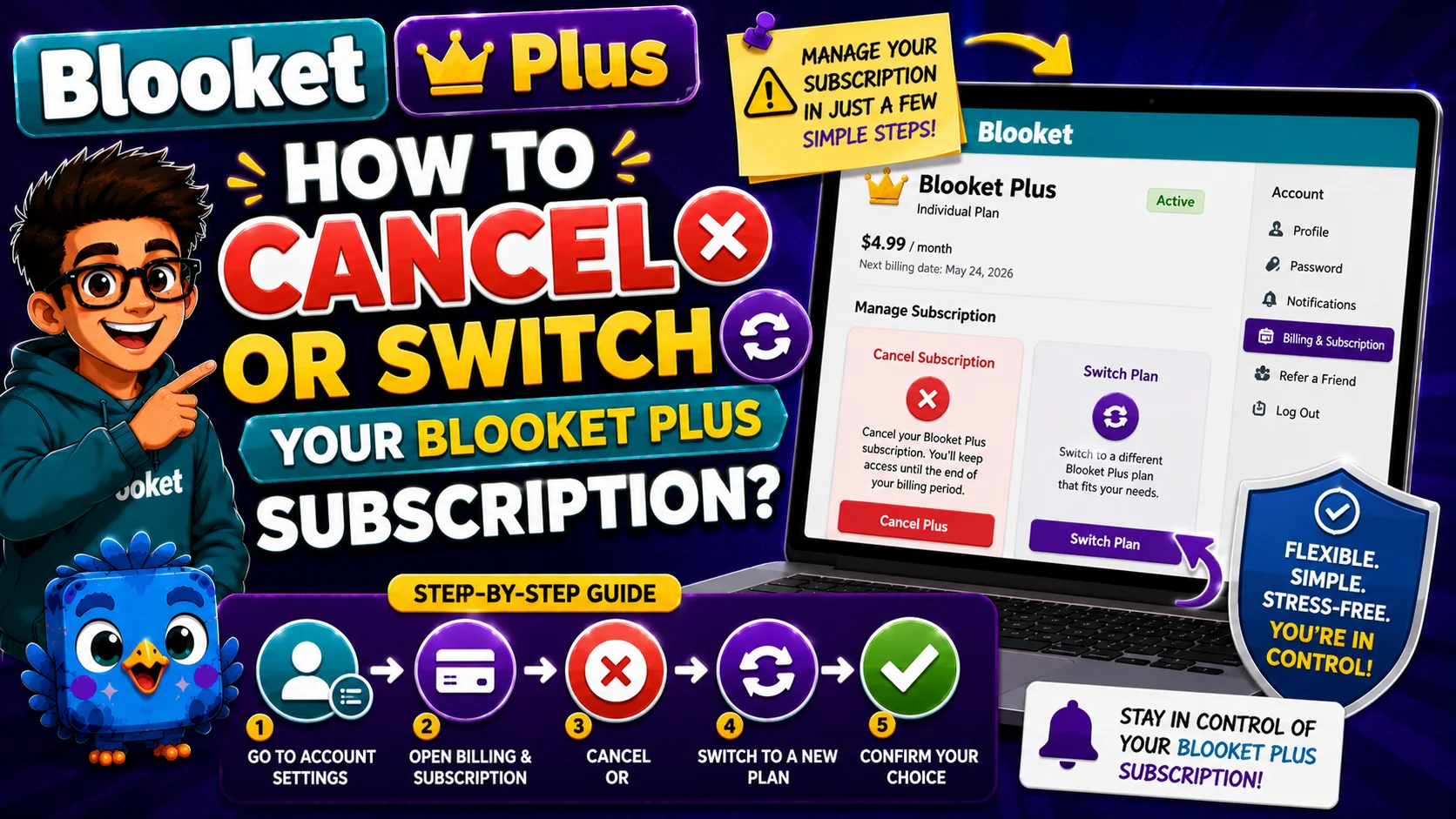
How to Cancel Blooket Plus
(Annual or Plus Flex)
- Step 1: Log in to your Blooket account at blooket.com
- Step 2: Click your profile icon and select Settings
- Step 3: On the Settings page, navigate to the Plan section
- Step 4: Click Cancel Subscription (or the equivalent option; the exact label may vary)
- Step 5: Follow the cancellation confirmation prompts
Source: verified from Blooket’s official “How to Cancel a Blooket Plus Subscription” documentation.
What Happens After Cancellation?
→ For Plus Flex (monthly): Cancellation takes effect immediately or at the end of your current billing month, depending on current Blooket policy, so confirm at the time of cancellation. Plus features deactivate when cancellation takes effect.
→ For Plus (annual): Your cancellation is registered immediately, but Plus features remain active until the end of your current annual billing period. You paid for the full year to retain access for the full year. After the period ends, your account automatically returns to Starter (free) and does not auto-renew.
What You Keep After Returning to Starter:
- All question sets (created and favorited)
- Game history and reports (viewable but not downloadable)
- Blooks, tokens, and XP
- Account information
What You Lose When Plus Ends:
- Access to Plus-exclusive game modes
- Ability to create new Folders (existing folders remain, but cannot be created or modified)
- Audio question recording or upload for new questions
- Enhanced report features (question click-through, individual download, spreadsheet download)
- 300-player limit (returns to 60)
- 365-day homework deadlines (returns to 14-day max)
- Copy & Duplicate any public set
- Question Bank access
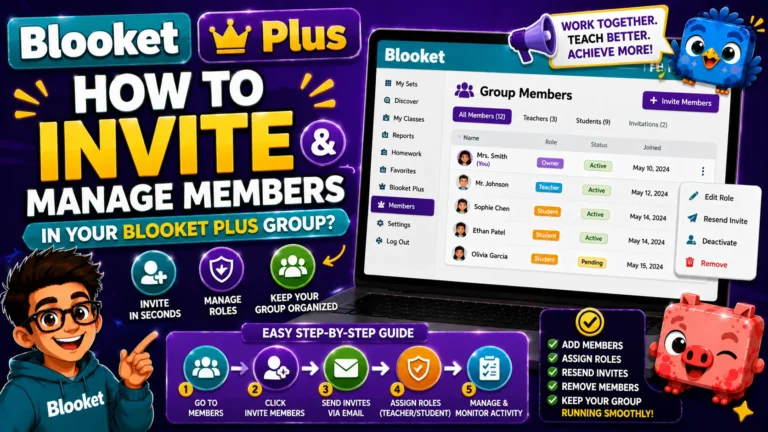
Step-by-Step About → How to invite and Manage Members
How to Switch From Plus Flex
(Monthly) to Plus (Annual)
If you’ve been on Plus Flex and want to switch to the lower-cost annual billing:
- Step 1: Log in to your account and go to Settings
- Step 2: Navigate to the Plan section
- Step 3: Look for the option to Switch to Annual or Switch from Plus Flex to Plus
- Step 4: Follow the prompts to confirm the billing change
Timing consideration: Switching plans may result in a prorated adjustment for any remaining days in your current Flex billing cycle. Review the confirmation screen carefully before completing the switch to understand what you’ll be charged and when.
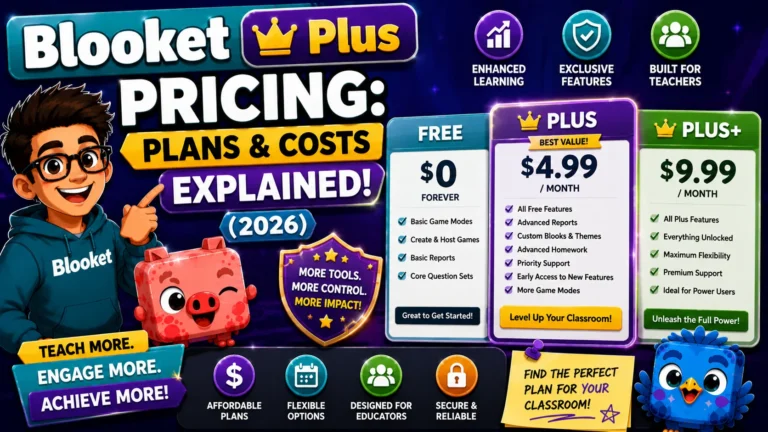
Full Pricing Details → Blooket Plus Pricing
Managing Group Plan Cancellation
If you’re a Group Admin, canceling the Group Plan involves a few extra considerations:
- Notify all current group members before cancellation, since their Plus features will deactivate.
- Allow members time to download any Plus-exclusive report data they want to retain, such as spreadsheets or individual student reports.
- Proceed with cancellation from the Group Plan tab, then Settings, then Cancel or Edit Renewal.
If your Group Plan was purchased via Purchase Order, contact Blooket support for renewal or cancellation at contact-us@blooket.com.
Refund Policy Reminder
Blooket’s published policy states that subscription fees are paid in advance and are generally non-refundable. If you cancel the annual Plus partway through the year, the remaining months are not refunded in most cases. This is why the platform’s free tier and the Plus Flex monthly option both exist; they provide lower-risk entry points before committing to an annual subscription.
If you believe you have a legitimate refund case, such as a billing error, duplicate charge, or a technical issue that prevented you from using features, contact support at contact-us@blooket.com with documentation.
Where to Go Next
- Want to know more about the platform? See our Blooket overview
- Want the full teacher toolkit overview? Visit the For Teachers hub
- Introducing this to students directly? See the For Students hub
Have a different question? Please check our Frequently Asked Questions or Blooket Help Center.
Frequently Asked Questions
Do I lose Plus features immediately after canceling?
Not for the annual plan. Plus features remain active until the end of your current annual billing period. For Plus Flex, timing depends on current policy, so confirm at the time you cancel.
Can I get a refund after canceling early?
Generally no. Subscription fees are paid in advance and are non-refundable in most cases. If you have a legitimate case, such as a billing error or duplicate charge, contact support with documentation.
What happens to my question sets after Plus ends?
They stay. Question sets, game history, Blooks, tokens, and account information all remain after returning to the Starter (free) plan. Only Plus-exclusive features and limits are affected.
Should I switch to Plus Flex instead of fully canceling?
If cost is your concern but you still use Plus occasionally, canceling at the end of your billing period and resubscribing during high-use periods can be more cost-effective than staying on Plus Flex year-round.
How do I switch from Plus Flex to the annual plan?
Go to Settings, then Plan, and look for the option to switch to Annual. Review the confirmation screen carefully, since switching may include a prorated charge for your current billing cycle.
What should a Group Admin do before canceling a Group Plan?
Notify all current members first, since their Plus features will deactivate, and give them time to download any Plus-exclusive report data they want to keep before proceeding with cancellation.
What if my Group Plan was purchased with a Purchase Order?
Contact Blooket support directly at contact-us@blooket.com for renewal or cancellation, since PO-based Group Plans are managed differently from self-service credit card subscriptions.