How to Find Blooket Question Sets: Complete Guide for Students
Last verified: August 18, 2026
Quick Answer: To find Blooket question sets, log in, click Discover, and search using specific terms like subject plus topic or grade level. Browse Blooket Curriculum for verified sets, then preview any set’s questions before playing. If nothing fits, create your own set instead.
How to Find Blooket Question Sets?
The Blooket Discover page is a library of over 20 million question sets created by teachers and students worldwide. Finding a great set for your subject takes the right search terms and a quick preview before you start playing. Learn how to find Blooket question sets in this detailed guide and more about this.
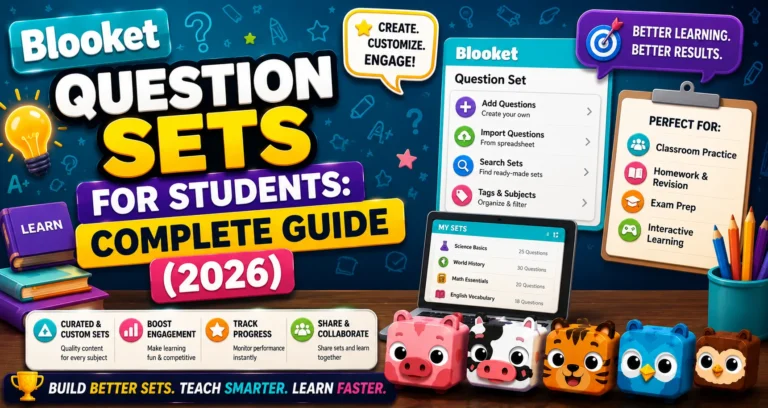
Full Overview About → Blooket Question Sets for Students
Step-by-Step: Finding a Question Set
→ Step 1: Go to the Discover Page
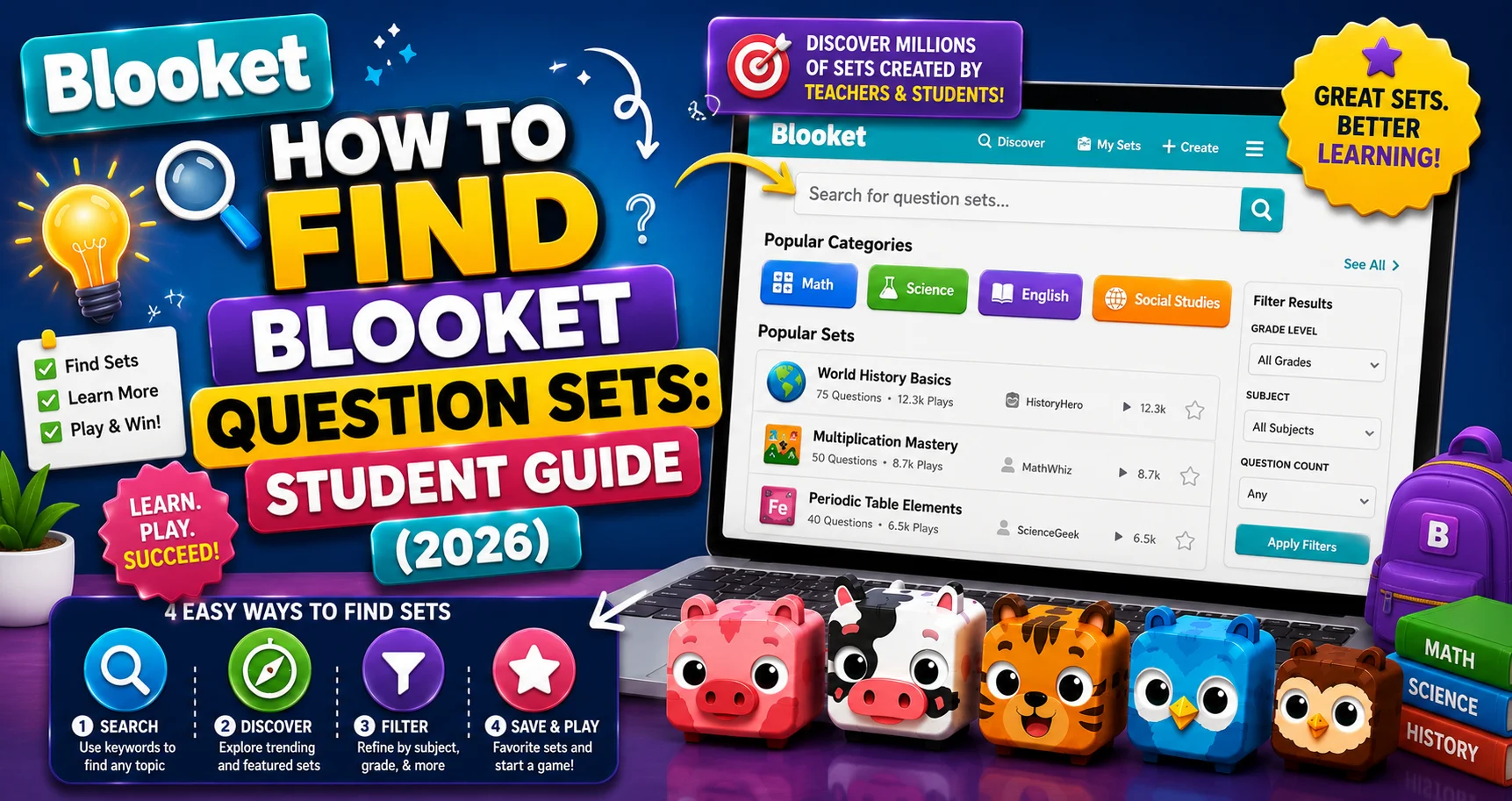
Log in to blooket.com. In the left navigation sidebar, click Discover. This opens the Blooket public library set.
→ Step 2: Search for a Set
Use the search bar to search for a set that meets your needs.
Tip from Blooket: Use key terms to find exactly what you are looking for. You can also narrow the search further using the search filter.
Search terms that work well for students:
| What You’re Studying | Effective Search Terms |
| Subject + specific topic | “biology cell cycle,” “algebra linear equations” |
| Grade + subject | “8th grade US history,” “3rd grade multiplication” |
| Specific standard or curriculum | “AP Biology genetics,” “SAT vocabulary” |
| Your teacher’s topic phrasing | Use the exact words your teacher used in class or on the study guide |
| Test name | “AP World History CCOT,” “STAAR math 7th grade” |
Using the Search Filter: After searching, click the Filter option to narrow results further by grade level, subject, or number of questions. If your first search returns too many results to browse, add a grade-level filter to focus on age-appropriate content.
→ Step 3: Browse Blooket Curriculum Sets (Recommended)
You can also view Blooket Curriculum sets organized by Subject and Grade.
The Curriculum section is a separate tab in Discover that contains Blooket-verified sets, reviewed for accuracy and grade appropriateness. Unlike the general library, where quality varies, Curriculum sets meet a quality standard.
When to use Curriculum: When you want content you can trust without reading every question first. Curriculum sets are organized by Subject (Math, Science, ELA, Social Studies, World Languages) and Grade Level. Browse to your subject and grade, then select the most relevant unit.
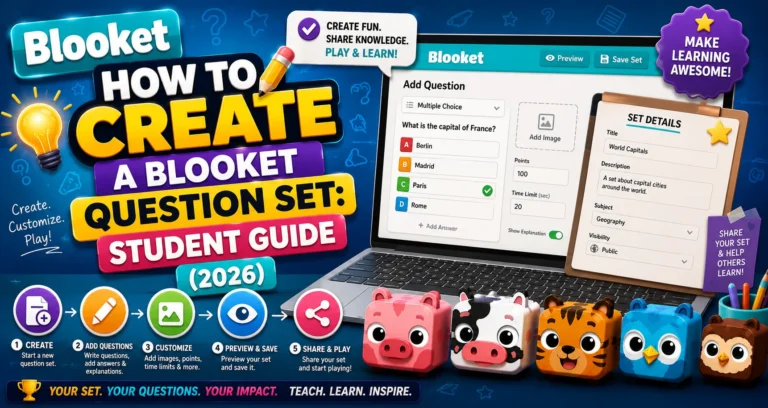
Create Your Own → How to Create a Blooket Question Set
→ Step 4: Click on the Set to See the Preview Page
Click on any set to open its preview page. The preview page shows you:
- All questions and answer options in the set.
- Total question count.
- The set creator’s username.
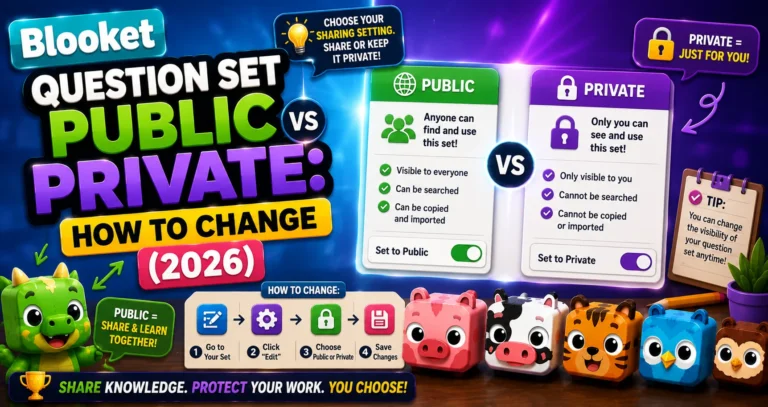
- Privacy status and whether it’s Blooket-verified.
Always preview before playing. The Blooket library is user-generated, which means quality varies significantly. A quick preview of 3 to 5 questions tells you whether the difficulty and content match what you need. Spotting an error in preview saves you from encountering it mid-game.
→ Step 5: Choose What to Do with the Set
With the set selected, you can:
- Play a solo game: Start practicing immediately.
- Host a live game: If you want to play with friends or family at home.
- Favorite the set: Save it for later use.
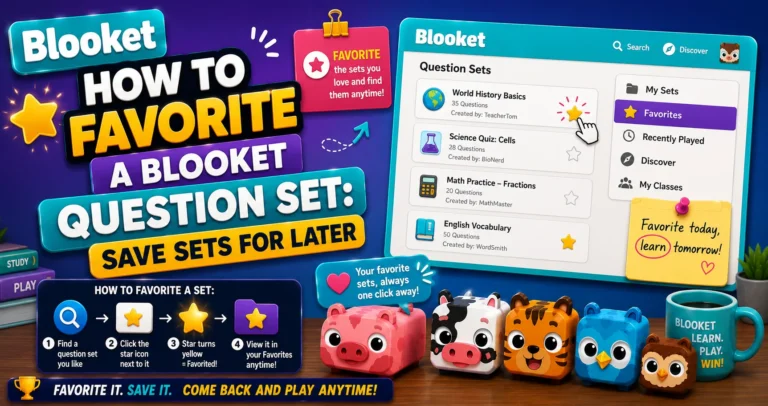
Save Question Set → How to Favorite a Blooket Question Set
Smart Searching Tips
→ Use more specific terms, not fewer. “Science” returns thousands of results; “photosynthesis light-dependent reactions” returns sets specifically about what you’re studying.
→ Add grade level to every search. The same topic (fractions, World War I, grammar) exists at multiple difficulty levels. Including your grade level filters out content that’s too easy or too advanced.
→ Search for your teacher’s specific words. If your teacher handed out a vocabulary list with specific terms, search those exact terms. Other teachers covering the same curriculum often use the same terminology.
→ Try multiple searches. Different educators title their sets differently. If “mitosis” doesn’t find what you need, try “cell division,” “biology chapter 9,” or the specific standards-based terms from your class syllabus.
→ Use Curriculum sets for test prep. For major standardized tests (state tests, AP exams, SAT), Blooket Curriculum often has verified sets that align directly with those exams. Browse by subject and grade rather than searching.
Play Solo Game → How to Play a Solo Game in Blooket
What to Do When No Good Set Exists?
Sometimes you search for something specific, a particular chapter, a niche topic, a very specific teacher’s rubric, and nothing in the library matches.
That’s the right moment to create your own. Building a question set from your specific study material is more effective than using a generic set anyway; you’re reviewing the exact content your teacher will test.
Source: verified from Blooket’s official documentation on finding question sets.
Where to Go Next
- Want to know more about the platform? See our full Blooket overview
- Curious about what your teacher sees? Visit the Blooket For Teachers
- Want the full student guides overview? See the Blooket For Students
Have another question? Please check the Frequently Asked Questions or Blooket Help Center.
Frequently Asked Questions
Do I need an account to search Discover?
You can browse Discover without logging in, but you’ll need an account to favorite sets, save them to folders, or earn tokens and XP from playing them.
What’s the difference between the general Discover library and Curriculum?
The general library is entirely user-generated, so quality varies. Curriculum sets are Blooket-verified for accuracy and grade appropriateness, making them a safer choice when you want trustworthy content without previewing every question.
Why does my search return too many irrelevant results?
Broad searches like “math” or “science” return thousands of sets. Add your specific topic, grade level, or standard (like “8th grade algebra linear equations”) to narrow results to what you actually need.
How many questions should I preview before deciding to use a set?
About 3 to 5 questions is usually enough to judge whether the difficulty, accuracy, and content style match what you’re looking for, without needing to read the entire set.
What should I do if I can’t find a set for my exact topic?
Create your own. A set built from your specific study material, like your teacher’s exact vocabulary list or rubric, is often more effective than a generic public set covering the general topic.
Are Curriculum sets better for standardized test prep?
Often, yes. Blooket Curriculum frequently includes verified sets aligned directly with major standardized tests like AP exams, SAT, or state assessments, making them worth browsing by subject and grade before doing a general search.
Can I use the same search terms my teacher used in class?
Yes, and it’s one of the most effective strategies. Other teachers covering the same material often title their sets using similar or identical terminology, so your teacher’s exact wording is a strong starting search term.