How to Report Inappropriate Sets in Blooket: Complete Guide for Students
Last verified: August 18, 2026
Quick Answer: To report an inappropriate Blooket question set, open the three-dot menu on the set, select Report, and enter a specific, detailed reason. Reporting takes about 30 seconds and helps Blooket’s moderation team keep the 20+ million set library accurate and appropriate for school use.
How to Report Inappropriate Sets in Blooket?
Blooket’s Discover library has over 20 million question sets created by users worldwide. The vast majority are appropriate, educational, and accurate, but occasionally you’ll encounter a set with wrong answers, offensive content, or information that doesn’t belong in a school setting. Reporting is how the community keeps the library clean.
Question Sets can be reported for containing inappropriate or inaccurate information. This detailed guide explains how to report inappropriate sets in Blooket and more.
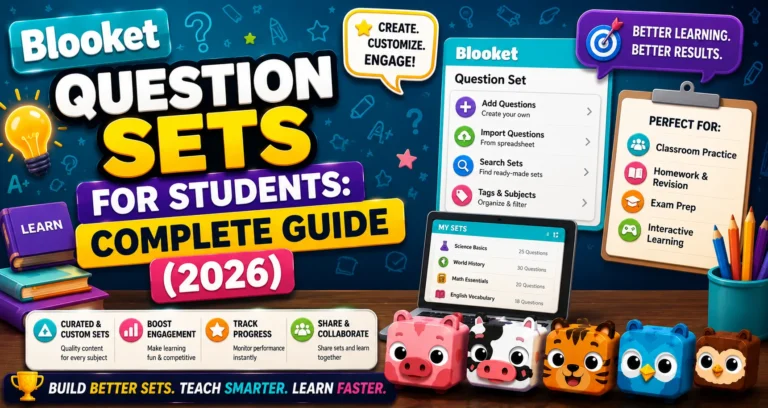
Complete Overview About → Blooket Question Sets Guide for Students
When Should You Report a Set?
Report a question set when it contains:
- Factually incorrect answers presented as correct: A science set that marks a wrong answer as right, for example.
- Inappropriate, offensive, or explicit content: Any questions, answer text, or images that are not school-appropriate.
- Harmful or dangerous content: Content that promotes harm, hate speech, or other material that violates Blooket’s community guidelines.
- Spam or misleading descriptions: A set titled “5th Grade Math” that actually contains unrelated adult content.
- Plagiarized or unlicensed material: Sets that reproduce copyrighted content without permission.
When NOT to report: If a set is just low quality (poor questions, easy difficulty, few questions), that’s not a reportable issue, just not a set worth using. Report only content that violates community standards or contains actual errors.
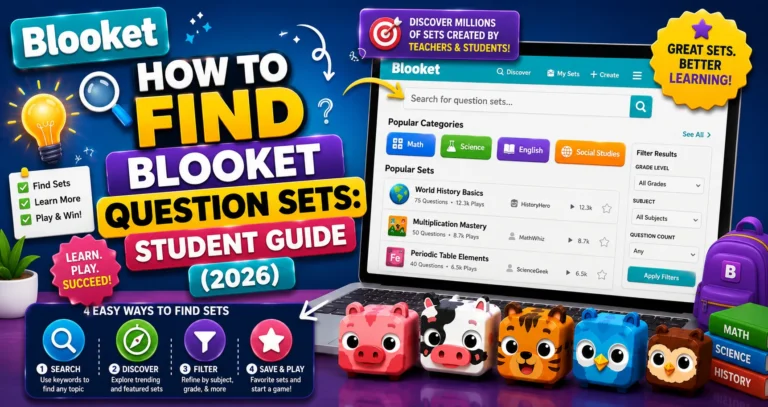
Find Better Sets → How to Find Blooket Question Sets
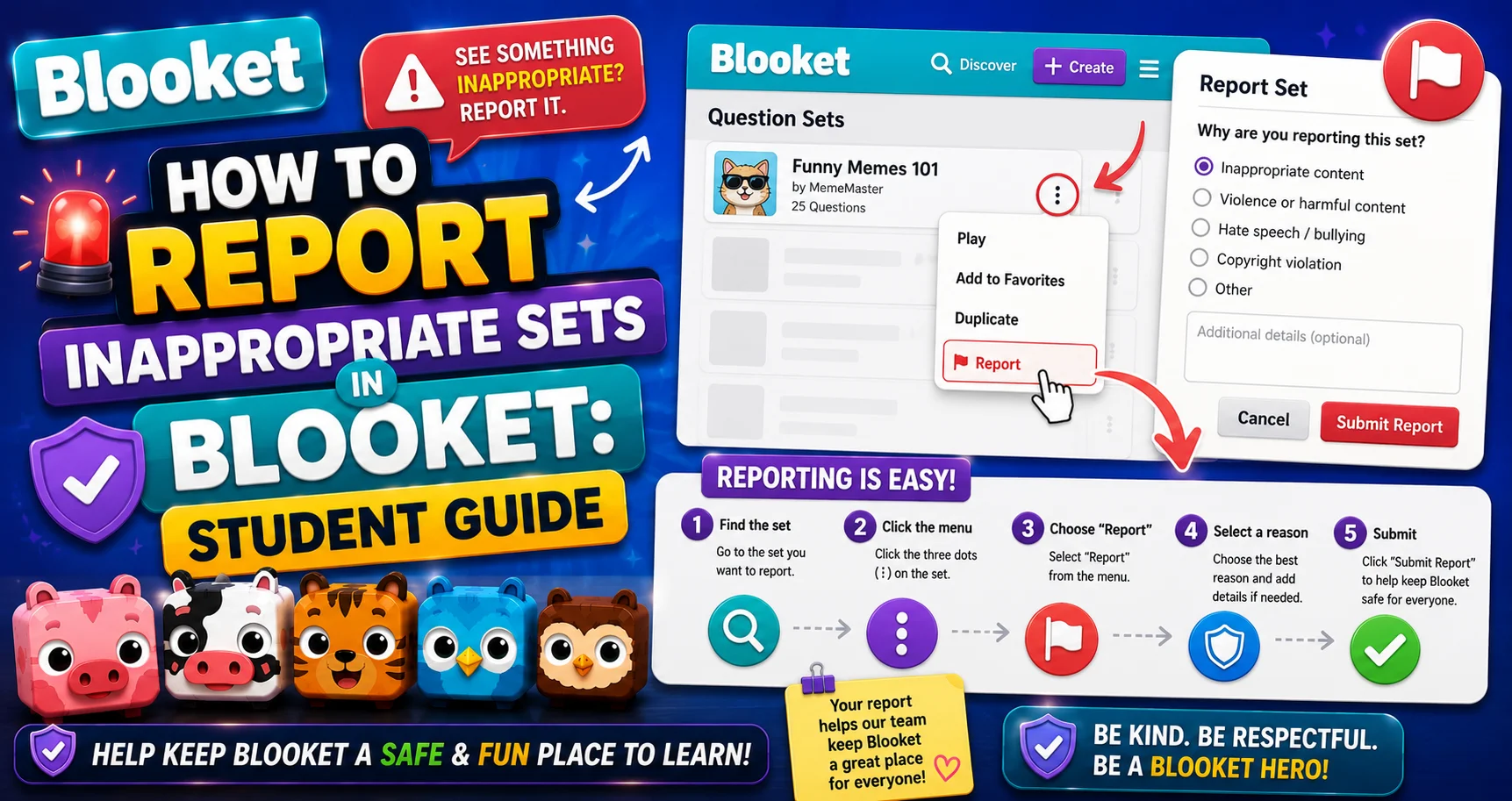
Step-by-Step: Reporting a Question Set
Reporting takes about 30 seconds.
→ Step 1: Find the Three-Dot Menu on the Set
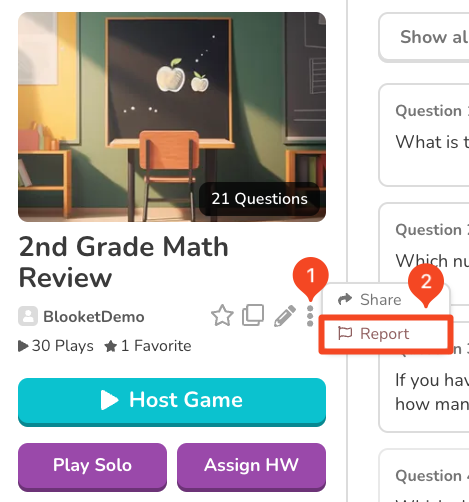
On the set you want to report, look for the (three-dot) menu. This appears:
- On the set’s preview page (in the upper or lower right area of the set card).
- When browsing Discover.
Click the three-dot menu to open the set’s action options, then select the “Report” option from the menu.
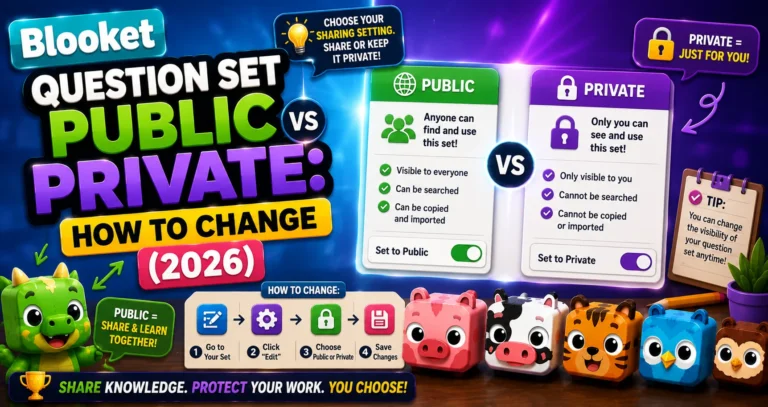
Step-by-Step Guide → How to Make a Question Set Public or Private
→ Step 2: Enter a Reason for the Report
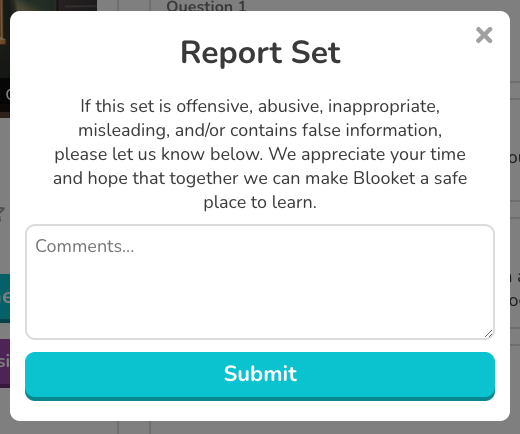
A report dialog opens. Enter a reason for the report.
How to write an effective reason for a report:
Please provide as much detail as necessary and click “Report.” Good report reasons include:
- The specific question or answer that is wrong: “Question 4 states that photosynthesis occurs in the mitochondria; this is incorrect. It occurs in the chloroplasts.”
- The type of content that’s inappropriate: “This set contains offensive language in questions 2 and 7.”
- What rule is being violated: “The set description says it covers 8th-grade history, but contains entirely unrelated explicit content.”
Vague reports (“this set is bad”) are harder for Blooket’s moderation team to act on quickly. Specific, detailed reports help them identify and remove the problem faster.
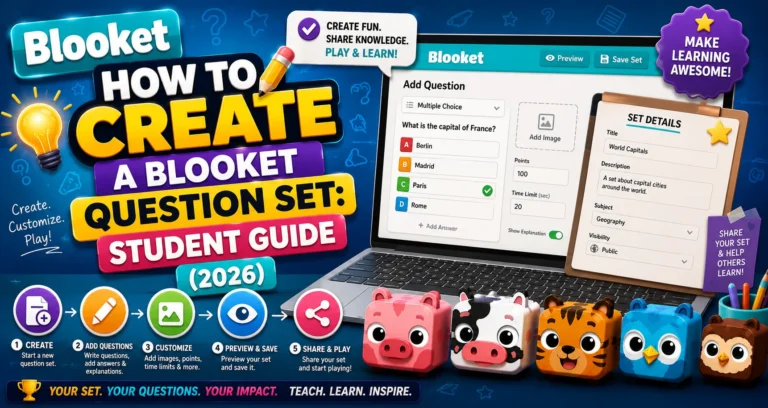
Create Your Own Set → How to Create a Blooket Question Set
What Happens After You Report?
Blooket’s moderation team reviews submitted reports. If the content violates community standards, the set is removed. If the report doesn’t meet the threshold for removal, no action is taken, but your report is still logged.
You can continue to use or avoid the set while waiting for moderation action. Reporting doesn’t block the set from your view, and the set creator isn’t notified that you specifically reported it.
Why Reporting Matters?
The Blooket library works on community trust. When a student studying for a biology exam encounters a public set with deliberately wrong answers and doesn’t report it, other students using that set may study incorrect information.
Reporting isn’t about punishing anyone. It’s about keeping the library reliable for the millions of students who use it to study.
Source: verified from Blooket’s official documentation on reporting inappropriate sets.
Where to Go Next
- Want to know more about the platform? See our complete Blooket overview
- Curious about what your teacher sees? Visit the Blooket For Teachers
- Want the full student guides overview? See the Blooket For Students
Have another question? Please check the Frequently Asked Questions or Blooket Help Center.
Frequently Asked Questions
Can I report a set I created myself?
There’s no reason to; you can edit or delete your own sets directly from My Sets.
Can I see the outcome of my report?
No. Blooket doesn’t notify reporters of the outcome of their specific report.
What if I think a set has wrong answers, but I’m not 100% sure?
Preview the set carefully and double-check the answers against your class notes or a reliable source before reporting. Only report factual errors you’re confident about, not answers you find confusing.
Can I report individual questions within a set, or only the whole set?
You report the set as a whole. In your reason, specify which question(s) contain the problem.
Does the set creator know I reported their set?
No. Reports are anonymous to the creator. They are not told who submitted a report against their set.
How long does it take for Blooket to review a report?
The exact timeline isn’t published, but Blooket’s moderation team reviews submitted reports and takes action on those that violate community standards. More specific and detailed reports tend to be actioned faster.
Should I stop using a set while my report is being reviewed?
That’s your choice. Reporting doesn’t automatically hide or block the set from your view, so you can continue using it, switch to another set, or wait for moderation action, whichever fits your situation.