
Blooket: A Guide for Teachers and Students
Last Verified: 04 November 2026 · Written by BlooketApp Editorial Team
“Blooket is a free classroom game platform. A teacher picks or builds a set of questions, chooses a game mode, and students answer them in the game. Official Blooket says its games are designed for students from early elementary to high school and beyond.”
Blooketapp.com is an independent guide. It is not Blooket and is not connected to the company. To play or host, use the official site at blooket.com, and for official support, use help.blooket.com. The guides explain the steps, include screenshots, and offer fixes for common problems; the Blooket Help Center groups them by topic.
Blooket At A Glance
| Fact | Detail |
|---|---|
| What it is | A classroom review game platform |
| Official site | blooket.com (games are played at play.blooket.com) |
| Join code | 7 digits, entered at play.blooket.com |
| Account needed | Only the teacher; students can join without one |
| Account age | 13 or older, or 16 or older outside the U.S. |
| Free live game size | Up to 60 players (Plus: up to 300) |
| Game modes | Over 25, some Plus only |
What is Blooket?
Blooket describes itself as “an exciting new take on the modern classroom review game.” Instead of a plain quiz, players answer questions in a game: depending on the mode, they build towers, take gold from other players, battle one-on-one, or serve customers in a café. Teachers use it to review a topic with a class, and players can also play Solo or set it as homework in some modes. Read more about Blooket games and modes.
After a game, players earn tokens and XP. Players use tokens to collect new Blooks, the characters they pick as their avatar in the lobby.
Who is Blooket for?
- Teachers use it to host live games, assign question sets as homework, and review reports after a game. Sets are managed from the Blooket dashboard.
- Students use it to join a teacher’s game with a code, play solo, or finish homework. Only the teacher needs an account: students can join a game without signing in. Students who do create an account can unlock new Blooks, track their stats, and play solo games. See how to play Blooket.
To create your own account, you must be 13 or older, or at least 16 if you live outside the U.S. During sign-up, you choose Student or Teacher, enter your birthdate, and can sign up with Google or an email address. Steps for creating an account, signing in, and fixing login problems are in the Blooket login guide.
How a Blooket Game Works
- Teacher: Sign up for a free account at blooket.com. Then find a question set in Discover or create your own. A question set is the list of questions a game uses.
- Teacher: Open the set, choose Host, pick a game mode, adjust the settings, and select Host Now. Full steps are in How to Host a Blooket Game.
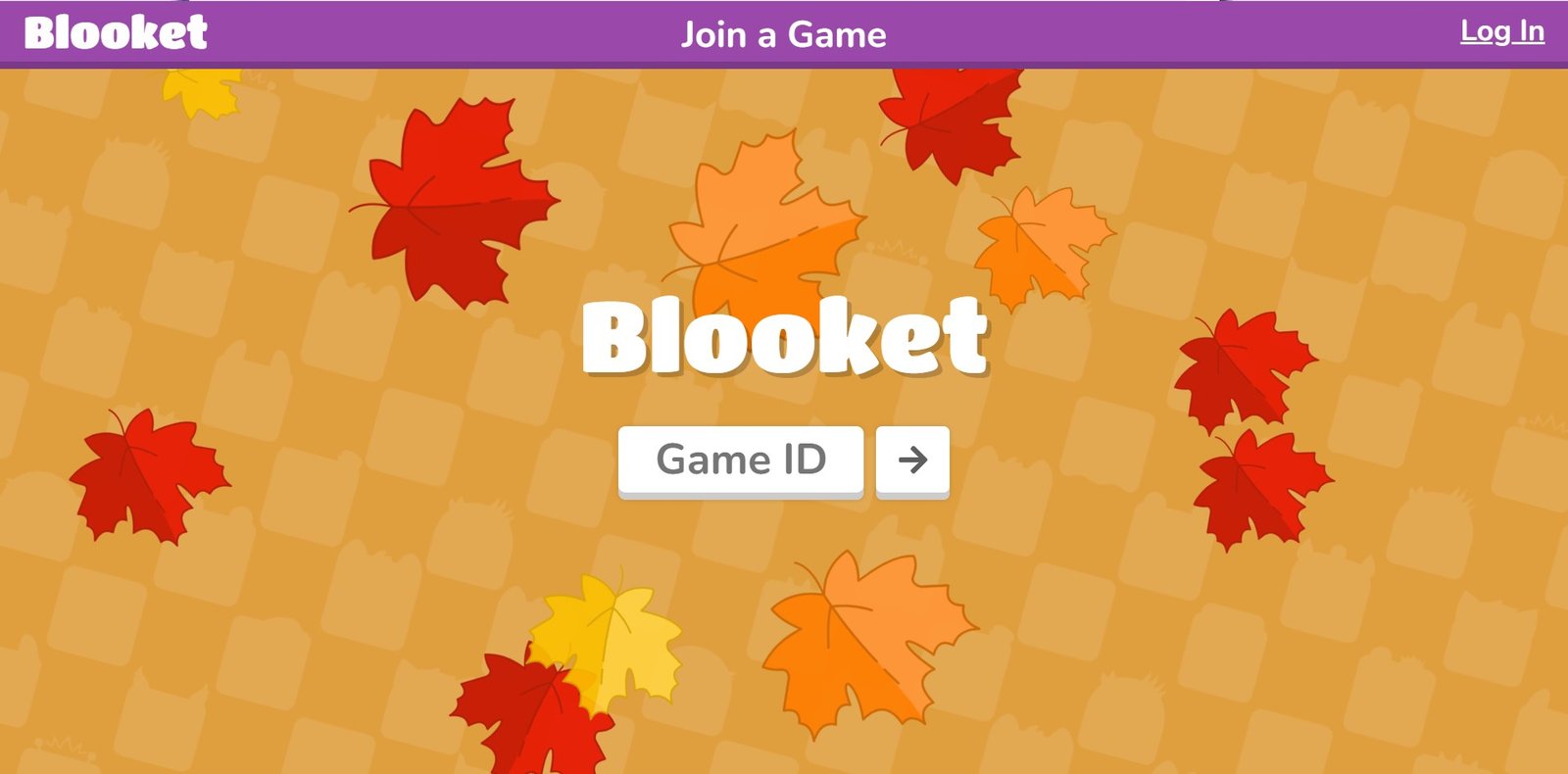
- Students: Join in one of three ways: enter the Blooket game code at play.blooket.com, scan the QR code with a device camera, or click the join link the host shares. The game code is 7 digits.
- Teacher: Once players have entered their names and chosen Blooks in the lobby, select Start. Players can join after the game has started only if the Host turned on Allow Late Joining before hosting.
- After the game: The teacher can look at reports. Plus adds more detailed reports.
If a code does not work, check that you typed all 7 digits at play.blooket.com and ask the Host whether the game is still open and whether Allow Late Joining is on. See how to join a Blooket game for more fixes.
Blooket Game Modes
Blooket lists over 25 game modes, including a few seasonal ones. Each can be played live (hosted for a class), solo, as homework, or in more than one of these ways. Here are six common ones, with the details taken from Blooket’s own Game Mode Previews and Game Overview pages.
| Mode | What happens | Where it is played |
|---|---|---|
| Classic | Answer questions quickly to earn points and climb the leaderboard | Live; team play available |
| Gold Quest | Answer questions to earn gold and take it from other players | Live |
| Tower Defense | Answer questions, build towers and design a defense against waves of Evil Blooks | Live, solo and homework |
| Café | Serve customers, restock by answering questions and buy upgrades | Live, solo and homework |
| Battle Royale | Players face each other one on one, or team against team. A lost battle costs one Energy, and the player or team with the most Energy left wins | Live; solo or teams |
| Crazy Kingdom | Answer questions, then accept or refuse guests' requests to keep four resources above zero | Solo and homework only |
Some modes, such as Busy Bees, Coco Cabana, Laser Tag, Mini Mine, and Star Grazer, are for Plus accounts only. See all Blooket game modes explained.
Is Blooket Free, and What Does Plus Add?
Blooket’s own Help Center says Blooket is completely free to use, and Blooket Plus adds extra features. Free accounts let you create unlimited question sets and host live games with up to 60 players, plus homework deadlines of up to 14 days.
Blooket Plus raises the limit to 300 players (except in Racing and team modes) and extends homework deadlines to 365 days. Blooket Plus also adds folders, enhanced reports, a Question Bank, audio questions, set merging, verified curriculum sets, extra game modes, and bonus tokens after each game.
Prices are on dashboard.blooket.com/upgrade and can change, so check there. The full comparison is in Blooket Free vs Plus, and every Plus topic, from features to group plans, is in the Blooket Plus guide.
| Feature | Free | Plus |
|---|---|---|
| Question sets | Create an unlimited number | Included |
| Live game players | Up to 60 | Up to 300, except in Racing and team modes |
| Homework deadline | Up to 14 days | Up to 365 days |
| Game modes | Starter game modes | Starter modes plus Plus-only modes |
| Folders for sets and favorites | Plus feature | Yes |
| Enhanced reports (question-by-question data and individual student breakdowns) | Plus feature | Yes |
| Question Bank (add questions from any set to your own) | Plus feature | Yes |
| Audio questions (record or upload audio) | Plus feature | Yes |
| Merge two of your sets | Plus feature | Yes |
| Verified curriculum sets made by experts | Plus feature | Yes |
| Copy any set to edit as your own | Plus feature | Yes |
| Bonus tokens | Plus feature | 10 extra tokens for students after each game |
Source: Blooket’s Blooket Plus Features and Is Blooket Free? Help articles, checked 04 November 2026. Blooket can change these limits, so confirm on the official pages.
Start Here:
- I am a teacher: begin with how to host a Blooket game, then see the teacher help section.
- I am a student: begin with how to join a Blooket game, then see the student help section.
- Something is not working: use the Blooket troubleshooting guide.
Guides by Topic
| Topic | One line | Link |
|---|---|---|
| Join a game | Join with a code, QR code or link, and what to do when it fails | Blooket join |
| Host a game | Choose a set and mode, adjust settings and start the game | Blooket host |
| Game codes | What a game code is and how to share one | Blooket code |
| Log in | Sign in as a teacher or student and fix login problems | Blooket login |
| Dashboard | Where sets, games, reports and settings live | Blooket dashboard |
| Games and modes | What a Blooket game is, what each mode does and where it can be played | Blooket game |
| Play and solo | Playing as a student, solo play and homework | Blooket play |
| Question sets | Find, create, organize and share sets | Question sets guide |
| Blooks | Collect, earn tokens and customize | Blooks |
| Account settings | Email, password, username, account type and deleting an account | Account settings guide |
| Blooket Plus | Features, upgrade, cancel, group plans | Blooket Plus guide |
| Fix a problem | Blocked at school, loading problems, missing images | Troubleshooting guide |
| Compare tools | How Blooket compares with Kahoot, Gimkit and others | Blooket alternatives |
| Help Center | Every guide, grouped by topic | Help Center |
| For teachers | A path from first game to reports | For teachers |
| For students | Joining, solo play and homework | For students |
| FAQ | Short answers to common questions | Frequently asked questions |
Frequently Asked Questions
A free classroom game platform where a teacher picks a question set and a game mode, and students answer questions inside the game. The official site is blooket.com.
Yes. Blooket's Help Center says Blooket is completely free to use, and Blooket Plus adds extra features.
No. Only the teacher needs an account. Students can create one to unlock new Blooks, track their stats, and play solo games.
They can go to play.blooket.com and enter the 7-digit game code, scan the QR code, or click the host's join link.
You must be 13 or older, or at least 16 if you live outside the U.S.
No. BlooketApp.com is an independent guide with no affiliation to Blooket. Official help is at help.blooket.com.
Disclaimer
Written and checked by the BlooketApp Editorial Team. Every guide is compared with Blooket’s official Help Center before it is published, and each page shows the date it was last verified. Read how we work on the editorial policy page.
BlooketApp.com is an independent website and is not owned by, operated by, or affiliated with Blooket. Blooket is an official trademark of its owner. For the official game, go to blooket.com. Corrections: Contact us.