Blooket Blooks Page Overview: Everything On the My Blooks Screen
Last verified: August 14, 2026
Quick Answer: The Blooket Blooks page shows your Blook Score, a gem rarity preview, Total Blooks count, and Collection Value, and lets you browse your collection by Pack view or Grid view. Access it from Blooks in the left sidebar (teachers) or main navigation bar (students).
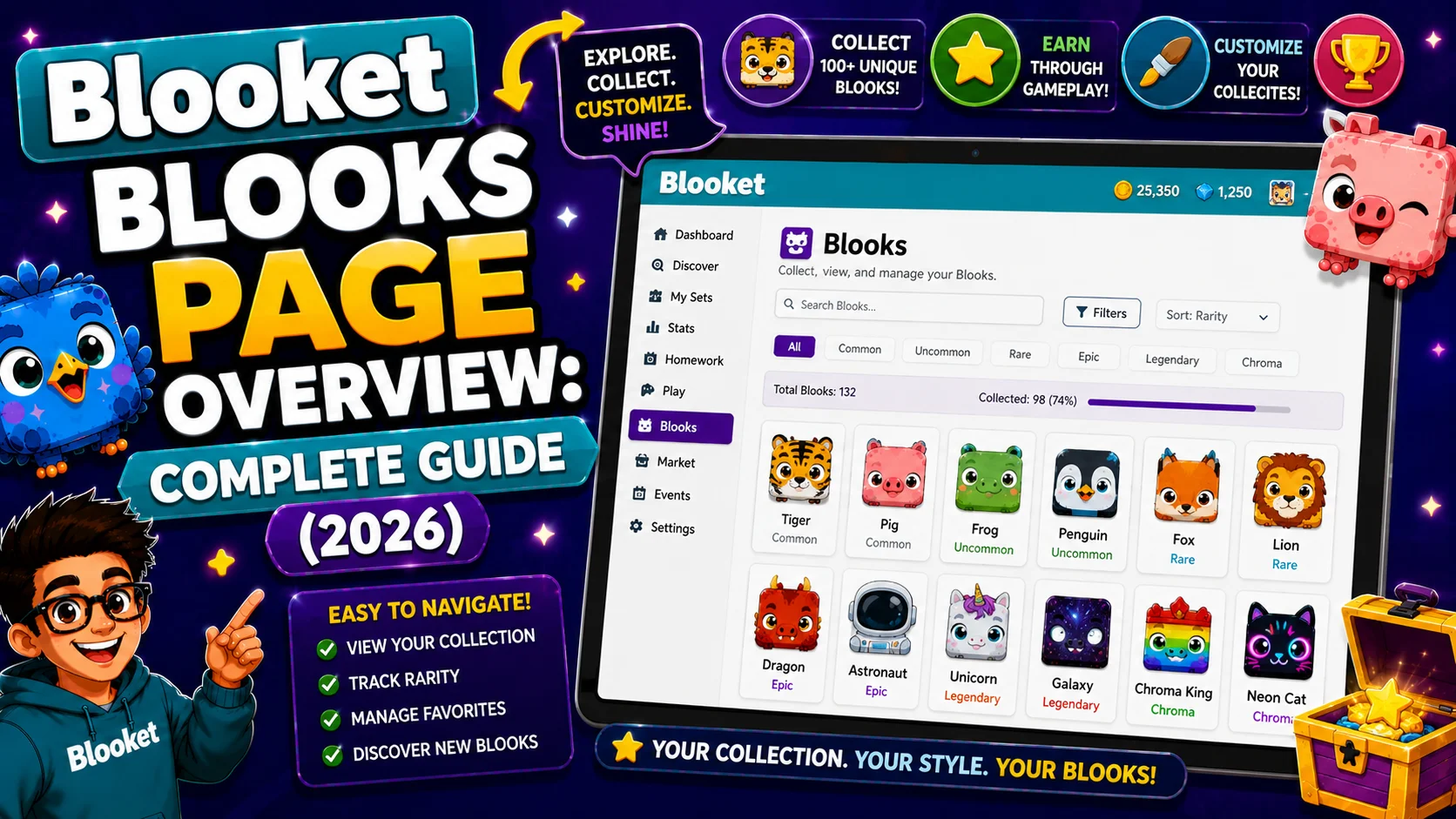
The Blooket Blooks page is your complete collection hub, the place where you view every Blook you own, track your Blook Score, manage duplicates, and browse your collection by pack or grid. The Blooks page has been updated to offer enhanced features, streamlined Blook management, and the introduction of the Blook Score. This guide explains every element on the Blooks screen so you understand exactly what each number, section, and button does.
Source: verified from Blooket’s official Blooks Page Overview documentation.
Accessing the Blooket Blooks Page
From your Blooket dashboard, click Blooks in the left navigation sidebar (teachers) or main navigation bar (students). Both paths lead to the same My Blooks screen.
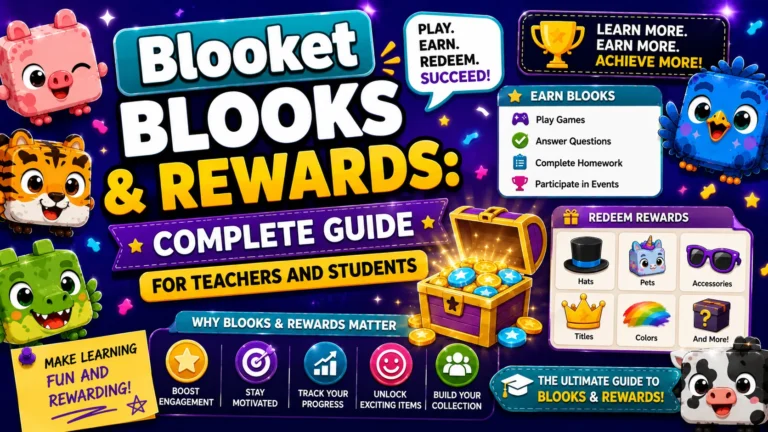
Complete Guide About → Blooket Blooks & Rewards
Blook Score
Your Blook Score reflects the diversity and rarity of your Blook collection. A higher score indicates a more varied and rarer variety of Blooks. Duplicate Blooks don’t count toward your Blook Score.
Two Rules Govern Your Blook Score
- Duplicates add nothing. If you own twelve copies of the same Uncommon Blook, your Blook Score reflects exactly one copy. The other eleven are worth zero to your score, so selling them and reinvesting is a reasonable strategy.
- Same rarity does not mean same value. Blooks of the same rarity can have different values. So if you have two Chromas with different values, the more valuable Chroma results in a higher overall Blook Score. Within any rarity tier, some individual Blooks contribute more to your score than others.
Banner Levels Unlocked by Blook Score
Unique banner styles and levels (Bronze, Silver, Gold, Platinum, and Diamond) display as your Blook Score increases or decreases.
→ There are 5 badge ranks: Bronze, Silver, Gold, Platinum, and Diamond. Each rank has 3 tiers (Tier 1, Tier 2, and Tier 3), creating 15 distinct ranking milestones. Banner levels display on your Stats page and are visible to other players who view your profile.
Important: Your banner level can decrease if you sell Blooks that lower your Blook Score. Selling a high-value Chroma to fund more packs may drop you from Gold Tier 3 back to Gold Tier 2, a direct trade-off between currency income and status.
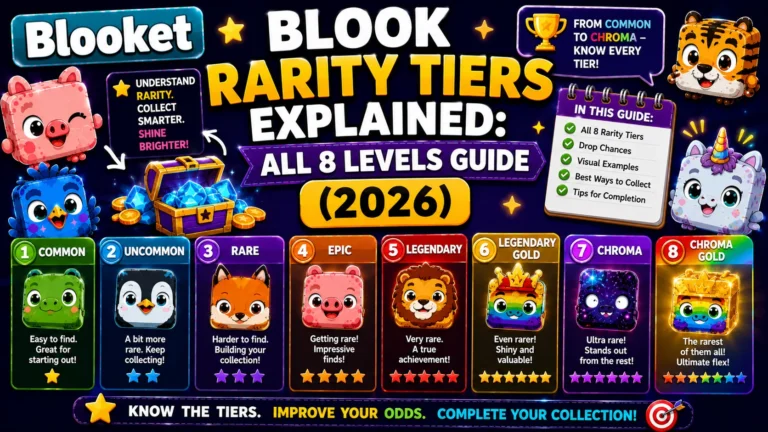
Detailed Guide About → Blooket Blook Rarity Tiers
Gem Rarity Preview
At the top of the Blooks page, a row of colored gems shows your collection’s rarity distribution. Each gem represents a rarity and provides a quick preview of how many Blooks of each rarity level are in your collection.
→ The 8 gems correspond to the 8 rarity tiers: Common, Uncommon, Rare, Epic, Legendary, Chroma, Unique, and Mystical. The visual highlights or fills in based on your collection depth at each tier, making it a quick way to see where your collection is strong and where the gaps are.
Total Blooks and Collection Value
→ Total Blooks: The total number of Blooks you own, including all duplicates. A player who has opened many packs but focused on the same few may have a high Total Blooks count but a lower Blook Score, a sign to diversify.
→ Collection Value: The cumulative value of your Blooks. This figure represents what your entire collection would be worth in tokens if every Blook were sold, useful for calculating overall collection depth at a glance.
View Options: Packs and Grid
Two viewing modes let you browse your collection differently:
- Pack view: Your Blooks are grouped under their source pack names, such as Medieval Pack or Space Pack. This makes it easy to see which packs you’ve drawn from extensively and which ones still have Blooks you haven’t pulled yet.
- Grid view: All owned Blooks appear in a single unified grid regardless of their source. Useful for finding a specific Blook quickly by appearance, or for getting a complete overview of your full unique collection.
→ Hide/Show Free Blooks
The Hide/Show Free Blooks toggle removes or displays your 49 Common Blooks. Since Commons are free defaults available to every player, hiding them lets you browse your actually-earned collection without the noise. Toggle this off to see only the Blooks you’ve worked to acquire.
→ Hidden Blooks Section
Chromas, Uniques, and Mysticals are hidden in the Blook collection if you don’t have them. The Hidden Blooks section shows high-rarity tiers. If you don’t own any, the slots appear locked, showing visible outlines of what exists but remaining inaccessible until obtained. For most players, seeing the Mystical slots locked serves as a visual reminder of what the very top of the collection looks like.
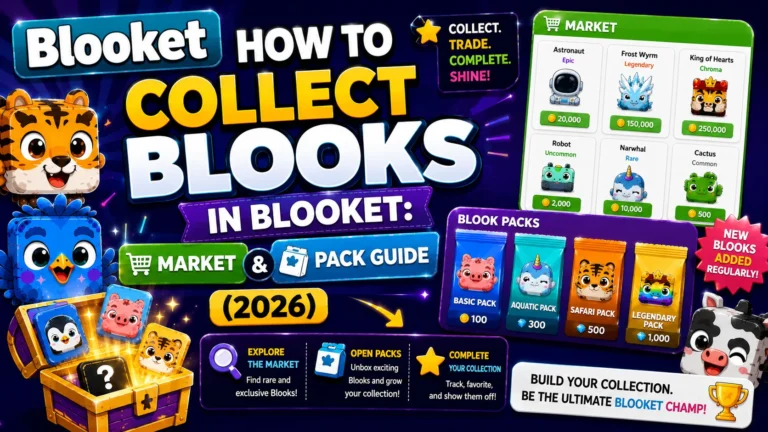
Complete Market Guide → How to Collect Blooks in Blooket
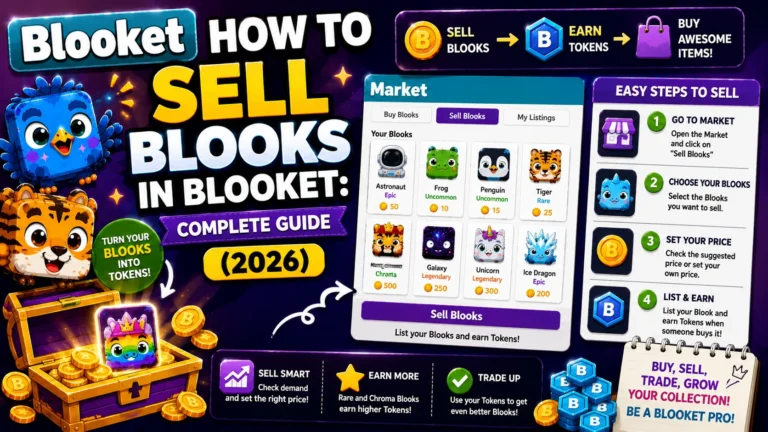
The Sell Interface from the Blooks Page
Clicking any Blook you own opens a sell modal showing:
- Sell Price: The tokens you will receive for selling the Blook or Blooks.
- Blook Score: A calculated score based on rarity.
The modal also displays the Blook’s name and source pack. Sell options include:
- Sell: Sells the selected quantity
- One Left: Retains one copy and sells all duplicates; the safest bulk-sell option
- Custom Quantity: Enter a specific number to sell
- Reset Values: Clears quantity inputs back to default
⚠️Warning: A confirmation prompt appears before selling your last copy, requiring you to type the Blook’s full name before proceeding. Sold Blooks cannot be recovered regardless of circumstances.
Step-by-step Selling Guide → How to Sell Blooks in Blooket
Where to Go Next
- Want to know more about the platform? See our Blooket guide
- Want the full teacher toolkit overview? Visit the For Teachers hub
- Introducing this to students directly? See the For Students hub
Have a different question? Please check Frequently Asked Questions or our Blooket Help Center.
Frequently Asked Questions
Do duplicate Blooks help my Blook Score?
No. Duplicates count as zero toward your Blook Score regardless of how many copies you own. Owning twelve copies of the same Uncommon contributes the same as owning one.
Can my banner level go down?
Yes. Selling Blooks that lower your overall Blook Score can drop your banner level, even if you were previously at a higher tier like Gold Tier 3.
What is the difference between Total Blooks and Blook Score?
Total Blooks counts every Blook you own, including duplicates. Blook Score only reflects unique Blooks weighted by rarity and value, so a high Total Blooks count does not guarantee a high Blook Score.
What is the difference between Pack view and Grid view?
Pack view groups your Blooks by the source pack they came from, useful for seeing which packs you’ve drawn from most. Grid view shows every owned Blook in one unified list regardless of source, useful for finding a specific Blook quickly.
Why would I hide my free Blooks?
Hiding the 49 free Common Blooks lets you browse only the Blooks you’ve actually earned through gameplay, without the default Commons cluttering the view.
What do locked slots in the Hidden Blooks section mean?
They show the outline of a Chroma, Unique, or Mystical Blook you don’t currently own. The slot remains visible but inaccessible until you obtain that specific Blook.
Can I undo a Blook sale from this page?
No. Once a sale is confirmed, including typing the Blook’s full name for a last-copy sale, it cannot be reversed under any circumstances.