How to Collect Blooks in Blooket: Market Packs, Weekly Shop & Seasonal Events
Last verified: August 15, 2026
Quick Answer: Collect Blooks by opening Market packs with tokens (13 permanent packs, 20 to 25 tokens each) or seasonal packs during limited event windows (6 packs, some with a guaranteed Chroma). Access the Market from your dashboard, review drop rates before buying, and open packs in batches for the clearest picture of real odds.
How to Collect Blooks in Blooket:
With the updated Market, collecting Blooks is faster, easier, and more flexible than ever. This guide explains every part of how to collect Blooks in Blooket: accessing the Market, choosing which pack to open, reviewing drop rates before spending tokens, opening packs efficiently, and timing seasonal pack windows for maximum collection value.
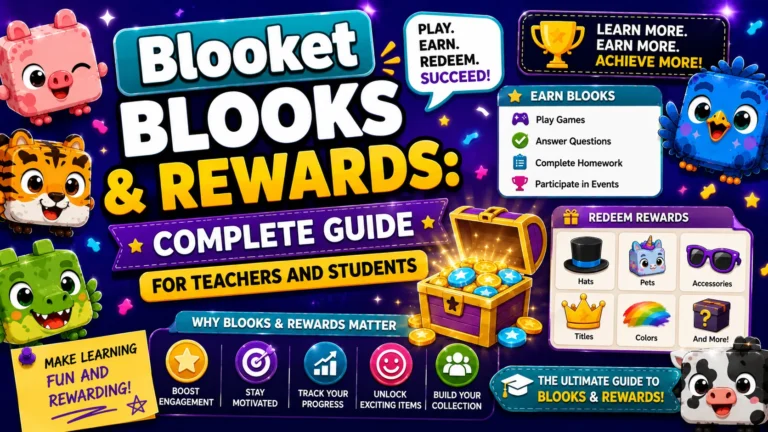
Complete Guide Regarding → Blooket Blooks & Rewards
Accessing the Market
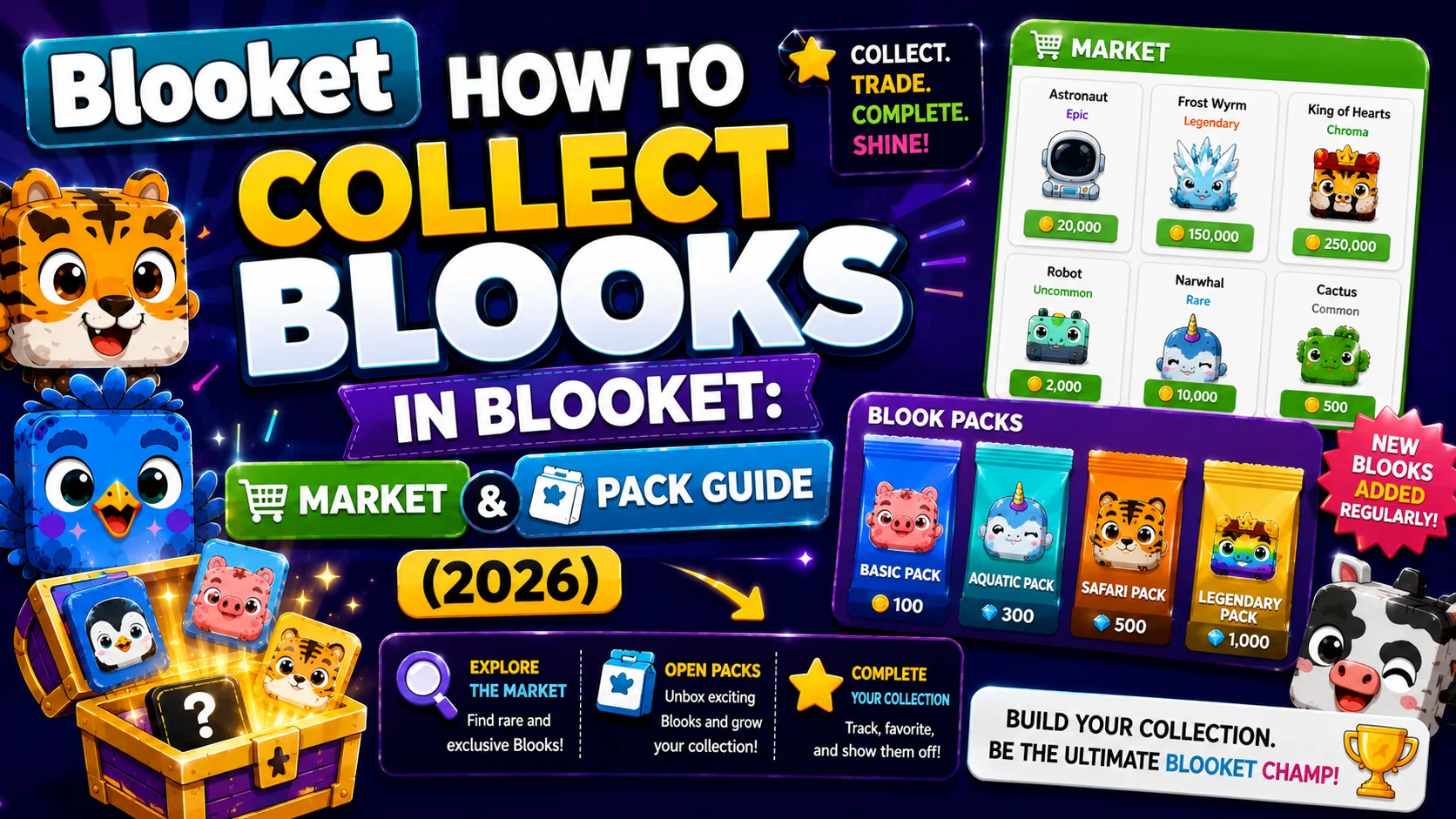
Navigate to Market from your Blooket dashboard (the sidebar for teachers and the main navigation for students). The Market has two main areas: Blook Packs at the top (open packs to collect Blooks) and the Weekly Shop at the bottom (purchase items like banners, titles, and limited-time content). During special events, you may also see seasonal Blooks available.
The 13 Permanent Year-Round Packs
These packs are always available in the Market regardless of season or date. Permanent pack costs range from 20 to 25 tokens each.
Note on exact per-pack pricing: Independent Blooket resources do not fully agree on which specific packs cost 20 versus 25 tokens, and pricing has changed for some packs (Wonderland, for example) over Blooket’s history. Rather than state a specific price for every pack with false confidence, verify the exact current cost for any pack directly in your Market before spending tokens.
| Pack Name | Notable Feature |
| Space Pack | Has held consistent pricing since Season 1, the longest of any pack |
| Bot Pack | Lil Bot is among the highest drop-rate Uncommons in the game |
| Dino Pack | Popular starter pack |
| Bug Pack | Standard permanent pack |
| Lunch Pack | The only pack where all Blooks are faceless, including a Legendary and Chroma |
| Outback Pack | Standard permanent pack |
| Pirate Pack | Standard permanent pack |
| Ice Monster Pack | Standard permanent pack |
| Safari Pack | Standard permanent pack |
| Aquatic Pack | The only permanent pack with 2 Legendaries |
| Medieval Pack | Standard permanent pack |
| Wonderland Pack | Has changed price multiple times over Blooket’s history |
| Breakfast Pack | The only permanent pack with zero Legendaries |
Two packs worth special attention:
- The Aquatic Pack is the only standard pack with two Legendaries, roughly double the Legendary probability compared to most other packs.
- The Breakfast Pack is the only standard pack with no Legendaries at all. If pulling Legendaries is your goal, avoid this pack.
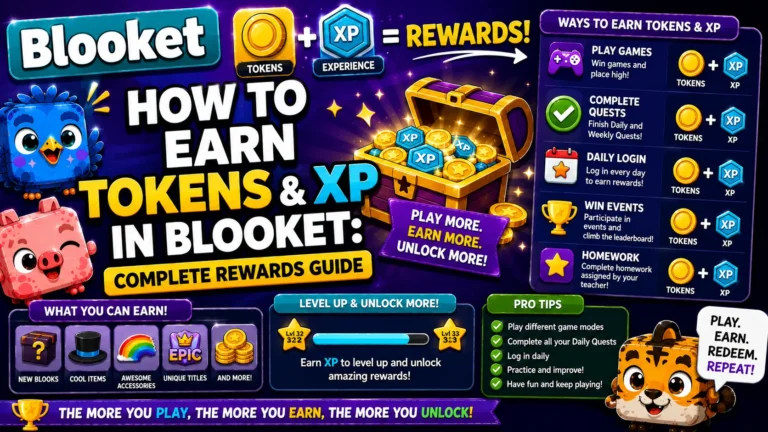
Learn More About → How to Earn Tokens in Blooket
The 6 Seasonal Packs
Seasonal packs appear only during specific event windows. They are the most valuable packs in the game because seasonal packs like Lovely, Lucky, and Spring offer a guaranteed Chroma during their limited availability window.
| Seasonal Pack | Active Window | Drop Rate Advantage |
| Lovely Pack | Around February 14 (Valentine’s) | 100% Chroma rate |
| Lucky Pack | Around March 17 (St. Patrick’s) | 100% Chroma rate |
| Spring Pack | Around Easter | 100% Chroma rate |
| Autumn Pack | Fall season | Higher rarity rate |
| Spooky Pack | October (Halloween) | Higher rarity rate |
| Blizzard Pack | Winter/Holiday | Higher rarity rate |
A 100% Chroma rate means every single pack opened during Lovely, Lucky, or Spring seasons guarantees an animated Chroma Blook, a tier with a standard drop rate of 0.02 to 0.05% in permanent packs. It is an extraordinary opportunity. When these packs are live, allocate every available token to them before the window closes.
Caveat: Seasonal pack windows can shift slightly year to year. Always verify current availability directly in your Market before spending tokens; the window confirmation takes 10 seconds and could save significant tokens.
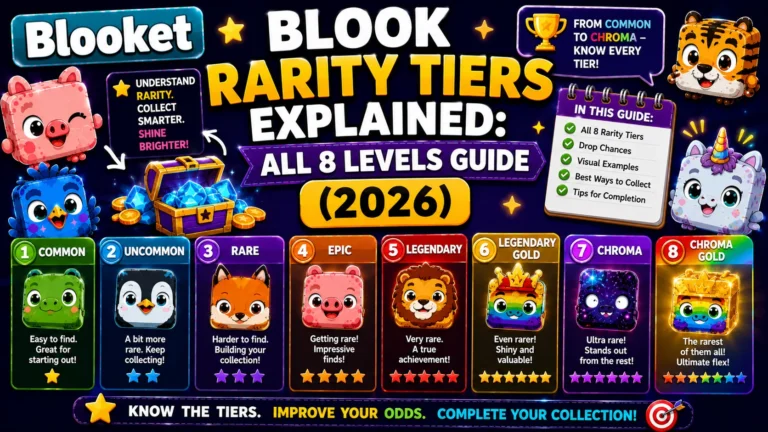
All Details About → Blook Rarity Tiers Guide
How to Open Packs: Step-by-Step
- Step 1: Click any pack in the Market to open its detail screen.
- Step 2: Click Show Drop Rates to see all available Blooks and their rarity. Always review drop rates before committing tokens; this is the single most important habit in smart pack selection.
- Step 3: Choose how many packs you want to open: type a number, use the plus/minus buttons, or use the quick-select options. Watch the total cost update in real time and click the Buy button when you’re ready.
- Step 4: After purchasing, click anywhere to reveal each Blook one at a time. If you bought multiple packs, continue clicking to move through them. Track your progress in the bottom-left corner.
- Step 5: Note that longer animations usually mean you’ve unlocked a rarer Blook. If the opening animation is unusually slow or elaborate, pay attention; you may have pulled an Epic, Legendary, or Chroma.
- Step 6: After opening all packs, click Collect to add everything to your Blook collection. Your Blook Score updates immediately.
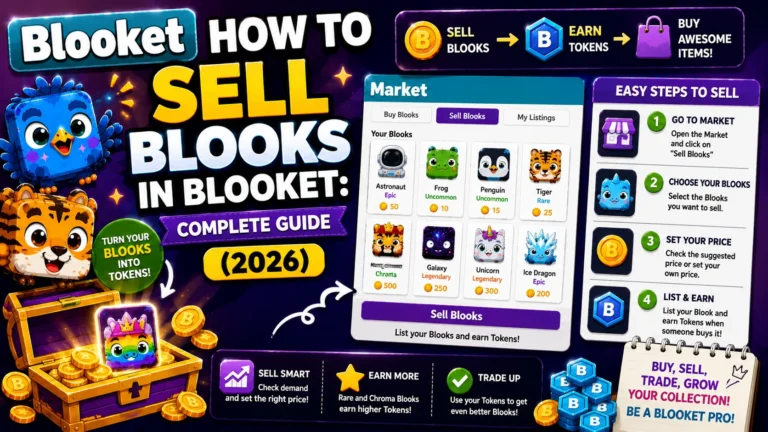
Step-by-Step Guide → How to Sell Blooks in Blooket
Batch Opening vs. Single Opens
Mathematically, opening one pack at a time versus 20 packs in a batch produces identical odds per pack. But batch opening has two practical advantages:
- Psychological calibration: Seeing 20 results at once gives a more accurate picture of real drop rates. Opening a single pack and getting an Uncommon feels disappointing; opening 20 packs and seeing the natural distribution (mostly Uncommons, a Rare or two, occasionally an Epic) matches statistical expectation and feels like honest progress.
- Time efficiency: Save tokens until you can open 8 to 10 packs in one session. Single-pack opens are slower overall and don’t give a sense of collection momentum.
Source: verified from Blooket’s official How to Collect Blooks documentation
The Weekly Shop
Scroll down to the Weekly Shop to find rotating items, including banners, titles, and Blook parts. During special events, a seasonal shop will be available with limited-time items and seasonal Blooks. All items are purchased using tokens earned through gameplay; no real money is required.
Weekly Shop items rotate on a weekly cycle without advance notice. If you see a banner or title you want, buy it immediately, since there is no guarantee it will return next week. Custom Blook cosmetic parts are also occasionally available in the shop, providing an alternative to Class Pass grinding for specific parts you want immediately.
After Collecting
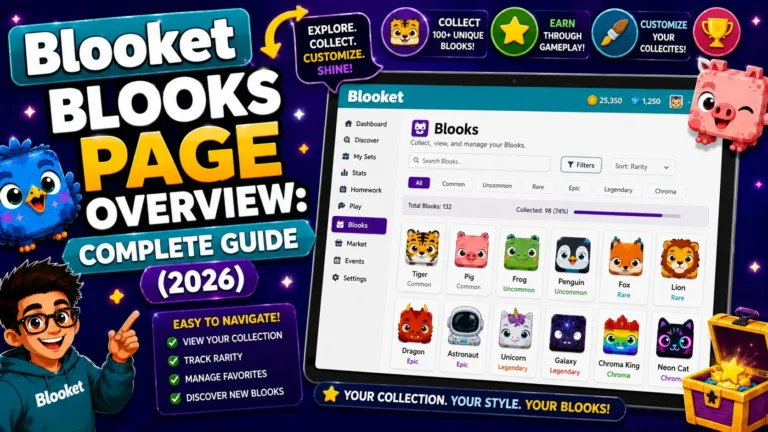
After collecting, visit the Blooks page to view your collection and Blook Score. Go to the Stats page to equip new banners or titles. You can use your collected and custom Blooks in games too.
Overview Guide About → Blooket Blooks Page
Where to Go Next
- Want to know more about the platform? See our Blooket guide
- Want the full teacher toolkit overview? Visit the For Teachers hub
- Introducing this to students directly? See the For Students hub
Have a different question? Please check Frequently Asked Questions or our Blooket Help Center.
Frequently Asked Questions
How much do Market packs cost?
Permanent packs cost between 20 and 25 tokens each, though the exact price can vary by pack and has changed for some packs over time. Check the specific cost directly in your Market before purchasing.
Which permanent pack has the best odds for a Legendary?
The Aquatic Pack is the only permanent pack with two Legendaries, giving it roughly double the Legendary probability of most other packs. The Breakfast Pack has none at all.
What does a 100% Chroma rate mean during seasonal packs?
Every single pack opened during that window guarantees an animated Chroma Blook, compared to a standard 0.02 to 0.05% Chroma drop rate in permanent packs. It applies to the Lovely, Lucky, and Spring seasonal packs specifically.
Should I open packs one at a time or in a batch?
The odds per pack are mathematically identical either way, but batch opening (8 to 10 packs at once) gives a more accurate sense of real drop rates and feels more efficient than single, spaced-out opens.
Do Weekly Shop items come back if I miss them?
Not guaranteed. Weekly Shop items rotate without advance notice, so if you see a banner, title, or cosmetic part you want, buy it right away.
Does a longer pack-opening animation mean anything?
Yes, informally. Longer or more elaborate opening animations tend to correlate with rarer pulls like Epics, Legendaries, or Chromas.
Do seasonal pack windows always fall on the same date each year?
Not necessarily. Seasonal windows can shift slightly year to year, so confirm current availability directly in your Market before committing tokens to a seasonal chase.