How to Delete Your Blooket Account: What You Need to Know First
⚠️ Before you read the steps: Deleting your Blooket account is a permanent, irreversible action. All your data — question sets, game history, Blooks, tokens, and subscription details — will be deleted in accordance with Blooket’s Terms of Use and Privacy Policy. There is no recovery option after confirmation.
How to Delete a Blooket Account?
If you’re certain you want to proceed, this guide explains the complete steps for how to delete Blooket account. If you’re on the fence, the sections below also cover what you’ll lose and what alternatives exist before taking this step.
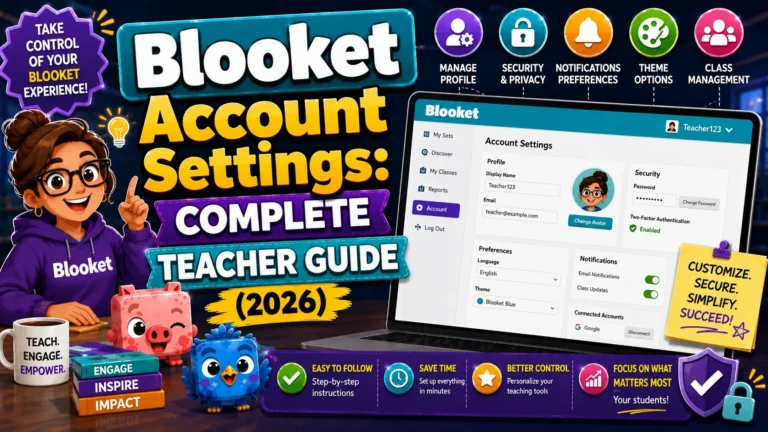
Complete Explanation → Blooket Account Settings
What You Permanently Lose When You Delete Your Account?
Blooket’s official documentation is direct: “Deleting your account is a permanent action. You will lose access to all your Blooket data, which will be deleted in accordance with our Terms of Use and Privacy Policy.”
This includes:
| Data Category | Deleted on Account Removal |
| Question sets (all created and saved) | Yes — permanently |
| Game history and reports | Yes — permanently |
| Blooks and token balance | Yes — permanently |
| XP and level progression | Yes — permanently |
| Homework assignments (active and closed) | Yes — permanently |
| Blooket Plus subscription record | Yes — cancels and removes |
| Account email, username, profile data | Yes — permanently |
No data can be transferred to another account before deletion. You cannot export your question sets as a file, nor can you merge your account history into another account. Once deleted, everything listed above is gone.
Before You Delete:
The Pre-Deletion Checklist for Teachers
If you’ve built a meaningful question set library or have reports you want to reference later, take these steps before deleting:
→ Export your best question sets manually. Open each question set you want to preserve, use the Print Worksheet feature to generate a PDF of all questions, and save it. It creates a printable archive of your content, even though it can’t be automatically re-imported into a new Blooket account.
→ Screenshot or note your game history summary. If you have valuable historical data in your reports — class averages, question accuracy trends — screenshot or write down the key numbers. Reports are not exportable without Blooket Plus, and they are deleted when you delete a Blooket Plus subscription.
→ Cancel Blooket Plus before deleting (if applicable). If you have an active Plus subscription, cancel it from Settings before deleting your account. Deleting the account while Plus is active may complicate billing — the account deletion removes your ability to manage the subscription through normal channels. Cancel the subscription first, confirm cancellation, then proceed to account deletion.
Step-by-Step Guide → How to Create a Blooket Account
→ Share your public question sets with colleagues first. If you have Public question sets that colleagues use, let them know before you delete. They should copy any sets they want to keep before your deletion removes the originals.
→ Confirm you’re deleting the right account. If you have both a teacher and a student account, make sure you’re logged in to the account you intend to delete before proceeding.
Step-by-Step: How to Delete Your Blooket Account
Once you’ve completed the pre-deletion checklist and you’re certain you want to proceed:
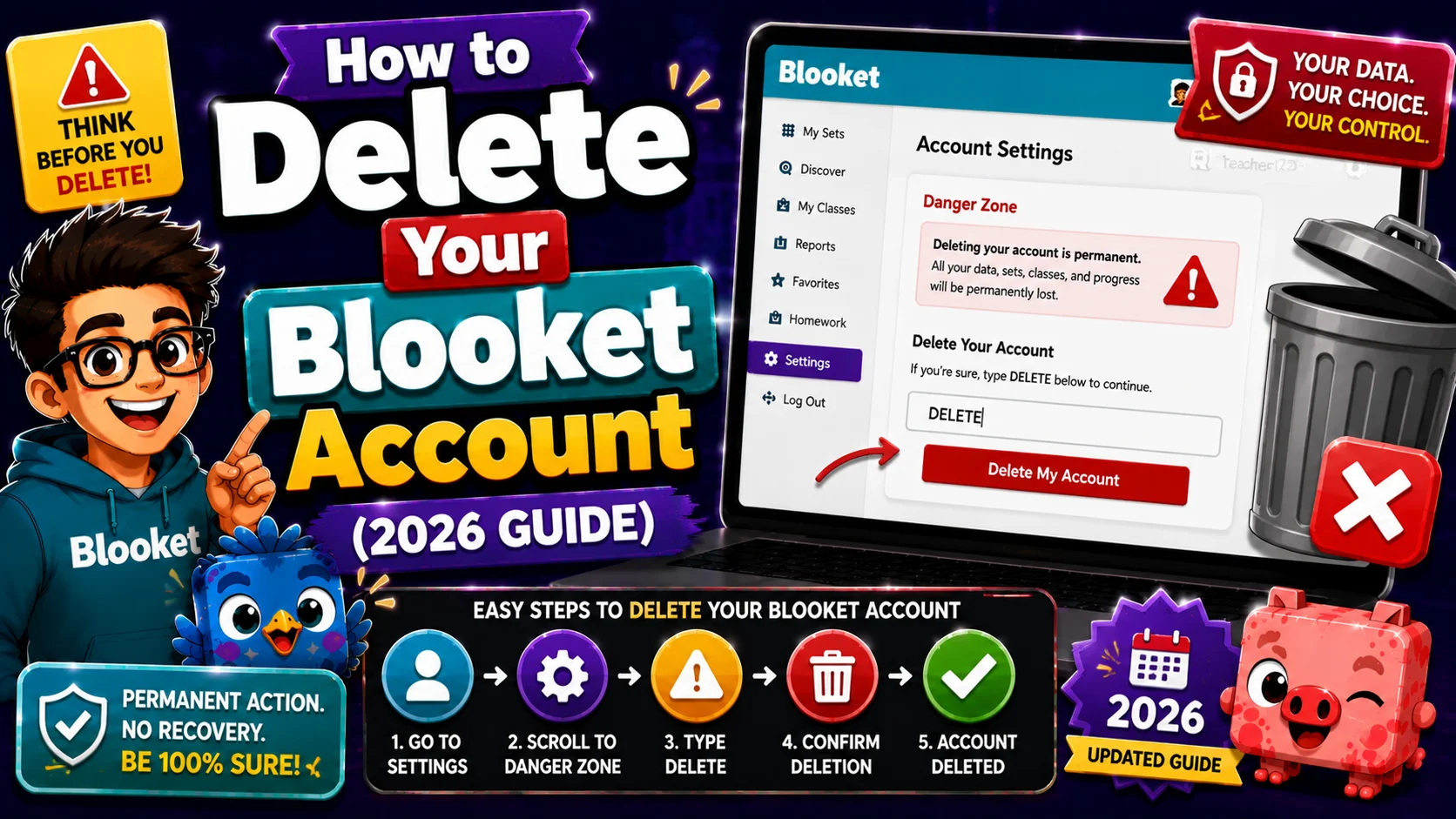
- Step 1: Log in to the Blooket account you want to delete at blooket.com
- Step 2: Click your profile icon in the top-right corner and select Settings.
- Step 3: On the Settings page, scroll to find the account deletion option (this may be labeled “Delete Account,” “Permanently Delete Account,” or appear in a “Danger Zone” section at the bottom of the page).
- Step 4: Click the Delete Account option.
- Step 5: Blooket will present a confirmation step — typically requiring you to acknowledge the permanent nature of the action, and possibly to type a confirmation phrase or your password to verify intent.
- Step 6: Complete the confirmation and submit. Your account deletion is initiated.
- Step 7: You may receive a final confirmation email at your registered address. If prompted, click the confirmation link to complete the deletion.
Update Email → How to Change Your Blooket Email Address
Alternatives to Full Account Deletion
Before deleting, consider whether one of these alternatives achieves your actual goal:
→ You just want to stop using Blooket: You don’t need to delete the account. Simply stop logging in. Blooket does not charge for inactive free accounts, and your data stays preserved in case you return.
→ You want a clean slate while keeping the account: Delete individual question sets manually from My Sets, and clear your game history from the History tab using bulk deletion. It removes specific content without deleting the account.
→ You’re leaving your school but want to keep Blooket: Don’t delete — update your email address to a personal address first. It keeps your full account history under a login you’ll still control after your school email deactivates.
→ You have a subscription concern: If you’re deleting to resolve a billing issue, cancel the Plus subscription first in Settings. You can cancel Plus without deleting your account.
After Deletion: What Happens to Shared Content
When your account is deleted:
- Your public question sets disappear from the Discover page. Other teachers who favorited your sets will find those favorites broken.
- Any shared set links you distributed stop working. Students or colleagues with bookmarked links to your sets will see a “set not found” error.
- Games you hosted in the past cannot be re-accessed. Students cannot retrieve scores or reports from those sessions.
If colleagues depend on your sets, notify them before deletion so they can copy what they need. Copies made before deletion are fully independent — they survive your account’s removal.
Full Guide About → Blooket Plus Cancellation
FAQs
Can I recover my account after it’s been deleted?
No. Blooket’s official position is that account deletion is permanent. There is no recovery pathway after the deletion is confirmed.
How long does deletion take?
Account deletion is typically processed immediately or within a short period. Some data may remain in backup systems for a limited time per Blooket’s Privacy Policy, but active account access is removed immediately.
I deleted my account by mistake — what do I do?
Contact Blooket support immediately at contact-us@blooket.com. Explain what happened and how recently it occurred. While Blooket’s policy states that deletions are permanent, contacting support promptly gives the best chance of receiving any available recovery assistance.
Can a student delete their own account?
Yes. The account deletion process is the same for both Teacher and Student accounts. The same permanent-action warnings apply.