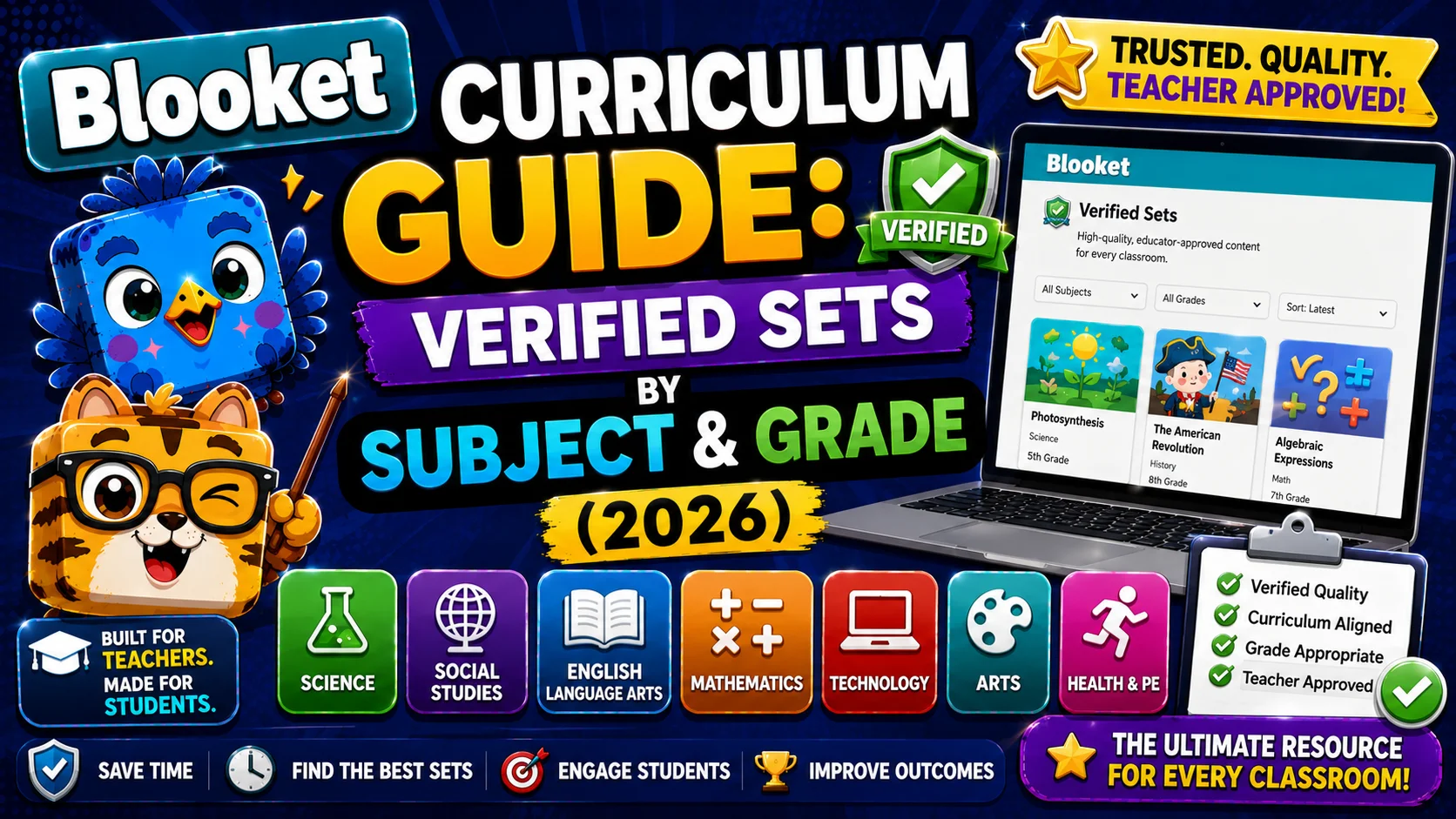
Blooket Curriculum Guide: How to Find and Use Verified Sets by Grade
Last verified: August 8, 2026
Quick Answer: The Blooket Curriculum section (inside Discover) houses Blooket-verified question sets organized by subject, grade (K–12), and unit. Log in, click Discover, select Curriculum, pick a subject and grade, then Host, Assign as Homework, or Play Solo directly from any set’s preview page.
Blooket Curriculum Guide
One of the fastest ways to get started with Blooket is the Curriculum section — a library of Blooket-verified, curriculum-aligned question sets organized by subject and grade. Instead of searching through millions of user-created sets and hoping the quality is good, the Curriculum section gives you expert-reviewed content aligned to real curriculum standards, sorted in a format that highlights how teachers actually plan: by subject, grade level, and unit.
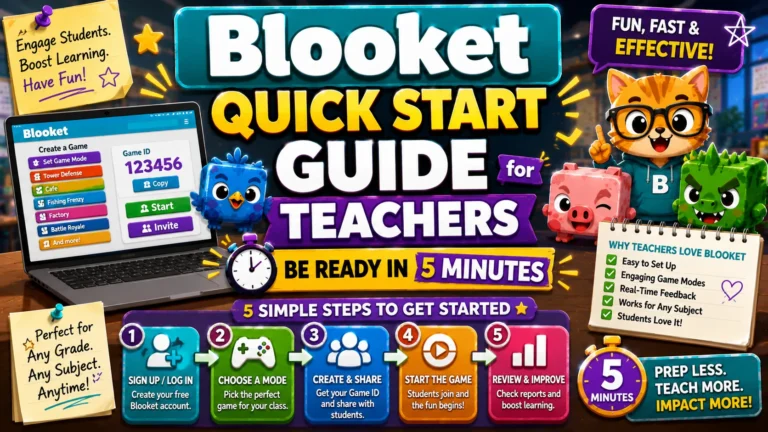
This guide explains everything you need to know to access the Curriculum, navigate it efficiently, and get students into a game using verified content. New to Blooket entirely? Start with our Quick Start Guide for Teachers for the complete walkthrough.
What is the Blooket Curriculum Section?
The Blooket Curriculum is a dedicated area inside the Discover page that houses Blooket-verified question sets — content that has been reviewed and approved for accuracy and grade appropriateness. Unlike the general Discover section, where anyone can upload a set, Curriculum sets meet a quality standard before they’re published.
These sets are organized by:
- Subject (Math, Science, English Language Arts, Social Studies, World Languages, and more)
- Grade level (K–12)
- Units — collections of related sets grouped by topic within a subject/grade combination
This structure allows you to find content for a specific skill in a few clicks, rather than filtering through search results.
Source: verified from Blooket’s official Curriculum Quickstart Guide.
Who Should Use the Curriculum Section?
The Curriculum section is especially useful if you are:
- New to Blooket and want reliable content right away
- Teaching a subject where accuracy really matters (math facts, vocabulary definitions, historical dates)
- Looking for sets that align with a specific grade level or standard
- A Blooket Plus subscriber who wants access to verified Plus-exclusive sets
Even experienced Blooket users often start with a Curriculum set and then customize it for their specific class.
How to Access the Blooket Curriculum?
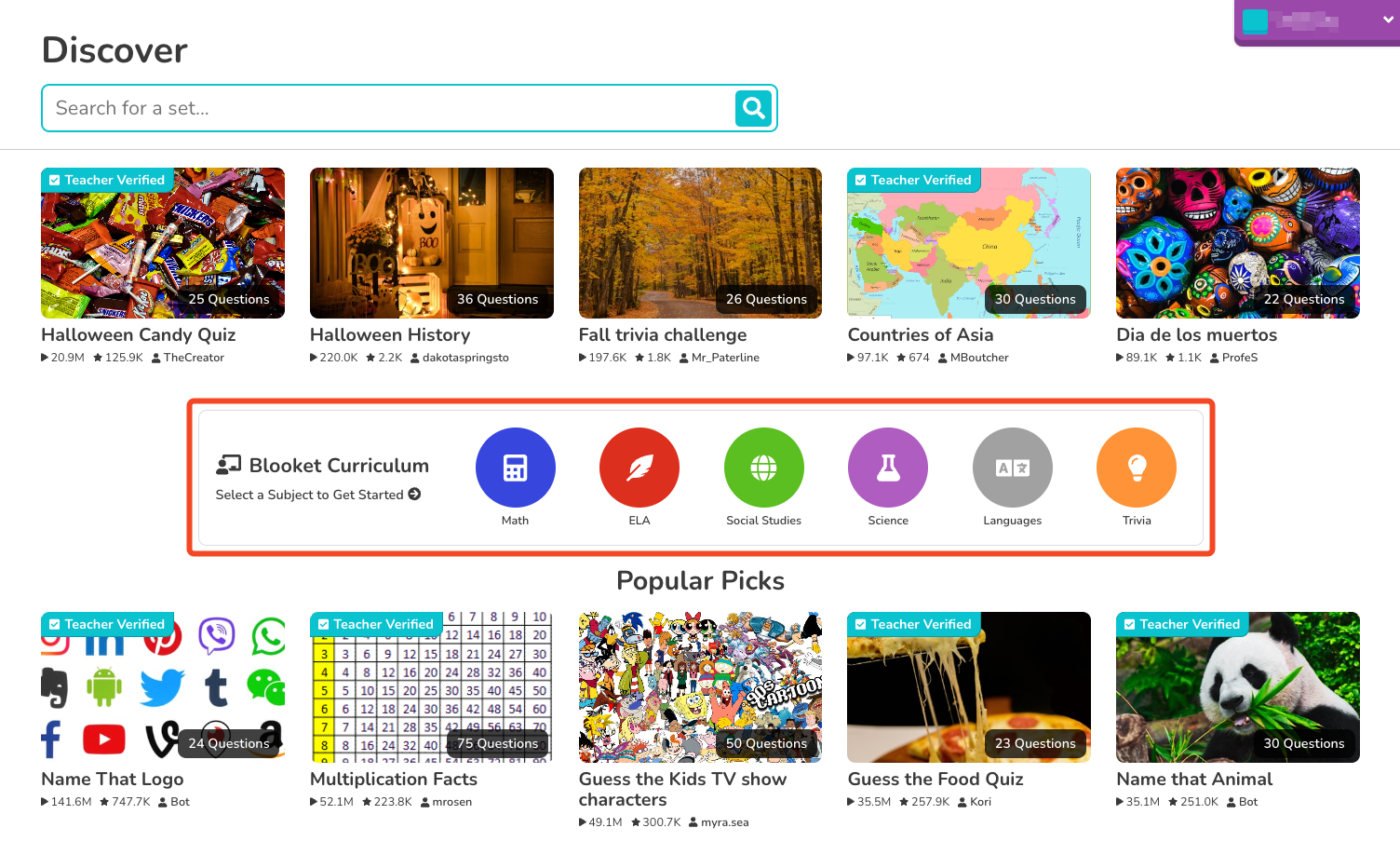
Follow these steps:
- Log in to your teacher account at blooket.com.
- On your Blooket dashboard, click the Discover tab in the left navigation.
- On the Discover page, look for the Curriculum section. It appears as a dedicated tab or section at the top of the page.
- Click Curriculum to open the browser.
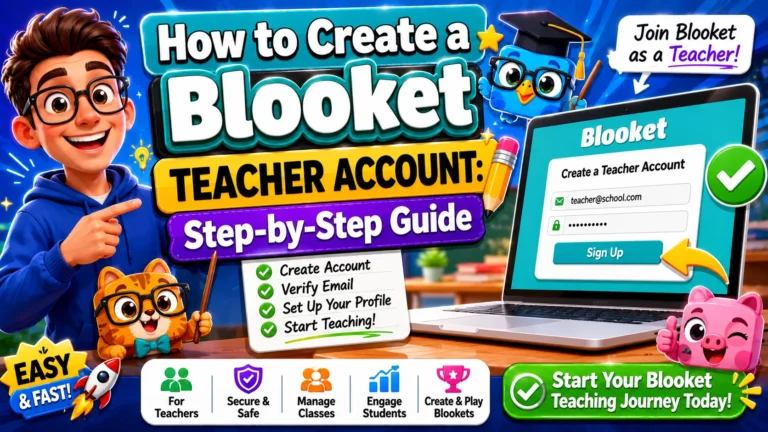
Setting up your Account for the first time? See How to Create a Blooket Teacher Account
How to Navigate the Curriculum?
Once inside the Curriculum section, you’ll see a tabbed interface organized by subject. Here’s how to navigate it efficiently:
Select a Subject

Click on any subject tab to open its curriculum browser. Available subjects typically include Math, ELA, Science, Social Studies, and World Languages, with additional subjects added over time.
Note: Once you’re inside a subject, you can switch to another subject by selecting a different tab at the top.
Choose a Grade Level
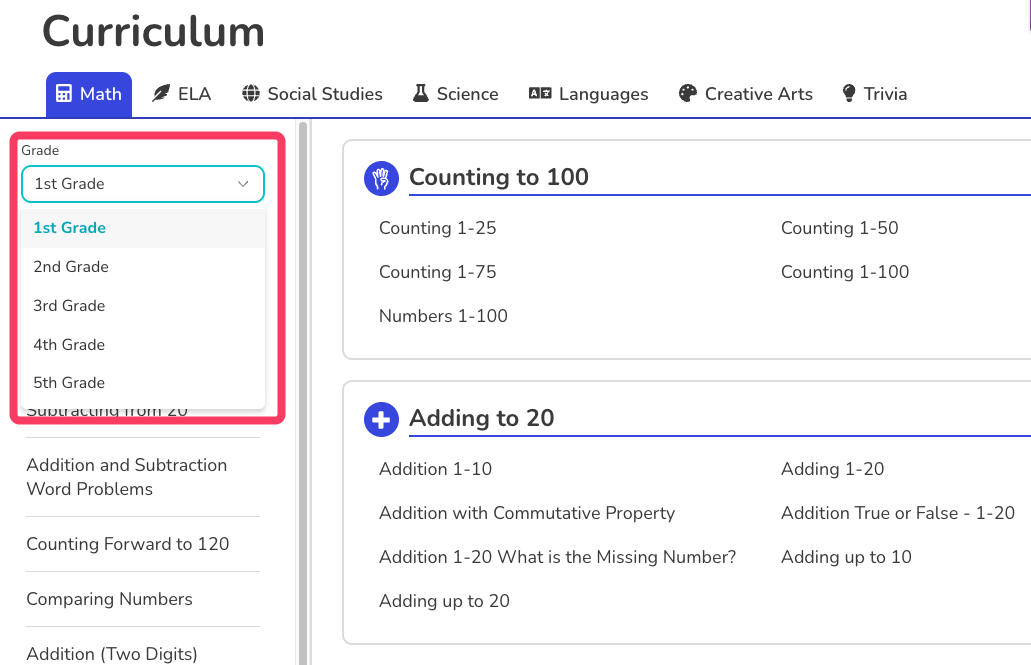
By default, the Curriculum displays sets for 1st grade. To see content for your grade, click the grade dropdown (usually near the top of the page) and select the appropriate grade level. The sets and units will update to match your selection.
Preview a Set
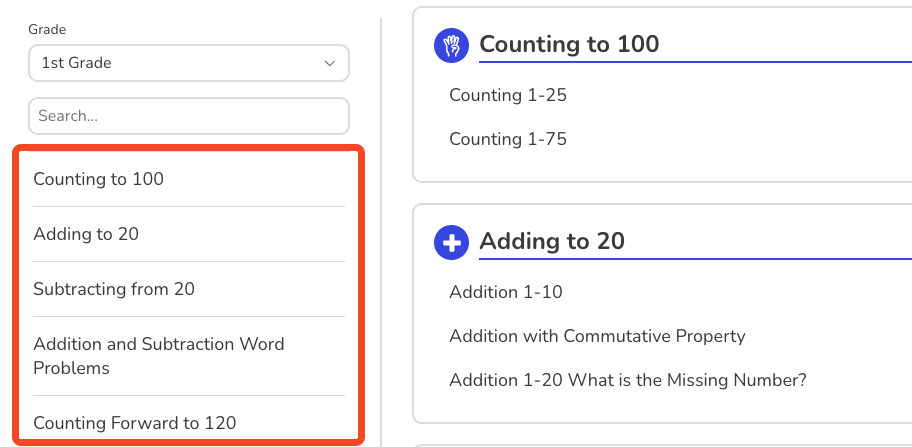
Click on any set title within a unit to open its preview page.
On the preview page, you can:
- See all questions and answer options before using the set
- Check the number of questions
- See whether the set is free or requires Blooket Plus
If the set looks right for your class, you’re ready to use it.
Browse Units
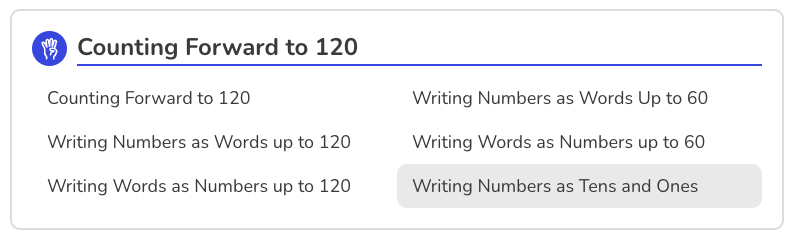
Within each subject/grade combination, content is organized into units — collections of question sets grouped by topic. For example, a 4th-grade Math curriculum might have separate units for Fractions, Multiplication, Geometry, and Measurement.
The units are displayed in the left-side navigation. Click a unit to expand it and see the individual question sets it contains.
Tracking Progress with Mastery Mode
Curriculum sets played in Solo mode come with an extra feature regular Discover sets don’t have: Mastery Mode.
As you or your students answer questions correctly in a Curriculum set, a Mastery percentage builds up and is saved automatically when you end the game (using the checkered-flag “end game” option). So you can pick up exactly where you left off later instead of starting over.
A few things worth knowing:
- Mastery progress only saves for Curriculum sets, not regular Discover sets.
- It only tracks in Solo mode — not in Homework mode.
- This makes Curriculum sets especially useful for self-paced, ongoing review rather than one-off practice.
Source: verified from Blooket’s official “Understanding Mastery Mode in Blooket Curriculum”
How to Use a Curriculum Set with Your Class?
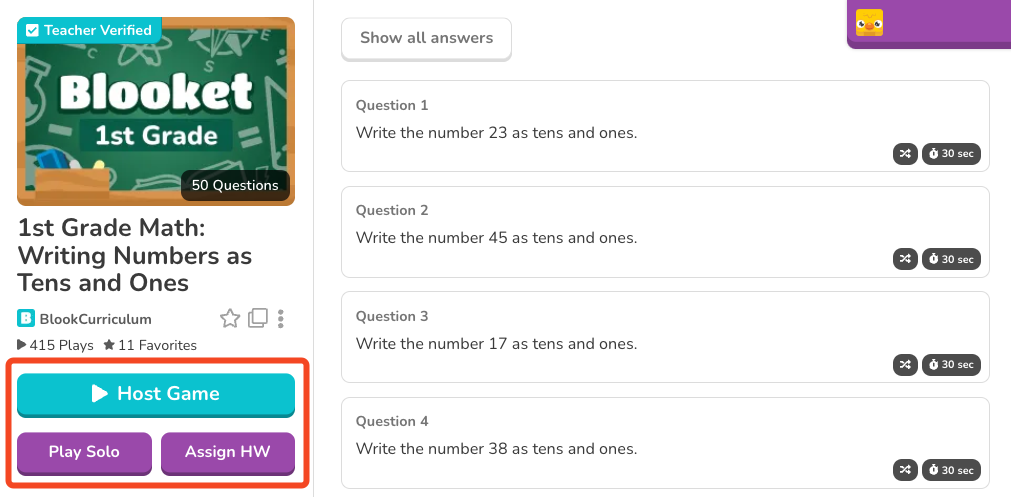
From any set’s preview page, you have three options:
Option 1: Host a Live Game
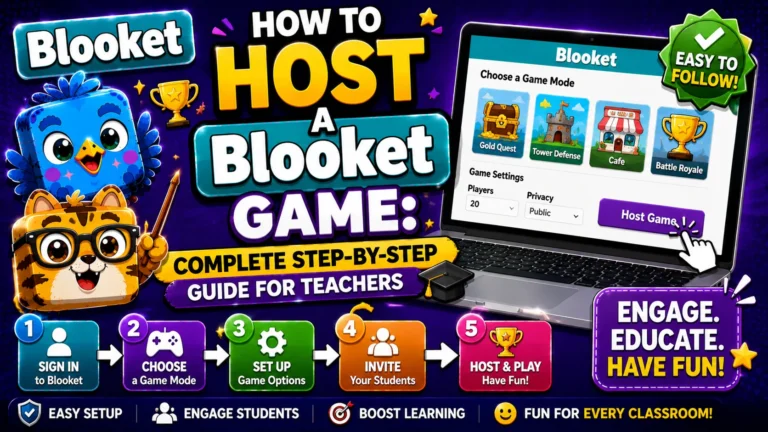
Click Host to launch a live game with the set. You’ll select a game mode, adjust settings, and get a Game ID to share with students. It’s the best option for a whole-class review during a lesson.
Full instructions → How to Host a Blooket Game
Option 2: Assign as Homework
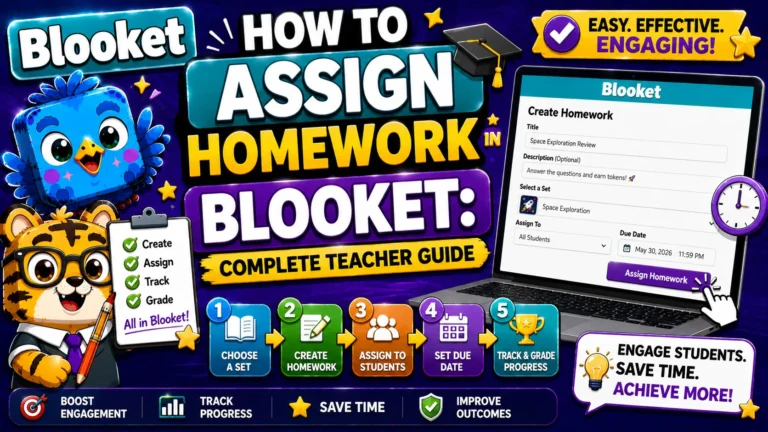
Click Assign HW to create an asynchronous homework assignment. Students complete it independently before a deadline you set. This works well for pre-class preview, post-lesson practice, or test prep.
Note: Mastery Mode tracking (above) does not apply to Homework — only Solo play.
Full instructions → How to Assign Homework in Blooket
Option 3: Play a Solo Game
Click Play Solo (or Solo on your dashboard) to play the set in a single-player format, with Mastery Mode tracking your progress automatically. It’s useful for your own preview of how the set feels before using it with students, or for students to practice individually.
Curriculum Sets and Blooket Plus
Some sets in the Curriculum section are marked as Blooket Plus sets, and they are available exclusively to Plus subscribers. These are typically more advanced verified sets developed by curriculum specialists.
- Free (Starter) account users still have access to an important library of free Curriculum sets across all subjects and grades.
- The Plus-exclusive sets are labeled clearly, so you know before trying to use them.
If you find that many of the sets you want are Plus-only, it can be worth exploring the Blooket Plus upgrade, especially for the enhanced reports and audio question features in addition to the expanded Curriculum access. See our Free vs. Plus comparison for the complete breakdown.
Tips for Using the Curriculum Effectively
- Start with the unit that matches your current lesson. Rather than browsing the full subject, jump directly to the unit that covers what you’re teaching this week. The unit structure mirrors how curricula are typically organized, so you should be able to find the right content quickly.
- Use Curriculum sets for high-stakes review. Because verified sets are reviewed for accuracy, they’re a safer choice for review sessions before a test or exam, where a content error could confuse.
- Copy and customize. If you find a Curriculum set that’s close but not quite right, Blooket Plus users can copy any set and edit it. This allows you to start from a verified base and adjust questions to match your specific standards or vocabulary.
- Combine Curriculum sets with your own. The Curriculum is a starting point, not a ceiling. Many teachers use a verified set as the backbone of a review session, supplementing it with custom questions tailored to their specific assignments or readings.
- Use Mastery Mode for ongoing review. Since progress saves automatically in Solo mode, Curriculum sets work well as a standing “extra practice” option students can return to across multiple sessions rather than completing in one sitting.
Where to Go Next?
- Want the full teacher toolkit overview? Visit the For Teachers hub
- Introducing this to students directly? See the For Students hub
- Have a different question? Check our Frequently Asked Questions
- For complete help, see the full Blooket Help Center.
Frequently Asked Questions
What is the Blooket Curriculum section?
It’s a dedicated area inside Discover that houses Blooket-verified question sets, reviewed for accuracy and organized by subject, grade (K–12), and unit — unlike the general Discover library, where anyone can upload a set.
Do I need Blooket Plus to use Curriculum sets?
No. Free (Starter) accounts have access to a solid library of free Curriculum sets across all subjects and grades. Some sets are marked Plus-exclusive and clearly labeled as such, but they’re not required to use the Curriculum section itself.
What grade levels does the Curriculum cover?
K–12, across subjects including Math, Science, English Language Arts, Social Studies, and World Languages, with additional subjects added over time.
Does Mastery Mode work with Homework assignments?
No. Mastery Mode progress only tracks and saves in Solo mode. If you assign a Curriculum set as homework, students play it, but their Mastery percentage does not carry over the way it does in Solo play.
Can I edit a Curriculum set to fit my class?
Blooket Plus users can copy any Curriculum set and edit it — a good way to start from a verified base and adjust specific questions or vocabulary. Free accounts can use Curriculum sets as-is or build a separate custom set alongside one.
How is a Curriculum set different from a regular Discover set?
Both live inside the Discover page, but Curriculum sets go through a review process for accuracy and grade-appropriateness before publishing, and they’re organized by subject/grade/unit rather than open, unmoderated search. Curriculum sets played in Solo mode also get Mastery Mode tracking, which regular Discover sets don’t have.
Is Mastery Mode available when I host a Curriculum set live?
No. Mastery Mode is specific to Solo play. Hosting a Curriculum set as a live class game works the same as hosting any other set.