Blooket Plus Group Plan Reports: Admin Overview & Usage Guide
Last verified: August 14, 2026
Quick Answer: Group Plan Admins get a separate, group-wide usage dashboard showing which teachers are actively using Blooket, distinct from each teacher’s own individual game reports. Access it from the Group Plan tab after logging in with your Admin account. Individual teacher performance data stays private to each teacher and is not visible to the Admin.
Blooket Plus Group Plan Reports
(Overview & Usage)
Blooket’s Group Plan gives school administrators and department heads more than just Plus access for their teachers. It includes a group-level reporting dashboard that shows how teachers across the plan are using the platform.
This guide explains what the Blooket Plus Group Plan reports admin dashboard includes, how to access it, and how to use the data for school-level decision-making.
Complete Guide for → Blooket Plus Features for Teachers
Two Levels of Reporting for Group Plans
It’s important to differentiate between the two separate reporting systems available to Group Plan members:
- Level 1, Individual Teacher Game Reports: Each teacher with Plus access sees their own detailed game and homework reports in their personal History tab. These include Enhanced Reports with question-by-question data and downloadable spreadsheets. This is the same Plus reporting experience explained in the How to Read Blooket Game Reports guide.
- Level 2, Admin Group Reports: The Group Admin account has access to a separate, group-wide usage dashboard that displays aggregated data for all plan members. This is the reporting level covered in this guide.
Both levels exist simultaneously. Individual teachers see their own data; the Admin sees group-wide engagement patterns.
Complete Guide About → Download Blooket Reports in Spreadsheet
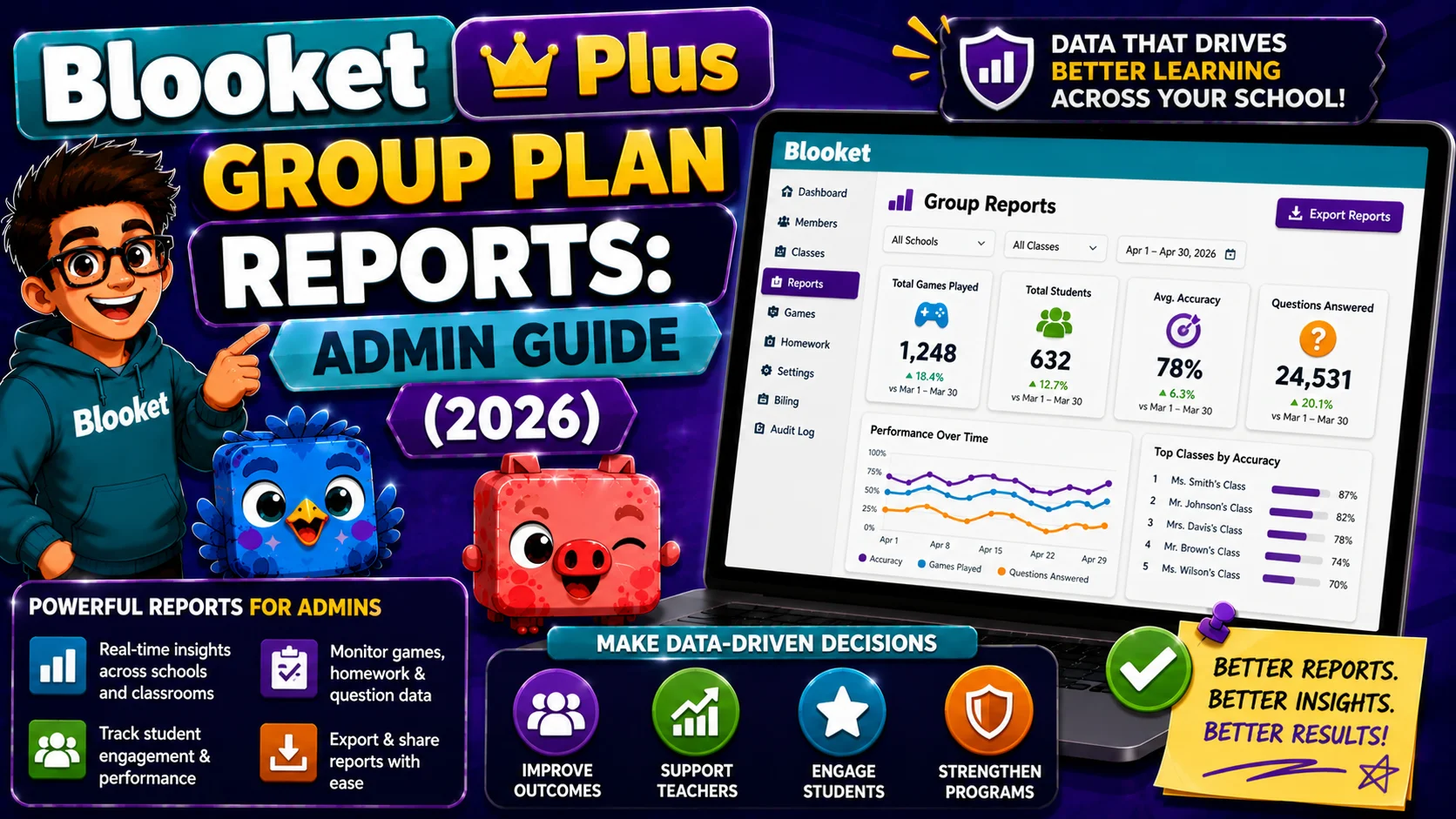
What does the Admin Group Dashboard show?
Based on Blooket’s official Group Plan documentation and pricing page description, school administrators with a Group Plan get access to a centralized admin portal where they can:
- Manage all licenses: View which teachers are active members, add new members, and remove departing teachers
- View usage reports: See platform engagement data across all group members
- Handle billing: Manage payment details and renewal from a single dashboard
- Monitor group engagement: Track which teachers are actively hosting games and assigning homework through the platform
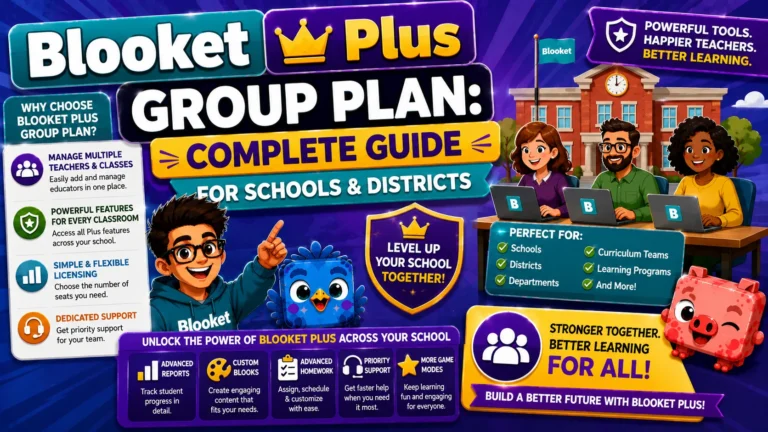
Detailed Guide About → Blooket Plus Group Plan for Schools
Accessing the Admin Group Dashboard
→ Step 1: Log in to blooket.com with your Group Admin account
→ Step 2: Click Group Plan in the left navigation sidebar (purple bar)
→ Step 3: The Group Plan management hub opens with two tabs:
- Manage Members (default): Shows the current member list, the Join Group status, and the invite link
- Settings: Billing details, seat count, renewal options
The usage and engagement reporting features are accessible within this hub.
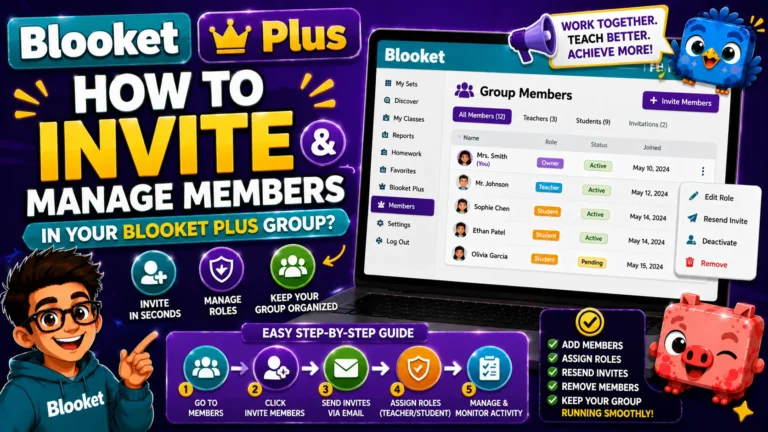
Learn More About → How to Invite and Manage Members
How Admins Use Group Report Data?
→ Evaluating plan ROI for renewal decisions: The most practical use of admin-level reports is at renewal time. Before renewing, or deciding whether to expand the Group Plan, review which teachers are actively using Plus features. High engagement across most plan members means clear renewal value. Low engagement concentrated among two or three teachers is a signal to evaluate whether individual subscriptions would better serve the school.
→ Supporting instructional coaches: Instructional coaches managing a group plan can use the admin dashboard to see which teachers regularly host games and use homework assignments, and use this as a low-pressure engagement check-in rather than a formal evaluation tool.
→ Reporting to administration: When reporting EdTech tool effectiveness to school leadership or a tech committee, admin-level usage data provides aggregated evidence of platform use without exposing individual teacher or student performance data to non-classroom administrators.
Learn More in Detail → How to Upgrade to Blooket Plus (Individual Plan)
Individual Teacher Reports Within the Group
Each teacher member of the Group Plan has access to their own Enhanced Reports in their personal History tab. These are not visible to the Group Admin in the admin dashboard; individual teacher performance data remains within each teacher’s account.
If an instructional coach or department head wants to review an individual teacher’s Blooket game reports for coaching purposes, the teacher would need to share their own reports (via screenshot, downloaded spreadsheet, or screen share). The Group Admin dashboard does not aggregate individual game-level data.
This separation is by design: teachers’ instructional data remains under their own control, while administrators see platform-wide engagement patterns.
Where to Go Next
- Want to know more about the platform? See our Blooket guide
- Want the full teacher toolkit overview? Visit the For Teachers hub
- Introducing this to students directly? See the For Students hub
Have a different question? Please check our Frequently Asked Questions or Blooket Help Center.
Frequently Asked Questions
Can the Group Admin see individual teachers’ game reports?
No. The Admin dashboard shows aggregated, group-wide engagement data, not individual game-level reports. Each teacher’s Enhanced Reports remain private in their own History tab.
What is the main practical use of Group Plan reports?
Evaluating renewal decisions. Reviewing which teachers are actively using Plus features before renewal or expansion helps determine whether the Group Plan is delivering value across the school.
How does an instructional coach see a specific teacher’s data?
The teacher must share it directly, through a screenshot, a downloaded spreadsheet, or a screen share. The Group Admin dashboard does not provide this level of detail automatically.
Where do I access the Admin Group Dashboard?
Log in with your Group Admin account, then click Group Plan in the left navigation sidebar. The usage and engagement reporting features are accessible from that hub.
Does the admin dashboard show student performance data?
No. Admin-level reports show platform engagement patterns among teachers, not individual student performance data, which stays within each teacher’s own reports.
Can Group Plan reports help justify the subscription to school leadership?
Yes. Admin-level usage data provides aggregated evidence of platform adoption and use for reporting to a tech committee or school leadership, without exposing individual teacher or student data.
What are the two tabs in the Group Plan management hub?
Manage Members, which shows the current member list and invite link, and Settings, which covers billing details, seat count, and renewal options.