How to Create Custom Blooks in Blooket: Complete Class Pass Guide
Last verified: August 15, 2026
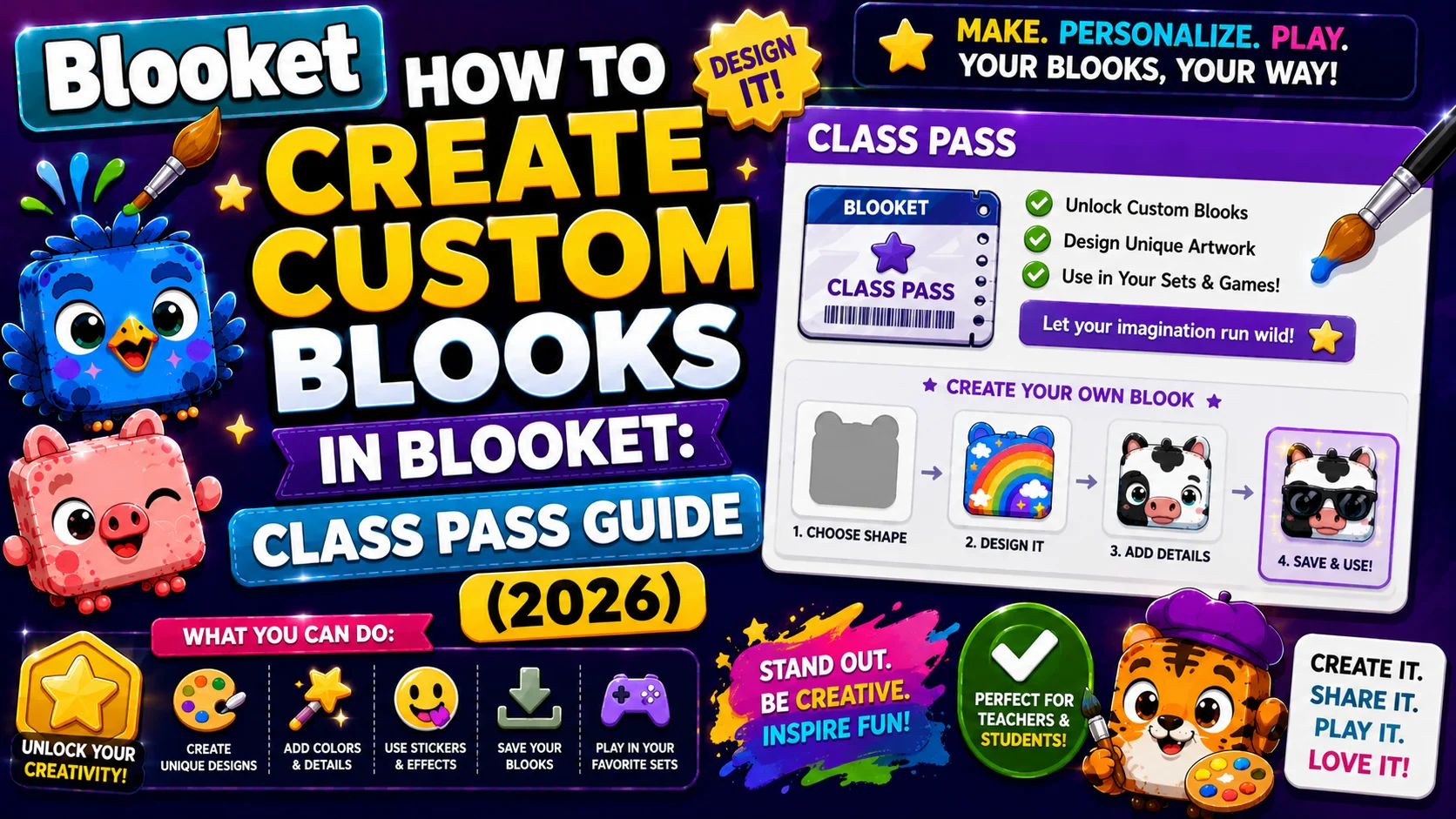
Quick Answer: Create a Custom Blook from the Stats page by selecting “New Blook,” choosing from cosmetics unlocked through the Class Pass (a 100-level, XP-based progression system), and saving your design. You can save up to 5 Custom Blooks at once.
How to Create Custom Blooks in Blooket?
Custom Blooks are player-designed avatars built from scratch using cosmetic parts unlocked through the Class Pass, Blooket’s XP-based progression system. Unlike collected Blooks drawn randomly from packs, Custom Blooks are entirely intentional: you choose every element of their appearance from cosmetics you’ve personally earned. Players can save up to 5 Custom Blooks at a time.
This guide explains in detail how to make Custom Blooks in Blooket, the Class Pass system, how XP unlocks cosmetics, the step-by-step creation process, and what to know about using Custom Blooks in games.
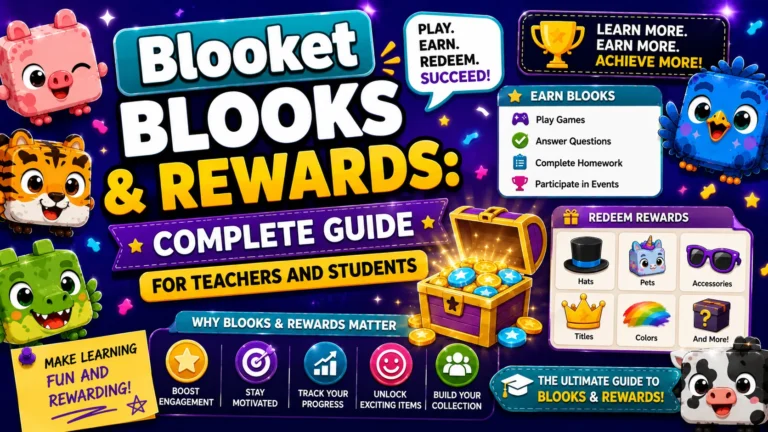
Full Guide About → Blooket Blooks & Rewards
What is the Class Pass?
XP is used for the Class Pass, which has 100 levels that unlock cosmetics you can use to create your very own Custom Blook. Each level costs a different amount of XP to reach. After level 90, every 2 levels gives you a cosmetic instead of 1 cosmetic each level. Once you reach level 100, XP can’t be used toward the Class Pass or any other feature.
Think of the Class Pass as a second reward track running in parallel to the token/pack system:
- Token track: Play games → earn tokens → open packs → collect Blooks (random)
- XP track: Play games → earn XP → level Class Pass → unlock cosmetics → build Custom Blooks (intentional)
Both reward gameplay, but they produce fundamentally different types of rewards. Tokens buy pre-made Blooks. XP unlocks the parts to build your own, parts no other player has in the same combination.
How XP and Class Pass Progression Work?
- Daily XP cap: 300 XP per day. The token multiplier doesn’t affect the amount of XP you’ve earned. XP and token earnings are calculated independently, so earning more tokens doesn’t earn more XP.
- Level cost escalation: Early levels require less XP per level than later levels. The per-level XP cost increases progressively, making the final levels of the Class Pass significantly more time-intensive than the first ten.
- Cosmetic unlock rate: Levels 1 to 90 unlock one cosmetic part per level. After level 90, every 2 levels gives you a cosmetic instead of 1 cosmetic each level.
- Level 100 ceiling: Once you reach level 100, XP can’t be used toward the Class Pass or any other feature.
- Daily Wheel note: The Daily Wheel doesn’t give XP. Only gameplay earns XP; spinning the wheel adds tokens only.
Additional Ways to Unlock Cosmetics
Beyond the Class Pass, additional cosmetics are available through:
- Weekly Shop: The Market’s Weekly Shop rotates Custom Blook cosmetic parts purchasable with tokens. Buying from the Weekly Shop adds those parts immediately to your editor regardless of your Class Pass level, a way to get specific desired cosmetics without waiting for the relevant Class Pass level.
- Summer Shop: From late June through early August, a Summer Shop appears, offering seasonal cosmetics, including hats, clothing, and more.
- Seasonal events: Major Blooket events occasionally add event-exclusive cosmetic parts not available through normal Class Pass progression.
Complete Guide → How to Change Blook Profile
Step-by-Step: Creating Your Custom Blook
→ Step 1: Navigate to the Stats page from your Blooket dashboard.
Note: Navigate to the Stats page, not the Settings page. This is the most common navigation error for new users trying to create Custom Blooks.
→ Step 2: On the Stats page, select “New Blook” to open the Custom Blook editor.
→ Step 3: The editor displays your currently unlocked cosmetic options organized by category. Options you haven’t yet unlocked through Class Pass levels appear locked or greyed out.
→ Step 4: Customize your Blook by selecting options from each cosmetic category. Every selection updates the preview in real time.
→ Step 5: When satisfied with your design, select “Save.“ Your Custom Blook is added to your saved collection, with a maximum of 5 that can be saved simultaneously.
To Edit an Existing Saved Custom Blook: Return to the Stats page, click the Custom Blook you want to modify, and reopen the editor.
Source: verified from Blooket’s official “How to Create Custom Blooks“ documentation
Cosmetic Categories Available
The Custom Blook editor includes multiple cosmetic types across different body areas and accessories. Based on official documentation and Fandom wiki confirmation, the following elements are customizable: base body (shape and color), hair, eyes, eyebrows, nose, cheeks, mouth, glasses, hat, held item, and clothing.
At the start, customization is limited to a small selection of basic options. As you level up the Class Pass, options expand across all categories. The number of possible combinations across all cosmetic types is astronomically large, effectively making every fully customized Custom Blook unique.
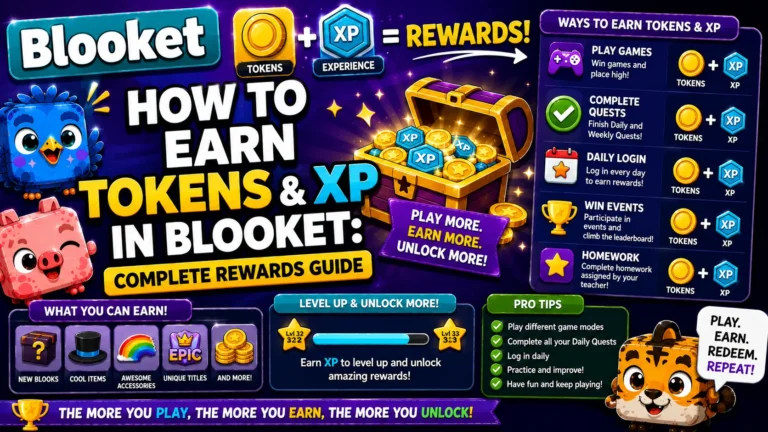
Step-by-Step Guide → How to Earn Tokens and XP
Using Custom Blooks in Games
After creating and saving a Custom Blook, it appears in your Blook picker when joining any game alongside your collected pack Blooks.
Compatibility notes to be aware of:
- In Monster Brawl solo mode, Custom Blooks cannot be used as your avatar.
- In Flappy Blook (the mini-game while waiting for a live session to start), Custom Blooks display as a light blue Blook rather than their actual appearance; this is intentional to reduce rendering load.
- Custom Blooks display as Common rarity in game lobbies, regardless of how many cosmetics they have, since they are cosmetic-only and carry no rarity status.
Class Pass Efficiency Tips
→ Play daily, not in irregular marathons. The 300-XP daily cap means consistent daily sessions build Class Pass progress faster than occasional long sessions that would otherwise exceed the cap and waste XP.
→ Use any game mode. XP earnings do not differ meaningfully enough between modes to warrant playing a less-preferred mode purely for XP. Play whatever mode you enjoy most; the XP accumulates the same way.
→ Set milestone targets. Look ahead to what cosmetics are unlocked at your next few Class Pass levels and use those specific unlocks as short-term motivation targets. “Five more levels and I unlock the wizard hat” is more compelling than an abstract level number.
Where to Go Next
- Want to know more about the platform? See our Blooket overview
- Want the full teacher toolkit overview? Visit the For Teachers hub
- Introducing this to students directly? See the For Students hub
Have a different question? Please check Frequently Asked Questions or our Blooket Help Center.
Frequently Asked Questions
How many Custom Blooks can I save at once?
Up to 5 Custom Blooks can be saved simultaneously and used as in-game avatars.
Does the token multiplier affect how much XP I earn?
No. XP and token earnings are calculated independently. The permanent 3x token multiplier has no effect on the amount of XP earned from the same gameplay.
What happens to my XP after I reach Class Pass level 100?
Nothing further. Once you reach level 100, XP can no longer be used toward the Class Pass or any other feature, so continuing to play does not unlock additional cosmetics through that system.
Can I get specific cosmetics without leveling up the Class Pass?
Yes, partially. The Weekly Shop rotates cosmetic parts purchasable with tokens, adding them to your editor immediately regardless of your current Class Pass level.
Why can’t I create a Custom Blook from the Settings page?
Custom Blook creation happens on the Stats page, not Settings. This is the most common navigation mistake new users make when trying to build one for the first time.
Do Custom Blooks have a rarity like collected Blooks?
No. Custom Blooks always display as Common rarity in game lobbies regardless of how many cosmetics they use, since they are cosmetic-only and carry no rarity status.
Can I use a Custom Blook in every game mode?
Mostly, but not universally. Custom Blooks cannot be used as your avatar in Monster Brawl solo mode, and they display as a generic light blue Blook in Flappy Blook rather than their actual design.