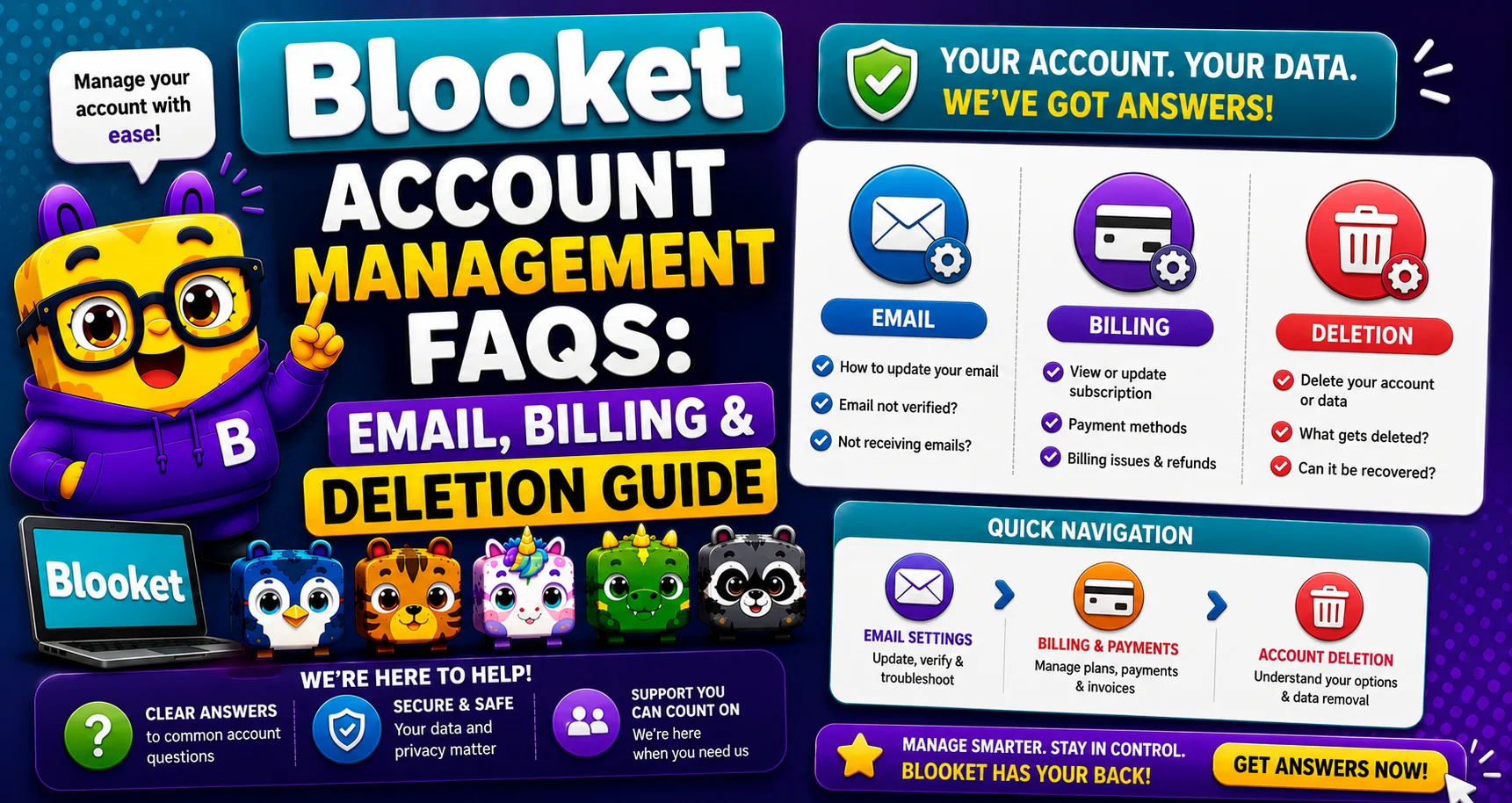
Blooket Account Management FAQs: Email, Billing & Deletion Guide
Last verified: August 25, 2026
Quick Answer: Blooket account management covers five tasks: changing your email, updating your Plus credit card, cancelling Plus, upgrading to Plus, and deleting your account. All billing is handled through Stripe; Blooket never stores your card number directly.
Blooket Account Management
(Complete Guide)
This guide explains the five most important account management tasks in Blooket: changing your email, updating your Plus billing details, cancelling or upgrading your subscription, and permanently deleting your account. Find your task in the table below and jump directly to the answer.
Quick Task Finder
| What You Need to Do | Go To |
| Change the email address on my account | How to Change Your Email Address |
| Update the credit card for my Plus subscription | How to Change Plus Credit Card |
| Cancel my Plus or Plus Flex subscription | How to Cancel Blooket Plus |
| Upgrade my account to Blooket Plus | How to Upgrade to Blooket Plus |
| Permanently delete my Blooket account | How to Delete Your Blooket Account |
Task 1: Changing Your Email Address
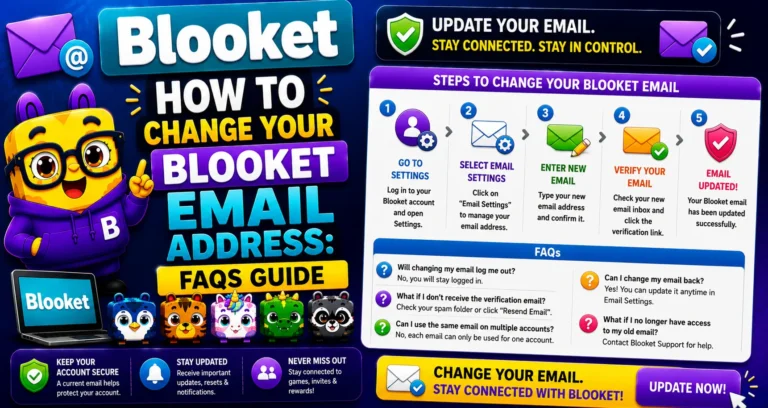
Your registered email is the account recovery anchor; it’s how you receive password reset codes and how support identifies your account. Changing it requires verifying both your old and new email addresses with confirmation codes.
The 8-step process involves: Navigate to Settings → Edit Info → Change Email → verify your current email with a code → enter the new email → verify the new email with a second code.
→ Critical: Keep the Blooket window open throughout the process. Closing or navigating away from the page invalidates the verification codes.
→ Common reason: School email accounts are deactivated when students graduate, or teachers leave the school. Change your email to a personal address before losing access to your school email.
Complete 8-step Guide → How to Change Your Blooket Email Address
Task 2: Updating Your Plus Credit Card
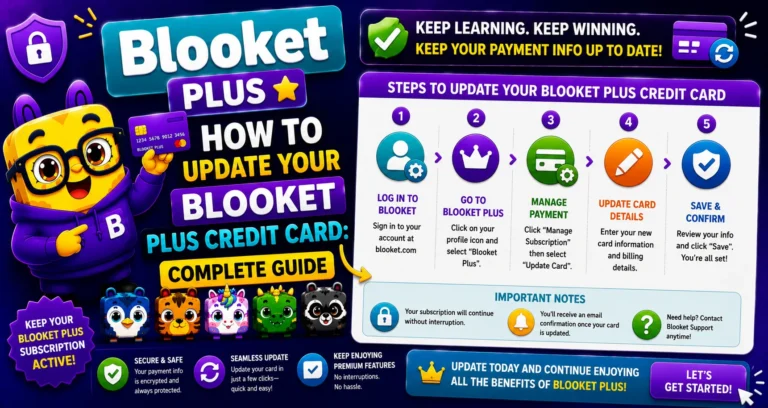
If your Plus subscription credit card has expired or been replaced, or you want to change your payment method, Blooket routes all billing changes through the Stripe customer portal.
The 3-step process: Settings, then Plan, then Edit Subscription, then the Stripe menu, then the pencil icon to update your card.
Full Guide About → How to Change the Credit Card for Blooket Plus
Task 3: Cancelling Your Plus Subscription
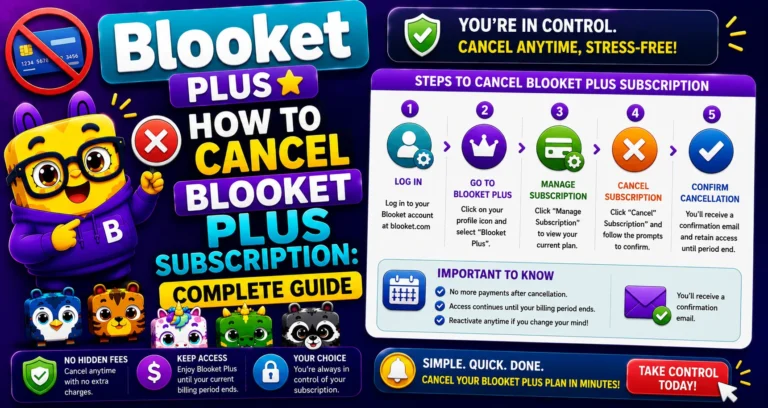
You can cancel Blooket Plus or Plus Flex at any time. After cancellation, your Plus access continues until the end of your current billing period; you are not cut off immediately.
The 4-step process: Settings, then Plan, then Edit Subscription, then the Stripe menu, then Cancel Plan, then Confirm Cancel Plan.
Full Guide with Timing Details → How to Cancel a Blooket Plus Subscription
Task 4: Upgrading to Blooket Plus
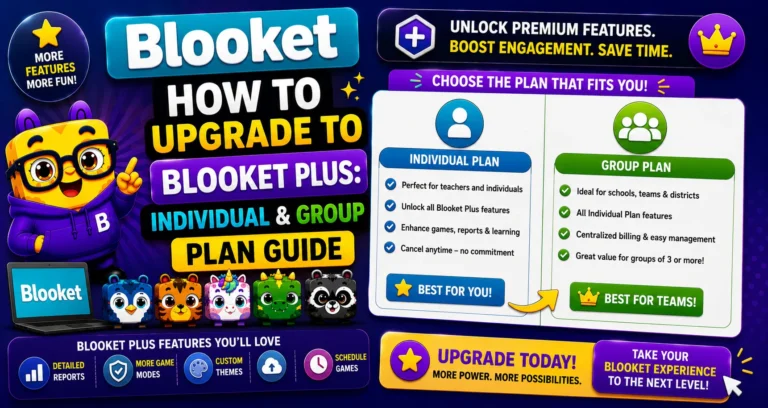
Blooket Plus has two individual plans and one group plan:
- Plus (Annual): $4.99/month billed as $59.88/year, best value for regular users.
- Plus Flex: Monthly billing at a higher per-month cost, best for short-term or trial use.
- Group Plan: For schools purchasing Plus for multiple teachers, accepts Purchase Orders (POs).
The upgrade process goes through Stripe checkout on the Blooket dashboard.
Full Upgrade Guide → How to Upgrade to Blooket Plus
Task 5: Deleting Your Account
Before deleting, consider whether changing your email address would solve the actual problem (for example, school email deactivation). Account deletion is irreversible; email changes are not.
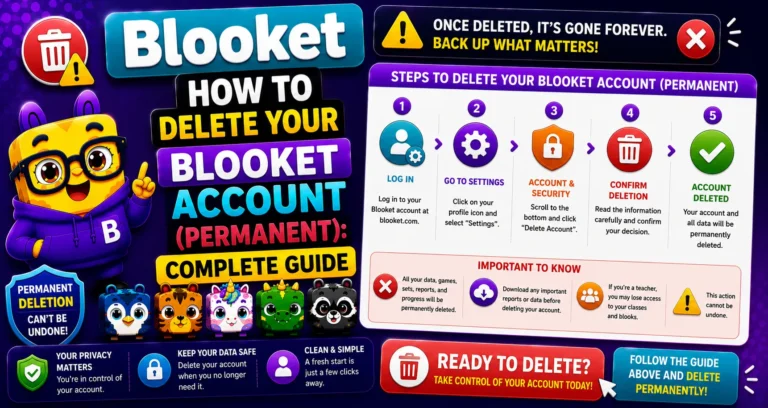
⚠️ Permanent Action: Deleting your account removes all data permanently: Blooks, question sets, game history, tokens, and subscription information, in accordance with Blooket’s Terms of Use and Privacy Policy. This cannot be undone.
Deletion Guide with Checklist → How to Delete Your Blooket Account
Billing Notes for All Tasks
→ Payment processor: All Blooket Plus billing is handled by Stripe, a widely used secure payment platform. Blooket itself does not store your credit card number.
→ Automatic renewal: Blooket Plus and Plus Flex plans automatically renew (annually and monthly, respectively) unless cancelled.
→ Purchase Orders: Accepted for Group Plans only, not for individual Plus or Plus Flex subscriptions.
→ Support for billing issues: Contact Blooket at contact-us@blooket.com for any billing problem not resolved by the guides above.
Source: verified from Blooket’s official Account Management FAQ documentation
Where to Go Next
- Want to know more about the platform? See our full Blooket guide
- Curious about what your teacher sees? Visit the Blooket For Teachers
- Want the full student guides overview? See the Blooket For Students
Have another question? Please check the Frequently Asked Questions or Blooket Help Center.
Frequently Asked Questions
Does Blooket store my credit card information?
No. All billing is processed through Stripe, a secure third-party payment platform. Blooket itself never stores your card number.
What happens to my Plus access immediately after I cancel?
Nothing changes right away. Your Plus access continues until the end of your current billing period, so you keep full access to what you already paid for.
Can schools pay by Purchase Order instead of credit card?
Yes, but only for the Group Plan. Individual Plus and Plus Flex subscriptions require standard Stripe billing and don’t accept Purchase Orders.
Do Blooket Plus plans renew automatically?
Yes. Both Plus (annual) and Plus Flex (monthly) renew automatically at their respective intervals unless you cancel before the renewal date.
What’s the difference between Plus and Plus Flex?
Plus is billed annually at $59.88/year ($4.99/month equivalent), offering the best value for regular users. Plus Flex bills monthly at a higher per-month rate, better suited for short-term or trial use.
Should I delete my account or just change my email?
Consider your actual goal first. If the concern is a deactivating school email, changing your email solves that without losing anything. Deletion is irreversible and should only be used when you genuinely want all your data gone.
Who do I contact if these guides don’t cover a billing issue?
Email Blooket support directly at contact-us@blooket.com; they can assist with billing problems beyond the standard self-service guides.