Blooket Classic Mode & Racing Mode: Complete Teacher Guide
Last verified: August 10, 2026
Quick Answer: Blooket Classic mode has every student answer the same synced question at once, with the fastest correct answers earning the most points. Racing mode uses the same mechanic but adds a visual race track and power-ups. Both are simple, 5-minute modes with no learning curve, ideal for warm-ups, quick reviews, and first-time Blooket sessions.
What is Blooket Classic & Racing Mode
Blooket Classic mode and Racing mode are the two fastest game modes to set up and run. No complex techniques, no luck element, no lengthy explanation for students. Both are pure speed-and-accuracy competitions that work with any age group, any subject, and any class dynamic.
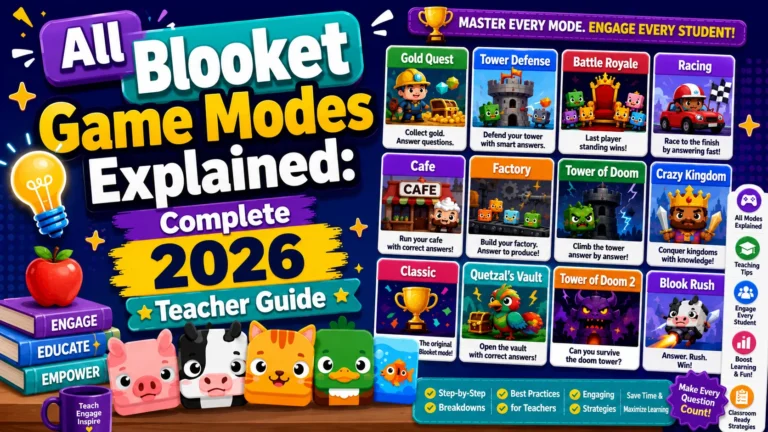
Full Game Modes Overview → All Blooket Game Modes Explained
Blooket Classic Mode: Foundation
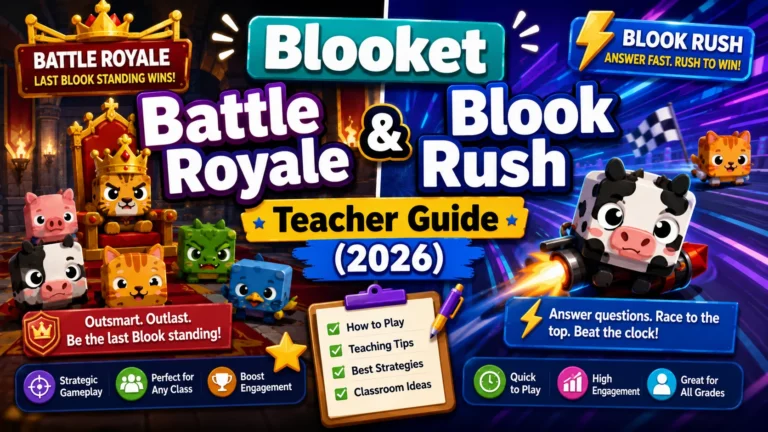
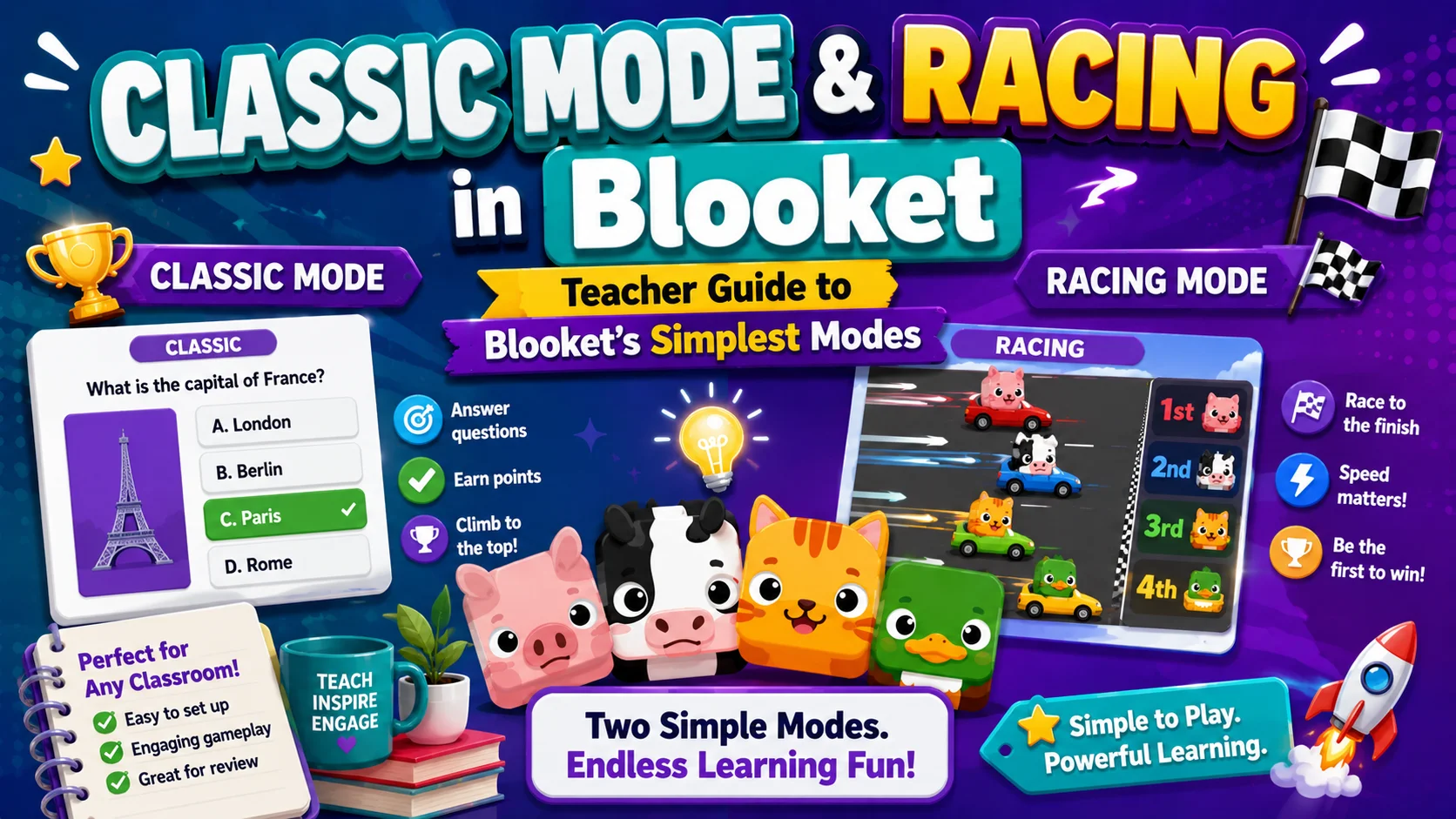
Classic is the easiest Blooket game mode to run. Every student sees the same question at the same time (Synced Prompting). The fastest correct answer earns the most points. A real-time leaderboard tracks rankings throughout. When the timer ends, whoever has the most points wins.
| Stat | Value |
| Skills Tested | Speed and Accuracy |
| Difficulty | Simple |
| Ideal Session Time | 5 minutes |
| Question Prompting | Synced (everyone sees the same question at once) |
| Question Frequency | High |
| Minimum Players | 2 |
| Ideal Class Size | 6+ |
| Max Players (Free) | 60 |
| Max Players (Plus) | 300 |
How Blooket Classic Mode Works: Step-by-Step
- The host selects Classic from the game mode menu and sets the game duration.
- All students see the same question appear on their screens at the same moment.
- Students tap or click their answer; faster correct answers earn more points.
- After the time limit for that question passes, the leaderboard updates.
- The next question appears for everyone simultaneously.
- The game ends when the set timer runs out, or the teacher ends it manually.
Complete Guide About → How to Host a Blooket Game
What Makes Classic Mode Effective for Teachers
- Zero learning curve for students. No game techniques to explain. Students who have never played Blooket before can participate fully within 30 seconds of joining.
- Pure knowledge assessment. Classic’s synced prompting means every student is on the same question at the same time, unlike self-paced modes where faster students lap slower ones. This makes it easier to run a whole-class debrief (“Let’s talk about question 7, only 40% of you got that one right”).
- Fastest to run. A well-built 20-question set in Classic mode takes about 5 minutes. It is the mode you reach for when you have 8 minutes at the end of class and want a quick check-in.
When to Use Blooket Classic Mode?
- First day with Blooket (students learn the platform without mode complexity)
- Warm-up review at the start of class
- End-of-period closer when time is limited
- Any situation where you want all students on the same page simultaneously for a debrief
- Substitute teacher days (the easiest mode for a sub to manage)
Classic Game Mode Tips for Teachers:
- Use it for a debrief. After Classic ends, open the report and immediately see which questions had the lowest accuracy rates. Address the two or three hardest questions directly with the class.
- Keep sets tight. Classic works best with 10 to 20 focused questions rather than 40 or more scattered ones. The synced format means you will move through questions quickly.
- Run it twice. A five-minute Classic round takes so little time that you can run it, discuss the lowest-scoring questions, and run it again. Students often score noticeably higher on the second pass.
Learn More About → Blooket Gold Quest Guide
Racing Mode: Classic with a Competitive Twist
Racing adds a visual racing track and a power-up layer on top of the Classic mode mechanic. Students still answer questions to earn points, but those points translate to movement along a race track. Power-ups can accelerate your Blook or slow competitors. First to cross the finish line wins, not just the highest point total.
| Stats | Value |
| Skills Tested | Speed and Accuracy |
| Difficulty | Simple |
| Ideal Session Time | 5 minutes |
| Question Prompting | Synced |
| Question Frequency | High |
| Minimum Players | 2 |
| Ideal Class Size | 6+ |
| Max Players (Free) | 60 |
| Max Players (Plus) | 300 |
How Racing Mode Differs From Classic
The core difference is power-ups. Correct answers not only move your Blook forward, but they also give you a chance to activate a power-up.
Power-ups include:
- Speed boosts (accelerate your own Blook)
- Obstacle placements (slow down a specific opponent)
- Shields (block incoming opponent power-ups)
The race-to-finish format also creates a different kind of tension than a leaderboard. A student in 6th place with 10 seconds left can still win with a power-up chain. That unpredictability keeps students invested even if they are behind.
When to Use Racing Mode Over Classic?
- You want the same speed-based review but with more visual excitement
- Your class has played Classic mode multiple times and needs a fresh format
- Students respond well to visual analogies (racing equals progress)
- You want the power-up element to create moments of surprise
Racing Mode Tips For Teachers:
- It feels faster. Even though session times are similar, Racing feels more kinetic and exciting than Classic because of the movement animation. Use it when energy in the room needs a boost.
- Explain power-ups once. Spending 30 seconds before the game explaining what power-ups do prevents student confusion mid-game. (“If you answer correctly, you might get a power-up; use it to go faster or slow someone else down.”)
- Use it for fast-recall subjects. Racing’s high question frequency and synced format make it ideal for fact-fluency drills: math facts, vocabulary definitions, capital cities, dates, and formulas.
Classic vs. Racing: Which Mode Should You Pick
| Scenario | Classic | Racing |
| First Blooket session | Best | – |
| Want pure knowledge data. | Best | – |
| Want excitement or energy boost. | – | Best |
| Class has played Classic many times. | – | Best |
| Need a quick debrief | Best | – |
| Students love competition | Both work | Slightly better |
In most cases, Classic mode comes first for new classes, and Racing comes in when you want familiar simplicity with more visual energy. Both deliver the same core educational result: rapid review with immediate feedback.
Source: verified from Blooket’s official Game Mode Previews documentation.
Where to Go Next
- Want to know more about the platform? See our Blooket overview
- Want the full teacher toolkit overview? Visit the For Teachers hub
- Introducing this to students directly? See the For Students hub
Have a different question? Check our Frequently Asked Questions or Blooket Help Center
Frequently Asked Questions
What is the difference between Classic mode and Racing mode?
Classic mode is a straightforward points-and-leaderboard format. Racing mode uses the same synced question mechanic but adds a visual race track and power-ups, so points translate into movement rather than just a score.
Which mode is best for a student’s first Blooket session?
Classic mode. It has no game mechanics to explain beyond answering questions, so new students can join and participate within seconds.
How long does a typical Classic or Racing session take?
About 5 minutes for a well-built question set, making both modes ideal for warm-ups or quick end-of-class reviews.
Do Classic and Racing modes require Blooket Plus?
No. Both are available on the free (Starter) plan with the standard 60-player live game cap. Blooket Plus raises that cap to 300 players.
What do power-ups do in Racing mode?
They can speed up your own Blook, slow down a specific opponent, or shield you from incoming opponent power-ups, adding a strategic layer on top of correct answering.
Can I use Classic mode for a whole-class debrief?
Yes. Because every student answers the same question at the same time, the post-game report clearly shows which questions had the lowest accuracy, making it easy to review specific problem areas with the whole class.
How many questions should I include in a Classic mode set?
10 to 20 focused questions work best. The synced, high-frequency format moves through questions quickly, so a tighter set keeps the session at its ideal 5-minute length.