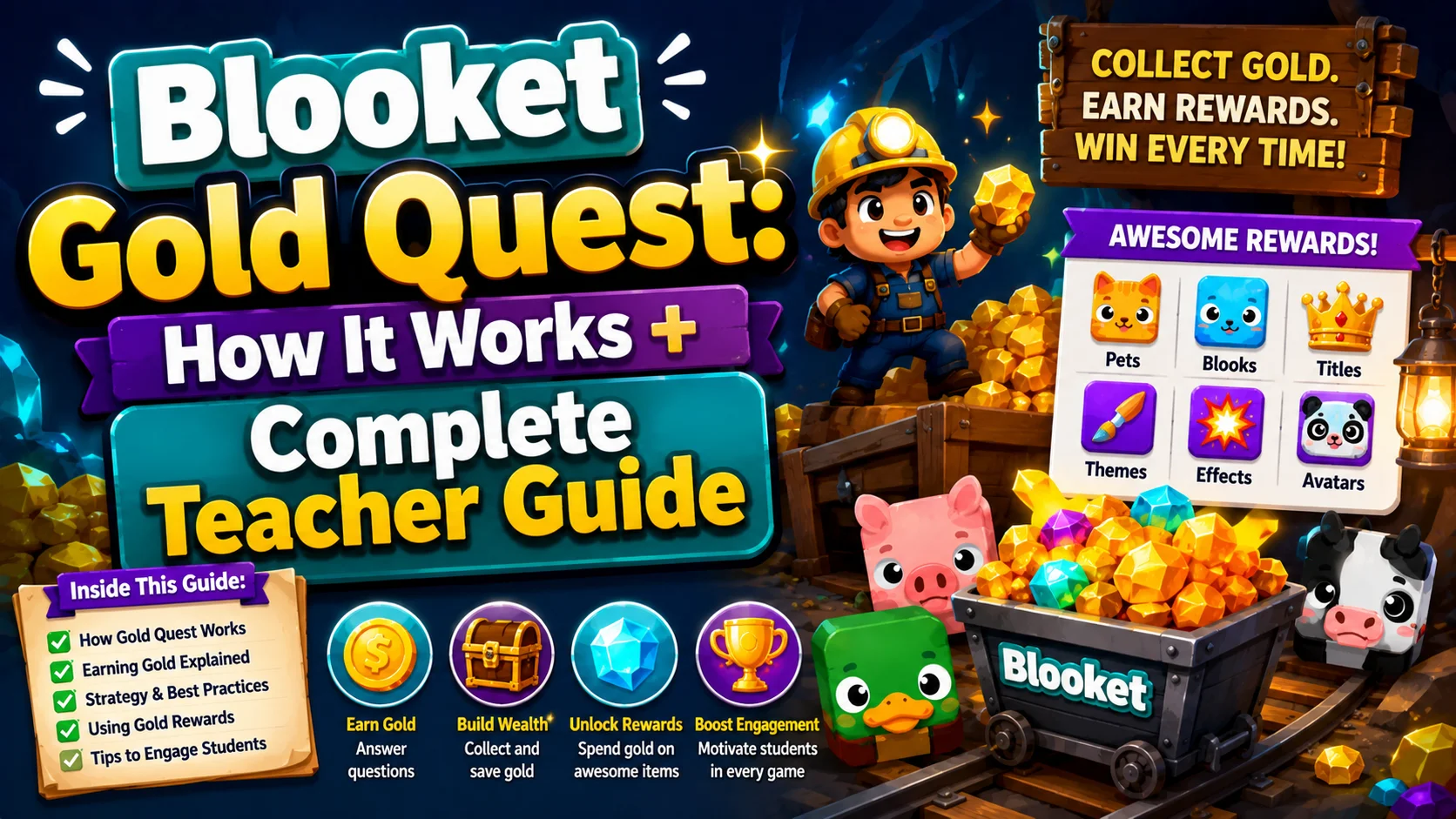
Blooket Gold Quest: How it Works + Complete Teacher Guide
Last verified: August 10, 2026
Quick Answer: In Blooket Gold Quest, correct answers let students choose from treasure chests containing gold, multipliers, or steal and swap results that shift the leaderboard instantly. This luck-and-speed mode creates constant classroom drama and works for any subject or grade level.
Blooket Gold Quest Game Mode in Blooket
Blooket Gold Quest is always one of the most popular game modes in classrooms worldwide. Teachers reach for it again and again because it combines fast-paced question answering with enough chaos, luck, and drama to keep every student emotionally invested, even students who are not winning.
This guide explains how the chest mechanic, the steal and swap system, and effective classroom strategy all work together.
Complete Guide About → All Blooket Game Modes
Blooket Gold Quest at a Glance
| Stats | Value |
| Skills | Speed and Luck |
| Difficulty | Simple |
| Ideal Time | 7 minutes |
| Questions | Self-Paced, High Frequency |
| Minimum Players | 2 |
| Ideal Class Size | 5+ |
| Max Players (Free) | 60 |
| Max Players (Plus) | 300 |
| Live Hostable | Yes |
| Solo/HW Assignable | Yes |
Gold Quest’s tagline is “Exciting Twists and Chests Full of Gold,” and that tagline is genuinely accurate. It is one of Blooket’s simplest modes to understand, but one of the most emotionally engaging to play.
How Blooket Gold Quest Works
Step 1: Answer a Question
Every Blooket game mode starts the same way: a question appears on the student’s screen. In Gold Quest, questions are self-paced, meaning each student progresses through their own question queue independently, not synced with the class. This means faster answerers see more questions and get more chances at chests.
Step 2: Choose a Chest
After a correct answer, three treasure chests appear on screen. The student picks one. Each chest contains one of several possible results:
Positive results:
- A set amount of gold (“+50 Gold,” “+200 Gold”)
- A gold multiplier that doubles or triples the current gold
- A bonus chest that opens another selection immediately
Negative/Steal results:
- Swap gold with another player, trading totals, which can be good or bad depending on standings
- Steal gold from a specific player, taking a portion of someone else’s gold
- Swap with the richest player, intentionally targeting the leader
Step 3: The Steal Technique Makes it Interesting
The steal and swap techniques are what make Gold Quest electrifying. A student can be in first place for 5 minutes and then lose their entire lead in a single chest opening. A student who has been in last place can suddenly jump to the top with a lucky steal.
This creates classroom drama that students later talk about. “I was in first, and then Jayden swapped with me” is a common reaction. This unpredictability keeps engagement high from start to finish, since students who are losing never give up because the game is genuinely reversible.
Step 4: The Leaderboard
Gold totals are tracked in real time. The teacher’s screen shows live rankings. The final leaderboard shows who finished with the most gold, when you end the game or when the timer runs out.
How to Host → How to Host a Blooket Game
What Happens when Students Answer Incorrectly
Wrong answers in Gold Quest do not open a chest. The question cycles to the next one without a chest event. Students are not penalized beyond the missed opportunity. This keeps the tone positive and encourages students to keep answering quickly rather than being afraid of mistakes.
Why Blooket Gold Quest Works in Classrooms
→ The luck element is an equalizer. Students who know the material better will open more chests, since they answer correctly more often, but the steal and swap mechanic means any student can win. This is the mode where your highest-performing student and your most disengaged student both have a genuine shot, and both know it.
→ Self-paced format prevents the “already finished” problem. Because each student works through their own question queue independently, fast students do not wait for slower ones. Everyone stays active at the same time.
→ The emotional narrative runs itself. In a 7-minute Gold Quest game, your class will have several dramatic moments without you doing anything: a student in first place losing everything to a swap, someone jumping from last to second in one chest. You just watch the engagement happen.
→ It works for any subject. Gold Quest’s popularity is not tied to any specific subject. It works equally well for 3rd-grade math facts, 10th-grade AP Spanish vocabulary, and everything in between.
Classroom Strategy: How to Use Gold Quest Effectively
→ Use it as a reward or energizer. Because it generates so much excitement, Gold Quest works best as a session-ending game after instruction or as a reward for completing work. The energy level in the room will be higher after Gold Quest than before, so plan your lesson timing accordingly.
→ Run it multiple times with the same set. Because the game is so luck-dependent, students do not feel like the same student always wins. Running the same question set three times a week with different Gold Quest outcomes keeps it fresh.
→ Do not use it for a quiet, focused environment. Gold Quest will create audible reactions. Plan to embrace the noise, or save it for a moment when energy is welcome.
→ Let students compare mid-game. “Check where you are on the leaderboard, who’s in first right now?” gives students a moment of connection and motivates trailing students to answer faster.
Full Game Mode → Fishing Frenzy Guide
Gold Quest vs. Candy Quest
During October, Candy Quest replaces Gold Quest as a seasonal Halloween-themed mode. The mechanics are similar: the same chest system, the same steal and swap results, but with pumpkins, candy, and Halloween-themed visuals. If your students play Gold Quest regularly, they will immediately understand Candy Quest when October comes.
Blooket Gold Quest for Homework
Gold Quest can also be assigned as homework using the Assign HW button. Students complete it solo on their own devices before the due date. The solo version plays similarly to the live version but without the multiplayer steal mechanic; students open chests independently. The Correct Goal you set determines how many correct answers they need before the assignment counts as complete.
Source: verified from Blooket’s official Game Mode Previews documentation.
Where to Go Next
- Want to know more about the platform? See the Blooket overview
- Want the full teacher toolkit overview? Visit the For Teachers hub
- Introducing this to students directly? See the For Students hub
Have a different question? Check our Frequently Asked Questions or Blooket Help Center
Frequently Asked Questions
How does the chest system work in Blooket Gold Quest?
After answering a question correctly, students choose from three treasure chests. Each chest reveals a result: gold, a gold multiplier, a bonus chest, or a steal or swap outcome that affects another player’s total.
What happens if a student answers incorrectly?
No chest opens. The question simply cycles to the next one, with no other penalty, keeping the mode low-pressure even for students who miss questions.
Is Gold Quest fair for lower-performing students?
Yes, more than most modes. The steal and swap mechanic means any student can win regardless of how many questions they have answered correctly, which keeps disengaged or struggling students invested until the end.
What is the difference between Gold Quest and Candy Quest?
Candy Quest is a seasonal, Halloween-themed reskin of Gold Quest that replaces it during October. The chest system and steal and swap mechanics are identical; only the visuals and theme change.
Can I assign Gold Quest as homework?
Yes, using the Assign HW option. The homework version keeps the chest system but removes the multiplayer steal mechanic, since students play independently rather than against each other.
How long does a typical Gold Quest session take?
About 7 minutes for a well-built question set, making it a good fit for an end-of-class energizer or a reward activity.
Does Gold Quest require Blooket Plus?
No. It is available on the free (Starter) plan with the standard 60-player live game cap. Blooket Plus raises that cap to 300 players.