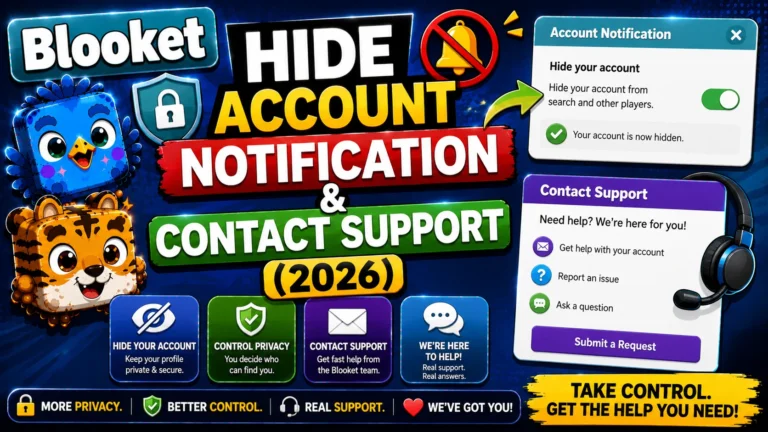
How to Hide Blooket Student Account Notification & Contact Support Guide
Last verified: August 16, 2026 Quick Answer: To hide the Blooket student account notification, uncheck “Allow Student Accounts” on the Host Settings screen before launching a game. This hides the post-game signup prompt without preventing students from playing as guests. For unresolved issues, email contact-us@blooket.com from your registered account email. How to Hide Student Account…