How to Play a Solo Game in Blooket: Complete Guide for Students
Last verified: August 17, 2026
Quick Answer: To play Blooket solo, log in at blooket.com, go to Discover, pick a question set, click Solo on its preview page, choose from 10 solo-playable game modes, and click Play. Solo mode requires no teacher, code, or classmates, and earns you tokens and XP if you’re logged in.
How to Play Blooket Solo Game
Blooket Solo game mode lets you play any question set at any time, without waiting for a teacher or classmates. It’s the best way to review for tests, explore topics you’re curious about, and earn tokens to grow your Blook collection. This guide explains how to play Blooket solo game mode for students in detail.
Complete Modes Overview → Blooket Game Modes For Students
What is Solo Mode?
Solo gameplay differs from Live games in one important way: you control when it starts and ends. In a Live game, a teacher hosts the session, and the whole class joins. In Solo mode, you pick your own question set, choose your game mode, and play a Blooket game on your own.
Solo games also let you earn XP and tokens when you’re logged into your Blooket account. Tokens can be used to unlock new Blooks, the characters that represent you in games.
What You Need to Play Blooket Solo
- A Blooket account (free login at blooket.com).
- A question set. You can use any public question set from the Discover library or any set you’ve created yourself.
You can use any public question set from the Discover library or any set you’ve created yourself.
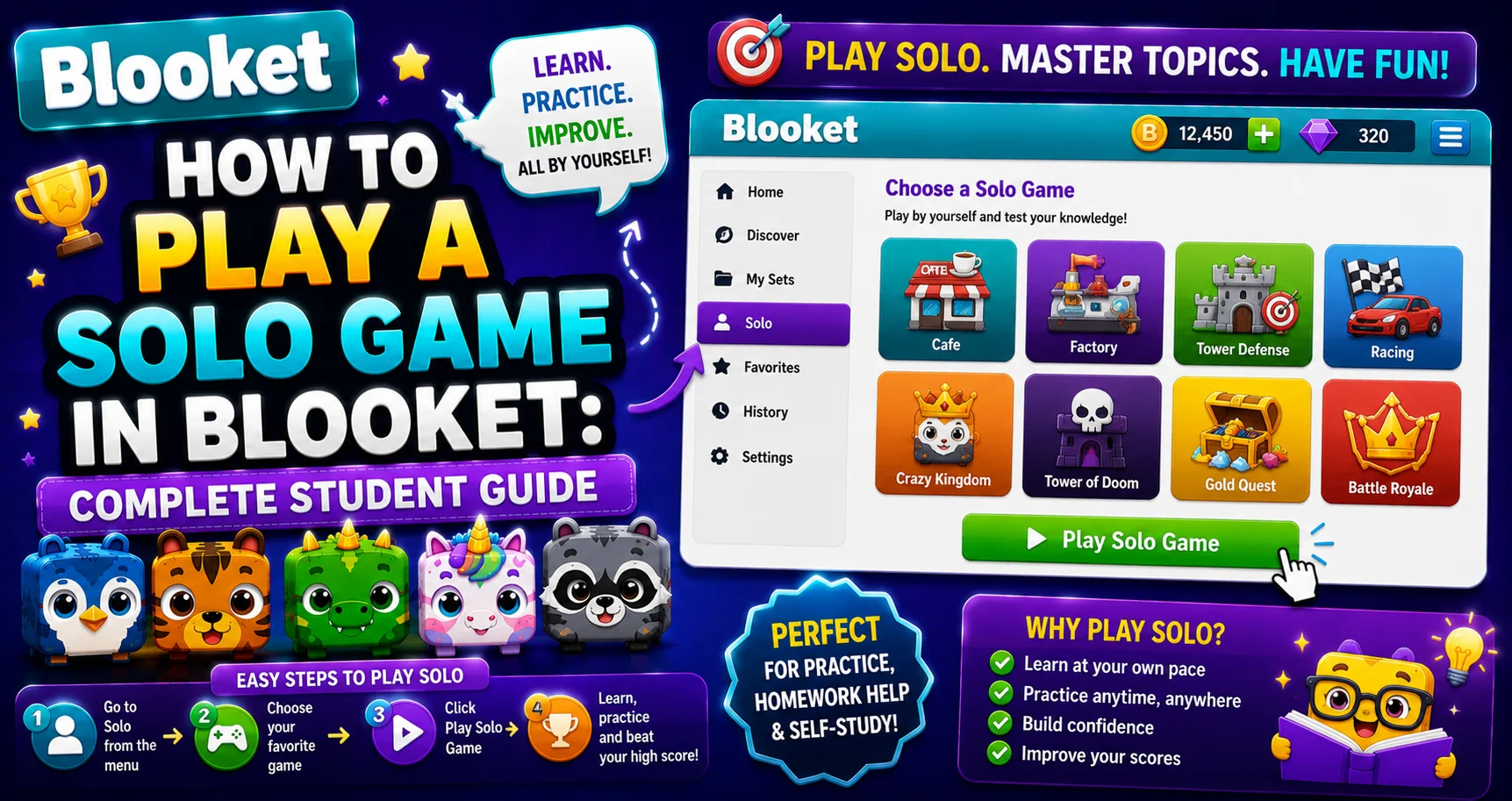
Step-by-Step: Playing a Solo Game
→ Step 1:Log in to your account at blooket.com.
→ Step 2: Navigate to Discover to find a question set. Use the search bar with your subject and grade level, or jump into a Featured, Verified, or Popular set to get started quickly.
You can search using:
- Subject name (“algebra 1,” “cell biology”)
- Specific skills (“photosynthesis,” “the water cycle”)
- Grade level or standard codes
- Your teacher’s username (if they’ve shared a public set)
→ Step 3: Click on a set to open its preview page. Review the questions if you want, or go straight to playing.
→ Step 4: Click Solo on the set’s preview page.
→ Step 5: Select a game mode. Ten game modes can currently be played solo:
- Café
- Factory
- Monster Brawl
- Tower Defense
- Tower Defense 2
- Crazy Kingdom
- Pirate Pool
- Plushie Panic
- Study Mode
- Zorblitz
→ Step 6: Click Play to start.
Source: verified from Blooket’s official “How to Play a Solo Game” documentation.
When You Use Solo Mode for Homework?
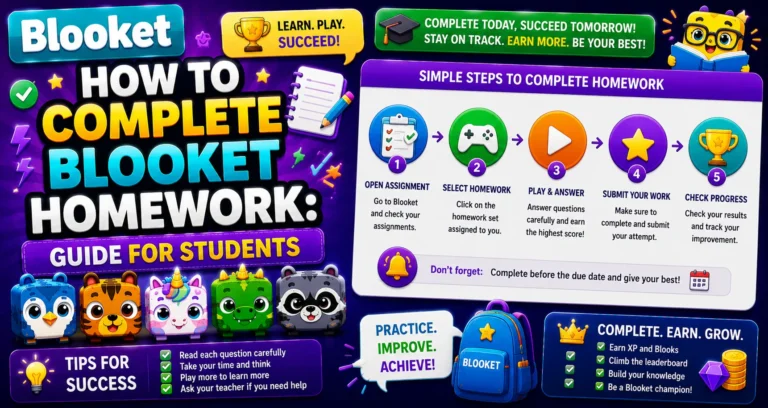
Blooket Solo games power Blooket homework assignments. When a teacher assigns homework, you can play Blooket solo on your own schedule, but with a specific goal set by your teacher. Your progress is automatically tracked and reported back to them.
Step-by-Step Guide → How to Complete Blooket Homework
The 10 Solo Game Modes
| Game Modes | What You Do | Saves Progress |
| Café | Run a café by serving customers; answer correctly to earn coins | Yes |
| Factory | Build and expand your factory output with correct answers | No |
| Monster Brawl | Collect monster cards by answering correctly and use them in arena battles | No |
| Tower Defense | Answer questions to place towers and defend your base from enemy waves | Yes |
| Tower Defense 2 | The sequel to Tower Defense, with updated mechanics | Yes |
| Crazy Kingdom | Manage a wacky kingdom by making decisions and answering questions | No |
| Pirate Pool | Aim and shoot doubloons into pirate-themed pockets | No |
| Plushie Panic | Match colors to rescue trapped plushies from capsules | No |
| Study Mode | Flashcard-style questions with instant feedback, no game mechanics | No |
| Zorblitz | Classic brick-breaker with aliens and obstacles | No |
💡 Which mode should I choose? For fast-paced action, try Monster Brawl or Tower Defense 2. For a relaxed experience, Café or Factory are great options. For pure content review with maximum XP, try Study Mode.
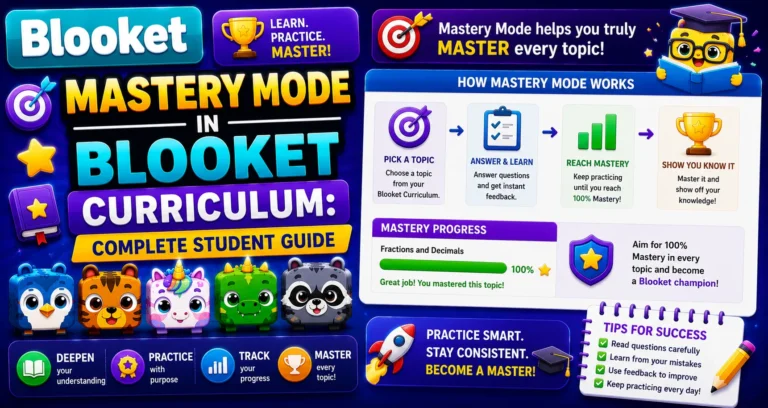
Understanding About → Mastery Game Mode in Blooket Curriculum
Saving Your Progress
Café and both Tower Defense modes let you load a past game if you have one you haven’t completed yet. When you close one of these modes mid-game, your progress saves automatically. Return to the same set and mode, and you’ll see options to Continue your previous session or Start Fresh.
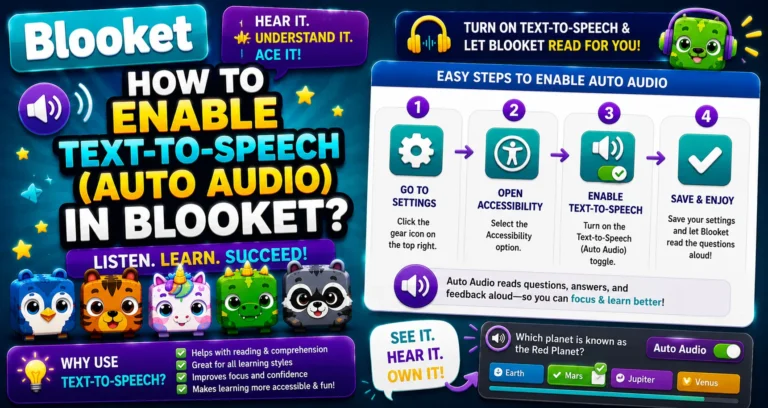
Learn More in Detail → How to Enable Audio (Text to Speech) in Blooket
Earning Tokens & XP in Solo Mode
Solo play earns you tokens and XP just like live games. The daily token cap (500 from gameplay) applies to both live and solo sessions combined. Study Mode gives you the best XP per session of any mode, good to know when you’re grinding Class Pass levels.
Complete Guide for → How to Earn Tokens and XP in Blooket
Where to Go Next
- Want to know more about the platform? See our Blooket guide
- Curious about what your teacher sees? Visit the Blooket For Teachers
- Want the full student guides overview? See the Blooket For Students
Have another question? Please check the Frequently Asked Questions or Blooket Help Center.
Frequently Asked Questions
Do I need a teacher or game code to play solo?
No. Solo mode is completely self-directed. Any student with a Blooket account can play Solo games independently, any time, using any publicly available question set. No game code or teacher involvement is needed.
What’s the difference between Solo mode and Live mode?
In Live mode, a teacher hosts a session that the whole class joins simultaneously using a game code. In Solo mode, you play by yourself and can start anytime without a host. Solo games are self-paced; Live games are real-time with the class.
Does playing solo give me XP and tokens?
Yes, as long as you’re logged into your Blooket account while playing. Guest players (playing without an account) do not earn XP or tokens.
Can I play the same set more than once?
Absolutely. You can replay any question set as many times as you like. Each new game shuffles the questions for a fresh experience, which is a great way to review material until it sticks.
Can I save my game and come back later?
Yes, for certain game modes. Café and both Tower Defense modes save your progress. When you return, you’ll see a “Continue” option alongside “New Game.” Factory, Monster Brawl, and Crazy Kingdom do not currently save progress.
How many game modes can I currently play solo?
Ten: Café, Factory, Monster Brawl, Tower Defense, Tower Defense 2, Crazy Kingdom, Pirate Pool, Plushie Panic, Study Mode, and Zorblitz.
Is Tower of Doom still available to play?
No. Tower of Doom was retired from Blooket. If you see it referenced elsewhere, that content may be outdated, since the mode is no longer part of the platform’s current lineup.