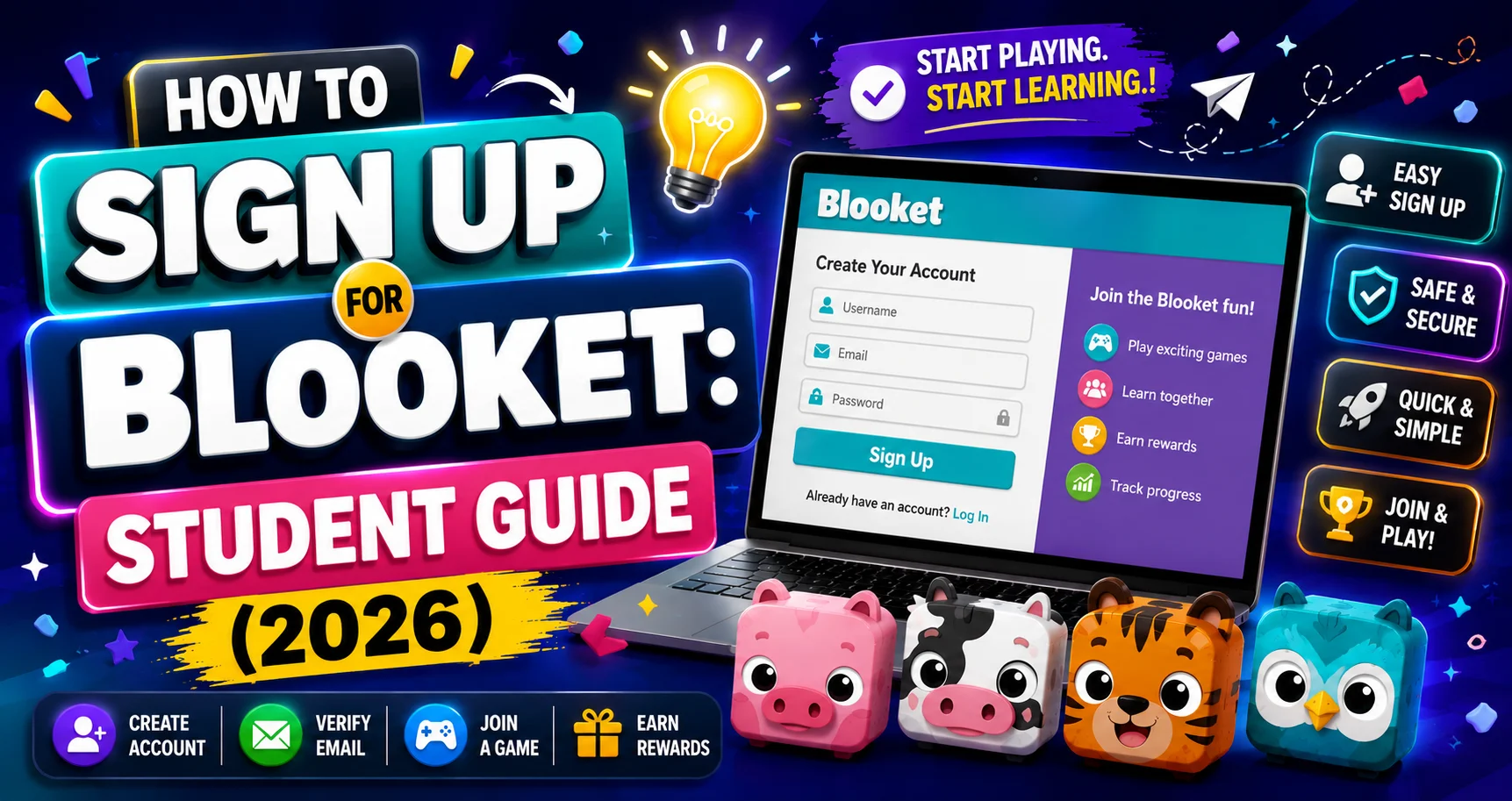
How to Sign Up for Blooket: Student Account Creation Guide
Last verified: August 16, 2026
Quick Answer: To sign up for Blooket, go to blooket.com, click Sign Up, choose Google or email, select Student as your account type, and you’re done in about two minutes. You must be 13 or older in the US (16 or older elsewhere) to create an account, though you can still join live games as a guest without one.
How to Sign Up for Blooket?
 Creating a Blooket account takes about just two minutes and is completely free. Here’s everything you need to know about how to sign up for Blooket, including the age requirement and what you actually gain by having an account.
Complete Guide About → Blooket Quick Start Guide For Students
Age Requirement: Read This First
To create a Blooket account, you must be:
- 13 years old or older (in the United States)
- 16 years old or older (outside the United States)
If you’re below the age requirement, you can still join live class games as a guest; you just can’t create a personal account or keep a Blooks collection.
What You Get with an Account?
Without an account, you can join games, but nothing is saved. With a free account, you get:
- Personal token and XP earnings that carry over between sessions
- Your own Blook collection that grows as you play
- Access to Solo mode, practice any time, not just during class
- Ability to complete and track homework assignments
- Your own Stats page showing your play history
- The ability to create and save question sets
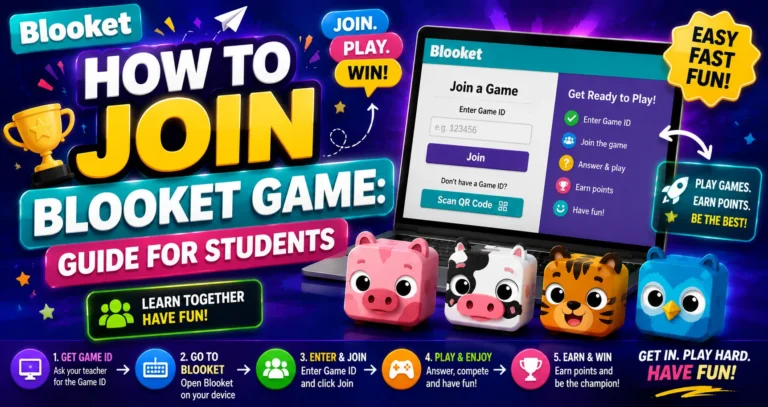
Step-by-Step Guide for → How to Join a Blooket Game
How to Sign Up for a Blooket Student Account
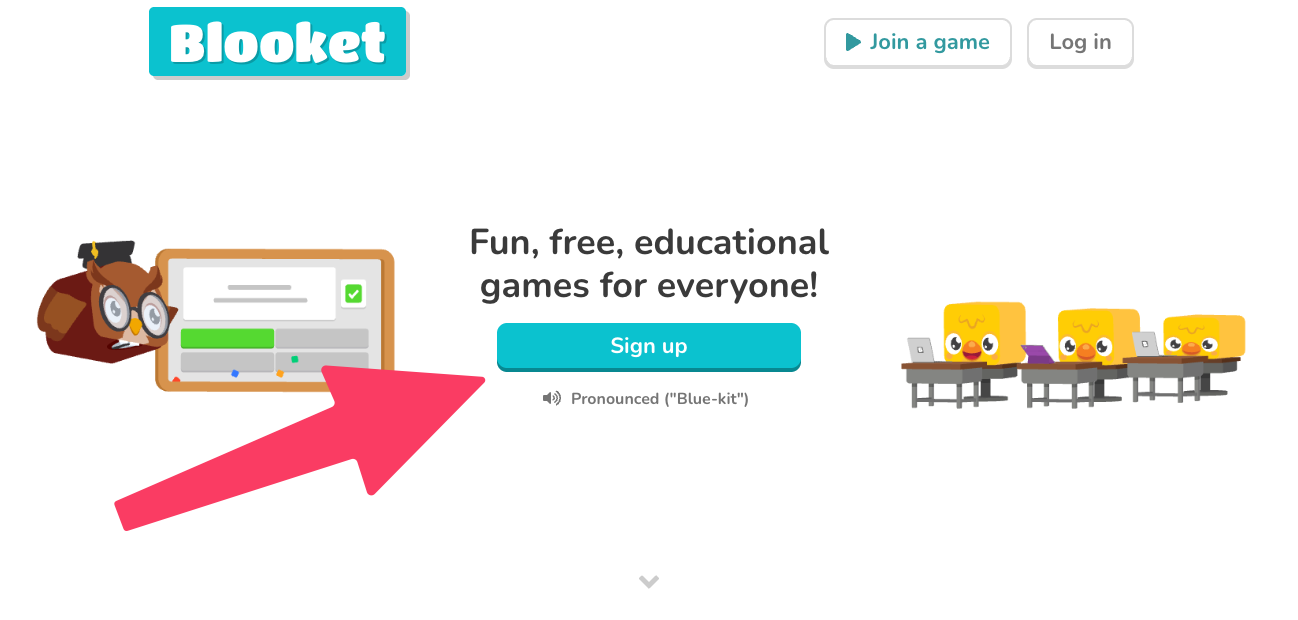
→ Step 1: Go to blooket.com and click Sign Up in the upper right corner.
→ Step 2: Choose your sign-up method:
- Option A → Sign Up with Google (fastest): Click Continue with Google. Select your Google account. Your Blooket account is created instantly, with no email verification needed. Use your school Google account if your teacher recommends it.
- Option B → Sign Up with Email: Enter your email address, choose a username (this shows in games and on your profile, so keep it appropriate), and create a password. Click Create Account. Check your email inbox for a verification email, then click the link inside to confirm your account.
→ Step 3: On the sign-up page, select Student as your account type.
→ Step 4: You’re in. Your student dashboard appears with access to Discover (for finding question sets), Solo play, your Blooks, and the Market.
Start Collecting Blooks → How to Collect Blooks in Blooket
After Signing Up
- Visit the Market and check your Daily Wheel after your first game.
- Go to Discover and find a set to play in Solo mode.
- Customize your profile Blook on the Stats page.
Source: verified from Blooket’s official “How to Sign up for Blooket” documentation
Where to Go Next
- Want to know more about the platform? See our full Blooket guide
- Curious about what your teacher sees? Visit the Blooket For Teachers
- Want the full student guides overview? See the Blooket For Students
Have another question? Please visit the Frequently Asked Questions or Blooket Help Center.
Frequently Asked Questions
How long does it take to sign up for Blooket?
About two minutes, especially if you sign up with Google, which creates your account instantly with no email verification step required.
Do I have to enter my age exactly, or just confirm I meet the requirement?
Blooket’s sign-up flow asks you to confirm you meet the age requirement for your region: 13 or older in the United States, or 16 or older elsewhere.
What’s the fastest way to sign up?
Sign up with Google. Click Continue with Google, select your account, and you’re done instantly, with no separate email verification needed.
What happens if I sign up with email instead of Google?
You’ll enter your email, choose a username and password, then receive a verification email. You need to click the confirmation link inside that email before your account is fully active.
Should I use my school Google account or a personal one to sign up?
Either works, but use your school Google account if your teacher specifically recommends it, since that can simplify things like Google Workspace access on school devices.
What’s the single biggest thing I lose by not creating an account?
Persistence. Without an account, nothing carries over between sessions: no saved tokens, no Blook collection, no tracked homework, and no history on a Stats page.
Can I change my username after I sign up?
The sign-up flow lets you choose a username during setup, and Blooket allows username changes afterward through your account settings if you want to update it later.