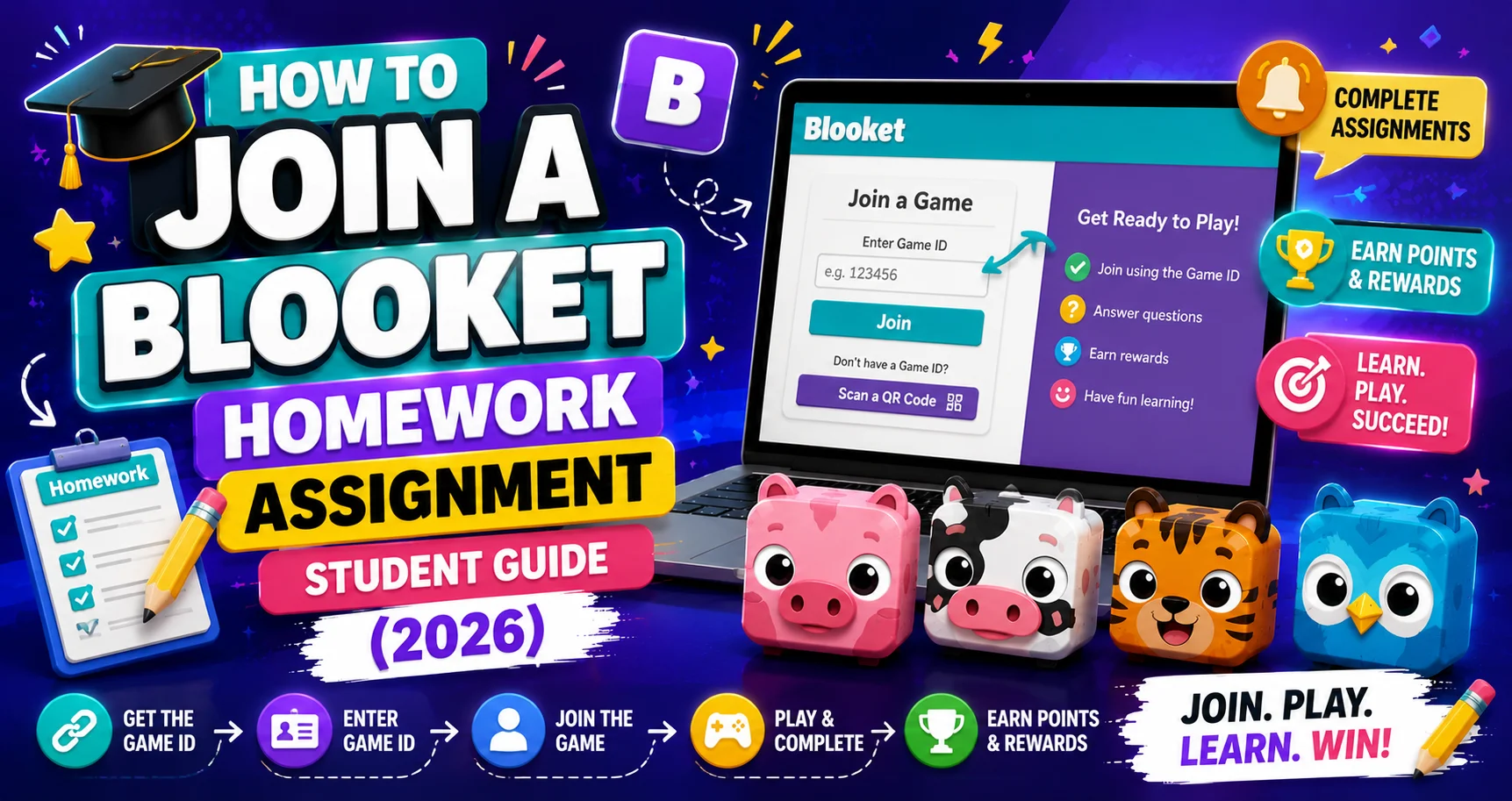
How to Join a Blooket Homework Assignment: Student Step-by-Step Guide
Last verified: August 16, 2026
Quick Answer: To join Blooket homework, click the link or scan the QR code your teacher shares, log in (or continue as a guest), pick a solo game mode, and play until you hit the Correct Goal. Logging in lets your teacher track your progress and lets you earn tokens and XP.
How to Join Blooket Homework?
Blooket homework is different from joining a live class game. There’s no 7-digit code from your teacher; instead, you get a homework link or QR code that you can access on your own time before the deadline. This guide explains in detail every step for how to join Blooket homework.
Overview About → Blooket Quick Start Guide
How Does Your Teacher Share Homework?
A teacher can share a homework assignment with you in one of two ways:
- QR Code: Your teacher may display a QR code in the classroom or a virtual meeting. You can simply scan this with your phone or tablet’s camera to join.
- Homework Link: Your teacher can provide a direct link to the homework assignment. You might find this link in an email or on a learning management system (LMS). Clicking the link will take you directly to the homework.
Step-by-Step Guide for → How to Join a Live Blooket Game
Step-by-Step: Completing Homework
→ Step 1: Click the homework link or scan the QR code. This takes you to the Homework Details screen, which shows:
- The assignment title
- The Correct Goal: the number of correct answers you need to complete the assignment
- The due date
→ Step 2: Log in (recommended) or continue as a guest. Logging in to your account means your teacher can see your progress, and you earn tokens and XP for playing. Playing as a guest still counts as a completion, but you don’t keep the rewards.
→ Step 3: Enter your nickname; type your real name clearly so your teacher can identify your submission in their report.
→ Step 4: Choose a Solo Game Mode. Unlike live games, where your teacher picks the mode, homework lets you choose. Click any available game logo to preview how it plays, then click Play on the one you want.
→ Step 5: Play and hit the Correct Goal. Answer questions correctly. You can see your progress toward the goal displayed during gameplay. Wrong answers don’t hurt you; they just mean you need more correct answers to reach the goal.
→ Step 6: When you reach the goal, “Homework Complete!” appears. You now have two options:
- End Now: Submit your results and see your score summary.
- Keep Going: Continue playing for fun, more tokens, or better accuracy. Your teacher already sees that you have completed the goal, either way.
→ Step 7: View your results, your accuracy rate, rewards earned, and completion status.
Source: verified against Blooket’s official “How to Join a Homework Assignment” documentation.
If You Play Past the Goal
If you were logged in with an account, you can click Play Again to start a new solo game with the same question set. It is a great way to review the content, but it will not count toward your homework grade, and your teacher will not see these additional results.
You Don’t Need an Account
You do not need a Blooket account to complete homework. However, playing without logging in means you don’t earn tokens or XP from the session.
Solo Play Guide → How to Play a Solo Game in Blooket
Where to Go Next
- Want to know more about the platform? See our full Blooket guide
- Curious about what your teacher sees? Visit the Blooket For Teachers
- Want the full student guides overview? See the Blooket For Students
Have another question? Please check the Frequently Asked Questions or Blooket Help Center.
Frequently Asked Questions
Do I need a code to join Blooket homework?
No. Unlike a live game, homework uses a link or QR code your teacher shares, not a 7-digit game code. You can access it on your own time before the deadline.
What happens if I play homework as a guest?
It still counts as a completion your teacher can see, but you won’t earn or keep tokens and XP from that session, since rewards are only saved to a logged-in account.
Can I choose which game mode I play for homework?
Yes. Unlike live games, where the teacher picks the mode, homework lets you choose any available Solo Game Mode and preview it before playing.
What is the Correct Goal?
The number of correct answers your teacher set for you to reach to complete the assignment. It’s shown on the Homework Details screen before you start.
Does getting an answer wrong hurt my homework score?
No. Wrong answers simply mean you need more correct answers to reach the Correct Goal; they don’t count against you or lower your completion status.
Can I keep playing after I finish the Correct Goal?
Yes. Once “Homework Complete!” appears, you can choose End Now to submit, or Keep Going to keep practicing. Your teacher sees your completion either way.
Does replaying the question set after finishing count for my grade?
No. If you click Play Again after completing the goal, that additional session is for review only. It does not count toward your homework grade, and your teacher won’t see those extra results.