I Can’t Login, Join, or Host Blooket: Complete Fix Guide
Last verified: August 27, 2026
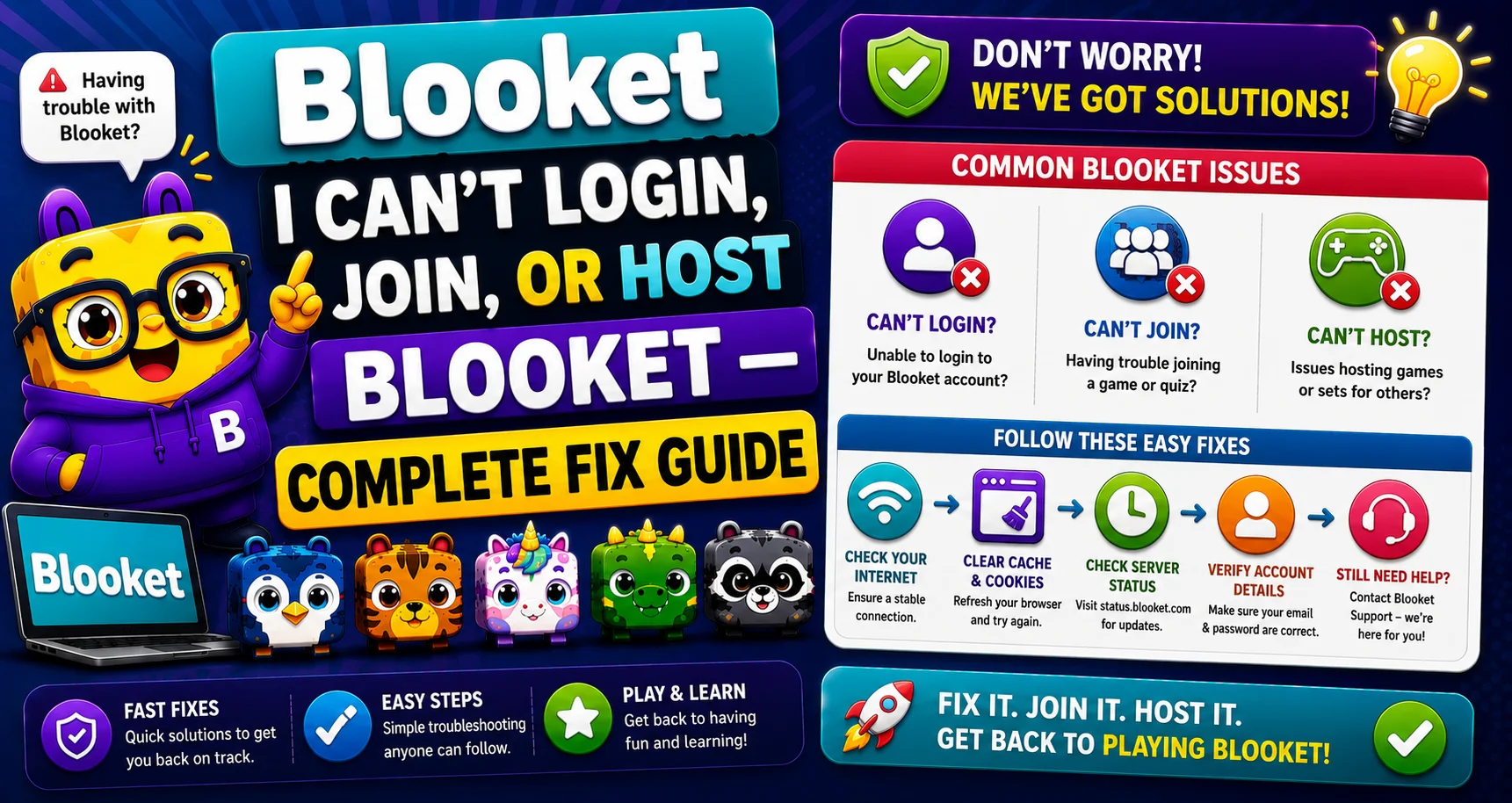
Quick Answer: Most login, join, and host failures trace back to a Chrome extension, firebaseio.com being blocked (join/host only), a case-sensitive username mismatch (login only), a wrong Game ID (join only), or a Student account trying to host (host only). Work through these causes in order for the fastest fix.
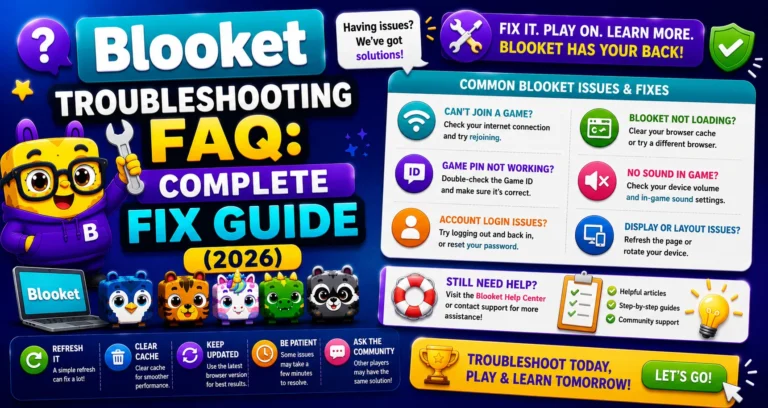
Complete FAQs Overview → Blooket Troubleshooting Guide
Blooket Can’t Login, Join, or Host
(Complete Fix Guide)
These errors can occur for a few reasons. This guide for “Blooket can’t log in” explains every cause in the right order, starting with fixes that take 30 seconds and escalating to ones that require IT involvement only if simpler fixes don’t work.
Want every cause in one deep-dive walkthrough? See the complete diagnostic guide, including the wrong-URL and session-ended causes for join failures.
The Three-Problem Breakdown
The same root causes affect login, game joining, and hosting differently:
| Problem | Primary Cause | Secondary Cause | Tertiary Cause |
| Can’t log in | Chrome extension | Wrong username capitalization | Account not created |
| Can’t join a game | Chrome extension | firebaseio.com blocked | Wrong Game ID |
| Can’t host a game | Chrome extension | firebaseio.com blocked | Account type wrong |
Work through the causes in this order for any of the three problems.
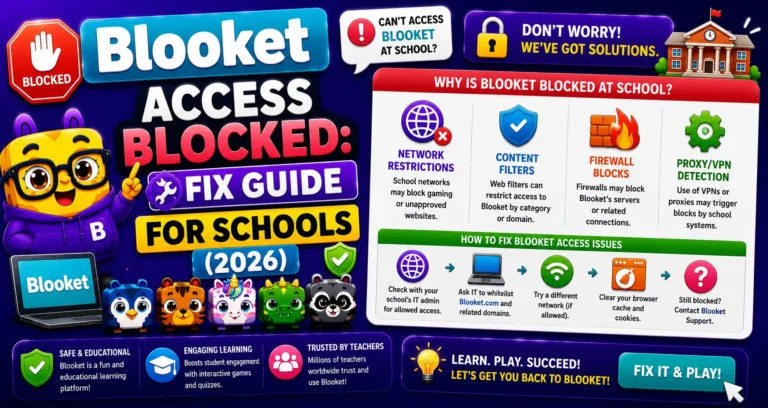
School Network Block → Blooket Access Blocked Fix
Cause 1: Chrome Extension Interference
The main cause is that a Chrome extension, such as an AdBlocker or another service, is blocking part of the site’s functionality. While Blooket doesn’t run ads, these can still interfere with some parts of the site.
Chrome extensions run scripts on every web page, including Blooket. Ad blockers, grammar tools, VPNs, and privacy extensions can all interfere with authentication or game-loading processes without displaying any error message explaining why.
→ Fix: Test in Incognito/Private Mode
- Press Ctrl+Shift+N (Windows/Chromebook) or Cmd+Shift+N (Mac) to open Incognito mode.
- Navigate to blooket.com in the Incognito window.
- Attempt the same action that was failing (login, join, or host).
Incognito mode disables all extensions by default. If the action works in Incognito but not in your regular browser, a specific extension is causing the problem.
To identify the culprit: Go to Chrome’s extension manager (chrome://extensions), disable extensions one at a time, and retest Blooket in your regular browser after each disable until the problem stops.
Source: verified from Blooket’s official documentation on login, join, and host issues.
Cause 2: firebaseio.com Is Blocked (Join and Host Only)
If you still can’t join or host a game, you may need to make sure firebaseio.com is unblocked on your device. Blooket uses this domain for part of its backend, so if a firewall blocks it, you may not be able to use certain parts of the site.
Critical scope clarification: Blocking firebaseio.com will NOT affect your ability to log in. Login works on a different backend pathway. If you can log in but cannot join or host games, blocking firebaseio.com is the most likely remaining cause.
Steps to Fix:
- Ask your school’s IT administrator or network manager to whitelist firebaseio.com on the school network.
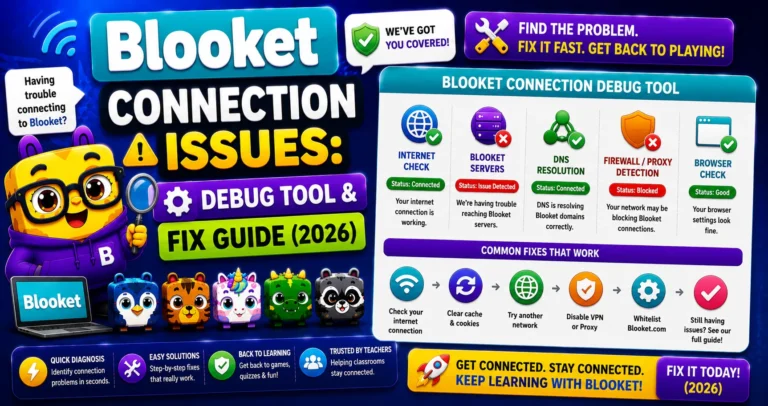
- Run debug.blooket.com to confirm whether firebaseio.com is being blocked; the debugger identifies exactly which services are failing.
Debug your Connection → How to Debug Blooket Connection Issues
Cause 3: Case-Sensitive Username (Login Only)
Usernames are case-sensitive, so when logging in, please ensure you use the exact username you registered with. If you registered as “JohnSmith27” and you’re typing “johnsmith27” or “JOHNSMITH27,” the login fails. Blooket treats these as different usernames.
How to Fix:
- Try logging in with your email address instead of your username; email login is not case-sensitive.
- Use the Forgot Password flow to reset access if you can’t remember the exact capitalization.
- If you signed up with Google, use the “Continue with Google” button rather than your username/password.
Cause 4: Wrong Game ID (Join Only)
If students are typing a game code and getting an error that the game isn’t loading:
- Verify the correct 7-digit code by reading it digit by digit off the projector.
- Check that the session is still active; Game IDs expire when the session ends.
- Share the Join Link directly via Google Classroom to eliminate manual code entry.
Cause 5: Wrong Account Type (Host Only)
If you can log in normally but the Host button doesn’t respond, the mode selection screen doesn’t load, or hosting options are missing or limited, your account type may be the cause.
Only Teacher accounts can host live games with all settings enabled. If you’re logged into a Student account, hosting is limited or unavailable, since Student accounts are designed for joining and playing, not running sessions.
How to Fix:
- Check your account type in Settings.
- If you’re on a Student account and need to host, switch to a Teacher account.
Note: Switching account type is fully reversible and doesn’t affect your Blooks, question sets, or game history.
Account Type Switching → How to Switch Your Blooket Account Type
Still Not Working?
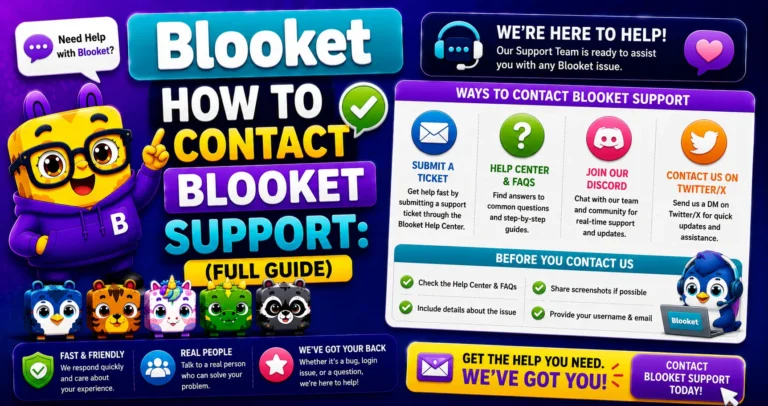
For more support, email: contact-us@blooket.com. Include your username, the email address associated with your account, and a description of what you’ve already tried.
Step-by-Step Guide → How to Contact Blooket Support
Where to Go Next
- Want to know more about the platform? See our full Blooket guide
- Curious about what your teacher sees? Visit the Blooket For Teachers
- Want the full student guides overview? See the Blooket For Students
Have another question? Please check the Frequently Asked Questions or Blooket Help Center.
Frequently Asked Questions
Why does the same problem sometimes affect login and sometimes only joining or hosting?
Because login, joining, and hosting use different backend pathways. A Chrome extension can affect all three, but firebaseio.com blocking only affects joining and hosting, not login.
What’s the single fastest thing to try first for any of these three problems?
Test in Incognito or Private mode. This disables all browser extensions instantly, so if the problem disappears there, you’ve immediately identified the cause.
Can I log in but still not be able to join or host a game?
Yes. This is actually the expected pattern if firebaseio.com is blocked on your network, since login uses a separate pathway that isn’t affected by that specific block.
Does the “wrong username capitalization” issue happen with email login too?
No. Email addresses are not case-sensitive when logging in, so switching to email login sidesteps the capitalization issue entirely if you can’t remember your exact username casing.
What should I do if a student’s Game ID isn’t working even though it looks correct?
Double-check it digit by digit off the projector, and confirm the session hasn’t ended, since Game IDs expire once the host’s session closes.
I can log in fine, but the Host button doesn’t do anything. What’s wrong?
Check your account type first. Only Teacher accounts can host live games with full settings; if you’re on a Student account, switch to a Teacher account in Settings, since this is a very common overlooked cause.
Should I try disabling all my extensions at once or one at a time?
Disable them one at a time and retest after each one. This pinpoints the specific extension causing the problem instead of leaving you guessing which one to keep off permanently.
What information speeds up a support request if none of these fixes work?
Your username, the email address on your account, and a clear description of which fixes you’ve already tried, sent to contact-us@blooket.com.