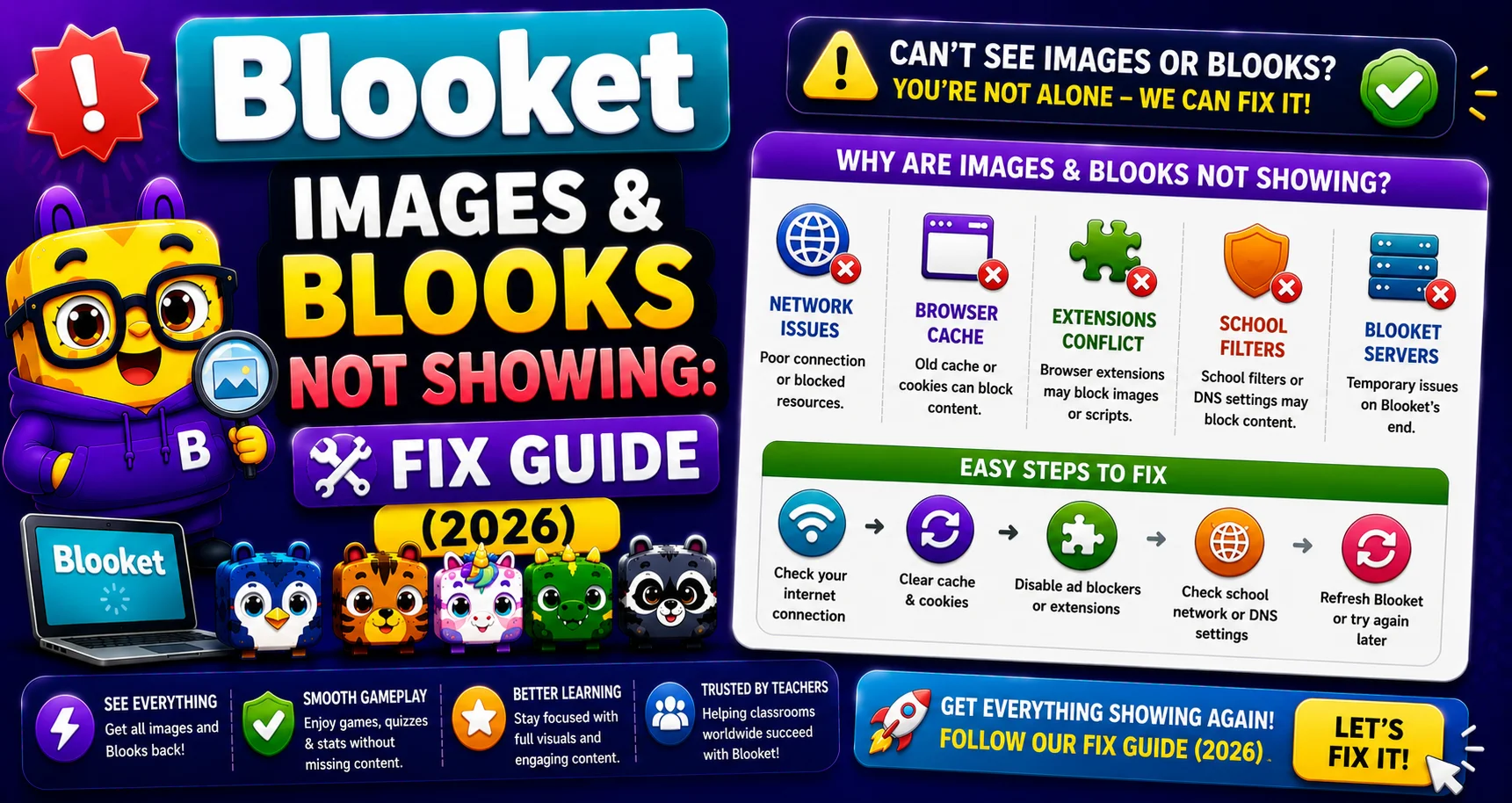
Blooket Images and Blooks Not Showing Up: Complete Fix Guide
Last verified: September 1, 2026
Quick Answer: Blook avatars and question images failing to load is almost always caused by a school network blocking res.cloudinary.com and images.unsplash.com. This is a network issue, not a Blooket account problem; your data stays intact. The fix is asking IT to whitelist both domains.
Blooket Images and Blooks Not Showing
(Complete Fix Guide)
When Blook avatars appear as blank squares or question images fail to load, the cause is almost always the same thing: your school’s network is blocking the image delivery services Blooket uses. Also, learn how to fix Blooks missing from your account.
Complete Overview About → Blooket Troubleshooting to Fix Every Problem
This is a school network issue, not a Blooket account problem. Your account, your Blooks, and your question sets are all unchanged; the images just can’t be delivered through the network’s current settings.
Source: verified from Blooket’s official documentation on images and Blooks not showing up.
Why This Happens
Blooket doesn’t host images on its own servers. It uses two external image delivery services:
- cloudinary.com: delivers Blook avatars, pack artwork, and most game visuals.
- unsplash.com: delivers supplementary images used in question sets.
School network content filters sometimes block these domains as part of broad external content policies, not because they contain anything inappropriate, but because they’re external image hosts. When blocked, Blooket loads normally, but images appear as blank boxes.
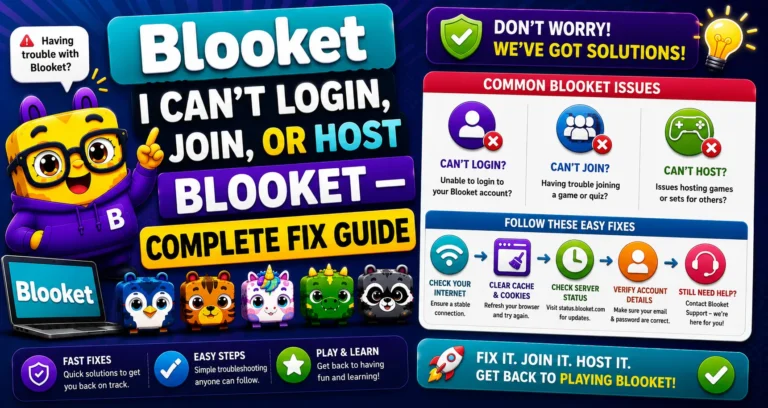
Learn More About → I Can’t Login, Join, or Host Blooket
The Fix: Unblock Two Domains
To get the images to show up, have someone on the school network unblock res.cloudinary.com and images.unsplash.com. These are the two services that deliver our images, so if they are blocked, the images will not show up.
→ Step 1: Confirm the issue with debug.blooket.com.
Navigate to debug.blooket.com and run the diagnostic. If res.cloudinary.com or images.unsplash.com show as failing, that confirms the specific block. Take a screenshot of the results page; it’s the most useful thing you can give IT.
Use the Debug Tool → How to Debug Blooket Connection Issues
→ Step 2: Contact your IT administrator or network manager.
Share the debug results and ask them to add res.cloudinary.com and images.unsplash.com to the school network’s allowlist.
Ready-to-Send IT Request
Copy and paste this into an email to your IT department:
Subject: Image Hosting Domains: Whitelist Request for Blooket
We’re using Blooket (blooket.com) for classroom instruction, but Blook avatars and question images are not loading for students and teachers on school devices.
The issue is that our school network is blocking two image hosting services that Blooket uses:
- cloudinary.com: primary image hosting
- unsplash.com: secondary image hosting
I’ve attached a screenshot from debug.blooket.com, which confirms these domains are being blocked on our network.
Cloudinary and Unsplash are widely used, reputable image delivery platforms used by thousands of educational websites. Whitelisting them will not expose students to inappropriate content.
Please let me know if you need any additional information. Thank you.
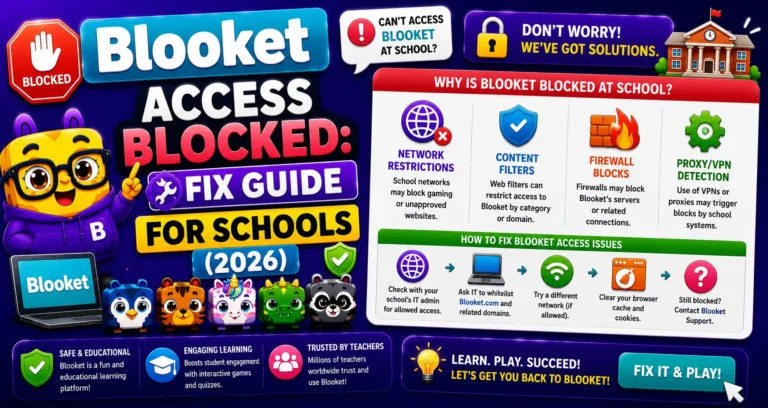
Other Network Issues → Blooket Access Blocked Fix
What Changes After Unblocking
After IT whitelists both domains:
- Clear your browser cache: Chrome: Settings → Privacy and security → Clear browsing data → Cached images and files → Clear data.
- Reload Blooket: all images should render immediately.
If images still don’t appear after the domains are unblocked and the cache is cleared, contact Blooket support: contact-us@blooket.com
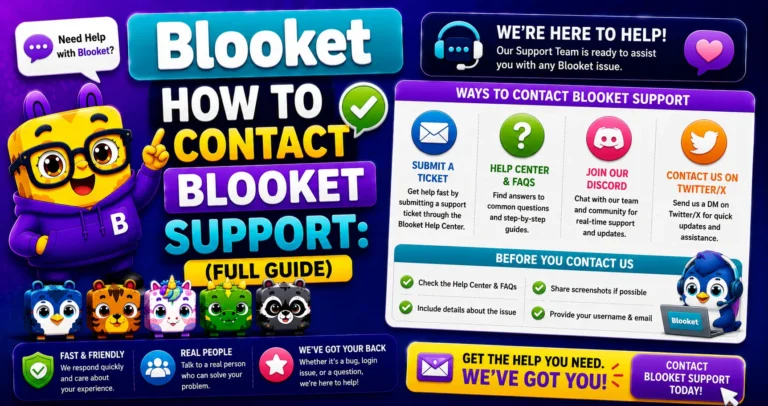
Contact Support → How to Contact Blooket Support
Where to Go Next
- Want to know more about the platform? See our full Blooket overview
- Curious about what your teacher sees? Visit the Blooket For Teachers
- Want the full student guides overview? See the Blooket For Students
Have another question? Please check the Frequently Asked Questions or Blooket Help Center.
Frequently Asked Questions
Will unblocking these domains put my students at risk of inappropriate content?
No. Cloudinary and Unsplash are widely used, reputable image delivery platforms used by thousands of educational websites; whitelisting them specifically for Blooket’s use doesn’t expose students to unrelated content on those platforms.
Does this problem mean my Blooket account or data is affected?
No. Your account, Blooks, and question sets are completely unchanged. This is purely a network-delivery issue; nothing on Blooket’s side or your account has been altered or lost.
Why do only some images fail while others load fine?
It depends on which domain is blocked. If only res.cloudinary.com is blocked, Blook avatars and most game visuals fail while some question images might still load, and vice versa if only images.unsplash.com is blocked.
Do I need to clear my cache even if I already cleared it before this issue started?
Yes, after IT unblocks the domains. Your browser may have cached the failed image-loading state, so a fresh cache clear ensures it re-fetches the images correctly from the now-unblocked domains.
What if IT unblocks the domains but images still don’t show up?
Clear your browser cache and reload first, since this resolves most remaining cases. If images still don’t appear after that, contact Blooket support directly.
Can I test whether the domains are unblocked without asking a student to try first?
Yes. Run debug.blooket.com yourself after IT confirms the whitelist change; it will show res.cloudinary.com and images.unsplash.com as passing if the fix worked.
Is there a way to speed up getting IT to make this change?
Yes. Use the ready-to-send IT request template in this guide along with a debug.blooket.com screenshot; specific, actionable requests with evidence get resolved faster than vague reports.