How to Cancel Your Blooket Plus Subscription: Complete Guide
Last verified: August 25, 2026
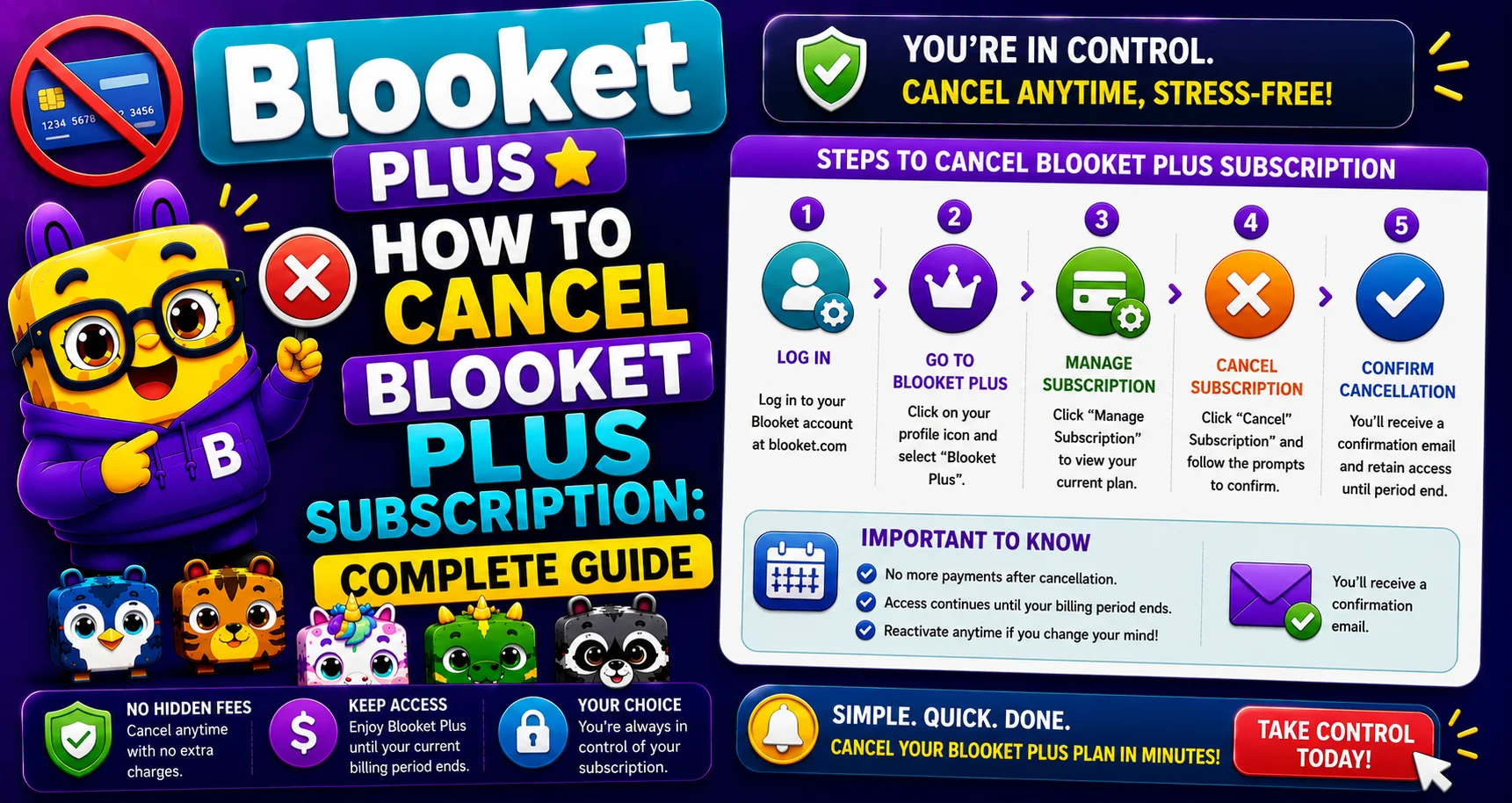
Quick Answer: Cancelling Blooket Plus or Plus Flex is a 4-step process through the Stripe billing portal: Settings, Edit Subscription, Cancel Plan, Confirm Cancel Plan. Your Plus access continues until the end of your current billing period; you’re not cut off immediately.
How to Cancel Blooket Plus Subscription?
Cancelling Blooket Plus or Plus Flex is a four-step process through the Stripe billing portal. Both plan types can be cancelled at any time. Learn step-by-step how to cancel your Blooket Plus subscription in this detailed guide.
Most important fact: After cancellation, your Plus access continues until the end of your current billing period. You are not cut off immediately. Your features continue to work until the period expires.
Complete Management Guide → Blooket Account Management
Before You Cancel: What Happens to Your Account
What you keep permanently (cancellation does not affect):
- All question sets you’ve created.
- Your game history and reports.
- Your Blooks, tokens, and XP.
- Your account username and email.
- Your Class Pass progress.
What you lose when Plus expires (at the end of your billing period):
- Access to Plus-exclusive game modes.
- 300-player game hosting (reverts to 60).
- Enhanced reports and spreadsheet downloads.
- Audio question recording/upload.
- Folders (existing folders remain visible but cannot be managed).
- 365-day homework deadlines (reverts to 14 days).
- Copy and duplicate any public set.
- Question Bank.
- Bonus tokens per game (+10).
Source: verified from Blooket’s official documentation on cancelling a Plus subscription.
Cancelling Your Plus Subscription: (4 Steps)
→ Step 1: Navigate to the Settings tab.
Important Note: Log in at blooket.com → click your profile icon → Settings, or go to dashboard.blooket.com/settings.
→ Step 2: Under “Plan,” select “Edit Subscription.”
On the Settings page, find the Plan section that shows your active Plus subscription. Click “Edit Subscription” to open the Stripe portal.
→ Step 3: On the Stripe menu, select “Cancel Plan.”
In the Stripe portal, select the cancellation option, then click “Cancel Plan.”
→ Step 4: On the “Cancel your plan” page, select “Cancel Plan” to confirm.
Stripe presents a confirmation screen summarizing your cancellation. Click “Cancel Plan” one final time to complete the cancellation.
Your cancellation is confirmed immediately. Blooket Plus access continues until your current billing period ends.
Want to Upgrade? → How to Upgrade to Blooket Plus
Plus vs Plus Flex: Cancellation Differences
| Plan | Billing | After Cancellation |
| Plus (Annual) | $59.88/year | Access continues until the annual period ends |
| Plus Flex (Monthly) | Higher monthly rate | Access continues until the current month ends |
Both plans use the same 4-step cancellation process. The only difference is the amount of billing time remaining after cancellation.
When to Cancel
→ End of the school year: Cancel before your annual renewal date if you don’t plan to use Plus over the summer. Check your renewal date in Settings, then Plan.
→ Mid-year budget change: Cancellation is immediate in the system. Blooket Plus Flex cancellation can stop next month’s charge if done before the monthly renewal date.
→ Switching from Flex to Annual: Cancel Flex first, wait for it to expire, then subscribe to annual Plus for the lower cost.
Important: if the button on the upgrade page reads “Already Owned,” your Flex subscription has not yet expired.
Update your Credit Card → How to Change Your Credit Card for Blooket Plus
After Cancellation: What the Settings Page Shows
After cancelling, your Settings • Plan section shows an End Date, the date your Plus access expires. You can still use all Plus features until that date.
Can I Re-Subscribe After Cancelling?
Yes. You can re-subscribe to any Plus plan at any time through the same Settings, then the Upgrade to Plus flow. Your previous question sets, game history, and account data are waiting; cancellation does not delete anything.
Where to Go Next
- Want to know more about the platform? See our full Blooket overview
- Curious about what your teacher sees? Visit the Blooket For Teachers
- Want the full student guides overview? See the Blooket For Students
Have another question? Please check the Frequently Asked Questions or Blooket Help Center.
Frequently Asked Questions
Will cancelling Plus delete any of my content?
No. Your question sets, game history, Blooks, tokens, XP, username, and email all stay exactly as they are. Cancellation only affects Plus-exclusive features once the current billing period ends.
How quickly does cancellation take effect?
The cancellation itself is confirmed immediately in the system, but your actual Plus access and features continue working until the end of your current billing period.
What’s the difference between cancelling Plus and Plus Flex?
Both use the identical 4-step process. The only difference is timing: Plus (annual) access continues until the yearly period ends, while Plus Flex access continues until the current month ends.
Can I switch from Plus Flex to annual Plus for a better rate?
Yes. Cancel Flex first, wait for it to expire, then subscribe to annual Plus. If the upgrade button shows “Already Owned,” your Flex subscription hasn’t expired yet.
Will I lose my folders when Plus expires?
Existing folders remain visible, but you won’t be able to create new ones or manage them until you resubscribe to Plus.
Can I re-subscribe after cancelling, and will I lose anything by waiting?
Yes, you can re-subscribe at any time. Nothing is deleted while you wait; your question sets, game history, and account data remain intact whenever you decide to return.
When is the best time to cancel if I only use Blooket during the school year?
Cancel before your annual renewal date if you won’t use Plus over the summer. Check your exact renewal date in Settings, then plan accordingly.