How to Delete Your Blooket Account Permanently: Complete Guide
Last verified: August 25, 2026
Quick Answer: Deleting your Blooket account permanently removes every Blook, question set, game history entry, token balance, Class Pass level, and subscription record, with no recovery possible. Before deleting, consider whether changing your email or cancelling Plus solves your actual concern instead.
How to Delete Blooket Account Permanently
There is no recovery after deletion is confirmed. Every Blook, question set, game history entry, token balance, Class Pass level, and subscription record is permanently removed. Learn more about how to delete your Blooket account permanently in this detailed guide.
⚠️ Read this before proceeding: Deleting your account is a permanent action. You will lose access to all your Blooket data, which will be deleted in accordance with our Terms of Use and Privacy Policy.
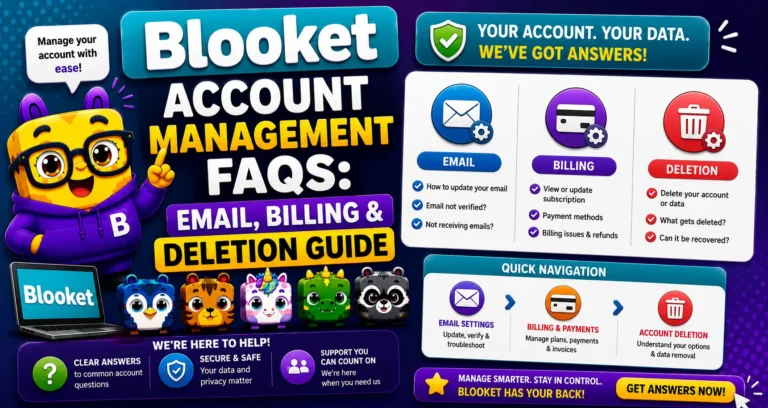
Learn More About → Blooket Account Management
What You Permanently Lose
| Data Category | Deleted on Account Removal |
| Blook collection (all rarities) | Yes, permanently |
| Tokens and XP | Yes, permanently |
| Class Pass progress | Yes, permanently |
| Custom Blooks | Yes, permanently |
| Question sets (all created) | Yes, permanently |
| Saved/favorited sets | Yes, permanently |
| Game history and reports | Yes, permanently |
| Active Plus subscription record | Yes, subscription cancelled |
| Account credentials | Yes, email/username association removed |
Source: Verified from Blooket’s official documentation on deleting an account.
Consider These Alternatives First
Most users who want to “delete their account” actually have a specific, solvable problem. Check whether one of these alternatives resolves your actual concern without losing your account:
→ You want to stop using Blooket: You don’t need to delete your account. Free accounts have no fees, obligations, or expiry. Simply stop logging in. Your data is preserved if you ever return.
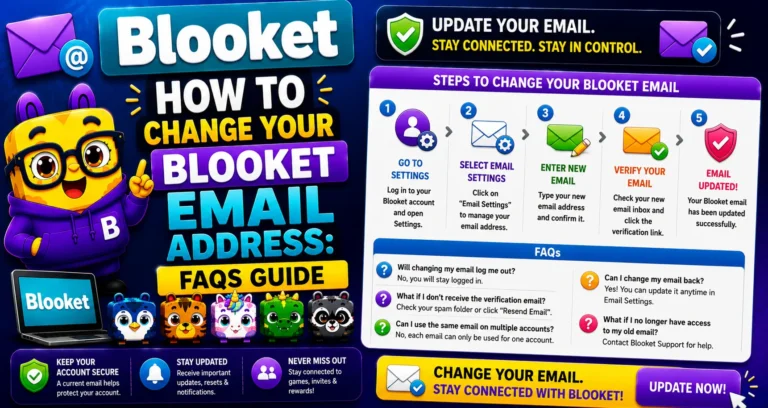
→ Your school email will be deactivated: This is the most common driver of unnecessary deletions. The correct solution is to change your email to a personal address, not delete it. Your Blooks, question sets, and history stay intact.
Change your Email → How to Change Your Blooket Email Address
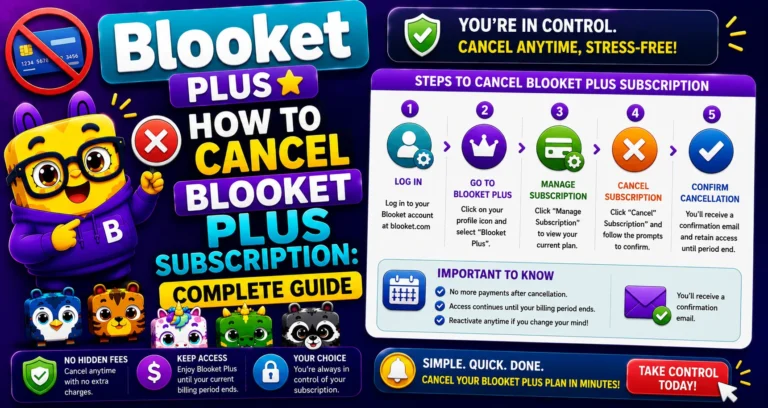
→ You want to cancel your Plus subscription: You can cancel Plus without deleting your account. Cancel from Settings, then Plan, then Edit Subscription. Your Starter (free) account remains active with all its content.
Cancel Plus Subscription → How to Cancel Your Blooket Plus Subscription
→ You want to switch account types: Switch between Student and Teacher in Settings without deleting the account. All data is preserved through the switch.
→ You want a fresh start: Consider whether changing your username and creating new question sets achieves the “fresh start” without losing your Blook collection and history.
Pre-Deletion Checklist
If you’ve considered the alternatives and still want to delete, take these steps first:
→ Cancel any active Plus subscription. Deleting with an active subscription may complicate billing; cancel Plus first, confirm cancellation is processed, then proceed to deletion.
→ Export or note any question sets you want to keep. Use the Print Worksheet option on any set to save a PDF of the questions. Save as a reference copy since sets cannot be exported as portable files.
→ Inform colleagues using your public question sets. Your Public sets disappear from Discover immediately upon deletion; colleagues who rely on them should copy them first.
→ Screenshot your Blook collection if you want a record. Rare Blooks earned over time cannot be recovered, but a screenshot provides a sentimental record.
→ Confirm you’re deleting the right account. If you have multiple Blooket accounts, ensure you’re logged in to the one you intend to delete.
Steps to Delete a Blooket Account
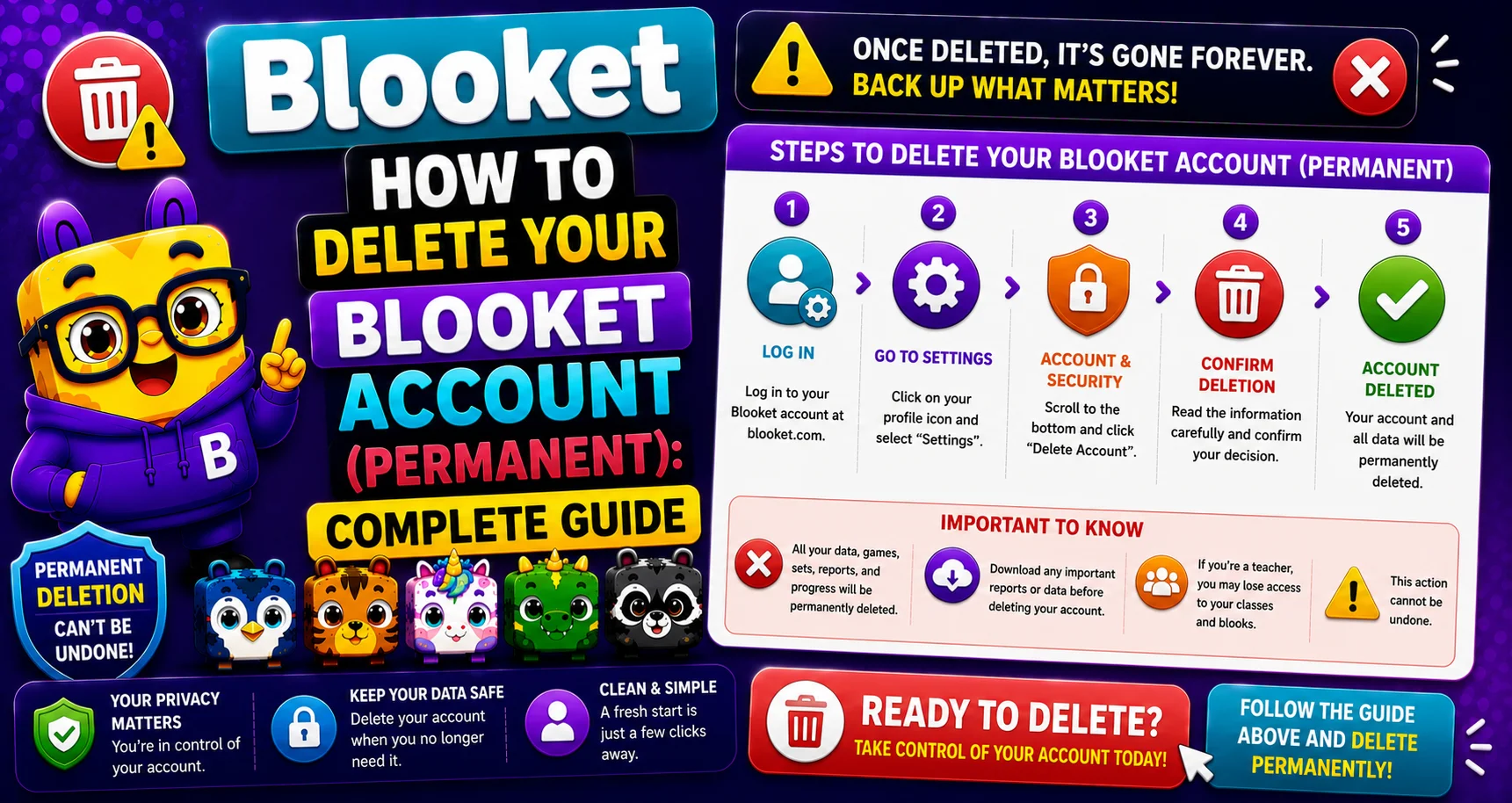
→ Step 1: Log in to the Blooket account you want to delete at blooket.com.
→ Step 2: Navigate to the Settings tab.
Click your profile icon → Settings, or go directly to dashboard.blooket.com/settings.
→ Step 3: Locate the Delete Account option on the Settings page.
Scroll to the bottom of the Settings page to find the account deletion section. It may be labeled “Delete Account” or appear in a danger zone section.
→ Step 4: Click Delete Account and review the warning presented by Blooket.
Read the warning summary carefully. It outlines which data is being permanently removed.
→ Step 5: Complete the confirmation step.
Blooket requires confirmation before processing a deletion; this may involve entering your account email or username, or clicking a final confirmation button to verify the action is intentional.
Important Note: After confirmation, your account will be deleted permanently in accordance with Blooket’s Terms of Service and Privacy Policy.
After Deletion
- You are immediately logged out.
- Your username has been released and can be claimed by another user.
- Your public question sets disappear from Discover.
- Any active homework assignments you created are terminated.
- No recovery is possible through Blooket support.
Where to Go Next
- Want to know more about the platform? See our full Blooket overview
- Curious about what your teacher sees? Visit the Blooket For Teachers
- Want the full student guides overview? See the Blooket For Students
Have another question? Please check the Frequently Asked Questions or Blooket Help Center.
Frequently Asked Questions
Can I recover my account after it’s been deleted?
No. The action is permanent. Blooket cannot restore deleted accounts.
Will I get a refund on my Plus subscription?
Blooket’s policy states fees are generally non-refundable. Cancel your subscription and wait for your billing period to end before deleting to ensure a clear exit.
Can I create a new account with the same email after deleting the old one?
Yes; once deletion is processed, your email is released and can be used for a new account.
I deleted by mistake; what do I do?
Contact Blooket support immediately: contact-us@blooket.com. While the action is documented as permanent, contacting support as quickly as possible gives the best chance of any available assistance.
Does deleting my account also delete my active Plus subscription?
Yes, deletion cancels any active Plus subscription record, but this is not a substitute for properly cancelling first, since fees are generally non-refundable regardless of when you delete.
What happens to homework I assigned if I delete my account?
Any active homework assignments you created are immediately terminated, so students will no longer be able to complete or submit them.
If I have more than one Blooket account, how do I make sure I delete the right one?
Check which account you’re logged into before starting the deletion process. If you have multiple accounts, confirm the email or username shown in Settings matches the one you actually intend to delete.