Blooket Study Mode: The Flashcard Game Mode Explained
Last verified: August 17, 2026
Quick Answer: Blooket Study Mode is a free solo flashcard-style game that shows questions one at a time with instant right/wrong feedback and no game mechanics. It’s currently solo-only, generates XP at a high rate, and is ideal for focused test prep.
Blooket Study Mode:
The Flashcard Game Mode Explained
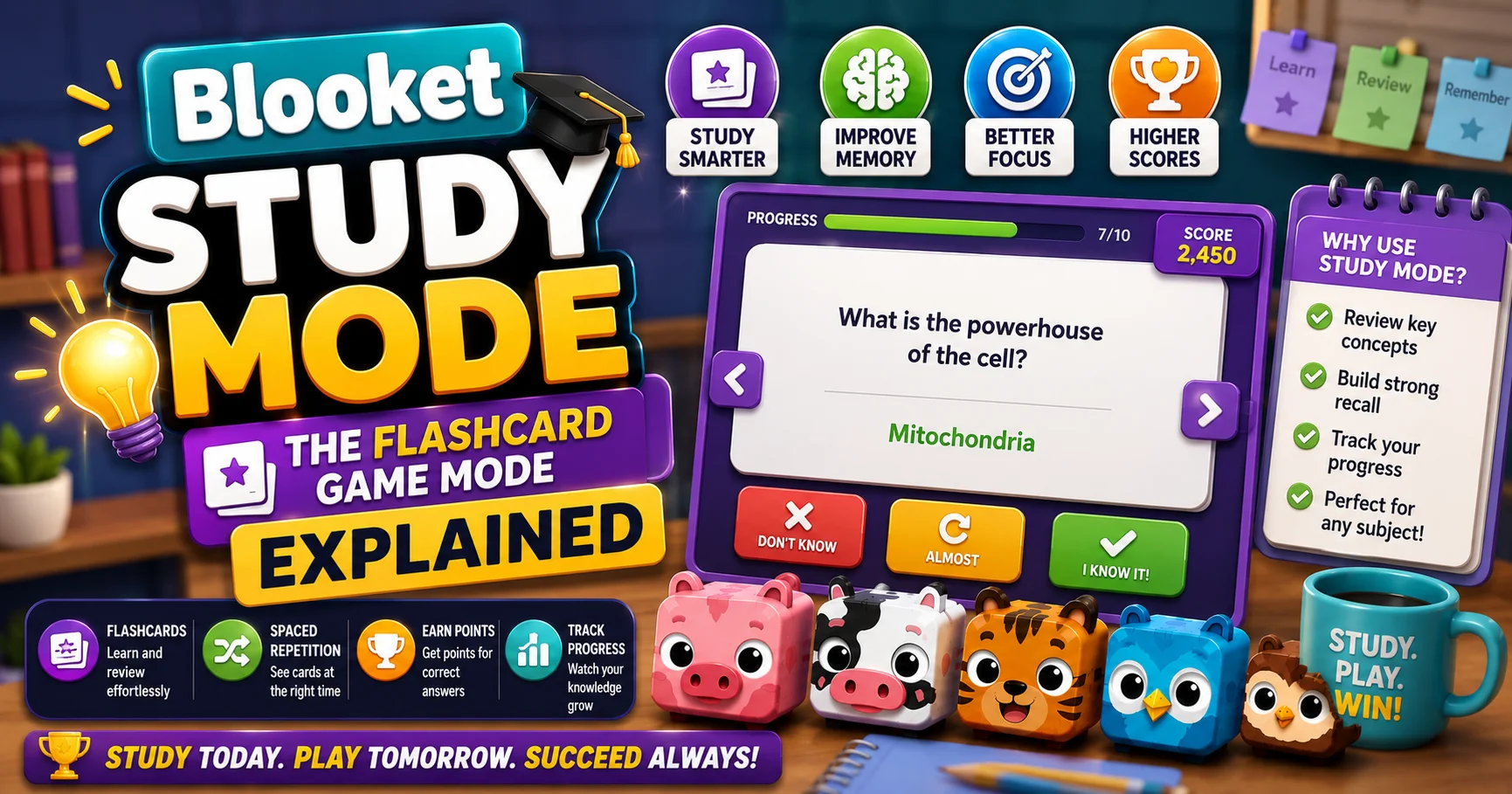
The Blooket Study game mode is designed for solo practice and review. Unlike other game modes that incorporate complex gameplay elements, Study Mode focuses solely on presenting questions in a flashcard-style format, allowing students to concentrate on mastering the content. Blooket Study Mode is ideal for self-paced learning sessions.
✅Available to all Blooket users: No Plus required. Solo only (homework mode coming).
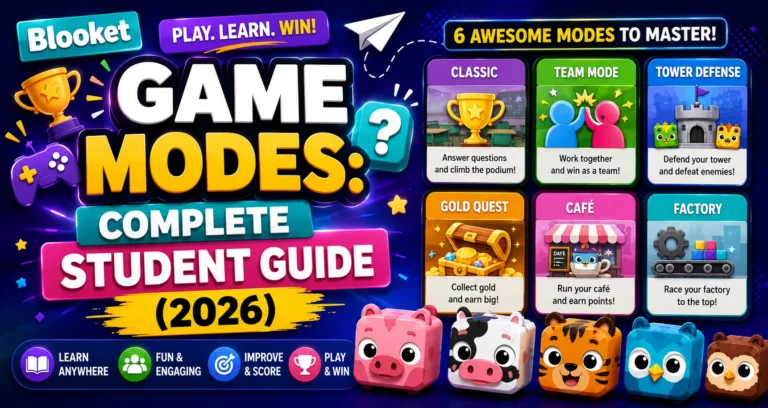
Full Overview About → Blooket Game Modes for Students
Blooket Study Mode Game Stats
| Stat | Value |
| Difficulty | Normal |
| Skills | Accuracy & Memory |
| Ideal Time | 5 minutes |
| Questions | High Frequency |
| Play Mode | Solo Only |
Source: verified from Blooket’s official Study Mode documentation.
Why is Study Mode Different from Every Other Mode?
Every other Blooket mode has a game layer: chase gold, defend towers, break bricks, navigate a map. Study Mode has none of that. It’s just questions, one at a time, with immediate right/wrong feedback.
For students who find that game techniques distract them from actual studying, Study Mode removes that friction. The entire screen is focused on the question in front of you.
How to Access Study Mode?
From Discover:
- Log in at blooket.com.
- Navigate to Discover.
- Find a question set you want to review.
- Click Play Solo.
- Select Study from the game mode list.
From My Sets:
- Students: Click the Solo button on any set card → then select Study.
- Teachers: Hover over the gear icon on any set page → click Solo → then select Study.
Step-by-Step → How to Play a Solo Game in Blooket
How Does Study Mode Work?
Once in Study Mode, you’re presented with questions from your selected set one at a time. After answering each question, you immediately see whether your response was correct, reinforcing learning through instant feedback.
The number of correct answers is displayed in the top right corner of the game screen. This simple counter keeps you aware of your progress without leaderboard pressure or competitive stress.
The session continues until you’ve reviewed all questions, or you can exit early by selecting the checkered flag in the top right corner.
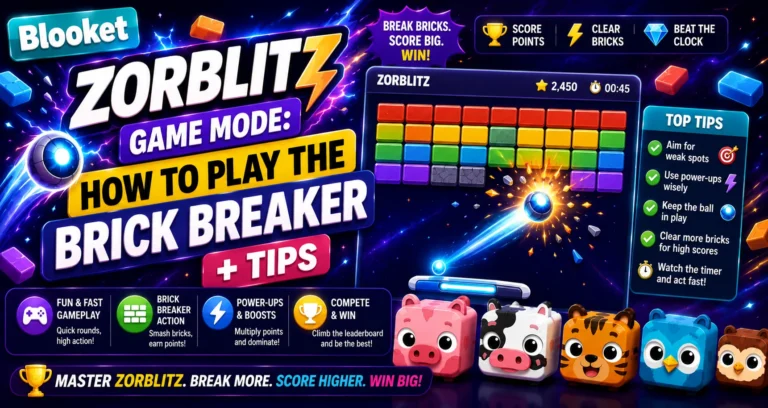
Other Solo Modes → Game Overview: Blooket Zorblitz
Accessibility Settings
From within Study Mode, you can access basic accessibility options and other settings using the gear icon. This includes options that can support students with different learning needs.
Why Study Mode Earns the Best XP?
Among all Blooket solo modes, Study Mode generates XP at a high rate for the duration of the session. Because questions appear at High Frequency with minimal interruption from game mechanics, you answer more questions per minute than in most other modes.
For students grinding Class Pass levels to unlock Custom Blook cosmetics, Study Mode is the most efficient XP source available.
Earning XP Guide → How to Earn Tokens and XP in Blooket
When to Choose Study Mode?
| Use Case | Study Mode |
| You want to memorize content with pure repetition | Perfect |
| You’re prepping for a test in 20 minutes | Perfect |
| You want maximum XP per session | Perfect |
| You enjoy gameplay while studying | Try Zorblitz or Pirate Pool instead |
| You need to complete homework | Check which modes your teacher enabled |
| Your teacher assigned a specific mode | Use what’s assigned |
Future Updates
Blooket’s official documentation update: We plan to add Study as a homework game mode in the near future. For now, students can still utilize it by following the instructions above to play it solo.
It means that Study Mode will eventually be assignable as homework; check for updates in the game mode selection screen as Blooket releases new features.
Where to Go Next
- Want to know more about the platform? See our Blooket overview
- Curious about what your teacher sees? Visit the Blooket For Teachers
- Want the full student guides overview? See the Blooket For Students
Have another question? Please check the Frequently Asked Questions or Blooket Help Center.
Frequently Asked Questions
Do I need Blooket Plus to play Study Mode?
No. Study Mode is available to all Blooket users at no cost, with no Plus subscription required.
Can Study Mode be assigned as homework?
Not yet. It’s currently solo-only, though Blooket’s own documentation confirms homework mode is planned for a future update.
Why does Study Mode earn more XP than other solo modes?
Because questions appear at High Frequency with minimal interruption from game mechanics, letting you answer more questions per minute than modes with movement, aiming, or other gameplay layers.
How is Study Mode different from Classic mode?
Classic still has a competitive scoring and leaderboard layer even in solo play. Study Mode strips all of that away, showing only questions and instant right/wrong feedback with no game techniques at all.
Can I exit Study Mode before finishing all the questions?
Yes. Select the checkered flag in the top right corner of the screen to end the session early at any time.
What accessibility options does Study Mode offer?
Basic accessibility options are available through the gear icon within the game, designed to support students with different learning needs.
When should I use Study Mode instead of a different solo mode?
When you want pure repetition, are prepping for a test with limited time, or want maximum XP per session. If you enjoy gameplay while reviewing, Zorblitz or Pirate Pool are better fits.