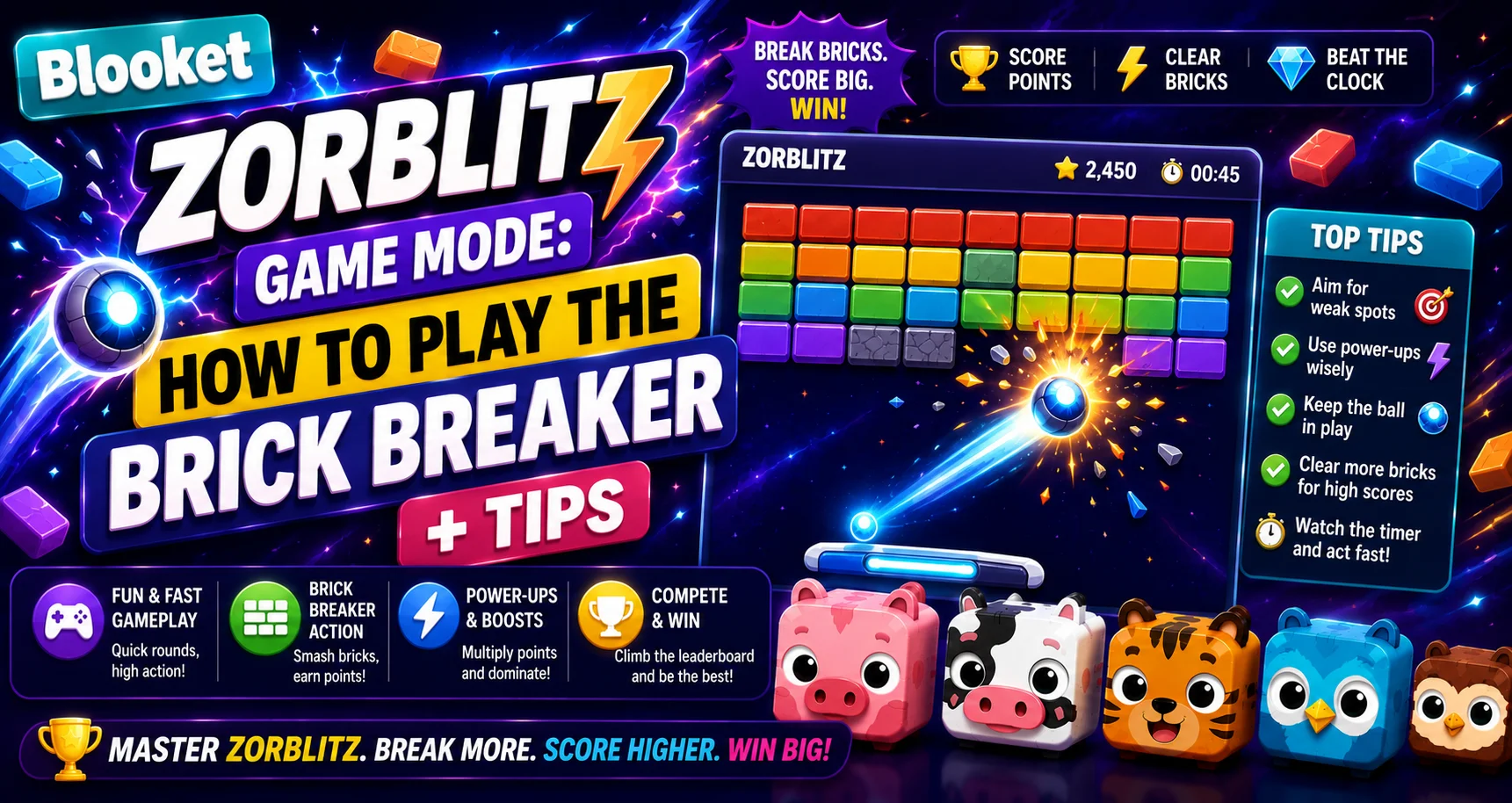
Blooket Zorblitz Game Mode: How to Play the Brick Breaker + Tips
Last verified: August 16, 2026
Quick Answer: Blooket Zorblitz is a free brick-breaker game mode playable solo or as homework. Break bricks, bounce alien enemies for bonus points, and answer questions correctly to keep the ball in play through 12 levels of increasing difficulty.
Blooket Zorblitz Game Mode For Students
The Blooket Zorblitz is the classic brick-breaker game, which can be played solo or used to complete a homework assignment. In Zorblitz, students break bricks, dodge alien obstacles, and answer questions to advance through levels.
✅Available to all Blooket users: No Plus required to play Blooket Zorblitz.
Game Stats at a Glance
| Stat | Value |
| Difficulty | Normal |
| Skills | Dexterity & Accuracy |
| Ideal Time | 7+ minutes |
| Questions | Normal Frequency |
| Play Mode | Solo or Homework |
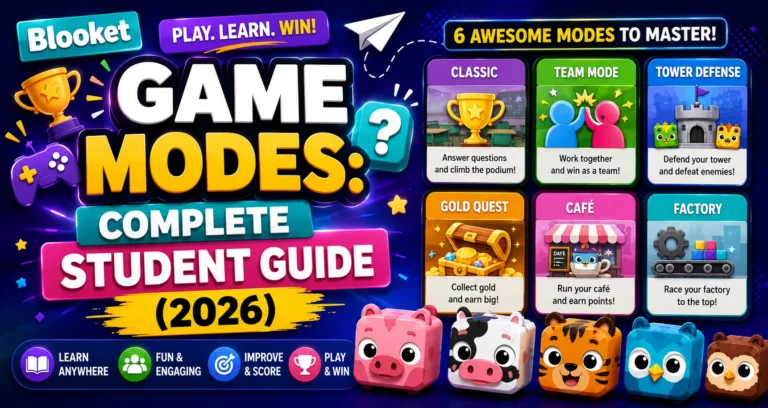
All Modes Overview → Blooket Game Modes for Students
The Goal
Clear levels, rack up points, and earn the highest star rating possible. Each completed level unlocks the next one, and levels can be replayed anytime to improve your score.
How to Access Zorblitz?
Players can choose any question set from Discover or their own sets, then click Play Solo and select Zorblitz.
From Discover:
- Log in to your Blooket account.
- Go to Discover.
- Find a question set you want to use.
- Click Play Solo.
- Select Zorblitz.
- Choose your starting level and play.
From My Sets:
- Go to My Sets.
- Click the Solo button on any set card.
- Select Zorblitz.
Solo Play Guide → How to Play Blooket Solo Game
The Game Controls
- Desktop: Move the paddle side to side with your mouse.
- Mobile/Tablet: Use the touch controls to move the paddle.
Understanding the Score System
| Action | Effect |
| Clear all breakable bricks | Complete the level |
| Break bricks | Earn points |
| Bounce alien enemies on your paddle | Earn bonus points |
| Alien space trash hits your paddle | Lose points |
| Drop the ball | Lose a life |
Learn More About → Blooket Study Game Mode
All Brick Types Explained
| Brick Type | Description |
| Single-Hit Bricks | Break after one bounce |
| Multi-Hit Bricks | Require multiple hits to clear |
| Indestructible Bricks | Cannot be broken; work around them |
| Power-Up Bricks | Drop upgrades when hit; catch the falling icons |
| Exploding Bricks | Explode when hit, destroying nearby bricks |
| Invisible Bricks | Invisible until struck multiple times |
Power-Ups from Power-Up Bricks
When a Power-Up Brick is hit, a power-up icon falls downward. Move your paddle to catch it. Power-ups include:
- Extended Paddle: Makes your paddle wider, making it easier to catch the ball.
- Fiery Ball: The ball breaks through bricks faster without bouncing back.
- Magnet Paddle: The ball sticks to your paddle briefly, letting you aim your next shot.
Alien Enemies
Aliens stand on top of bricks, tossing space trash toward the paddle.
- Knock out bricks beneath them to make aliens fall.
- Bounce aliens on your paddle to earn bonus points and hit more bricks.
- Avoid or deflect falling trash; if trash hits your paddle, you lose points.
- Grumps: A special enemy type. If a Grump touches you, you lose a life. Knock them out for extra points.
How Questions Work in Zorblitz?
At intervals, gameplay pauses, and your paddle deploys a tractor beam that holds the ball in place as you answer questions from the set; it could be between 1 and 3 questions at a time. Players must answer a question correctly to continue. The ball will re-launch from your paddle, and play will resume.
The question timing adapts to your playing style to keep the play-time-to-question ratio consistent without abruptly interrupting the game.
Advancing Through Levels
Each new level increases difficulty with:
- Tougher brick patterns and new configurations
- Faster ball speed
- More alien encounters and unique challenges
Settings
From the settings menu, you can:
- Increase Question Frequency: For more intense study sessions.
- Enable/Disable Ball Spin: Spin gives you more control, but is harder to master.
Expert Tips from the Official Blooket Guide
The following tips come directly from official Blooket’s Zorblitz documentation:
- Don’t panic if space trash is falling; sometimes it’s better to lose some points and let it hit the paddle than to drop the ball and lose a life.
- Bounce aliens as many times as possible before letting them drop for extra points (even after all bricks are cleared).
- Angle the bounce by adjusting where the ball hits the paddle.
- For advanced control, try slicing the ball to put some spin on it.
- Prioritize power-ups to increase coverage, speed, and ball control.
Troubleshooting Performance Issues
If you notice lag or choppy motion, try shutting off all other apps and closing all other browser tabs. If issues persist, quitting and restarting the browser or using a different one could improve performance.
Ensure your device’s battery does not drop below 20%, and the computer is not in battery-saver mode. If you find the game unresponsive, refreshing the browser will usually get it running again. Your scores for completed levels will be saved.
Full Troubleshooting Guide → Blooket Game Performance Troubleshooting
Using Zorblitz for Homework
Blooket Zorblitz can be played as a solo practice game or as homework. If your teacher assigned Zorblitz as an available homework mode, it will appear in the game selection screen when you open the homework link.
Homework Guide → How to Complete Homework in Blooket
Where to Go Next
- Want to know more about the platform? See our full Blooket overview
- Curious about what your teacher sees? Visit the Blooket For Teachers
- Want the full student guides overview? See the Blooket For Students
Have another question? Please check the Frequently Asked Questions or Blooket Help Center.
Frequently Asked Questions
Do I need Blooket Plus to play Zorblitz?
No. Zorblitz is available to all Blooket users at no cost, unlike some other game modes such as Star Grazer or Mini Mine, which require the host to have Blooket Plus.
What happens if I drop the ball in Zorblitz?
You lose a life. Losing all your lives ends that level attempt, though you can retry the level to improve your score afterward.
How does answering questions affect Zorblitz gameplay?
At intervals, the ball is held in place by a tractor beam while you answer 1 to 3 questions. Answering correctly re-launches the ball and resumes play; the timing adapts to keep the game from feeling abruptly interrupted.
What is a Grump in Zorblitz?
A special alien enemy type. If a Grump touches your paddle, you lose a life, but knocking one out before that happens earns extra points.
Can Zorblitz be assigned as homework?
Yes. If your teacher includes Zorblitz as an available homework mode, it appears in the game selection screen when you open the homework link or QR code.
What should I do if Zorblitz is lagging?
Close other apps and browser tabs, make sure your device battery is above 20% and not in battery-saver mode, and try refreshing the browser or switching to a different one if the game becomes unresponsive.
Does Ball Spin make Zorblitz easier or harder?
It depends on skill level. Spin gives more control over the ball’s direction, but it takes more practice to master compared to leaving spin disabled.