Blooket Quick Start Guide for Students: Everything You Need in 5 Minutes
Last verified: August 16, 2026
Quick Answer: You don’t need an account to join a live Blooket game; just go to play.blooket.com, enter your teacher’s code, and pick a nickname. An account (free, ages 13+ in the US or 16+ outside it) lets you collect Blooks, save your stats, and complete homework assignments.
Blooket Quick Start Guide for Students
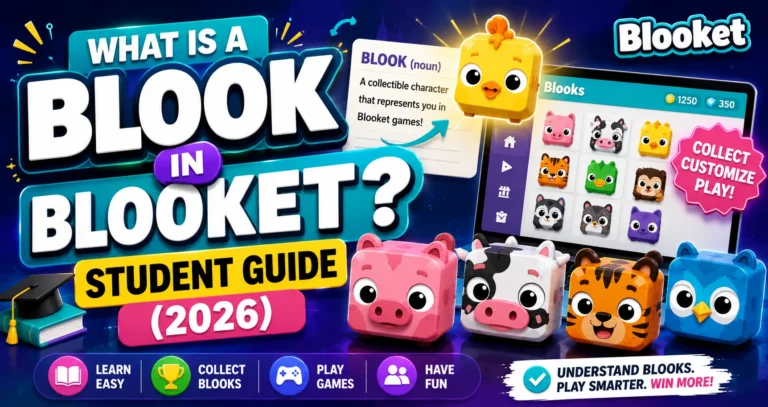
Blooket is an educational game platform where you answer questions and compete, earning points, collecting Blook avatars, and having fun while reviewing class content. This Blooket student guide explains everything you need to get started: what Blooket actually is, whether you need an account, how to join a game, how to play solo, and how to collect your first Blooks.
Pronunciation → How to Pronounce Blooket
Do You Need an Account?
This is the first question most students ask. The short answer is: no, but it helps. You can join any live Blooket game without an account. Your teacher gives you a code. Go to play.blooket.com, enter the code, type a nickname, and you’re in, with no sign-up required.
If you don’t have an account:
- You won’t earn tokens or XP.
- You can’t collect Blooks.
- Your game history isn’t saved.
- You can’t complete homework assignments as a tracked student.
If you want to collect Blooks, save your stats, and do homework your teacher assigns, create a free account.
Important: You must be 13 or older (in the United States) or 16 or older (outside the US) to create a Blooket account. If you don’t meet the age requirement, you can still join live games as a guest.
Source: verified from Blooket’s official “Blooket Quick Start Guide for Students” documentation
Step 1: Create Your Free Account
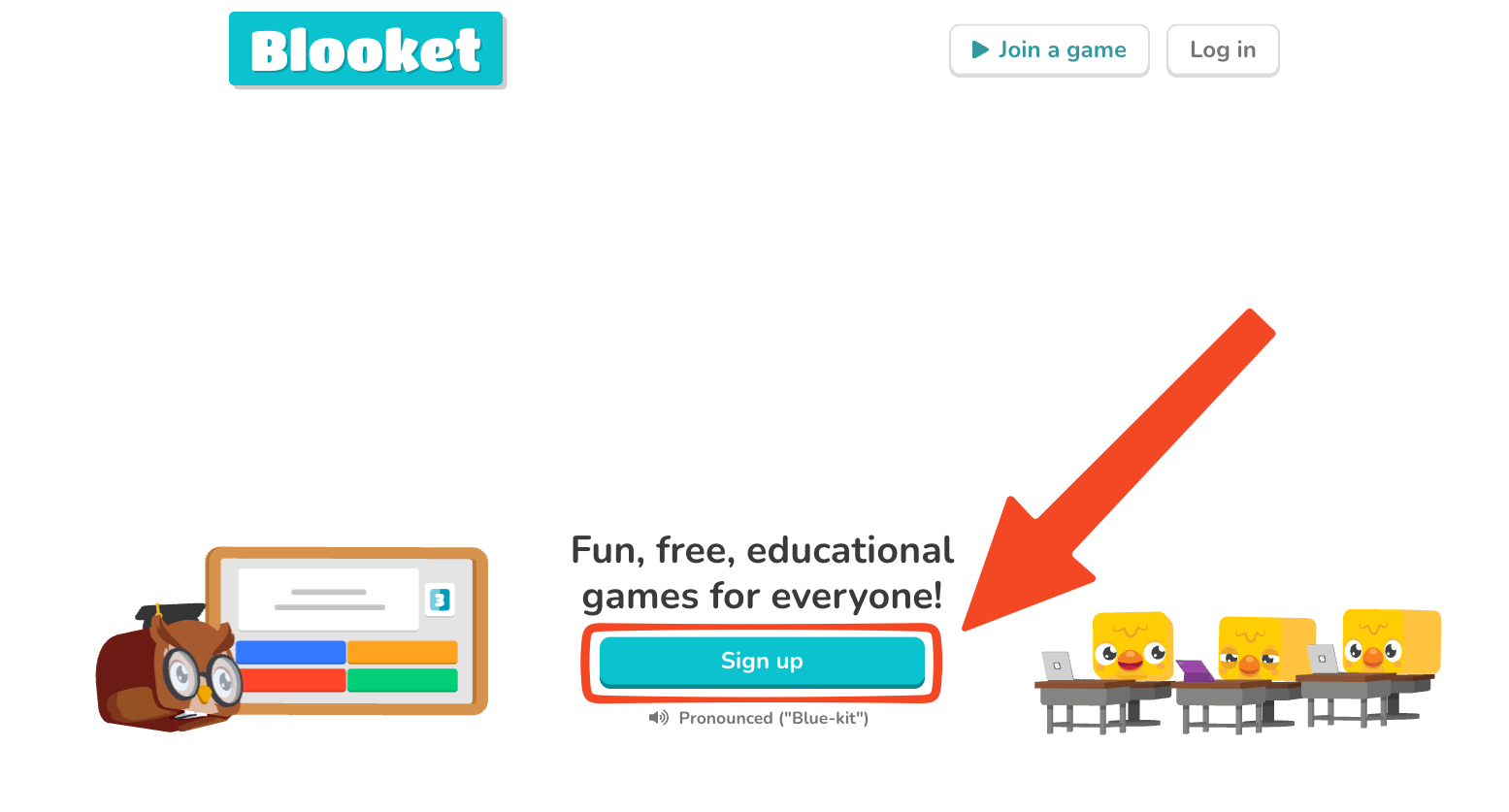
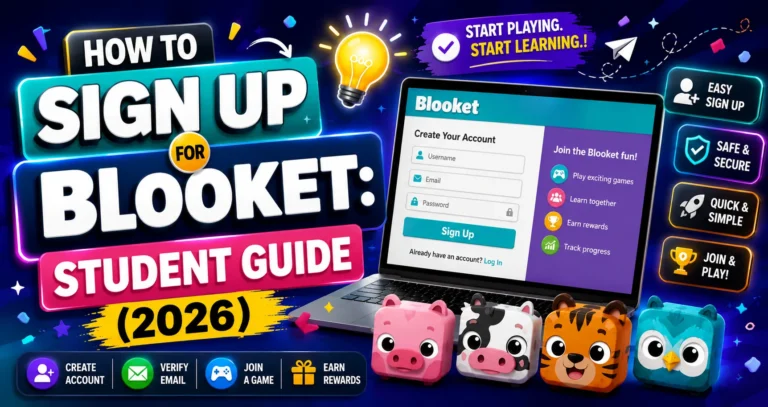
Go to blooket.com and click Sign Up. You have two options:
- Sign up with Google: Fastest option. Use your school Google account or your personal Gmail account. One click and you’re in.
- Sign up with email: Enter your email address, choose a username, and create a password. A verification email will arrive; click the link to confirm.
During setup, choose Student as your account type. This gives you the right dashboard for your needs.
Student Account Setup → How to Sign Up for Blooket
Step 2: Join a Live Game
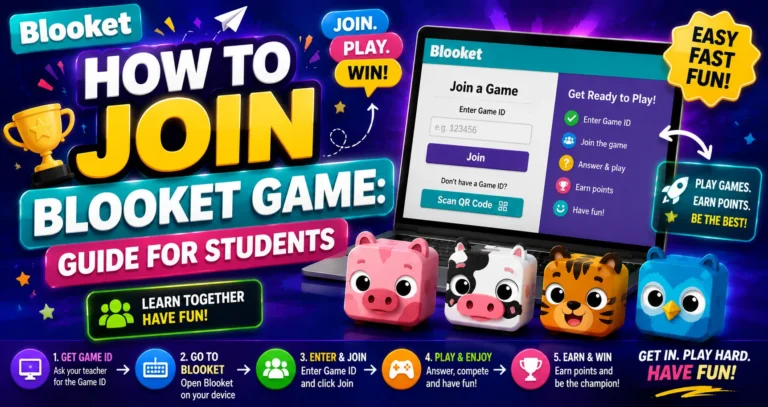
Your teacher starts a game and shares a code with the class. Here’s how you join:
- Go to play.blooket.com (or blooket.com; there’s a “Join a Game” button on the homepage).
- Enter the 7-digit Game ID your teacher shows on screen (or scan the QR code).
- Type your nickname; use your real name so your teacher can see your score in reports.
- Pick a Blook to use as your avatar.
- Wait in the lobby until your teacher starts the game.
That’s it. The game begins, and questions start appearing on your screen.
Complete Guide for → How to Join a Blooket Game
Step 3: Join a Homework Assignment
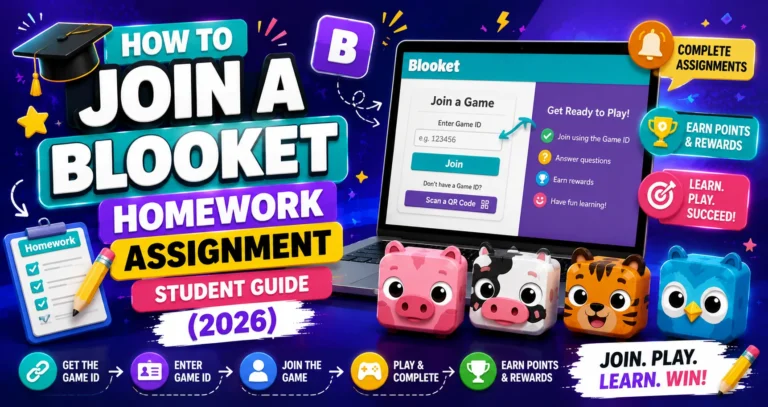
Homework in Blooket is different from a live game; there’s no game code. Instead, your teacher shares a homework link or QR code with you (usually through Google Classroom, email, or your LMS).
- Click the homework link or scan the QR code.
- Log in to your account (or continue as a guest, though logging in saves your results).
- Enter your nickname.
- Choose your game mode from the available solo options.
- Play until you hit the Correct Goal, the number of correct answers your teacher set.
When you hit the goal, “Homework Complete!” appears. You can keep playing if you want, but your teacher already sees your result.
Complete Guide Regarding → How to Join a Homework Assignment
Step 4: Play a Solo Game
Want to practice on your own without a teacher or class? Solo mode lets you play any question set at any time.
- Log in to Blooket as a student at blooket.com.
- Go to the Discover page and search for a topic you want to study.
- Click a question set to open its preview page.
- Click Solo.
- Choose your game mode and click Play.
You play against the game itself — no classmates, no competition, just you and the questions. Great for test prep, catching up on missed content, or exploring topics you’re curious about.
Full Guide → How to Play a Solo Game in Blooket
Step 5: Collect Blooks
Every correct answer earns you tokens. Tokens are used to buy packs in the Blooket Market. Packs contain Blooks, your collectible avatars. Rarer Blooks have lower drop rates and are worth bragging rights.
The token system has a daily cap of 500 tokens from gameplay, plus a Daily Wheel spin (after your first game each day) that can award up to 1,000 additional tokens. It’s a good habit to play a little every day.
Blook Collection Guide → How to Collect Blooks in Blooket
Where to Go Next
- Want to know more about the platform? See our full Blooket overview
- Curious about what your teacher sees? Visit the Blooket For Teachers
- Want the full student guides overview? See the Blooket For Students
Have another question? Please check Frequently Asked Questions or Blooket Help Center.
Frequently Asked Questions
Do I need an account to play Blooket in class?
No. You can join any live game as a guest by going to play.blooket.com and entering your teacher’s code. An account is only needed if you want to collect Blooks, save your stats, or complete tracked homework.
How old do I need to be to make a Blooket account?
At least 13 if you’re in the United States, or at least 16 if you’re outside the United States. If you’re younger than that, you can still join live games as a guest without an account.
What’s the difference between joining a live game and joining homework?
A live game uses a 7-digit code your teacher shows in class. Homework uses a link or QR code your teacher shares outside of class, and you play until you reach the Correct Goal instead of playing in a group session.
Can I still get credit for homework if I don’t log in?
You can play as a guest, but logging in is what actually saves your results so your teacher can see them. Without logging in, your progress on that homework session isn’t tracked.
What is Solo mode for?
Practicing on your own, without a class or teacher present. You pick any question set from Discover and play at your own pace, which is useful for test prep or reviewing topics you’re curious about.
How do I earn tokens to buy Blooks?
By answering questions correctly in games. You can earn up to 500 tokens per day from gameplay, plus up to 1,000 more from the Daily Wheel spin after your first game each day.
Which account type should I choose when signing up?
Student. This gives you the dashboard and features built for joining classes, playing homework, and collecting Blooks, rather than the hosting tools built for teachers.