How to Delete Your Blooket Account: Student Guide (What You Need to Know First)
Last verified: August 22, 2026
Quick Answer: Deleting your Blooket account permanently removes your Blooks, tokens, question sets, and game history with no recovery. Before deleting, check whether changing your email, switching account type, or simply not logging in solves your actual concern instead.
How to Delete Blooket Account
If you’re certain you want to delete, follow the steps below. If you’re not certain, read the alternatives section first; it may resolve your actual concern without requiring deletion. This guide explains all the steps for how to delete a Blooket account for students.
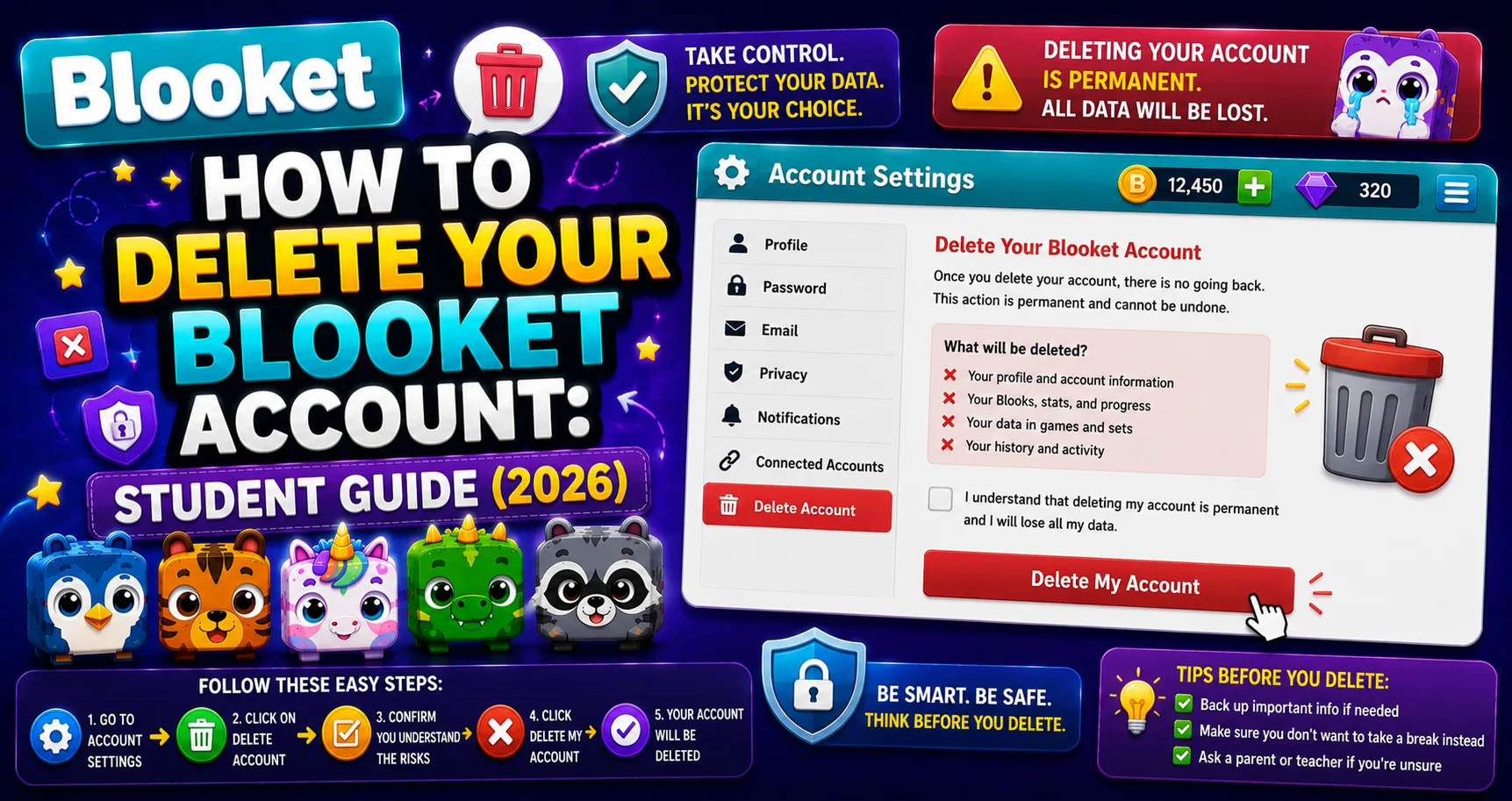
⚠️ Before Doing Anything Else, Remember: Deleting your account is a permanent action. You will lose access to all your Blooket data, which will be deleted in accordance with our Terms of Use and Privacy Policy. This includes your Blooks, tokens, XP, Class Pass progress, question sets, game history, and any Plus subscription benefits. There is no recovery after deletion is confirmed.
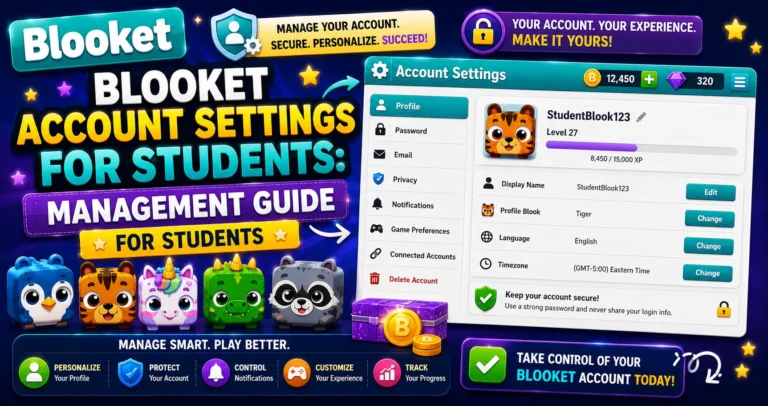
Learn More About → Blooket Account Settings for Students
What You Permanently Lose?
Deleting your account removes all of the following, with no recovery option:
| Data Lost | Details |
| Blook collection | Every Blook you’ve collected, Common through Mystical |
| Tokens and XP | Your full balance, permanently |
| Class Pass progress | All levels, all unlocked cosmetics |
| Custom Blooks | All saved Custom Blook designs |
| Question sets | Every set you’ve created |
| Game history | All past game reports |
| Favorites | All saved/favorited sets |
| Account credentials | Email, username, and password association |
Consider These Alternatives First
Many students who want to “delete” their account actually want to solve a different problem. Check if one of these alternatives handles your actual concern:
→ You want to stop using Blooket: You don’t need to delete your account. Simply stop logging in. Free accounts have no ongoing fees or obligations. Your Blooks and data are waiting if you ever want to return.
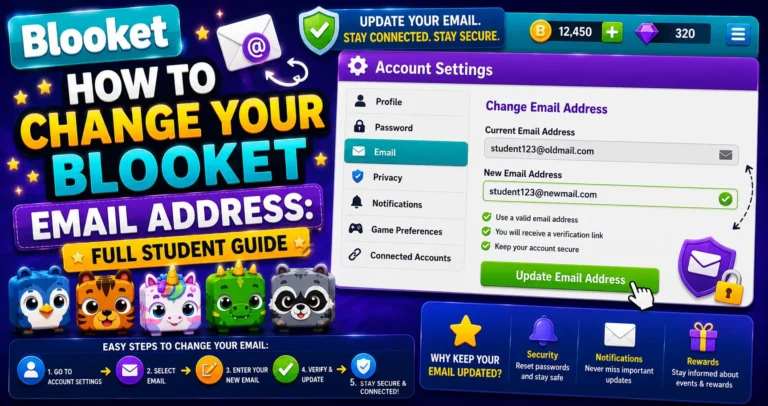
→ You’re worried about your school email being deactivated. This is the most common reason students think they need to delete it, but the right solution is to change your email address to a personal one before leaving school. Your account, Blooks, and history all stay intact.
Update your Email → How to Change Your Blooket Email Address
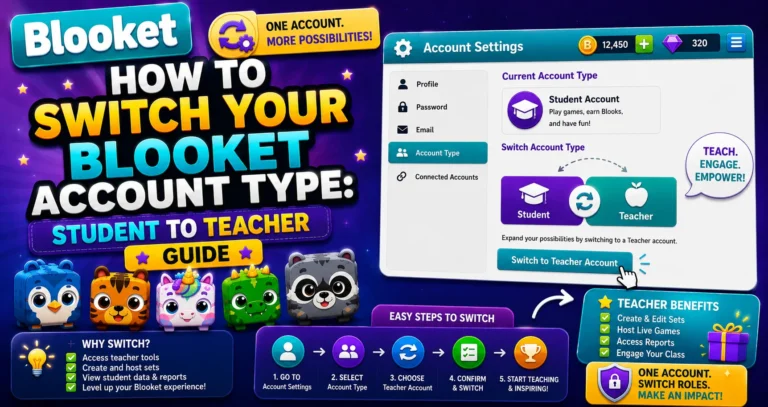
You accidentally created an account and want to switch types: You can switch from Student to Teacher (or back) without deleting anything. All data is preserved through account type switches.
Switch Student to Teacher → How to Switch Your Blooket Account Type
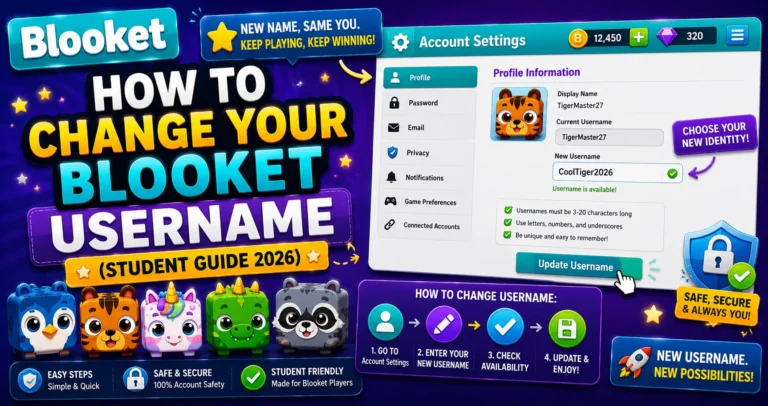
You can start fresh with a new username in Settings at any time, without deleting and recreating your account.
Change Username → How to Change Your Blooket Username
Pre-Deletion Checklist
If you’ve considered the alternatives and still want to delete, take these steps first:
→ Export any question sets you want to keep. Use the Print Worksheet feature on any set to generate a PDF of all questions. It creates a reference copy since sets cannot be exported as files.
→ Note your Blook collection highlights. Screenshot your My Blooks page if you want a record of rare Blooks you earned. It is purely sentimental; the Blooks themselves cannot be saved or transferred.
→ Tell classmates who use your public question sets. If you’ve published question sets that classmates use for studying, let them know before you delete; your sets disappear from Discover immediately.
Step-by-Step: How to Delete Blooket Account
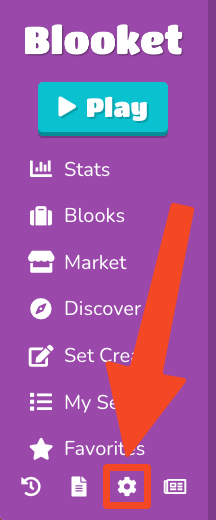
→ Step 1: Navigate to the Settings tab.
Click your profile icon, then Settings (or go to dashboard.blooket.com/settings).
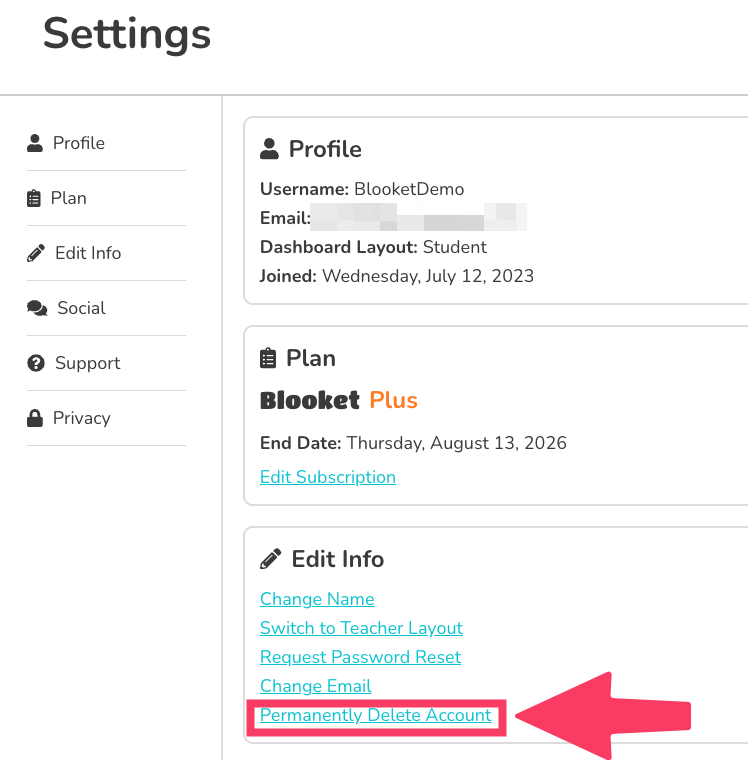
→ Step 2: Find the Delete Account option.
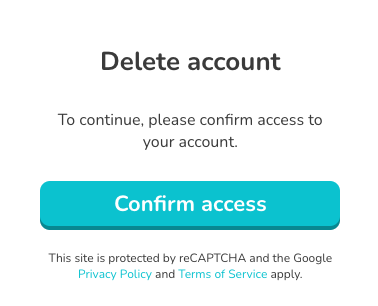
→ Step 3: Click Delete Account and review the warning.
Blooket displays a confirmation warning that summarizes what will be deleted. Read it fully.
Scroll to the bottom of the Settings page to find the account deletion option. It can be labeled as “Delete My Account” or “Permanently Delete Account.”
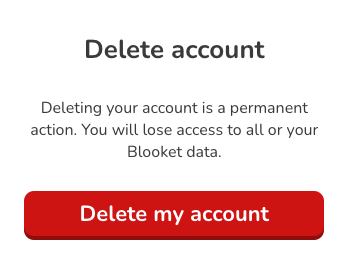
→ Step 4: Confirm the deletion.
You’ll be required to confirm your intent; this may involve clicking a final confirmation button or typing your account information to verify you understand the action is permanent.
After confirmation, your Blooket account will be deleted in accordance with Blooket’s Terms of Use and Privacy Policy.
After Deletion
- You are immediately logged out.
- Your username has been released and may be claimed by another user.
- Your public question sets disappear from Discover.
- Classmates who favorited your sets will find those favorites broken.
- No recovery is possible through Blooket support.
Source: verified from Blooket’s official documentation on deleting your account.
I Deleted My Account By Mistake: What Do I Do?
Contact Blooket support immediately at contact-us@blooket.com. While the action is documented as permanent, contacting support as quickly as possible gives the best chance of any available assistance.
Where to Go Next
- Want to know more about the platform? See our Blooket guide
- Curious about what your teacher sees? Visit the Blooket For Teachers
- Want the full student guides overview? See the Blooket For Students
Have another question? Please check the Frequently Asked Questions or Blooket Help Center.
Frequently Asked Questions
Can I recover my account after it’s been deleted?
No. Blooket’s official documentation is explicit: the action is permanent. There is no support pathway for restoration after confirmation.
How long does deletion take?
Deletion is typically processed immediately. Some data may remain in backup systems temporarily under Blooket’s Privacy Policy, but active account access ends immediately.
Can I create a new account with the same email after deleting the old one?
Yes. Once the deletion is processed, your email address is released and can be used to create a new account.
Do I lose my Blooket Plus benefits if I delete my account?
Yes. Any Plus subscription benefits tied to your account are lost along with everything else, since deletion removes the entire account and its associated data.
What happens to question sets I shared with classmates?
They disappear from Discover immediately, and any favorites your classmates saved from your sets will break. It’s worth telling them before you delete if they rely on your sets for studying.
Is there a way to just take a break without deleting?
Yes. Simply stop logging in. Free Blooket accounts have no ongoing fees, and your Blooks, tokens, and history stay exactly where you left them whenever you decide to return.
What should I do first if I want to preserve some of my work before deleting?
Use the Print Worksheet feature to export question sets as PDFs, since sets can’t be exported any other way, and consider screenshotting your Blooks page for a sentimental record before proceeding.