How to Identify Knowledge Gaps Using Blooket Reports?
Last verified: August 12, 2026
Quick Answer: Sort any Blooket report’s Questions section by Incorrect %, and the questions at the top are your class’s biggest knowledge gaps. Focus re-teaching on the top 2 to 3 highest-error questions rather than reviewing everything, and use Blooket Plus features like per-answer breakdowns and the Opportunities for Growth section for deeper diagnosis.
Identify Knowledge Gaps Using Blooket Reports
Blooket’s knowledge gaps report data is most valuable when it drives your next instructional decision, not when it sits unread in the History tab. This guide explains exactly how to move from a completed game or homework assignment to a specific list of concepts your class needs to revisit, using the tools built into Blooket’s reporting system.
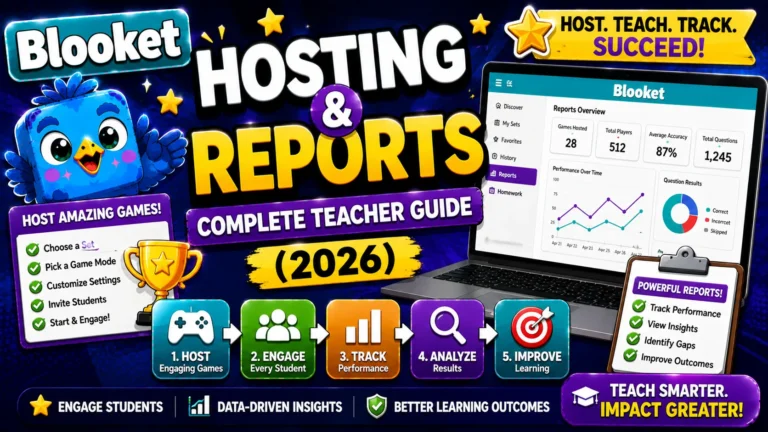
Explanation About → Blooket Hosting & Reports
The Core Diagnostic Principle
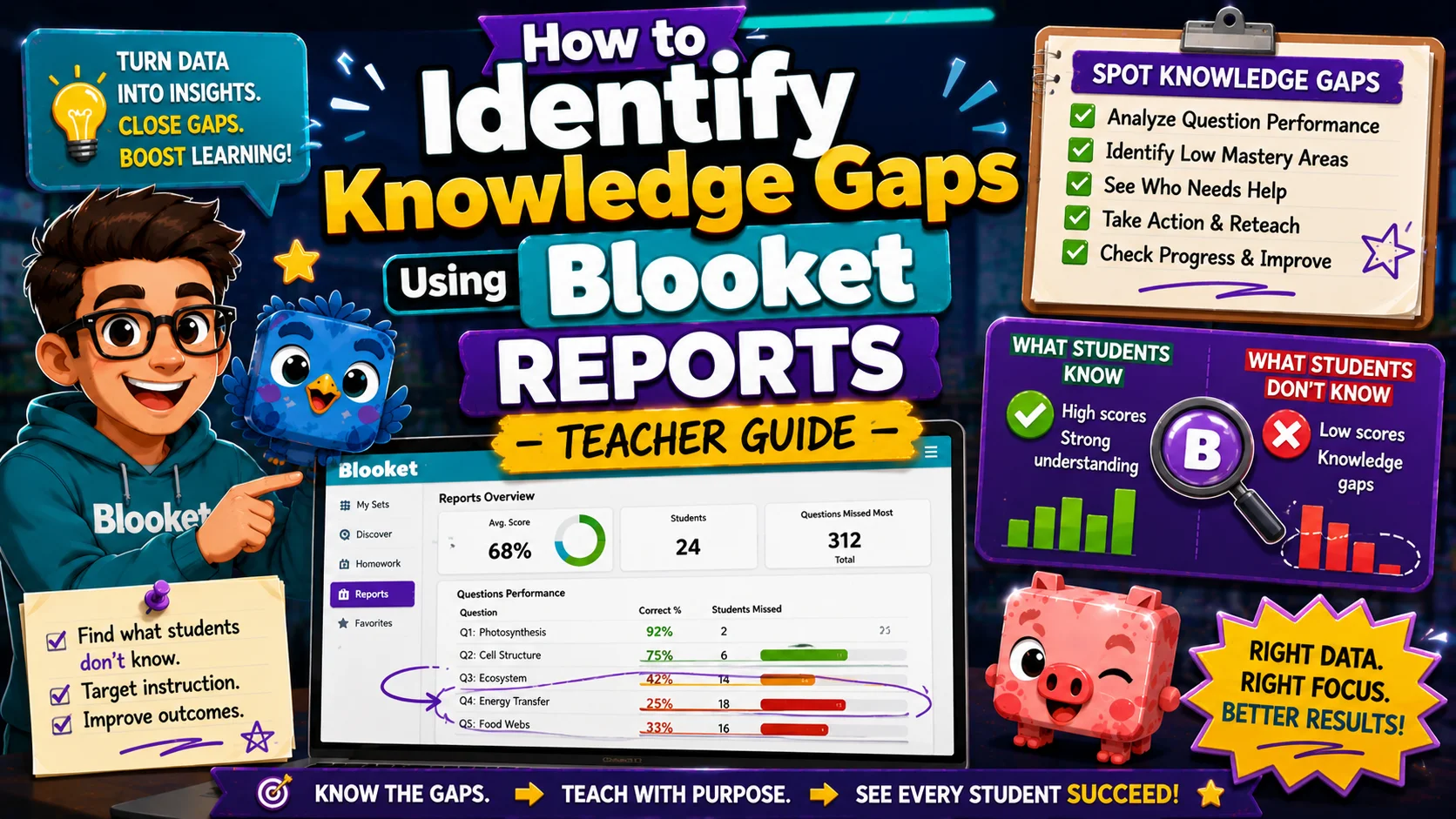
Every Blooket report contains a Questions section listing every question in your set with its class-wide accuracy rate. When you sort that list by Incorrect % (highest error rate first), you get a ranked list of your class’s knowledge gaps in about 30 seconds, without any manual calculation. The questions at the top of that sorted list are the concepts your class most needs before the next assessment.
Step-by-Step: Finding Your Top Knowledge Gaps
Step 1: Open the Report
Access the report from your History tab or by clicking View Report immediately after a game ends.
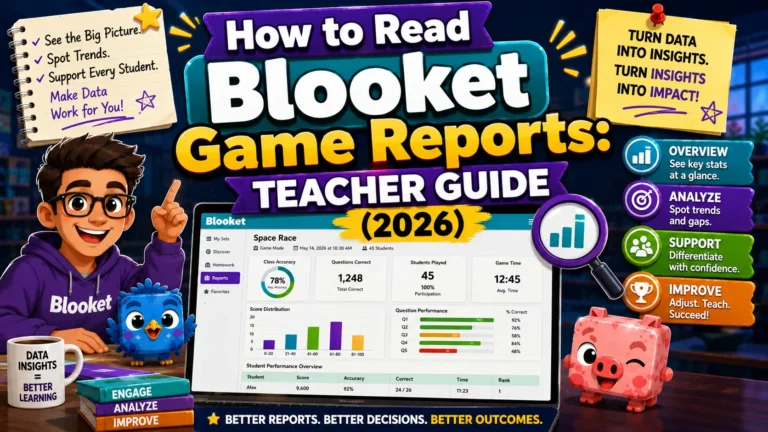
Step-by-Step → How to Read Blooket Game Reports
Step 2: Scroll to the Questions Section
Below the leaderboard, find the Questions section. It lists every question in the set with performance data.
Step 3: Sort by Incorrect %
Click the Incorrect % column header. This re-sorts all questions from the highest error rate to the lowest. The question at the very top of the sorted list is the one your class got wrong most often.
What this looks like in practice:
| Rank | Question | Incorrect % |
| 1 | What is the function of the mitochondria? | 72% |
| 2 | Which organelle contains chlorophyll? | 65% |
| 3 | What does the cell membrane do? | 58% |
| 4 | Where is DNA stored in a eukaryotic cell? | 41% |
In this example, mitochondria function (72% wrong) and chlorophyll location (65% wrong) are your re-teaching priorities before the cell biology assessment.
Step 4: Focus on the Top 2–3 Questions
Resist the urge to re-teach everything with any error rate. Focus on the top 2 to 3 highest-error questions as your immediate instructional priorities. Re-teaching 2 to 3 specific concepts in depth is more effective than a sweeping surface-level review of all 20 questions.
Using Plus Features for Deeper Diagnosis
If you have Blooket Plus, the gap analysis goes further.
Click Into Any Question (Plus Only)
Click on any question in the Questions section to open a detailed breakdown. This shows:
- How many students answered correctly versus incorrectly
- Which specific answer options students selected, not just right or wrong, but which wrong answer they chose
- How many attempts each student made, if they played multiple sessions
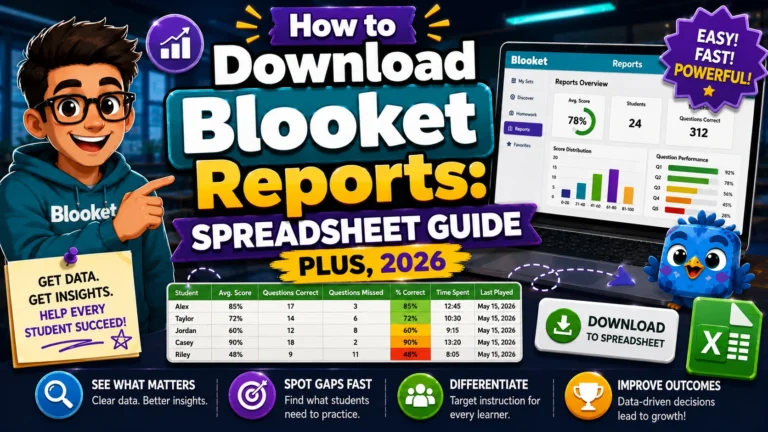
Complete Guide for → How to Download Blooket Reports as a Spreadsheet
Why specific wrong answers matter: If 65% of your class answered the mitochondria question incorrectly, the important question is which wrong answer they chose. If most students selected “produces proteins” instead of “produces energy,” they have a specific misconception, conflating mitochondria with ribosomes, not just a general unfamiliarity. That specific misconception tells you exactly what to address in your re-teach.
Individual Student Gaps (Plus Only)
Click any student’s name in the leaderboard to open their individual report. Use this to:
- Identify students who struggled across the board (low accuracy on most questions). These students need general review support.
- Identify students who had specific weak areas (low accuracy on 2 to 3 specific questions, high accuracy elsewhere). These students need targeted concept support.
The Opportunities for Growth Feature (Plus Only)
Blooket Plus reports include an Opportunities for Growth section that automatically flags questions where students would benefit from additional practice. This section surfaces the same data as the Incorrect % sort, but with Blooket’s analysis layer applied.
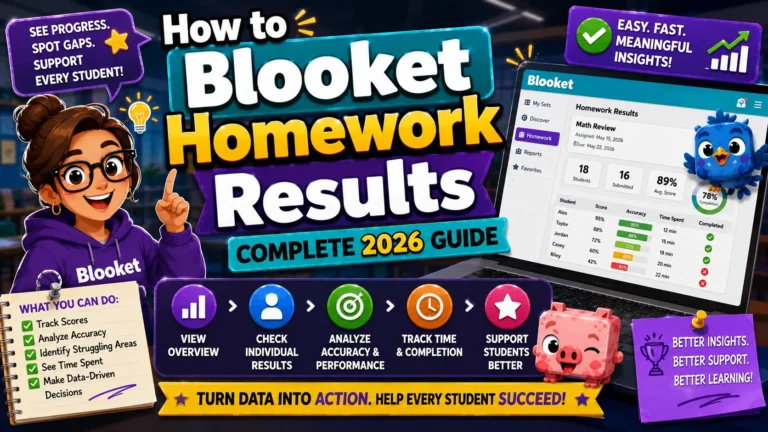
Homework Results Guide → How to View Blooket Homework Results
Use Opportunities for Growth as a quick-start point in your report review; it gives you the highest-priority review targets without requiring you to sort and scan manually.
Turning Gap Data into Action
(Three Practical Workflows)
Workflow 1: Immediate Re-Teach (Next Class Period)
Use when: Significant gaps (3 or more questions above 50% incorrect) appear on a review session before an assessment.
- Sort by Incorrect % and identify the top 3 questions.
- Note the concepts tested by those questions.
- Open the next class with a 5-minute targeted review of those specific concepts.
- Run a quick Classic or Racing game with a trimmed set focused only on those concepts.
- Check the new report to see whether accuracy improved.
Workflow 2: Build a Targeted Follow-Up Set
Use when: You want to give students focused practice on gap concepts specifically, rather than replaying the full review set.
- Note the top 5 to 10 highest-error questions from the report.
- Open the question set in Edit mode.
- Build a new 10-question “Gaps Set” using only those questions, or use the Question Bank to pull them into a new set.
- Assign the Gaps Set as homework or host it as a focused review session.
How to Use the Question Bank → Managing Blooket Question Sets
Workflow 3: Inform Next Unit Planning
Use when: A unit is over, and you’re planning future instruction or identifying recurring weaknesses across multiple classes.
- Download the report spreadsheet (Plus).
- Open the Overview tab, which shows accuracy data for every student on every question.
- Sort by Incorrect % across the full dataset.
- Identify patterns: are the same 2 to 3 questions consistently low across multiple game sessions over the unit?
- These persistent gaps are the content areas that need structural adjustment in your teaching, not just re-teaching before a test, but rethinking how you introduce and practice those concepts.
Source: verified from Blooket’s official documentation.
What Gap Analysis Cannot Tell You?
Blooket report data reflects in-game performance, which is meaningful but not identical to assessment performance. Be aware of these limitations:
→ Speed confounds accuracy in some modes. In high-frequency, self-paced modes (Gold Quest, Factory), some students answer quickly and incorrectly to advance gameplay faster. A high Incorrect % on these modes may reflect rushing as much as gaps in knowledge. Compare with homework results (lower time pressure) to get a cleaner picture.
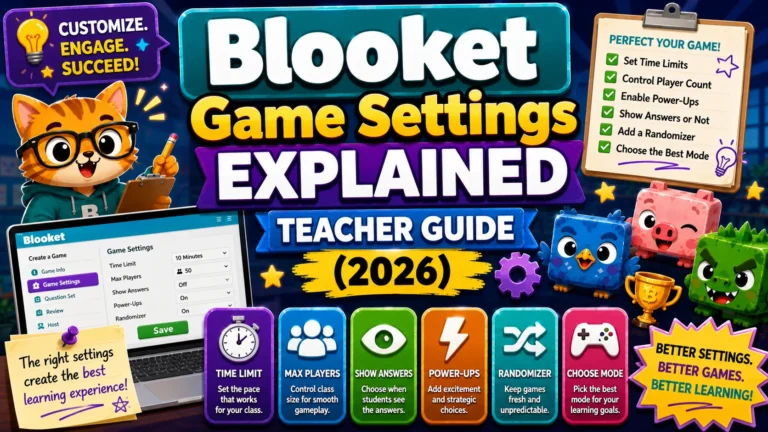
→ Guest-joined students may have name mismatches. If random names or informal nicknames identify students, connecting individual report data to specific students requires manual cross-referencing. Real-name policies (see the Game Settings guide) prevent this problem.
→ A single session is a data point, not a verdict. One 7-minute game generates interesting preliminary data, but multiple sessions within a unit yield reliable diagnostic insights. Use gap analysis iteratively, not as a single-snapshot judgment.
Where to Go Next
- Want to know more about the platform? See our full Blooket overview
- Want the full teacher toolkit overview? Visit the For Teachers hub
- Introducing this to students directly? See the For Students hub
Have a different question? Check our Frequently Asked Questions or Blooket Help Center
Frequently Asked Questions
What is the fastest way to find my class’s biggest knowledge gaps?
Sort the Questions section of any report by Incorrect %. The questions at the top of that sorted list are your class’s clearest gaps, identified in about 30 seconds with no manual calculation.
How many questions should I re-teach after a review session?
Focus on the top 2 to 3 highest-error questions rather than everything with any error rate. Deep re-teaching of a few specific concepts is more effective than a broad, shallow review of the whole set.
Why does it matter which wrong answer students selected, not just that they got it wrong?
A specific wrong-answer pattern often reveals a genuine misconception rather than simple unfamiliarity. Knowing exactly what students believe instead of the right answer tells you precisely what to address in your re-teach.
Is a single game session enough to identify a real knowledge gap?
Not on its own. A single 7-minute session is a useful data point, but multiple sessions across a unit give a more reliable diagnostic picture. Treat gap analysis as an ongoing process rather than a one-time judgment.
Can high-frequency game modes distort gap data?
Yes. In fast, self-paced modes like Gold Quest or Factory, some students answer quickly and incorrectly just to keep playing. Comparing that data with lower-pressure homework results helps separate rushing from genuine gaps.
What is the Opportunities for Growth feature?
A Blooket Plus feature that automatically flags questions students would benefit from revisiting, based on the same underlying data as an Incorrect % sort, but pre-analyzed so you do not have to sort and scan manually.
How do I build a follow-up practice set focused only on gap concepts?
Note your top 5 to 10 highest-error questions, then either build a new set using only those questions or use the Question Bank to pull them into a fresh set for homework or a focused review session.