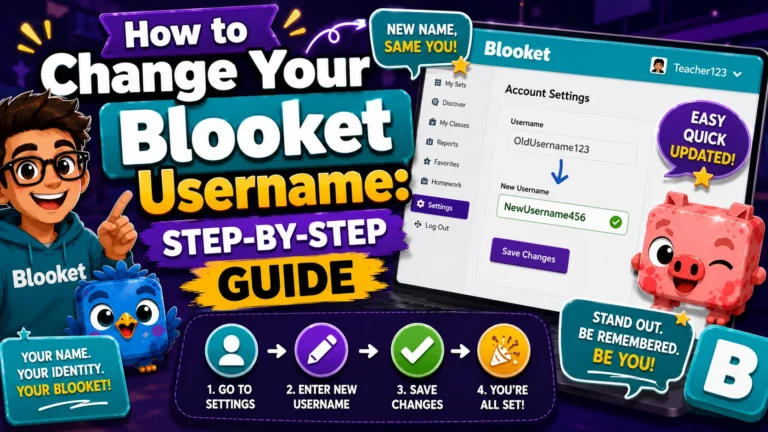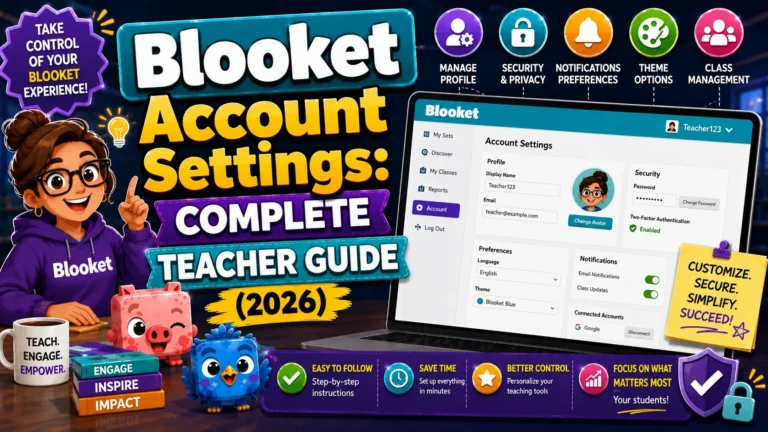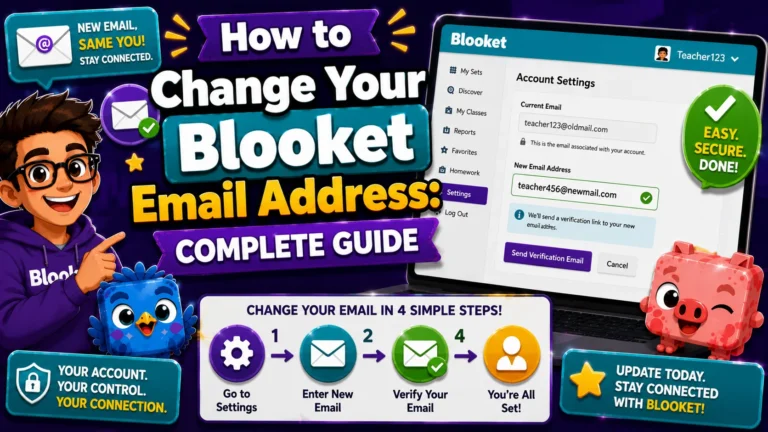
How to Change Your Blooket Email Address: Complete Teachers Guide
Last verified: August 13, 2026 Quick Answer: To change your Blooket email address, go to Settings, click Edit Info, then Change Email. Blooket verifies your current email first, then sends a confirmation link to your new address. Google SSO accounts use a different process since they authenticate through Google rather than a Blooket-specific email. How…