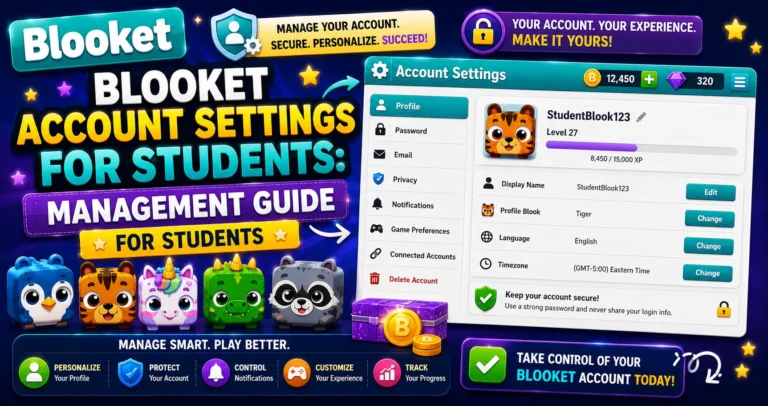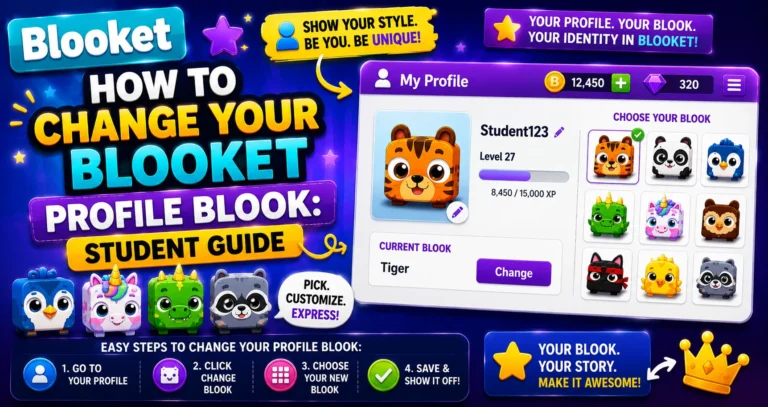
How to Change Your Blooket Username: Step-by-Step Guide for Students
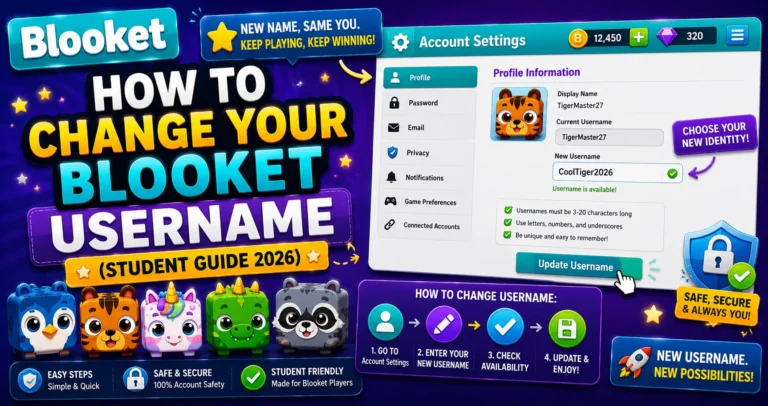
Last verified: August 20, 2026 Quick Answer: To change your Blooket username, go to Settings, select Change Name under Edit Info, type your new name, and confirm. The change takes effect immediately and can be done as many times as you want. How to Change Blooket Username Your Blooket username is the name that appears…