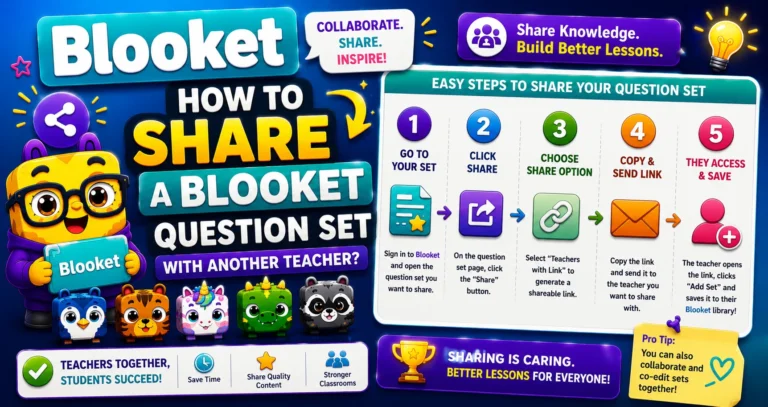
How to Share a Blooket Question Set with Another Teacher? Complete Guide
Last verified: August 23, 2026 Quick Answer: Share a question set by copying its Link from the Gear icon in My Sets. Your set must be Public first; the whole process takes about 30 seconds once it is. How to Share Blooket Question Set If you’ve built a great question set and want to share…